JimDeadlock
-
Posts
124 -
Joined
-
Last visited
-
Days Won
1
Content Type
Profiles
Warranty Claims
Downloads
Forums
Store
Services
Downloads Plus Support
DOWNLOADS EXTRA
Reels
Support Center
Everything posted by JimDeadlock
-
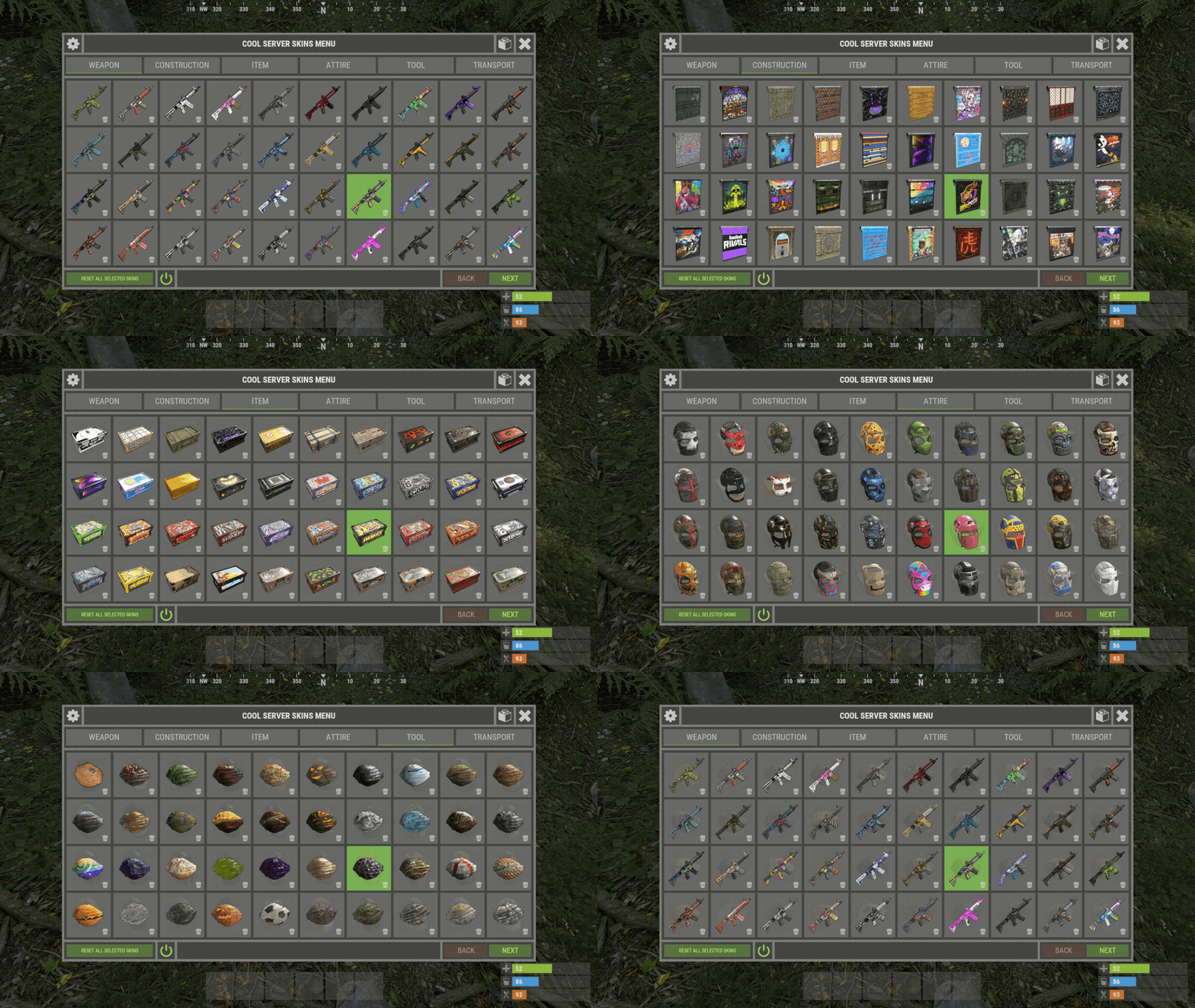 [Suggestion] The setting for "Change item skin when it is placed in the inventory by any means" is default (I agree it should be). However, this raises the issue that when a new player arrives and tries to use his own skins by vanilla method he is not able to do so. I often have to explain to them how to disable the setting to allow their own skins. It would be great if using own skins could be given priority and override the plugin.
 -
After you purchase an apartment the status bar overlays the 'safe zone' bar, needs to be moved up.
- 1 reply
-
- 1
-

-
So is this a glitch? Am I supposed to see kick messages or not?
-
No, should I?
-
I get the join/disconnect messages in my discord feed, but kick messages do not appear. Is this normal?
-
[Suggestion] It would be cool if barrels could be made skinnable with the various designs instead of having each barrel as individual items.
-
When applying the new skins with /skin (eg electric furnace, crossbow) it creates a kick zone so that anyone who goes near it gets kicked from the server. Confirmed with multiple players and 2x new skins. Applying the new purchased skins in normal vanilla manner is fine. Here is a link to a kick screen: https://rust.deadlock.com/xskinmenuglitch.png
-
Failed compiling 'AutoBaseUpgrade.cs': 1. A constant value of type 'StringView' is expected [CS9135] (AutoBaseUpgrade 22 line 503)
-
Notifications need a general overhaul IMO. My notifications are flooded daily by Raidable Bases comments because I once posted a comment and now I can't just receive version updates only without all the comment spam.
-
It would be useful if this type of case triggers a scrap refund and explanation to the player. At the moment it just mysteriously ends and swallows the scrap payment, followed by complaints to the server admin.
-
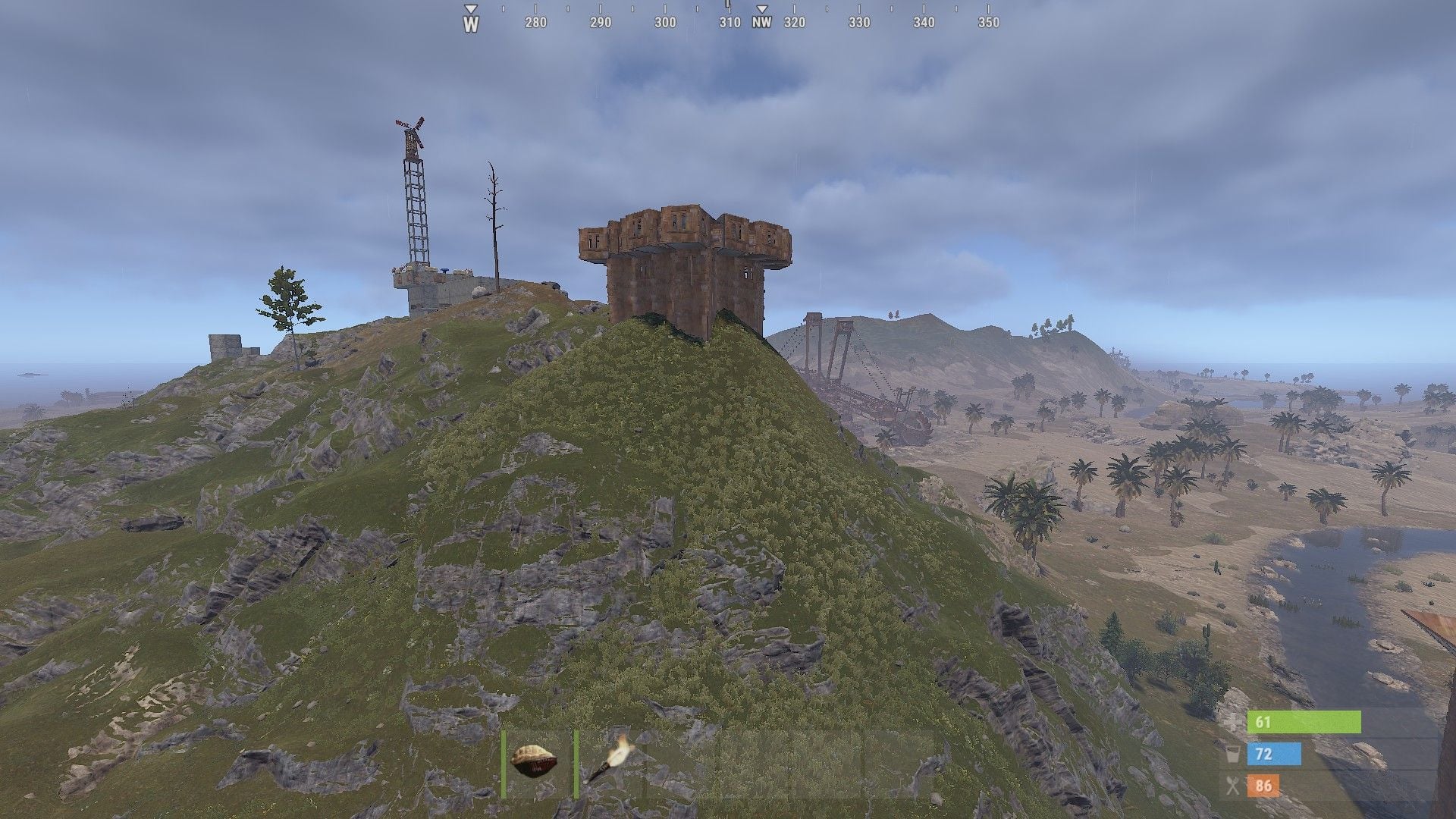
When the target base is on top of a high, isolated hill the event starts and then immediately ends, I've attached a pic of such a base. I'm guessing this may be intentional plugin behaviour but thought I'd mention it just in case.

-

EssentialsX - kits, homes, teleports, chat colors
JimDeadlock commented on timhpuPl's file in Plugins
 Does inventory viewer also show the backpack?
 -
 Does inventory viewer also show the backpack?
 -
Fails to compile on Carbon: AutoBaseUpgrade.cs 612:29 'Pool' does not contain a definition for 'GetList'
-
 Having a subscription service without mentioning the prices or any way to find out is infuriating. I'm not even going to bother downloading it, I'm out.
 -
This turns out to be a Carbon bug, the dev is fixing it, sorry for the trouble.
-
https://youtu.be/HgVcAAT-f7Y
-
Shotgun traps, the ones that use handmade ammo https://rust.fandom.com/wiki/Shotgun_Trap
-
Gun traps are shooting owners even when TC authed.
-
Your problem can probably be solved if you describe it properly. The dev is too polite to say it but your messages are gobbledygook. Nobody knows what you are talking about.
-
 Thanks for the detailed answer, unfortunately we use our own custom pvemode plugin, might look into tweaking that. On a side note, you might want to consider adding this functionality because this plugin is the natural counterpart to Raidable Bases (which is extremely popular). Buyable events are useful if you want to make it a premium feature. With RB you need a permission to buy events. You pay a certain amount of scrap and you (and teammates) are the owner of the event and others can't interfere. It has 2 cooldown settings for each difficulty level (normal and vip). A lot of your potential customers might not want to install PveMode. Just a suggestion.
- 117 comments
-
- 1
-
-
- #barricade
- #ch47
- (and 27 more)
-
1. Is it necessary to run this plugin only on the listed custom maps, or can the bases spawn at random locations on procedural map? 2. Can they be set up as buyable events with cooldown (like Raidable Bases) only for players with permission? Or is it global event only?
-
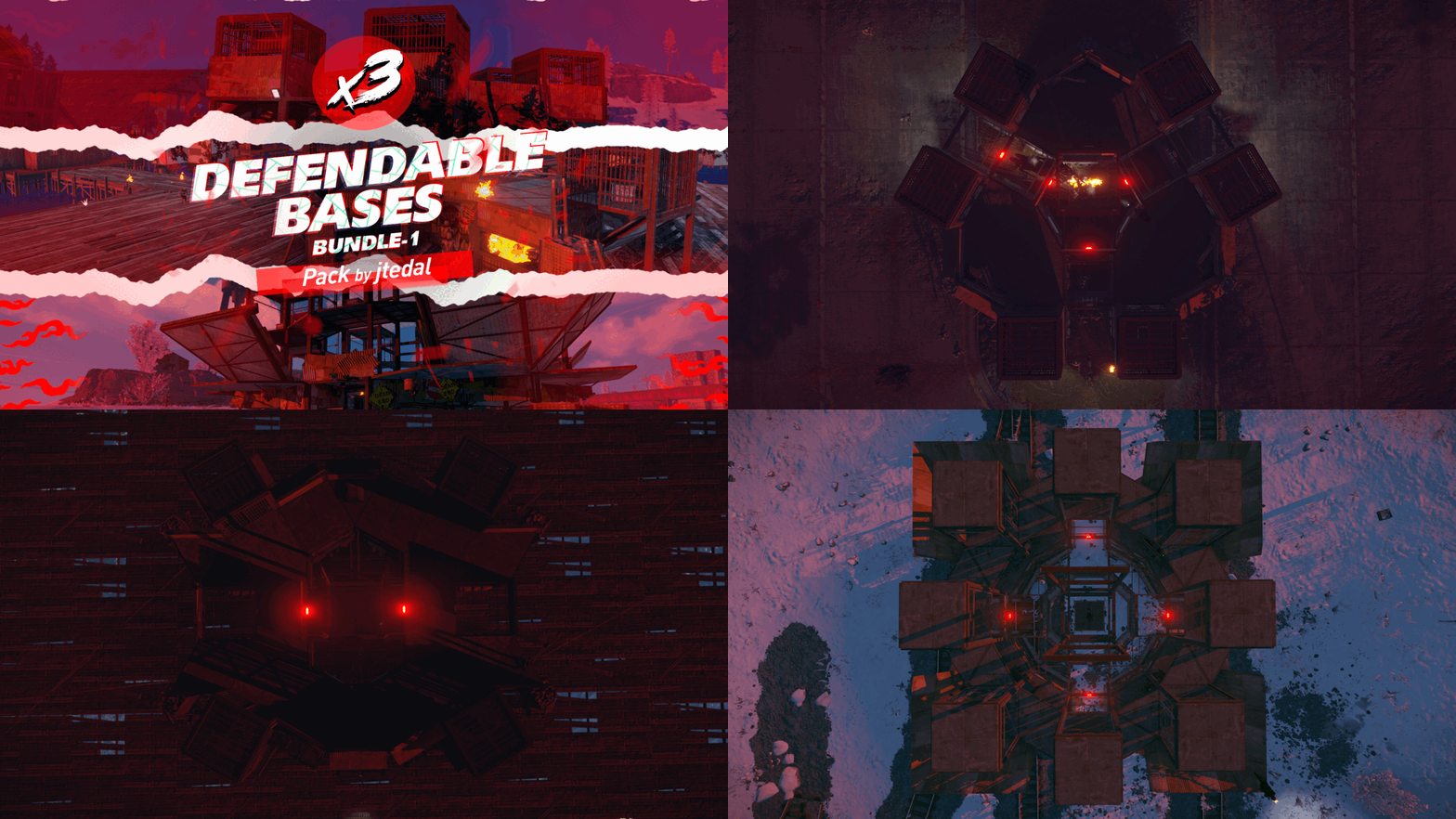 The bundle-1 + bundle-2 bundle deal costs more than the individual combined products. The 2-item bundle deal should be $20 not $25, no?
 -
Does the base plugin contain just one base design?
-
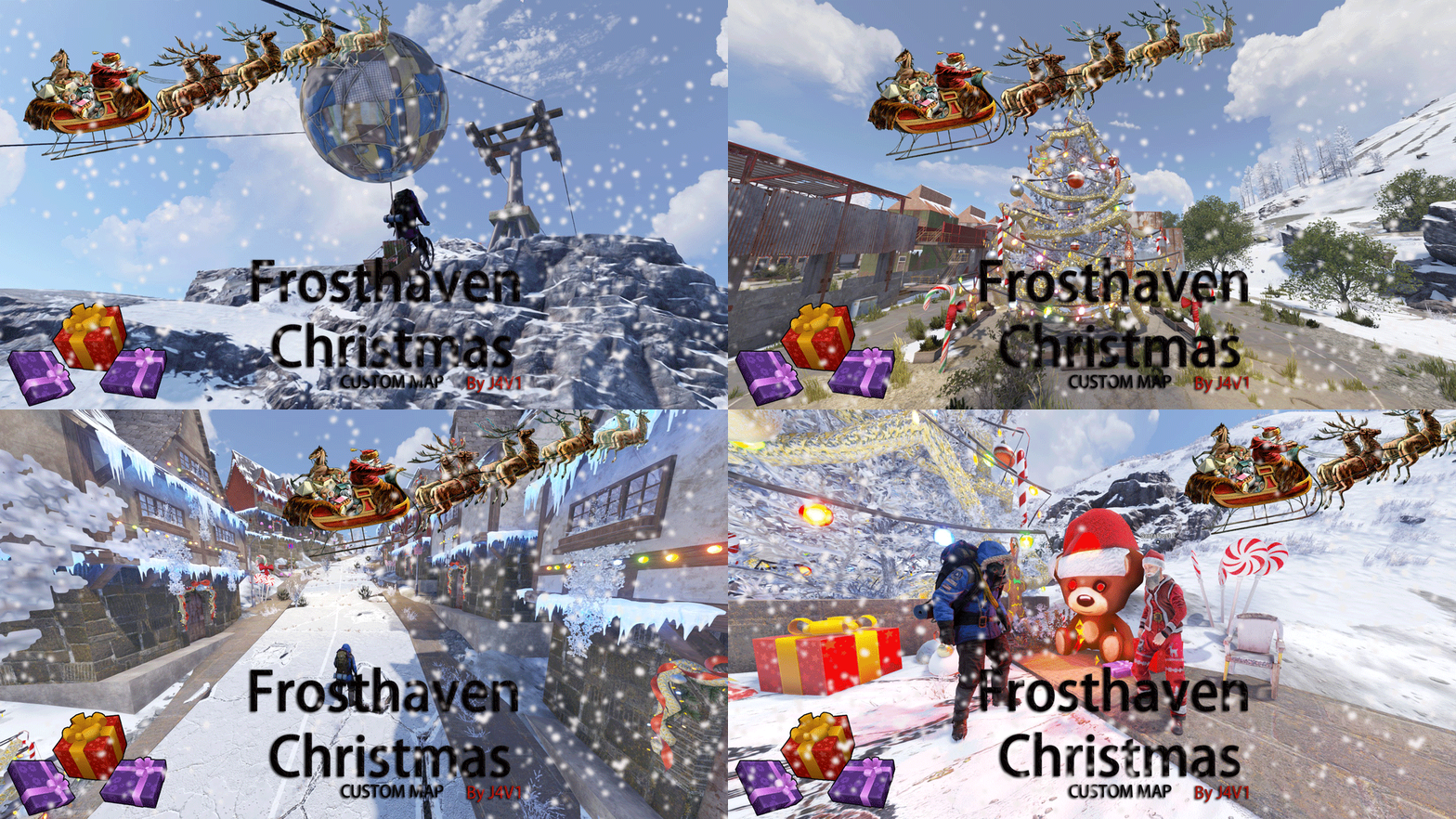 Is the chairlift plugin a normal .cs file and does it work with linux server? I've had maps before with windows-only DLL plugins.