
Zoreeno
-
Posts
254 -
Joined
-
Last visited
-
Days Won
4
Content Type
Profiles
Warranty Claims
Downloads
Forums
Store
Services
Downloads Plus Support
DOWNLOADS EXTRA
Everything posted by Zoreeno
-
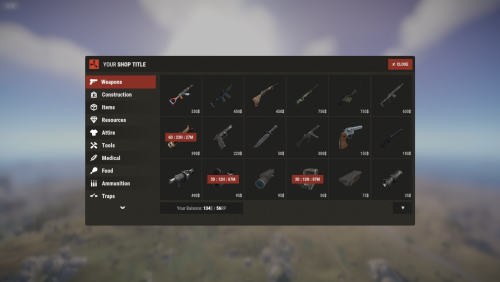 You are. If you are adding commands to a category they need to be added with the "command/" prefix. So your items section in the categories file needs to look like this: "Items": [ "command/heli.basic", "command/heli.regular", "command/heli.military", "command/heli.elite"
 -
 I notice that none of your plugins have much of a description. You should probably invest some time to write up detailed descriptions for your products if you expect people to be willing to pay the asking prices. Just a thought
 -
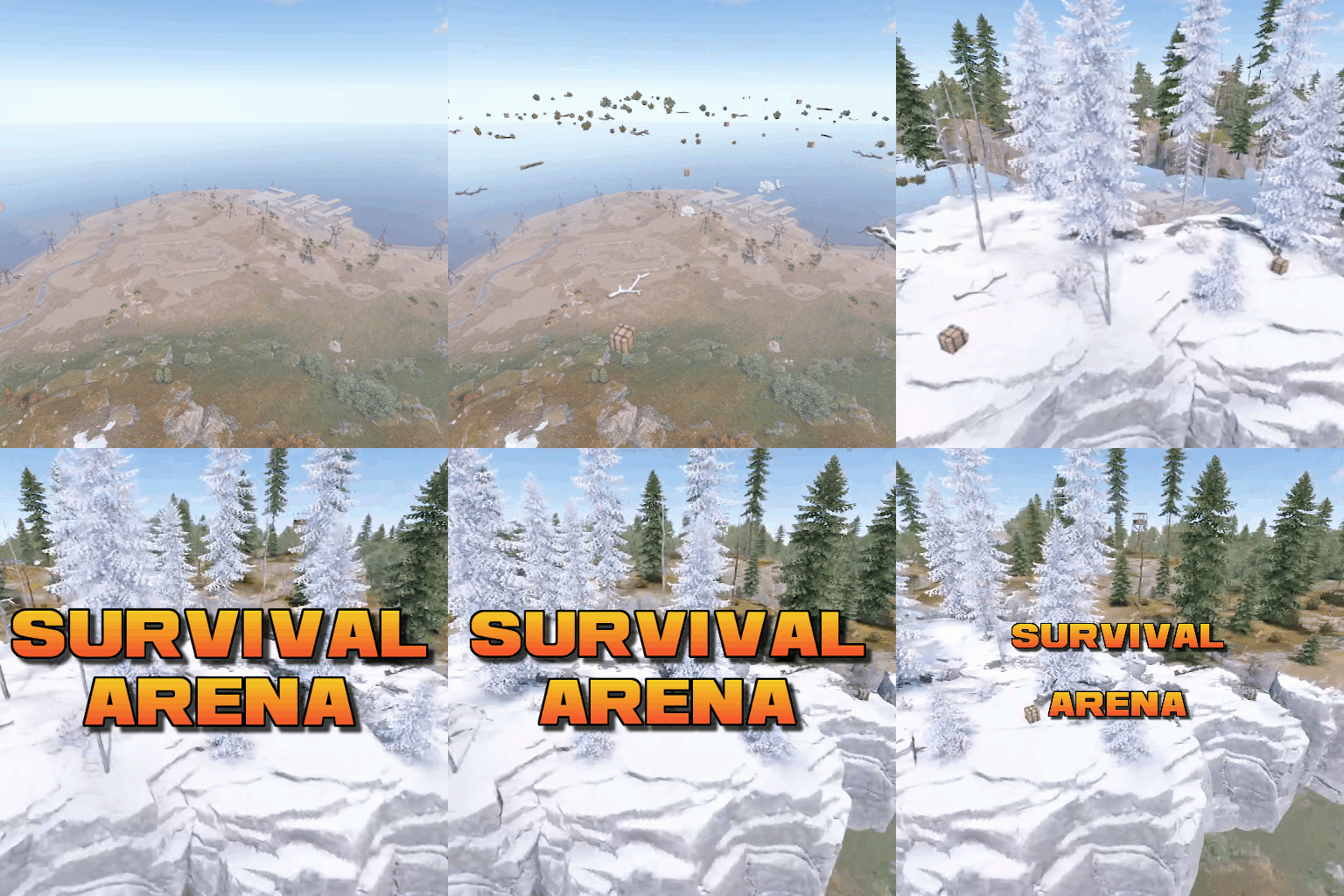 This event plugin is great! Players really enjoy it. The plugin is extremely lightweight compared to other event plugins. We notice no performance impact when the event spawns/despawns. It may not be very customizable when it comes to terrain and there are no buildings in the arena, but that's perfectly fine as the little, to no, performance footprint makes it worth it. If you are looking for a lightweight event that's easy to set up to give your players something extra to do, this is a good option.
 -
Here is an example of how i do it. This is from my Commands.json file. I created the command and named it "2KXP" "2KXP": { "DisplayName": "2000 XP", "ShowDisplayName": true, "Image": "https://i.ibb.co/CwdF4dh/2000XP.png", "Message": "You just bought 2000 XP", "Command": "givexp {playername} 2000", "BuyPrice": 500, "Currency": "paper" }, Then in the Categories.json file, I added it to the category using "command/" syntax. You can see below that i added the 2KXP command to the category as well as all the other commands I created. Like this: Categories.json "Buy_Items": { "Image": "https://i.ibb.co/rQGnfFr/dollaricon.png", "Permission": null, "Sale": 0.0, "Items": [ "command/2KXP", "command/antidose", "command/methmoon", "command/glauncher", "command/greengloves", "command/skillreset" ] },
-
 If it's any help, you can blacklist the item from being stored in backpacks from within the config file for Backpacks. Like so: "Blacklisted Items (Item Shortnames)": [ "autoturret", "lmg.m249", "easter.goldegg" Just need to add easter.goldegg to the list of blacklisted items
 -
 "Main Settings": { "Currency Type": "Item", "Currency Display Name": "Scrap", "Currency Item ID (only if type is Item)": -932201673,
 -
 Have you tried to load up a local test server with just Skill Tree as the only plugin and then test? I've been able to locate plugin conflicts in the past by using this method when I've been experiencing issues that others have not.
 -
 That's awesome. Out of curiosity, how will the botrespawn tempspawn command work? Will that allow the suicide timer to work like the hacked crate timers work? So that the NPCs blow up after a set amount of time?
 -
Yeah it's definitely not working. I tried with multiple profiles and it doesn't do anything if the profile's autospawn is set to false. If i enable autospawn manually and then run the disable command, it will kill the bots, but they just spawn back up immediately. It almost seems like it's doing the reload part, but not the enabling/disabling autospawn part if that makes sense. Honestly if you just correct the enable/disable commands to perform as you described it would probably be enough for what i'm wanting to do. EDIT: Had a thought just after posting this. The command actually works for the default profiles, just not the custom profiles.
-
Thanks for the response. My profile does not have a space, but i think the reason why nothing happened was because the profile was not set to true for autospawn. Once autospawn the command works. But i guess it's not really what i'm looking for. I want a profile to be able to be left false for autospawn, but i can have it spawn via a command, and then once they die off they don't respawn until the command is run again (because autospawn will still be set to false). Sorta like how the toplayer command works, only with pre-set custom spawn points. If that's possible via a command that would be awesome! Thanks for considering
-
Is there no console/RCON command that I can run to spawn a profile on demand? I have an event that I only want the bots to spawn at while the event is running. Looking for a way to set a profile to spawn it's bots via a command and then have them die off after X amount of time. I tried the listed command botrespawn enable profilename but nothing happens when that command is run.
-
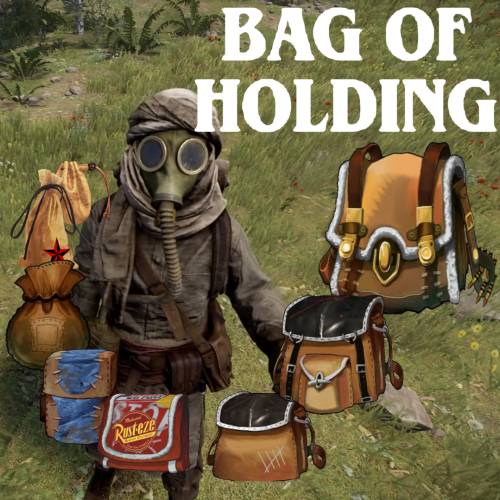 Honestly it should just be as easy as setting the reward value for halloween.lootbag.large to 0 in the Rust Rewards config.
 -
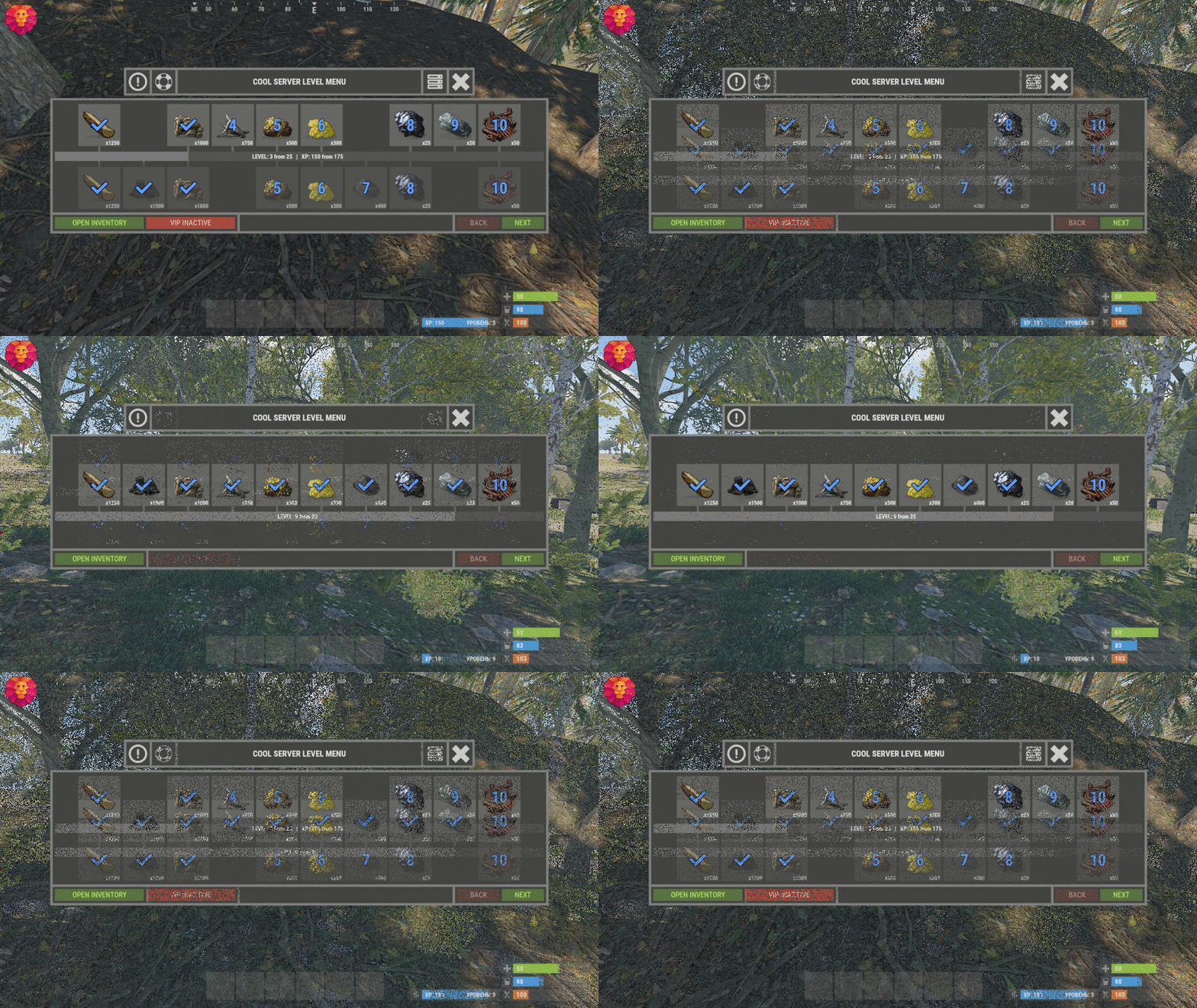 For anyone that is considering this plugin and read the review that contained this ^ . You should know that this is a non issue and I'm willing to bet that this user is having some other conflict. I've been using this plugin since it was released almost a year ago and never experienced the problem on my server. I've also never seen anyone in this discussion page or the support page mention having this issue. People should really talk with the authors before putting things like this in the reviews as it can falsely damage the reputation of plugins and their authors. This plugin works well and as described.
 -
Yeah i was just hoping to be able to do it from the console remotely through RCON
-
Is it possible to change this command to include a <primitive> or <guns> option as well? startarena <heightMod> <lobbytime>
-
 This plugin hasn't worked since the October 6th game update. You can set the multiplier as high as you want and it will always smelt at default rust speeds.
 -
Idk if it's a good fit for SkillTree or not or how it impacts overhead, but the Defendable Bases plugin stores all of it's images on the actual server in a folder "Images" it never has any image issues since the plugin just accesses the files directly. I can still create my own images by creating them in photoshop or w/e and then saving them into that Images folder on my server. May be something worth looking into?
-
Newest version seems to be working good. One of the matches it declared a winner with 2 people still alive for some reason. Also the message on death don't seem to be working for me "Send a message to the contestants when a player dies?": true,
-
did you like... just read my mind, man?
-
I'm getting some plugin conflicts with Alpha Loot and with Skill Tree. Skill Tree is just adding scrap to the crates, which isn't a big deal, but When Alpha Loot is loaded all of the crates on the arena are empty. If i unload Alpha Loot they have the loot in them, but as soon as i reload Alpha Loot, they are empty again If Alpha Loot and Skill Tree are both loaded, the crates only have scrap with nothing else. Any suggestions?
-
Worked perfectly. Brilliant! I'm sold. Can't wait to sneak this one in on the players
-
So you're saying i can grab event helper and test it's function with BOH without and event for it to run?
-
Looks really cool and best of all lightweight. I have a question that you may be able to answer... We use the Bag Of Holding plugin that converts the large Halloween loot bags into physical backpacks that players can find and store items into. These backpacks are physical with other items inside (players own items). Do you know if your Event Helper is able to return the players backpack with all the items inside of it (with skins in tact) to the player when the event ends? or will it have trouble handling an item with other items inside. I assume it works with the more common backpack plugin on Umod, but I'm curious about this newer plugin that uses physical items as the backpack.
-
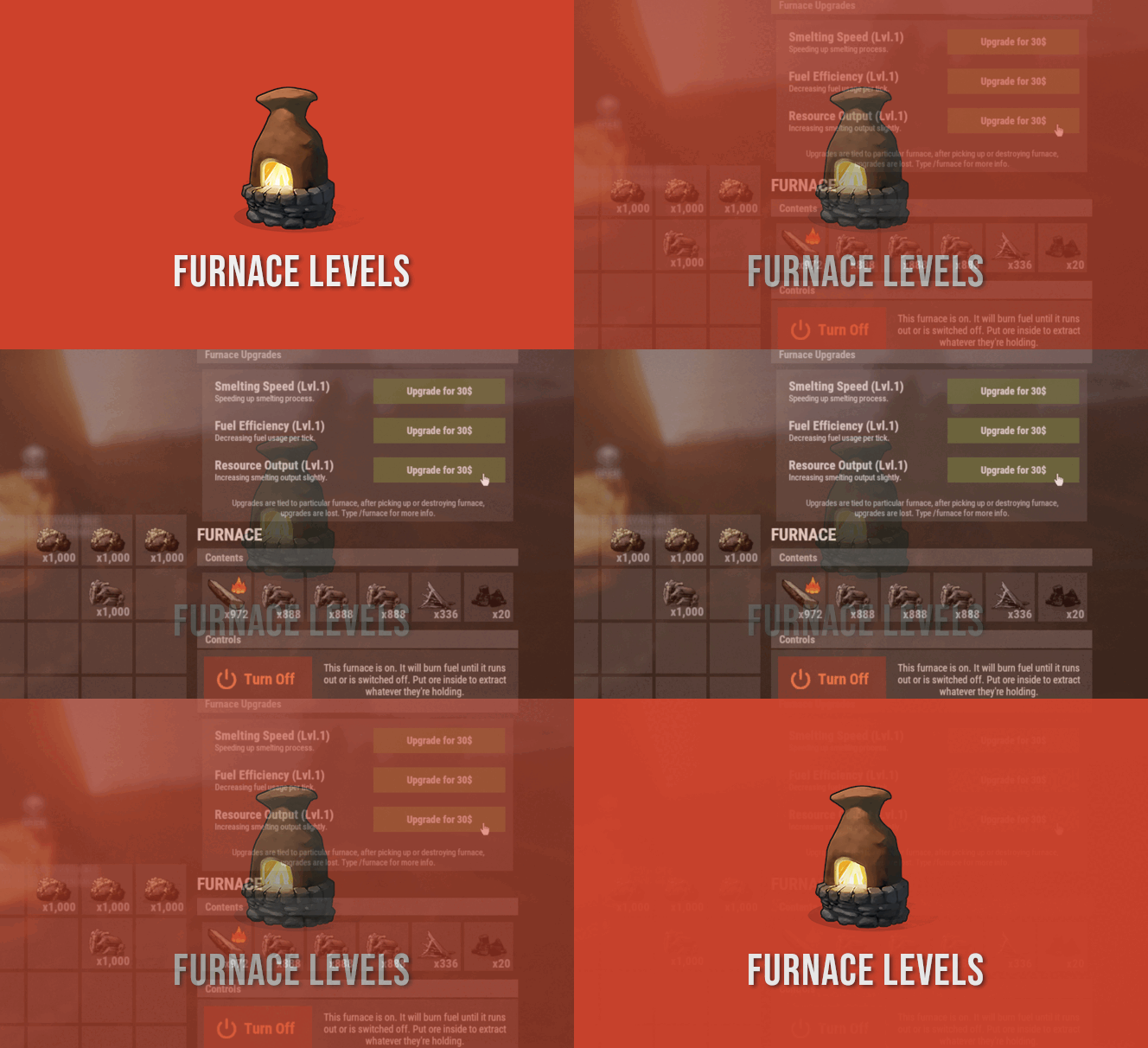
I did some testing with a stop watch. It seems that if you leave the default level (level 1) at 0.5, the Small Furnace smelts slightly faster than Rust default (about 1.5x) but the Large Furnace smelts 1/2 the speed (about 0.7x) than Rust default. You can tune that down to 0.4 and the Small Furnace will be about 2x the default Rust speed but the Large Furnace is still under the default Rust speed (about 0.85x). I didn't start getting default Rust smelting speeds on the Large Furnace until i set it to around 0.35, which at that point the Small Furnace was smelting at about 2.4x Rust default speeds. These tests where using Metal Ore with all slots full. Some of the results varied as it almost seems like default Rust doesn't always smelt at the exact same speed every time, the start up is slower sometimes, it's weird. But these numbers are fairly accurate. I don't know if this is even fixable to have a flat rate increase on both the small and large furnaces at the same time with the way FP redesigned oven smelting/cooking. But if anyone can figure it out, Its David Maybe the only way is to have a different value in the config for Small vs Large furnaces?
-
 Hey man this is a really cool outpost, Players love it a lot. I did have to make a couple edits that i thought maybe you should know about. In the sewers you are using the prefab "Sewer Tunnel Door" which has a transparent side. If you switch this to "Sewer Tunnel Doorb" it fixes it. Also that light above the doorway is flipped backwards and sorta floating in the air. Everything else seems good from what i can tell. Nice work on this one.