hid333
-
Posts
955 -
Joined
-
Last visited
-
Days Won
1
Content Type
Profiles
Warranty Claims
Downloads
Forums
Store
Services
Downloads Plus Support
DOWNLOADS EXTRA
Everything posted by hid333
-

Version 1.0.0
6 downloads
We have created venue data that can be used in Rust League using Copy Paste ! Anyone can easily use it without using RustEdit! It is easy to modify the necessary parts and change the skin. It is lit up so that it can be seen to some extent even at night. Feel free to edit and change it to suit your server. ====================== How to use ① Paste the venue data using copy paste. Example command: /Paste rustleague_venue_ver1.0.0 Height 500 Position -380,500,1856 stability false *If you create it in the air, you need to turn off the stub. *Please change the height and coordinates according to the location where you will paste it. ② Create a zone (Creating zones is recommended) Command: /zone_add ③ Stand in the center of the venue and set the zone range. Example command: /zone name "rustleague" radius 114 location here *If you set the range to around 114, it will be the perfect size. ④ Add zone attributes. Example command: /zone nobuild true nodeploy true undestr true nostability true nodecay true nofalldamage true nosignupdates true *Please modify as appropriate for your server. ⑤ Stand in the center of the venue and execute the Last League command. /rl center ⑥ Stand in the center of the red and blue goals and execute the Last League commands. /rl red /rl blue ====================== *This data does not include skins, DLC, etc. other than venue copy and paste data. Please prepare by yourself.$3.00 -
 I bought it, played it many times, and the participants seemed to like it. thank you. I have some suggestions. 1. Is it possible to set the difficulty level randomly? I would like to enjoy a version with a different difficulty level where the number of Broken glasses is randomly generated (MIN-MAX). In that case, adjust the number of stars above the UI EASY-★ HARD-★★★ I think it would be even better if it could be illuminated with 2. I would like to have console commands and chat commands that can be executed for everyone immediately after the event starts. Can be adjusted in combination with other plugins 3. Restrict equipment and items for event participants Egg suits and other items that have been given functionality through plugins will become disabled after the event ends. I would like to restrict access.
 -
 Can I set server rewards or economy as a win reward?
 -
 In v2.08, when you try to cut an item in half by middle-clicking with the mouse, nearly half of it disappears. Also, when stacking or moving items, the total number will not be correct.
 -
Is it not possible to implement a list that cannot be brought to the event? List pictures, cassettes, etc. If it is in your inventory, I would like to warn you and prevent you from participating in the event.
-
 A plugin that has the functionality I simply wanted. I bought it immediately because it was exactly what I was looking for. A streamlined GUI that is easy for anyone to understand. I couldn't apply it to a custom map and contacted the developer. They responded immediately and I felt that the author was very trustworthy. I recommend it with confidence.
 -
 After I turned off all other plugins I'll try turning it on and checking.
 -
I tried setting it to debug mode. Is the log here in "rustds\oxide\logs"?
-
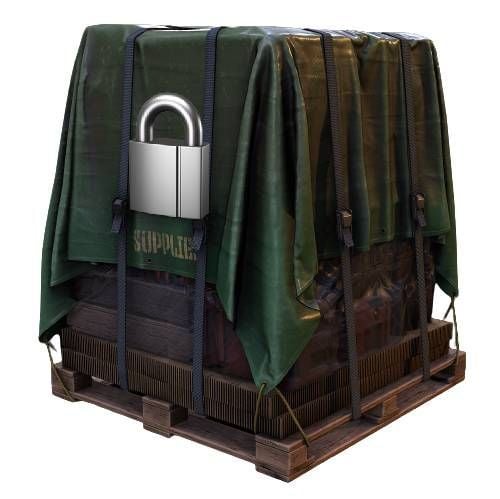
Applied the latest updates. All supplies are now locked and cannot be opened. . Please confirm it is.
-
Yes, we are using a custom MAP and have a custom outpost. Bandit camp is in normal condition. Because outpost was not available I thought it would be good if I could adjust it using coordinates.
-
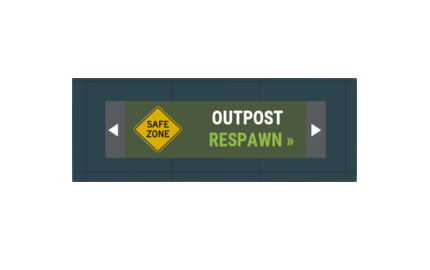
I bought it. Only outposts cannot be used because a custom map is used. Is it possible to add a setting to adjust the spawn point?
-
Occasionally I come across supply drops that cannot be opened. Is it possible to add a setting where the lock is released after a certain amount of time and anyone can open it?
-
 Are all settings saved by "loottable.backup create"? Are there any leaks? Also, can I share/sell the configuration file on codefling? We believe that this will also serve as an advertisement for this plug-in and encourage its purchase.
 -
Discord -> I can't speak English. sorry. I'll buy it when I get home and try it out myself. thank you.
-
It was as I understood above. Isn't a MAP like the one in the video attached? I don't have the sense to create a MAP...
-
I'm considering purchasing it. Am I correct in understanding that this plugin cannot be used simply by throwing it into a folder? I understand that it is necessary to create a zone, but is this correct? Do I have to create the venue and map like the one in the video? I'm holding off on purchasing because I'm worried about whether I can go through the trouble of preparing in advance.
-
 If a server administrator using vanish uses "/imposter" to mimic an animal, cancels the mimicry, and then teleports, the vanish will be disabled. After that, the same thing happens every time I teleport during vanish, and it doesn't go away until I restart the client. Mimicry will affect subsequent vanishes. Please confirm it is.
 -
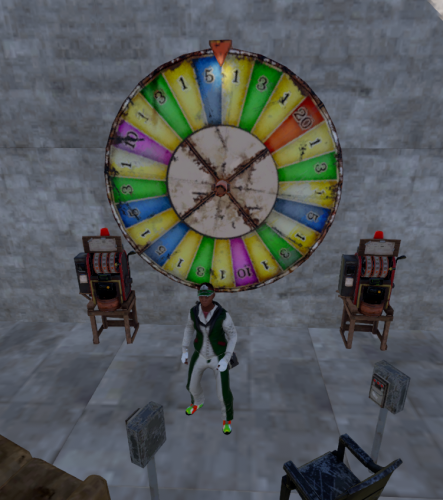 solved. Apparently, even if a house was built on a site within a certain distance from a monument, it would be destroyed immediately. It was a place where you could build without being too close to the border, but the casino seemed to have a stricter judgment.
 -
I bought it. If you place a wheel after placing a chair and a box, it will be automatically destroyed in less than 3 seconds. What could be the cause?
-
 I installed it with the latest version of RUST ï oxide. For some reason it doesn't compile and is not reflected.
 -
 Each time the server restarts, an additional plate is added. In other words, on the second day, the second plate is attached to the first plate. The image drawn on the plate appears to flash. Destroy the top plate to reveal the drawn plate. Can this problem be fixed?
 -
 I have downloaded the latest version. In user root settings When "Use Loot Protection" is set to true Not only the character's route, but also the box and water barrel will be inaccessible. If possible, it would be helpful if you could set routes for people and routes for boxes, etc. separately. Please consider this.
 -
I purchased this plugin. After executing transform with plugin The vanish icon will not return to its original state even after canceling the vanish. Please fix it.
-
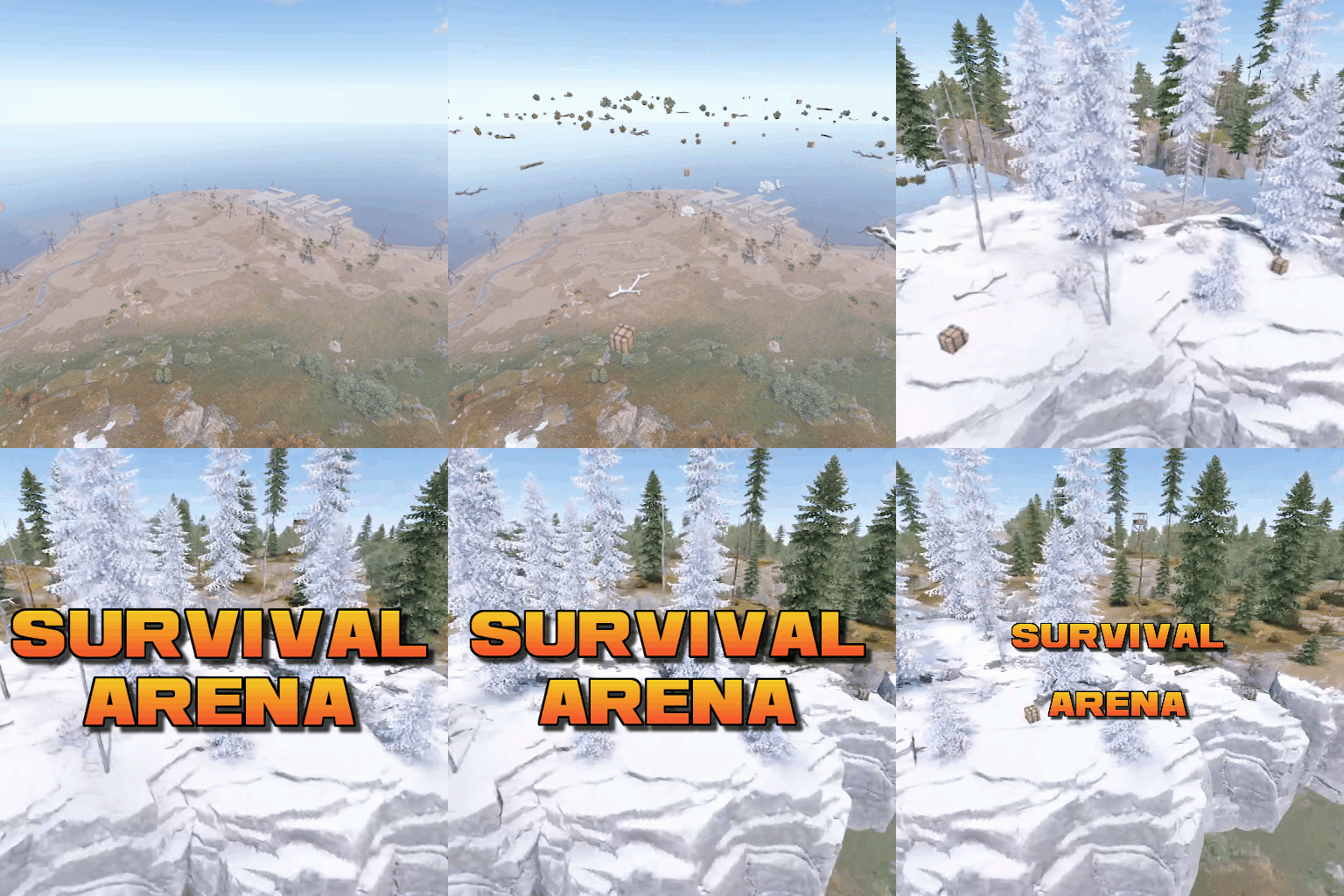 There is a setting that executes a command when the arena starts, but I would like to see a setting that also executes the command when the arena ends. This is because I want to toggle the enable/disable of another plugin when the arena ends. Additionally, if you enter the arena with a painted canvas or egg suit, the painting will be deleted after the event ends. Is there any way I can prevent the picture from being deleted?
 -
This is a writing error. Erase.