

-
Posts
305 -
Joined
-
Last visited
-
Days Won
1
Content Type
Profiles
Warranty Claims
Downloads
Forums
Store
Services
Downloads Plus Support
DOWNLOADS EXTRA
Everything posted by ChardaZAR
-
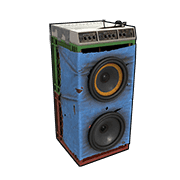 I underrated this plugin at first I figured only I'd enjoy it -- Maybe a few of my regulars would use it Boy, was I wrong I'm constantly getting requests to add more stations, local and international My players absolutely love it Finally, some good music to jam when sitting around the base
 -
 This plugin solves a unique problem which turned out to be a massive pain in the ass for me I had a few players who asked me to remove their "VIP" or "DONATOR" prefixes from their names in chat This would be pretty tricky with BetterChat, and in all honesty, I couldn't be bothered I stumbled upon Title Selector and realized this is EXACTLY what I need to deal with this issue Now players can choose whichever prefix they'd like and I don't need to mess around in BetterChat trying to fix their prefixes Now, the Players Ranks integration just brings so much move value into the plugin as well Now my players can choose which rank they'd like to show off, and which they'd like to hide (apperantly having the "always dies" prefix isn't very funny for players) If you like having a public ranking system and want to give the players control over which prefixes they want to use in chat this is the EXACT plugin you need
- 15 comments
-
- 1
-

-
- #title
- #betterchat
- (and 16 more)
-
PlayerRanks Integration
- 15 comments
-
- 1
-
-
- #title
- #betterchat
- (and 16 more)
-
Huge! Absolutely love this. Thank you. I'll be buying this soon
- 15 comments
-
- 1
-
-
- #title
- #betterchat
- (and 16 more)
-
Is it possible to set OR rules for certain titles? Lets say I have a "DONATORS" tag in pink, yellow and green, can I give players the options to pick either the pink or yellow or green or no tag at all?
-
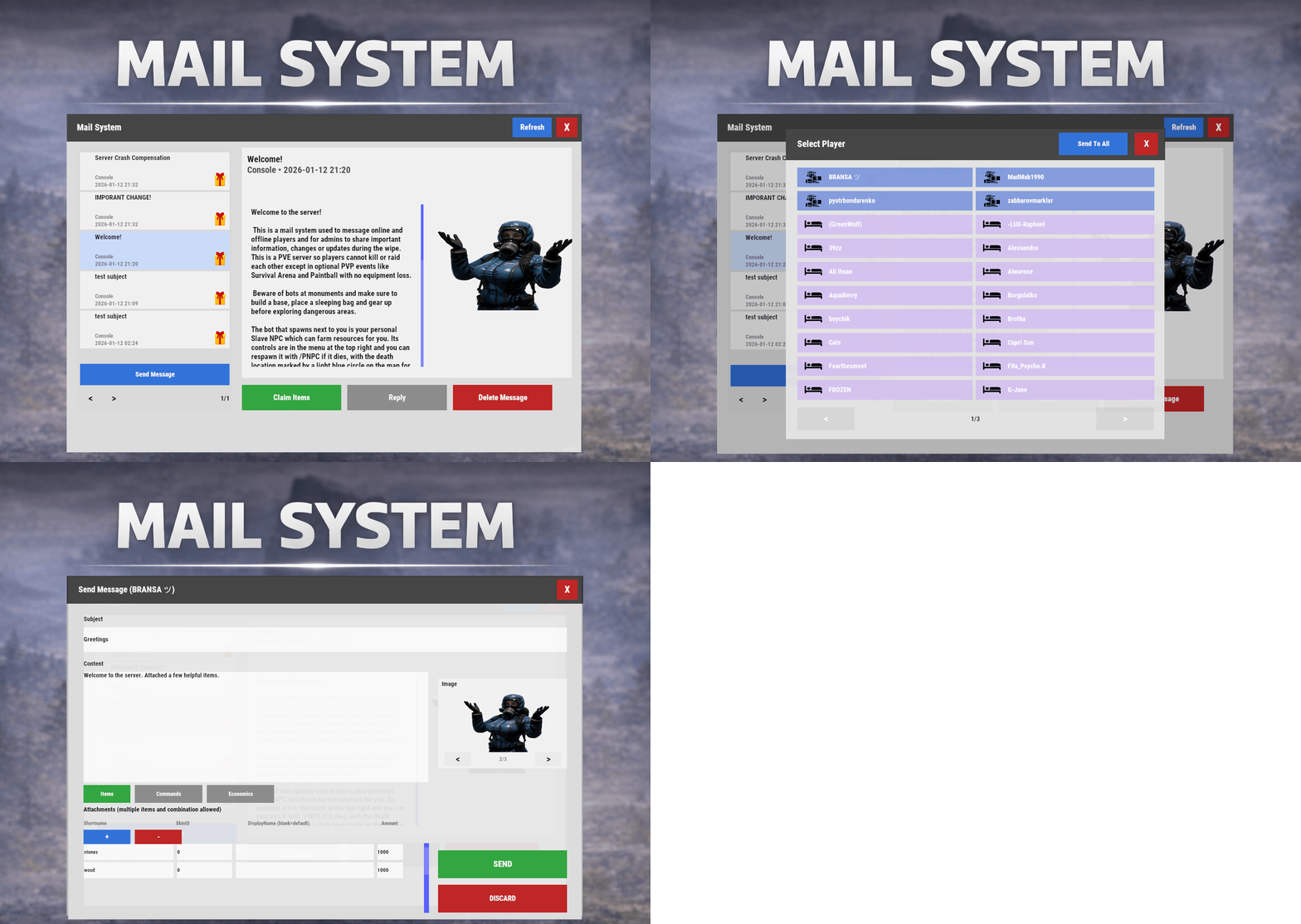 Gonna buy this because of the scientist image
 -
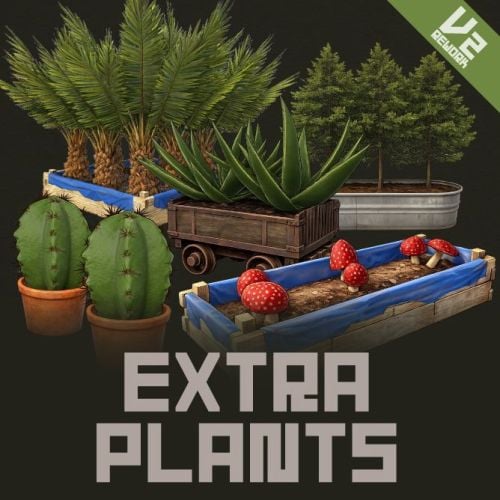 Thanks @NINJA WORKS I will test with your free version first to see if there's any clash or issues I really love the idea of extra plants for economy and farming
- 37 comments
-
- 2
-

-
-
- #rust
- #facepunch
- (and 12 more)
-
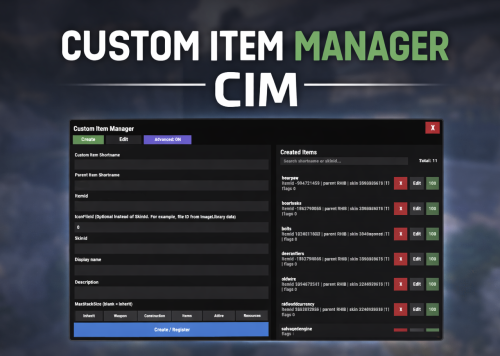 @Bad Cop You are an absolute boss. Thank you! I will be purchasing soon!
 -
Holy heck. This is great! Would love to get this! My rust server is basically littered with custom skinned items This would make my life so much easier So quick question: How difficult would it be to add existing custom items into the manager?
-
Hey Developer! This looks really interesting. Super unique plugin too. Haven't seen anything on the market like this Curious if it integrates with : My players use the farming automation a lot, and I'm worried your plugin will clash Anything to be concerned about?
-
 I have! Last week already. It is yet to be approved
 -
Wow you guys are insane! Thank you so much
-
On wipe, is there a way to remove items stored in rewards storage, but not the keys?
-
 I'm not sure if you can add it to the loottable, but you should be able to spawn the crate using a command? In the Profiles in the Data folder, there's a setting that executes commands when a raidable base is completed "Commands To Run On Event Completion": { "Commands": [ "givescrappercurrency {userid} 50" ], "Assign To Owner Of Raid Only": false, "Enabled": true I use the command to give players some Epic Scrap I'm sure you can find a way to spawn the locked crate to drop by players once the event completes Maybe there's a better way to doing it, but that's how I'd work around the issue
 -
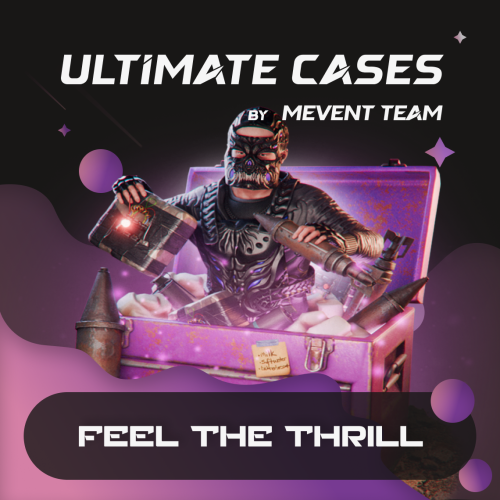
I am a huge fan of Mevent's older Cases plugin, and it really became a staple on my server, especially for giving rewards or events (like a Christmas case I made for players that they could redeem every hour) When I saw that Ultimate Cases had been released, I was elated I asked if there's a migration tool, as I have a lot of custom cases on the old plugin, which I would hate to re-create Literally 12 hours later, BOOM. Migration tool I bought the plugin, migrated everything with one command, and it worked like a charm I had a bug with rewarding cases to players, and Mevent fixed it for me in a couple of hours -- ON NEW YEAR'S EVE!!! I really appreciated that, and it was a solid display of their dedication to their craft and customers The plugin is great. I love the visual UI, the customizability, the key system with the NPC, and the integration with Server Panel My players also really liked the change and are now grinding for keys Great job to Mevent and the team. This is a brilliant plugin!
-
This looks really promising. Any chance I'm able to migrate the cases I've made in your other Cases plugin to this one? I'm secretly hoping it's as easy as copying the cases configs from one to the other, and then making adjustments as needed?
-
 This is a staple to my PVE server and runs like a dream! Brings another element of engagement and reward to the player base I also needed some assistance with the UI, and Rainey pulled through and helped like a champ!
 -
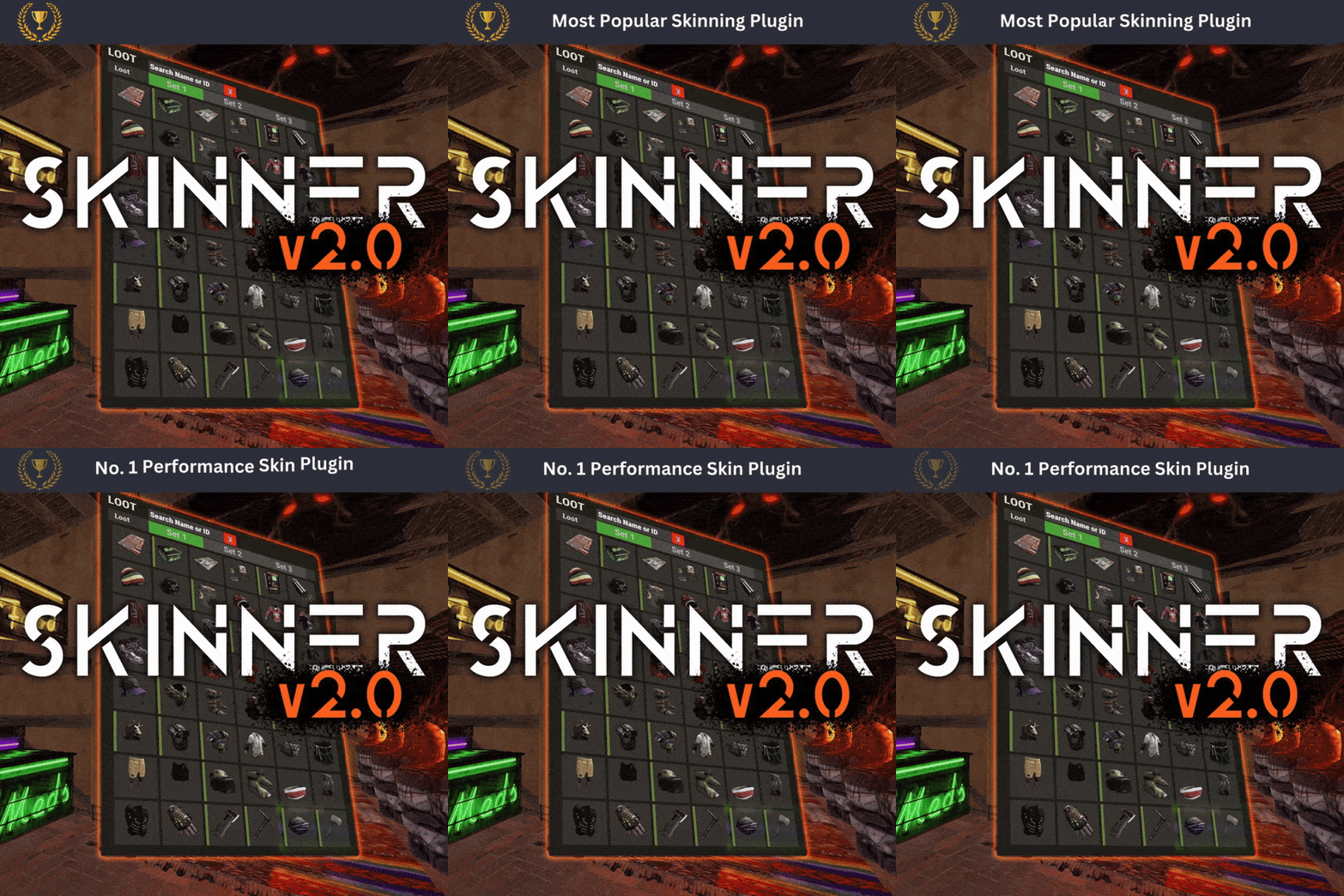 Thanks guys. I'll give this all a test end of the week. Work has been hectic this week and I haven't had a chance to do anything with Rust
 -
Thanks! Will give that a try today
-
Having issues with the skins images loading in the menu. Like it shows the base item with the blue loading circles I have about 9000 skins, and I know this does take a while for the workshop to load the skins images But it's been taking extremely long for the past month or so I don't believe this is a Skinner issue. I'm just curious if anyone else has had this issue and if there's a possible fix? I'm wondering if it's possible to save the skins locally onto my server and have them load from there instead?
-
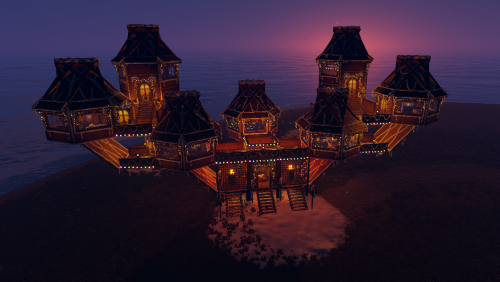 My mods and I were testing out the bases last night in preparation for our Christmas event I only had enough time to test a handful, but I had such a fun time doing it! One of the bases we raided even had a gingerbread dungeon in it!!! Like WTF dude. I've NEVER seen an integrated dungeon in a raidable base before Shao, you're a genius
 -
Is there a config setting to move the UI? Right now the UI is sitting ontop of another UI element and some players are complaining Just want to move it up a little for the sake of spacing
-
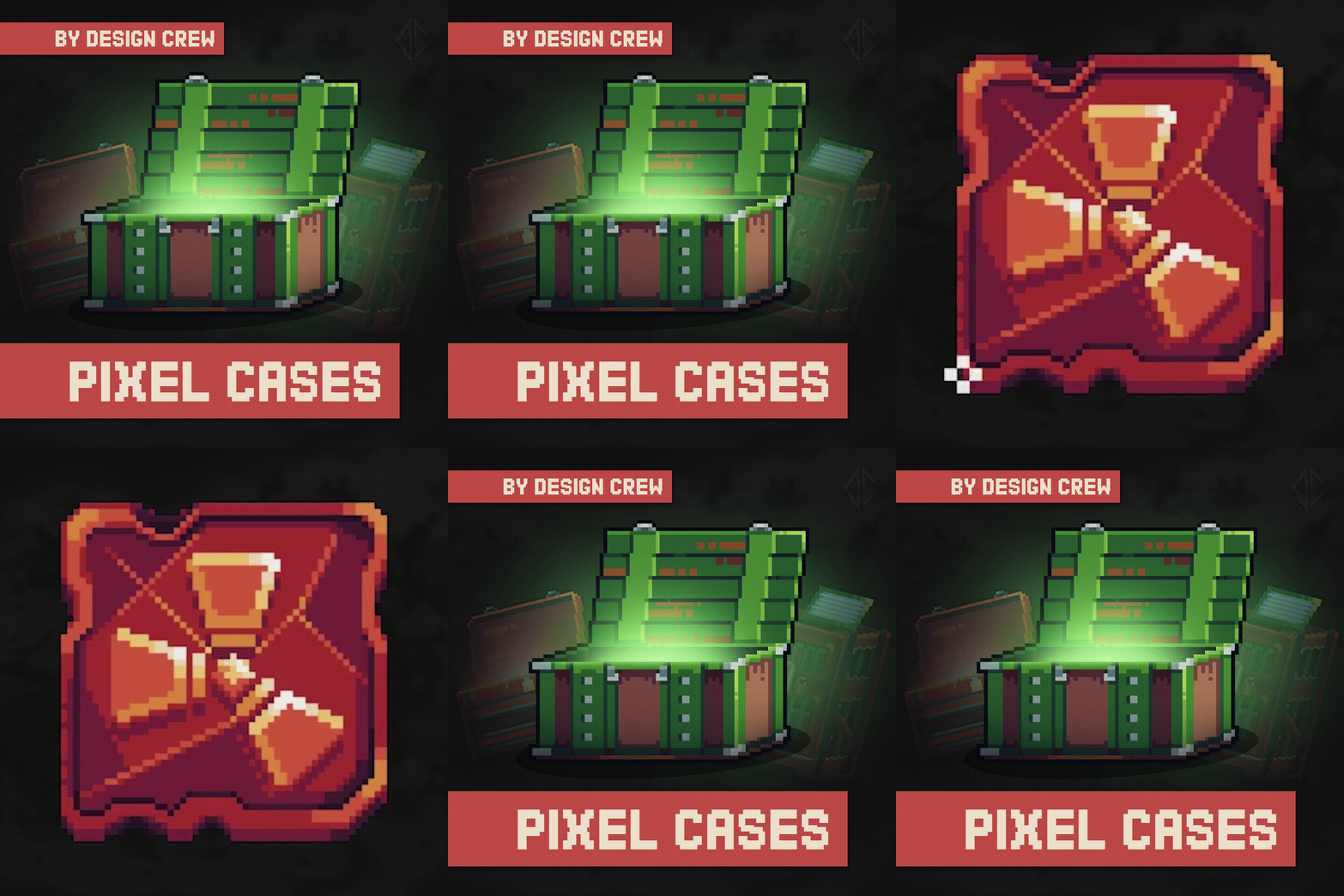 This looks cool. I love the pixel art style Quick question Does the PSD have the cases with items sprawling out as shown in this image?
- 2 comments
-
- 1
-
-
- #design crew
- #designcrew
- (and 14 more)
-
.thumb.gif.639bad9e0c01fe84e49ee5afd0939b6f.gif) Wrecks has made a flippen gem here! My server's mascot is the brown bear from the game So obviously, I made a massive bear 10x the scale, 10x the HP, and 10x the speed of the vanilla brown bear Then I laughed maniacally for a good 5 minutes at this massive bear running around launch site stalking it's prey Legit underrated plugin that brings hilarious reactions from players and a more dynamic "animal boss" gameplay to the server Must-get for PVE servers where you need to keep players busy and entertained Next, I'm making Monster Cock -- The boss chicken that's 20X the size and doesn't run away from a fight Great job, Wrecks
Wrecks has made a flippen gem here! My server's mascot is the brown bear from the game So obviously, I made a massive bear 10x the scale, 10x the HP, and 10x the speed of the vanilla brown bear Then I laughed maniacally for a good 5 minutes at this massive bear running around launch site stalking it's prey Legit underrated plugin that brings hilarious reactions from players and a more dynamic "animal boss" gameplay to the server Must-get for PVE servers where you need to keep players busy and entertained Next, I'm making Monster Cock -- The boss chicken that's 20X the size and doesn't run away from a fight Great job, Wrecks
.thumb.jpg.3f3648006ead45d4324c5a9f83d4993e.jpg)