

mofokk
-
Posts
65 -
Joined
-
Last visited
Content Type
Profiles
Warranty Claims
Downloads
Forums
Store
Services
Downloads Plus Support
DOWNLOADS EXTRA
Reels
Everything posted by mofokk
-
can we get the new Crypt Building skin added please.
-
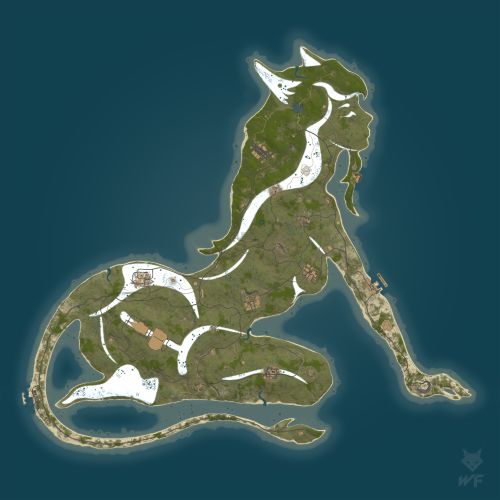 if you cover the ground between the railway station and the large barn R22 to U15 it won't/cant spawn in loot. I think it's just the lay of the land,and them not having room to spawn, because of the banking maybe. it's not broken as i initially thought. I just happened to observe a couple of new players spawn over there and fail to find a barrel other than at the gas station. it's just an oddity of the map terrain i guess. Love the map otherwise. Will leave a review once we have had a weeks playtime on it.
 -
Hi, Giving this another go. Quite like the map and it has some fantastic custom building locations. I have an issue with really low numbers of roadside loot piles. why are there so few of them. it makes the map feel quite sparse and those are some very long runs on foot with next to no reward if theres no loot to collect on the way ?
-
.thumb.gif.567be98be7f62288f83bfff45ba25968.gif) love this map my friend but i have a request. like dreamer said. i have tree house mods and things, custom foods that have biome specific ingredients, weed that defaults to custom biomes. no jungle is a killer. I would like to see the jungle added in a small area around the dome. I think that would be tidy
love this map my friend but i have a request. like dreamer said. i have tree house mods and things, custom foods that have biome specific ingredients, weed that defaults to custom biomes. no jungle is a killer. I would like to see the jungle added in a small area around the dome. I think that would be tidy -
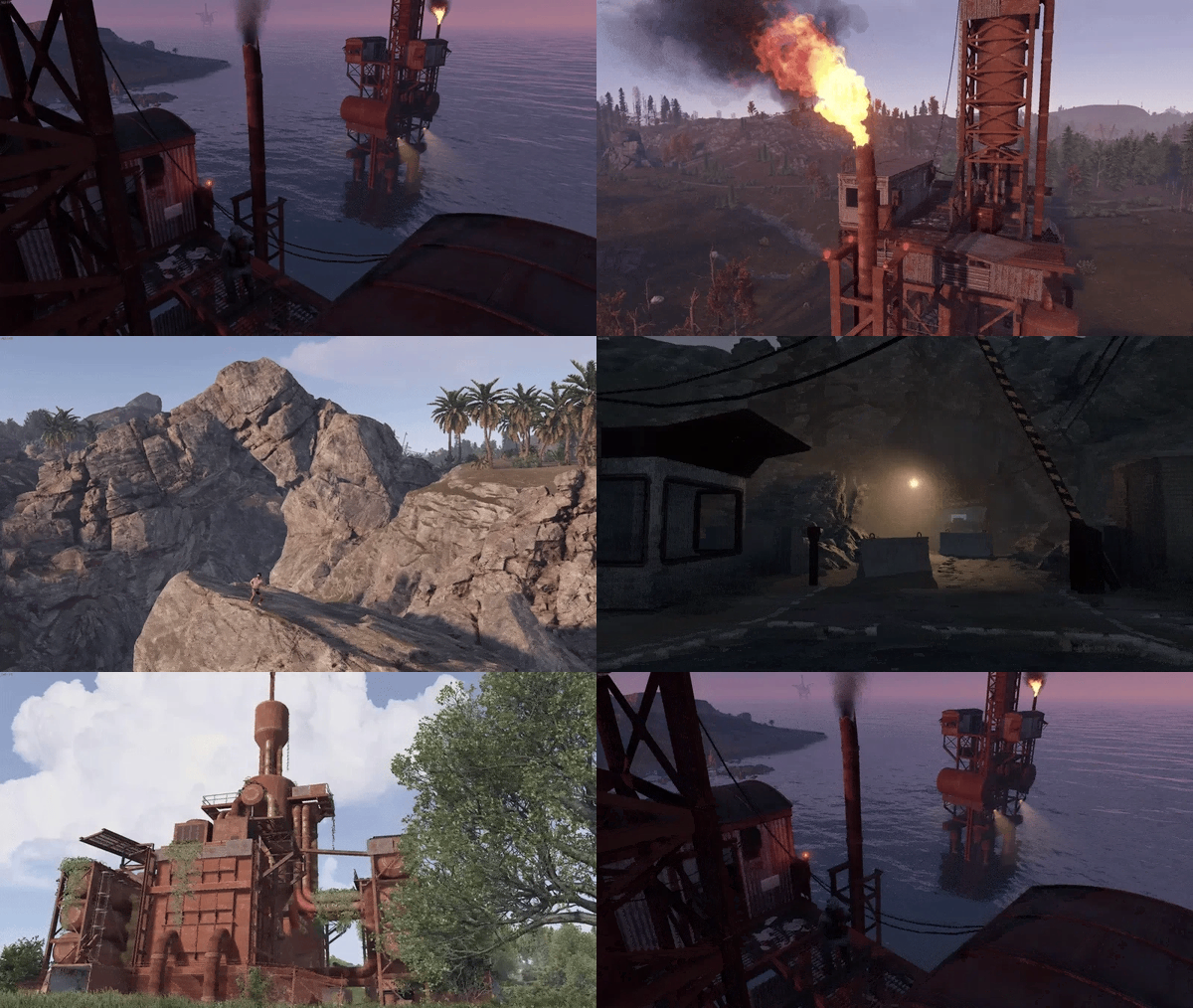 also at v13 into w13. same issue with the water line. don't have a screen shot sorry. Facepunch really funked custom maps this wipe.
 -
Missile silo monument is floating in the sky. everything else looks fine. today's update broken it again ?
-
not sure what to tell you bud but see my screenshot. everywhere else on the map is a solid 90-120 fps on my client come near L13 and plummet to 25-30 fps. https://ibb.co/QFzXw1MS
-
Needs an update asap. Had hoped to use this, this wipe. unfortunatley the map does load but performance on it is shocking. considering it's only a 3500 map too it's clear something is amis. fresh wipe empty server. less than 30 fps in places on the map where i would expect to be pulling 100+ fps. the map check plugin was possibly faulting too. hope you can update quicklyl
-
 would you consider adding an option to only run if x amount of players are on the server. it doesn't help my situation that even when the server is empty this slowly eats away resources. it means when players do join the server, it can already be under reasonably heavy load. I've edited it at my end with the above command and it helps a ton. it still degrades over time once players join and it activates, but that's to be expected. but at least those hours where my server is unpopulated are of no detriment and it does buy me a lot more time until i see the degrade in performance once players join.
 -
 OK thank you
 -

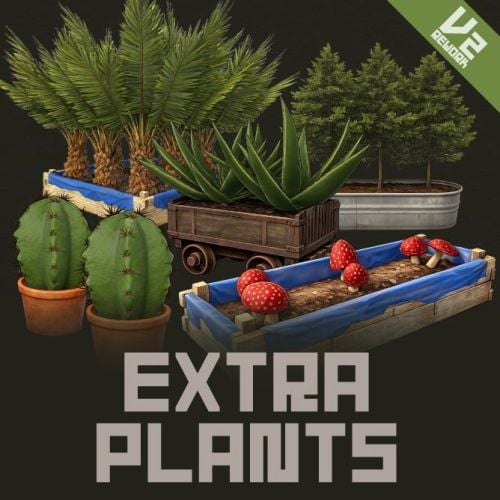
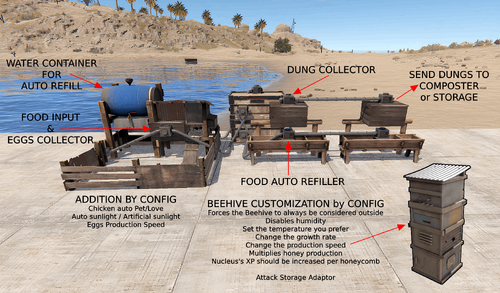 what actually grows in the planter if i create say a tomato seed. or a AK seed. what will the player see growing and can it be altered ?
 -
what would actually grow if a player was to grow tomatoes. there is no in game model of a tomato. what physical plant would the player see ? Also is this just straight up not compatible with carbon ? can it be made to be ?
-
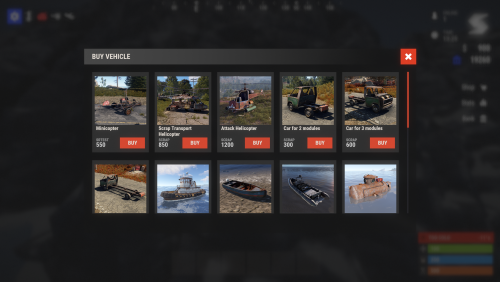 can i get an assist. Want it to work within the Shop plugin. description page says : when i add a category i don't get relevant boxes to add this information ?
 -
 Pretty sure it will have been asked for but can we get a command to remove a skin. My F1 console shows me which skins are timing out. it would be a breeze to be able to use a command and copy the code from the console to remove problematic ones.
 -
 Just tested it for you. Yes you can. but only one type of food per vending machine. place the food you want to sell in the vending machine, set the item type for sale to cooked fish. voila. if you place two types of food in the machine the vending machine just see's the first item entered. edit: only tested with cooked meals. not ingredients. scrap that. it all works apart from.... the vending machine on the map shows the fish not the cooked meal what a shame.
 -
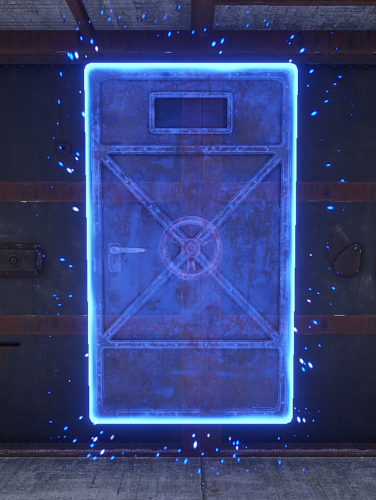 This was EXACTLY! what i was looking for. Thank you whatsyolo. it works so well too. the portal is instant. Using on a PVE set up and this is about to replace Nteleportation's Home feature. if we ever get a way to use custom door skins or something that would be amazing. I will advise players to remove their portals before the purge starts as it's a quick way to get into someones secondary base etc. Should you ever implement a way to make it only usable by Tc owners and friends etc, You will have all bases covered.
 -
Thanks, That's confirmation I'm on the right track! I've personally disabled all the special bonuses in favor of a mix of Health/Calories/Hydration. I've nerfed all vanilla foods with another plugin and removed all healing properties from them. I'm just trying to make a nice balance/transition from default foods to your custom dishes. love that I can let people find the cards in boxes. i upped the spawn rate of them and also upped the ingredient rates. all in the hope of making things a little more survival like for PVE. Thanks again, quality plugin.
-
i agree. currently trying to set it up so the food items are minus their buffs. instead they give food/health/hydration. i want to keep the pick up notifications so players are introduced to the mod as they pick new ingredients up, and to remind others the mod is there. but disable the buff icons / system and the text chat notice as it's descriptions will be incorrect for my usage. love the mod. have used it for years but never tried altering it's usage like this. Would be amazing if you can add anything to enable/disable the individual aspects with permissions. I see perms for notices but they don't quite cover these bases.
-
 new user. Getting no on screen xp bar or notifications as to gaming xp. Can do /sp which works fine. just the UI elements missing. I have image library. have tried using the options to relocate xp bar etc but I don't see it to move it., edit: fixed by deleting the data folder and config and letting it generate them again. Ty Op
 -
.thumb.png.a167af6d204c8731865ddb8c7651fe66.png) working fine here. default was spawning xmas lights in cardboard boxes, which i think are DLC. But I've now got it spawning all the same items as barrels and toolboxes
working fine here. default was spawning xmas lights in cardboard boxes, which i think are DLC. But I've now got it spawning all the same items as barrels and toolboxes -
 This is beautiful. How has no one given you a review!. it looks like a vanilla feature. which is a huge complement. As far as i can find every other sorting mod, while perhaps giving more options. just doesn't look like it belongs in in the UI, Big orange boxes to click or so many optiions you end up with 20 odd new buttons per inventory screen. this is clean and discrete and i love it for that. I agree with people in the comments an option to change the sort type between alphabetical and item type would be amazing but this still deserves 5 stars imo. i don't see any other sorter providing a sort option on the main inventory screen too. see screenshot. here's hoping it gets the update it deserves, soon.
 -
.thumb.png.bd9cb20b7b8f45063ad9ff98d2334a10.png) 8o8 Designs will have this fixed up, I'm sure. It's not easy to verify every detail of a map when they update such a huge variable as all water on the map.
8o8 Designs will have this fixed up, I'm sure. It's not easy to verify every detail of a map when they update such a huge variable as all water on the map. -
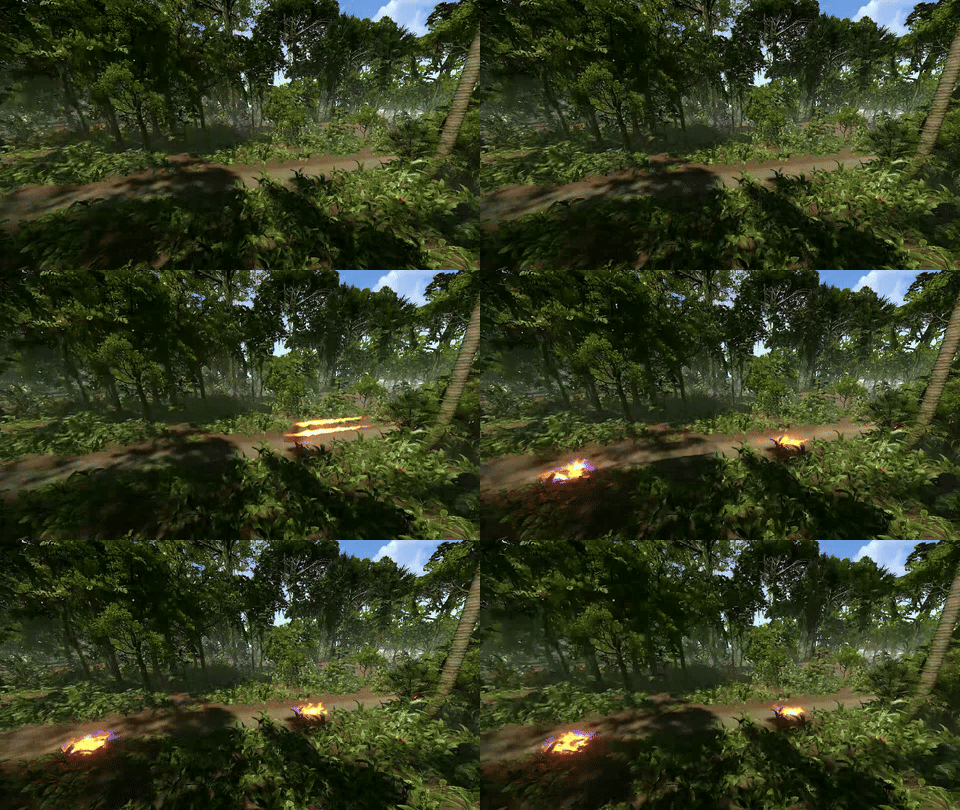 Having to revert to the older one. The horse's head shouldn't be on fire, IMO. Obscures your view too much.
 -
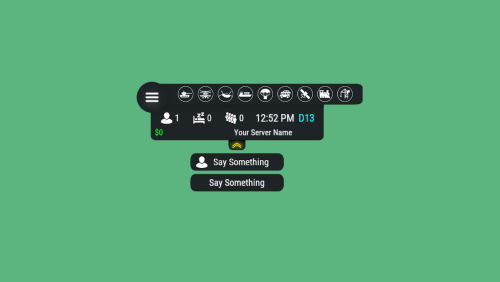 Legend. Thanks
 -
What do I add to the server name line to increase the font size used, please ? Just want the name of my server to be larger than it is without making the whole hud bigger.


