

-
Posts
2,564 -
Joined
-
Last visited
-
Days Won
37
Content Type
Profiles
Warranty Claims
Downloads
Forums
Store
Services
Downloads Plus Support
DOWNLOADS EXTRA
Everything posted by David
-
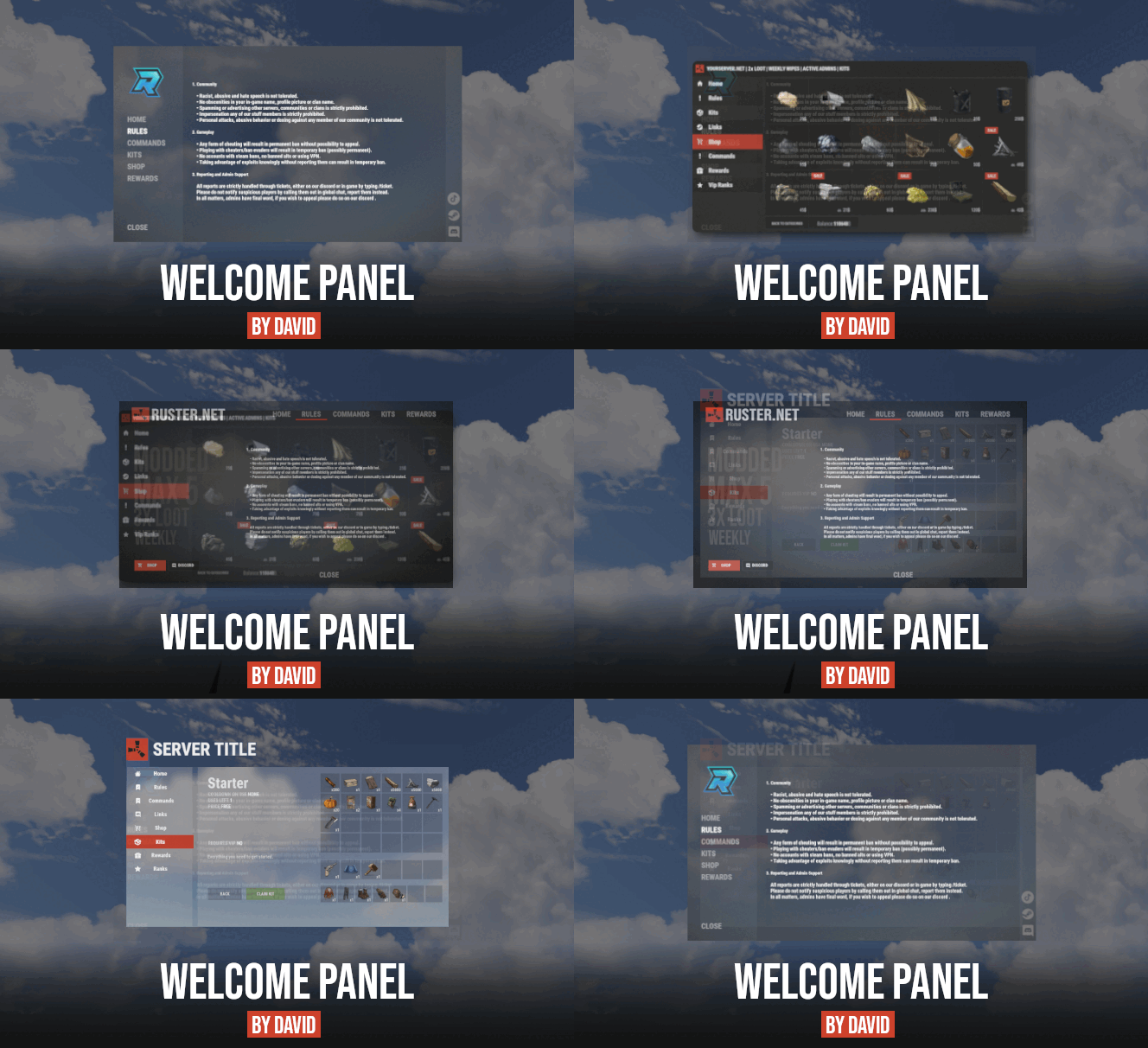 If you want add image under text, then in config you will find this if you want add image to any other element go to data/welcomepanel/cuiData.json
 -
Version 1.1.75
3,751 downloads
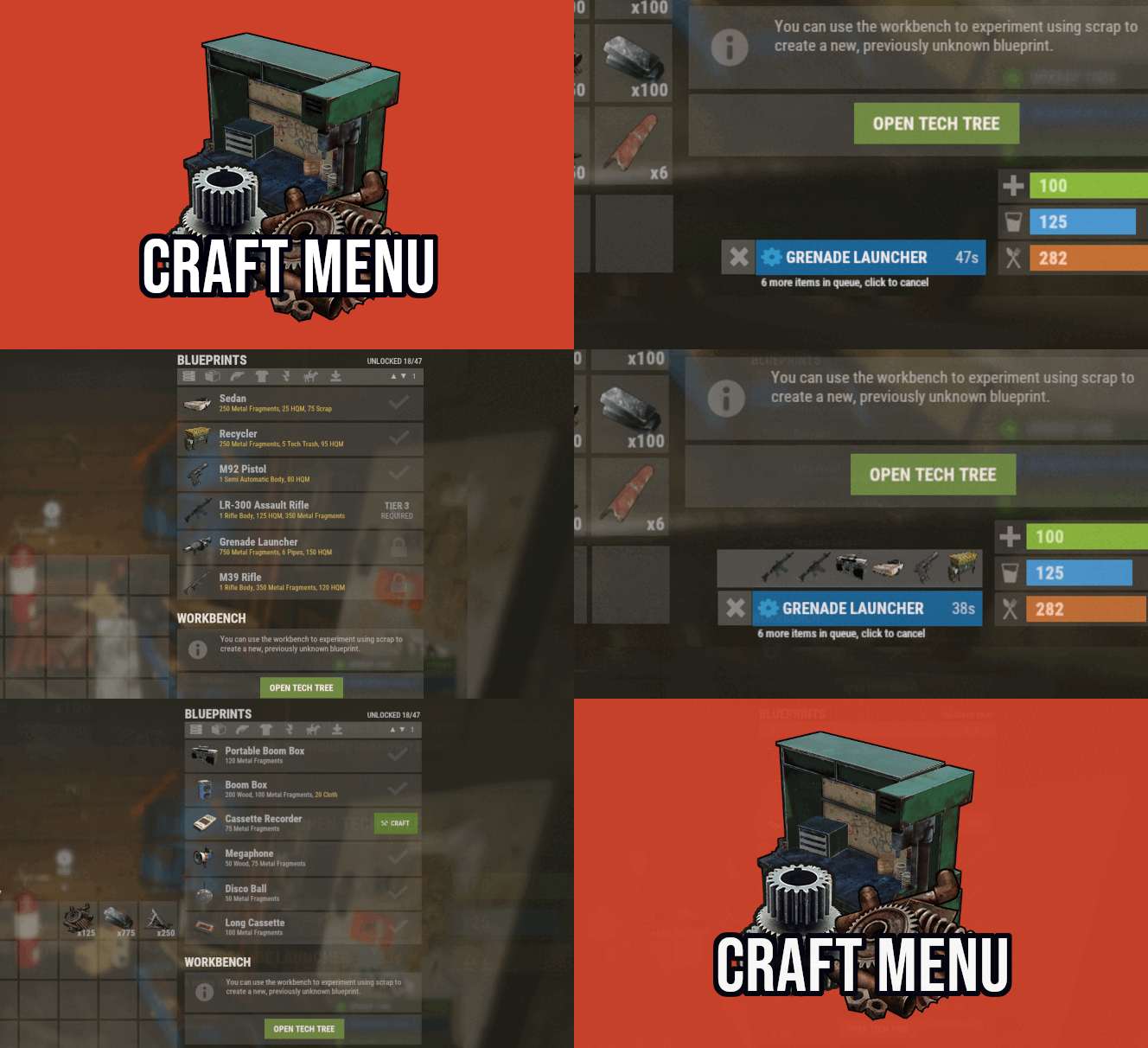
Custom crafting panel at player's workbenches. Craft custom or non-craftable items, create your own blueprints. No chat commands required! oxide permission - craftmenu.use • How to create default blueprint. Simply leave ResearchCost as 0. • Crafting Recycler. Plugins for placing entities usually utilizes specific item together with skin id. Here you can find list of examples PlaceableEntities.txt • Adding same shortname multiple times. When you using same shortname for more than one blueprint you have add {number} at the end of it to prevent duplicates. Ex.: "box.wooden.large{1}" • Item is name too long. Inside lang file you can create replacements for default item names. • Wiping blueprints manualy. There are two admin console commands. "craftmenu_admin wipe" will wipe blueprints for all players "craftmenu_admin wipe <steamID>" wipes blueprints only for certain player. Premade blueprints from screenshots Blueprints.json$16.00 -
 Oh I see, you have to contact developer, sales are disabled for some reason.
 -
Hey, what you mean? you having issue with your purchase?
-
Hey, you will find all anchor settings inside data/WelcomePanel/cuiData.json, there you can find LogoPanel or you can use ingame editor to position logo (/wp_edit).
-
 its because of indexing, basically in data file 0 = level 1
 -
 Feel free to message me, here or on my discord !David#1337 and I will assist you.
 -
 Yes, feel free to message me on discord if you have any questions !David#1337
 -
-
Yes it does
-
Problem is that for lot of servers even 2x output is too high. I might rather do chance to receive extra smelter product on every trick.
-
 This plugin simply just showing time difference between two timestamps, it can be done when I have some spare time which is bit unlikely atm
 -
Send me message on my discord what you trying to do and I will help you out. !David#1337
-
1. Yes, with 3.x.x version there is permission option for each tab. 2. I can create free addon for admin commands within couple of hours if you are interested
-

Version 1.1.8
1,069 downloads
Give your players ability to vote for their favorite map or alternatively gather feedback on various custom maps to see if players are interested before buying them. • FAQ • Can I add as many maps as I want? Yes, numbers of map you can have is unlimited, although I recommend using around 15-20. • Do map votes wipes automatically? Yes you can enable this option in config file. Every time you change map, votes will be wiped. • Is there any limit for images? No, you can use as many images as you want, but I advice you using smaller images. Avoid using images with high resolution since plugin showing them in sizes 500x300 (image gallery) and 190x190 (thumbnail). You can use online image resizers. • ImageLibrary While I listed it as optional dependency, I strongly suggest you to install this plugin. Not only it will significantly speed up image loading in game but it will also preserve image quality for users with low gfx settings. If file size is above allowed limit of ImgLibrary, you will get console error and image wont be cached into server. In this case, image will be loaded directly from url. When you load VoteMap plugin first time, ImageLibrary should start load order automatically. If not, reload ImageLibrary and then reload VoteMap again or use console command "refreshallimages" . • Discord Message Broadcast winning map before the wipe into your discord server. • Commands • Map List Example (data/votemap/maplist.json) • Vote Settings (config/VoteMap.json)$10.99 -
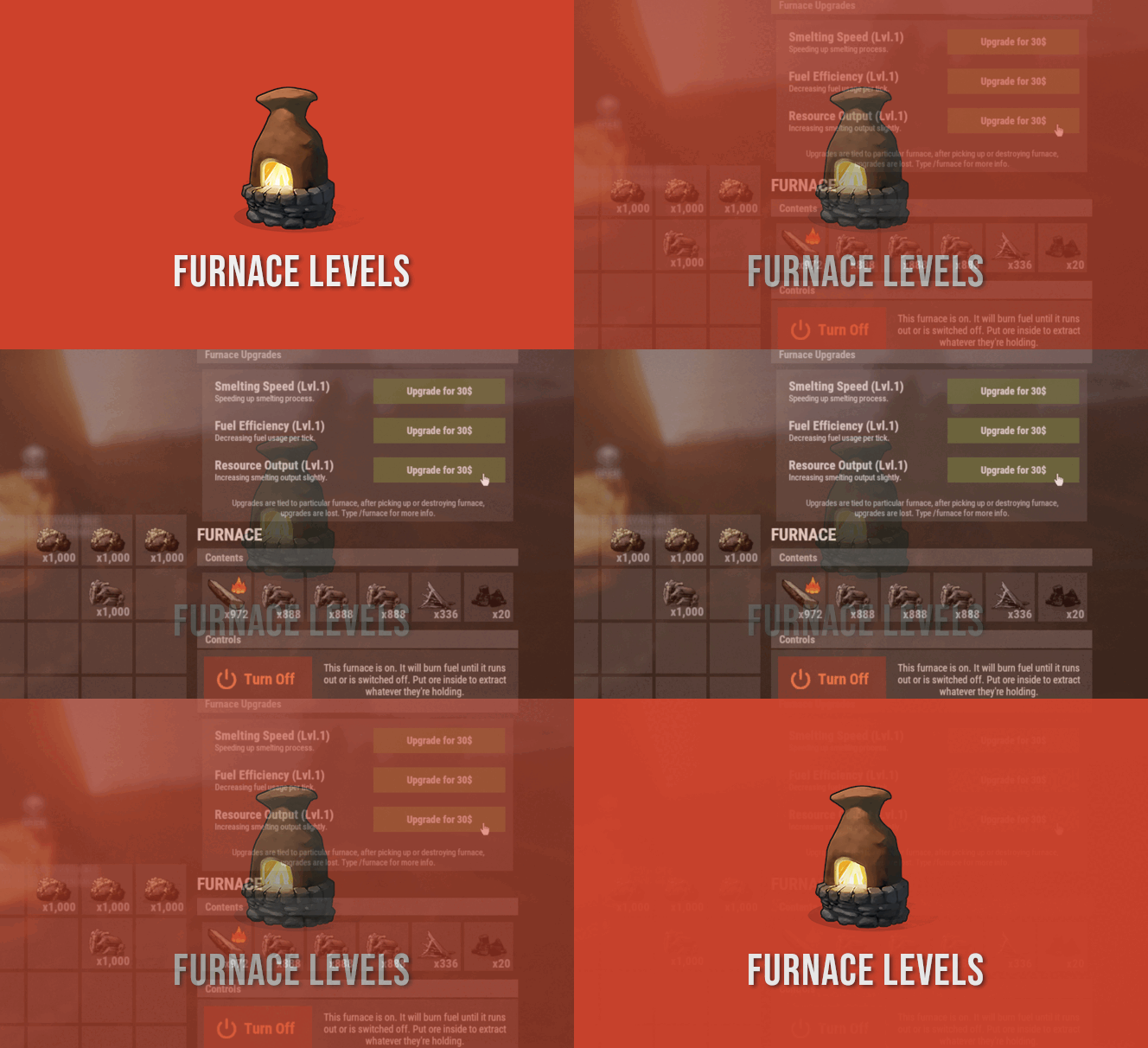
Hey, thanks for letting me know. I did run quick test on my servers for values which seems to be incorrect from your screenshot and here are the results 750 -> 2996 800 -> 3196 1300 -> 5188 Values are off by few units but not that off as on your screenshots. Anyway I will be getting rid off output modifier and replacing it with something else since decimal numbers don't work for smelted resource output.
-
.thumb.png.144bf0e8de79ab4c3f2404ebe745437b.png) Mad amount of content for 5 bucks (back then) right there! Such a great upgrade for Rust loot system. Big respect to Raul for bringing feature updates on regular basis.
Mad amount of content for 5 bucks (back then) right there! Such a great upgrade for Rust loot system. Big respect to Raul for bringing feature updates on regular basis. -
sorry but I'm confused, can you elaborate on this? https://i.gyazo.com/4d619b33fbbd343100c0621cc3f4f24b.mp4
-
upgrades will stay after updating
-
Open .cs file, at the top you will find global = false, put it on true. Later on when I will be 100% sure with functionality I will put it into config file.
-
I will post update tomorrow
-
well, destroying entity with ent kill is simipliest way. Message me on my discord and I will have a look for you. !David#1337
-
correct, "ent kill" is rust command to delete any entity while you looking at it.