
Jump to content

David

Creator
  • Posts

    2,564
  • Joined

  • Last visited

  • Days Won

    37

Everything posted by David

  1. David

    Welcome Panel

    If you have any issues please use support section or contact me in discord.
  2. David

    Welcome Panel

    You can do that with one of those plugins. https://codefling.com/plugins/custom-buttons paid https://codefling.com/plugins/the-button free
  3. David

    Welcome Panel

    Just install this addition, and put "Open After Player Connects" on false in WelcomePanel config. WPOpen.cs
  4. Version 1.3.23

    10,776 downloads

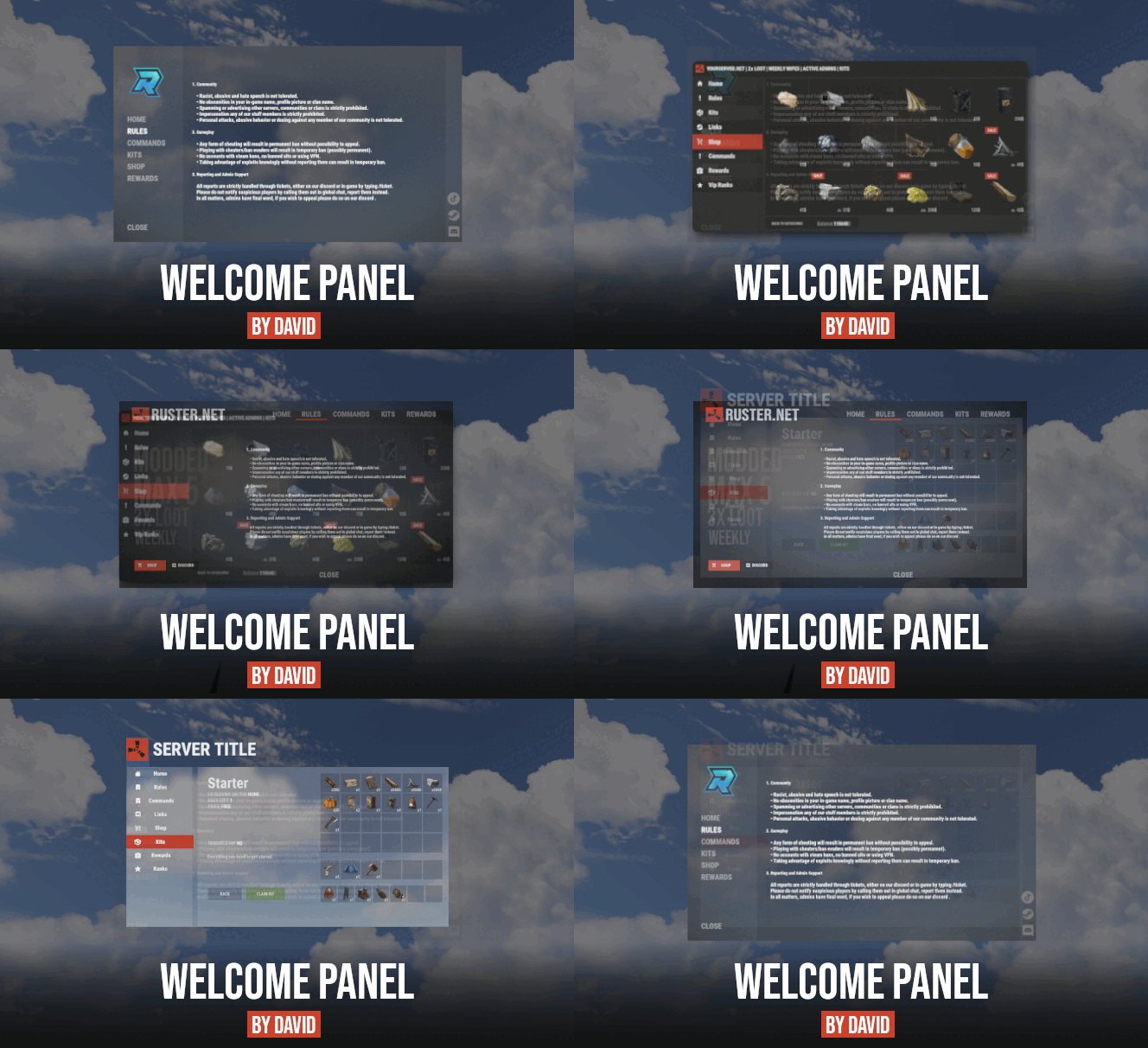
    Bundle of four addons made for Welcome Panel UI. All four addons including preset default config files as you see them on screenshots.
    $14.99
  5. David

    Wipe Countdown

    Version 1.0.2

    7,150 downloads

    Let players know how many days left till next wipe with this simple countdown plugin. • Features - show time left with chat command - auto broadcast when players type keyword in chat - api to get time left • Commands • Config • API
    Free
  6. Hey, I will include this option into config file in next update, for now just open .cs file, find line 365 and remove it. That should make count NPC kills as well.
  7. Hey, I've been working on Vehicle Shop plugin recently, I'm planning to release it soon. If you have any suggestions or features you would like to see just hit me up on discord.
  8. David

    Custom Buttons

    There was never icon folder provided for this plugin. What kind of icons you looking for?
  9. https://umod.org/plugins/marker-manager (copy paste link into your browser, umod blocking redirects from CF) If thats not what you looking for hit me on discord and I can make changes you need. !David#1337
  10. David

    Welcome Panel

    compatibility with existing kits
  11. David

    Welcome Panel

    Thanks, I will look at it.
  12. David

    Welcome Panel

    Sure it would be possible, Im just not sure about detecting new wipe, I will have a look.
  13. David

    Welcome Panel

    Yesterday I finished with rewriting base plugin to make it compatible with future addons. Today Im working on dedicated wipe page, donate page and "social links" page. Then I will follow up with Kits and Shop. Regarding to when, I will start releasing them one by one next week possibly. Not yet, working on it.
  14. David

    Welcome Panel

    opens each time after player connects to server, can be disabled in config.
  15. David

    Welcome Panel

    nowhere, customers were asking if i can give them more icons, so... i have couple more functions in pogress right now, however it will be paid extension
  16. As I said it's not my priority right now. Plugin is fully customizable as advertised, everyone can set it up to their liking. I already gave them tutorial how to customize plugin, they just expect everything to be "plug and play".
  17. David

    Welcome Panel

    Yea you right, example shown under plugin description is short version. Here is is full default version as it comes with plugin. WelcomePanel.json
  18. David

    Welcome Panel

    Hey, sorry for late reply I've been quite busy recently. 1. I dont really see the point in adding this into public version since most users need just server logo. 2. I have plans to do extensions at some points (ladderboard, shop, kits, dedicated vip page etc.) just have to find time for it. Implementing other ladderboard plugin into my UI is just unpleasant to do. 3. Yea probably I could do that as config option, just from my experience I know that people dont even want to mess with acnhors in most cases. If you dig into .cs file at line 910 you will find what you need, 4th and 5th values are anchors.
  19. David

    ATM (Cash Machine)

    yea, it is planned for next update
  20. If you struggling to understand how anchors for UI works then my advice is to read this simple explantion. Regards to config examples, I will remake them in day or two so you will have to wait for update.
  21. How did you come to that conclusion? There is 4 different screenshots, plugin description where Im mentioning possible customizations, link where Im explaning anchoring and also config example is provided as well. There is not a single word about "2 options". Couple minutes ago I sent you link for drag and drop tool where you can get anchor values and just copy paste them into plugin config. Within minute you replied that you cant work it out so I doubt that you even look at it.
  22. Plugin comes with one default config, those screenshots are just preview of possible customization. All you need to do is just change color to transparent, and change anchors for each bar. Anchoring is explained in plugin description or alternatively you can use http://rust-cui.surge.sh/#!/editor to get anchor values you like.
  23. its just demonstration of how you can customize it. You can use these anchors to get same position as from screenshots "Anchor Min": "0.015 0.105", "Anchor Max": "0.075 0.140" "Anchor Min": "0.015 0.065", "Anchor Max": "0.075 0.100" "Anchor Min": "0.015 0.025", "Anchor Max": "0.075 0.060" some color examples //GREEN 0.31 0.37 0.20 1.0 //BLUE 0.16 0.34 0.49 1.0 //RED 0.56 0.20 0.15 1.0 //ORANGE 0.67 0.36 0.05 1.0 //GRAY 0.34 0.34 0.34 1.0
2.3m

Downloads

Total number of downloads.

10.6k

Customers

Total customers served.

153.4k

Files Sold

Total number of files sold.

3.3m

Payments Processed

Total payments processed.

×
×
  • Create New...

Important Information

We have placed cookies on your device to help make this website better. You can adjust your cookie settings, otherwise we'll assume you're okay to continue.