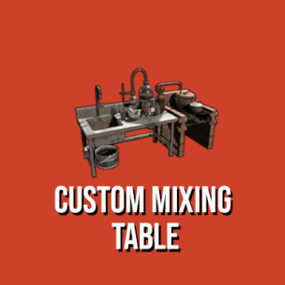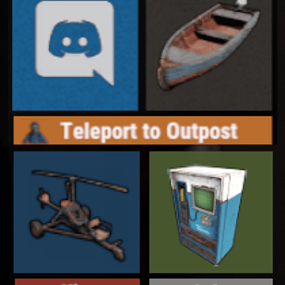
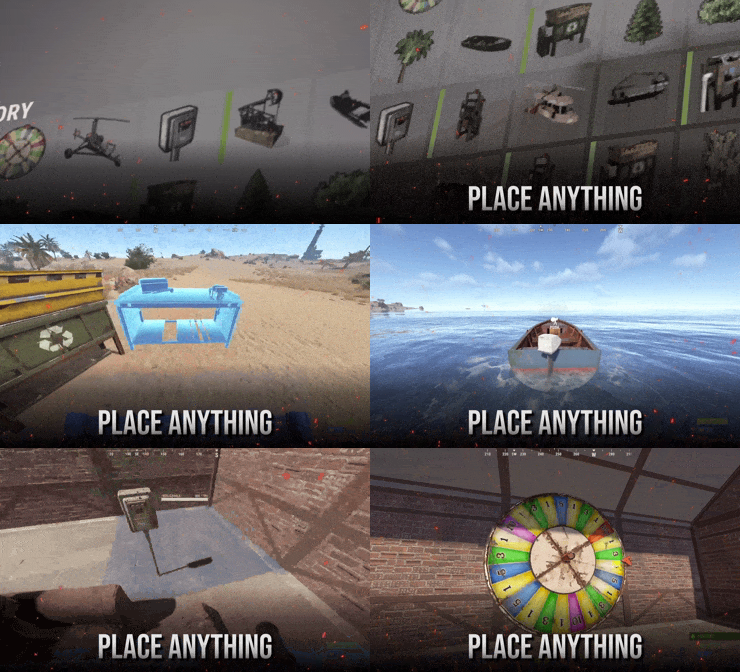
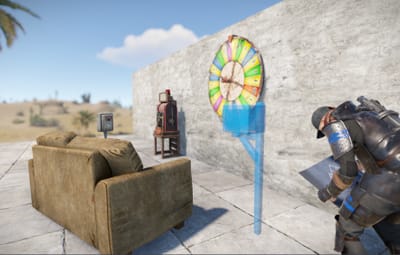

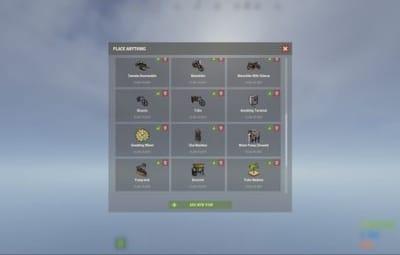
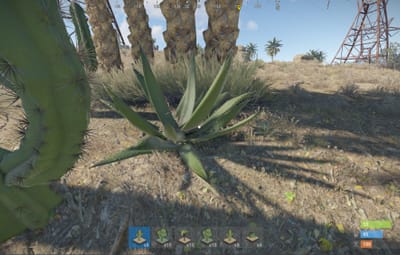
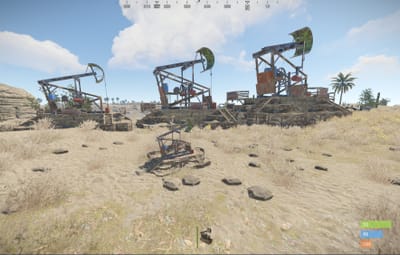
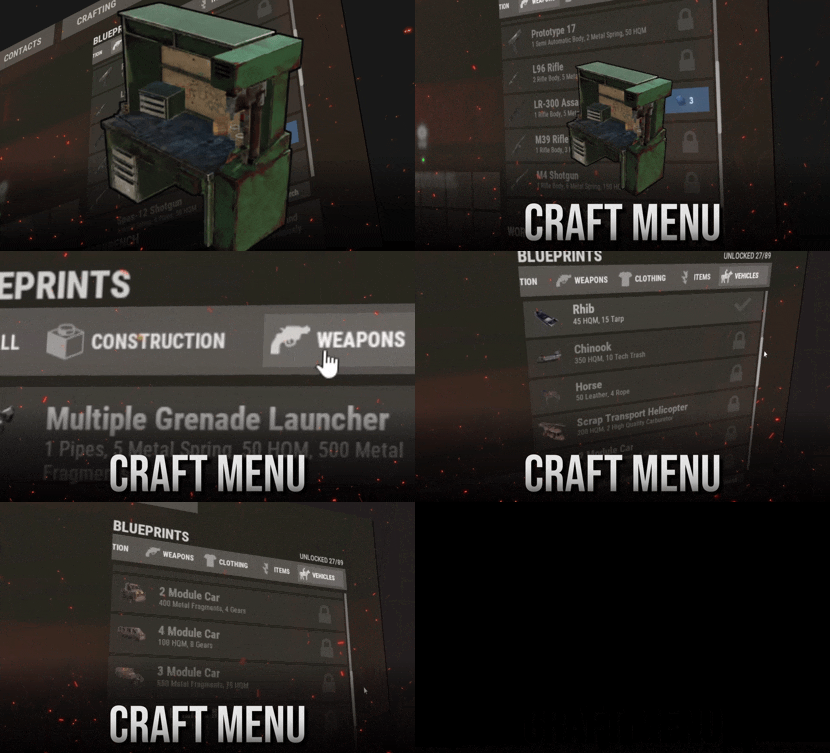
Turn entities into deployable items. Deploy vehicles, structures, nature, and more.
Feature Overview
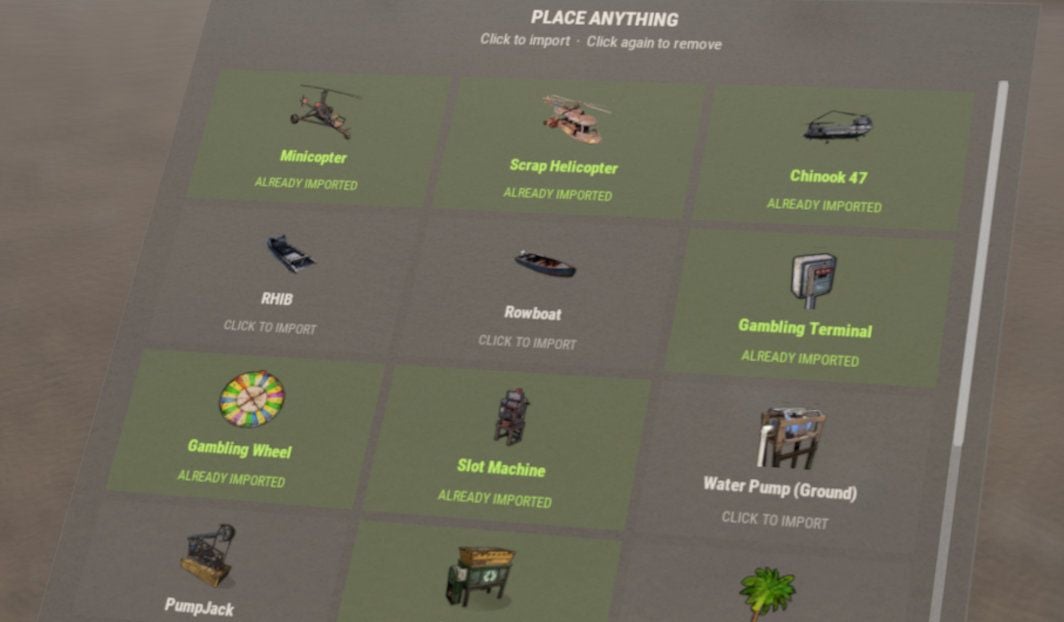
Plug and Play
The default configuration ships with 30 ready-to-use items (vehicles, gambling props, industrial entities, and nature), so you can start placing right after install.
|
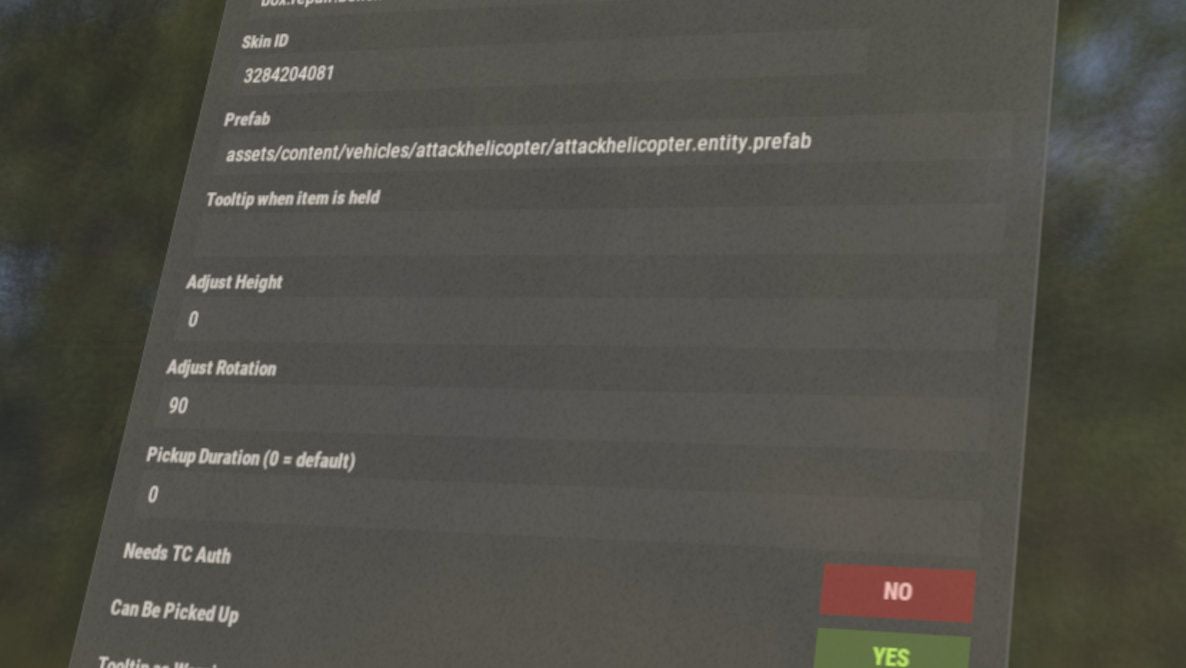
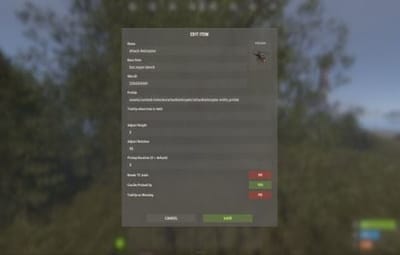
Ingame Editing
Add new placeables or edit existing ones from an in-game UI. Set the prefab, base item, skin, pickup rules, and more without digging through JSON.
|
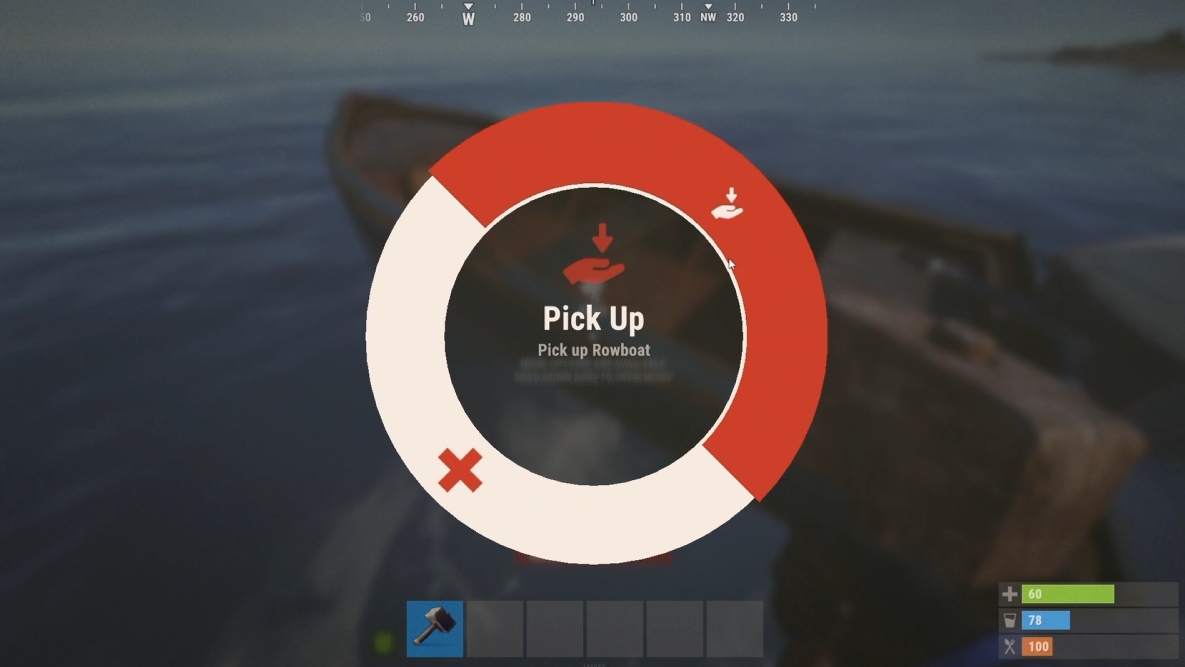
Hammer Pickup
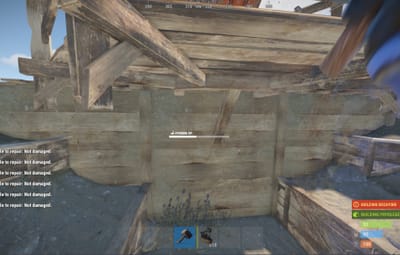
Pick placed entities back up into your inventory by hitting them with a hammer. Only the owner can pick them up, and pickup can be enabled or disabled per item.
|
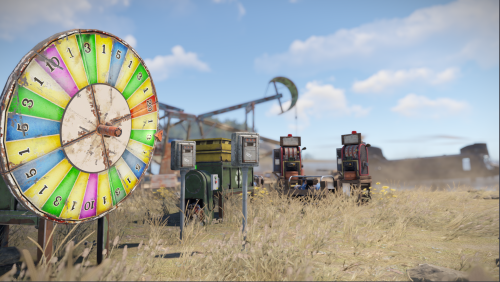
Multipurpose
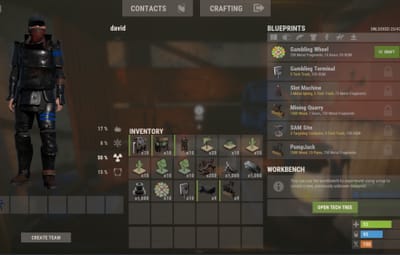
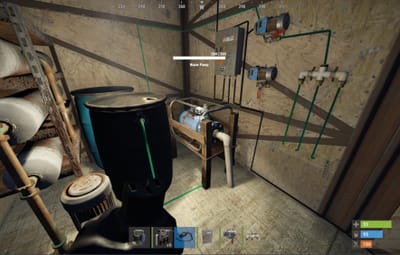
Use it for vehicles, structures, industrial machines, gambling props, nature objects, or any other spawnable prefab your server needs.
|
How it works
Each entity is paired with a normal deployable item players already know how to place, such as a wooden box, a chair, or a hemp seed. When the player places a custom PlaceAnything item on the ground, the plugin removes the original deployable and spawns the entity defined in the settings instead.
If pickup is enabled, the owner can hit the placed entity with a hammer to get the item back. Admins manage entries from /placeanything or the config.
Commands
Note
Admin commands require auth level 2 (ownerid) or the placeanything.admin permission.
| Command | Description |
|
/placeanything CHAT ONLY |
Opens the admin menu to create, edit, delete, or give placeable items. |
| placeanything <steamid> "<item name>" | Gives the specified placeable item to a player. Run from the server console (or as an admin). |
Frequently Asked Questions
Does PlaceAnything come with items already configured?
Yes. A fresh install includes vehicles, gambling props, industrial entities, and nature items in the config. Use /placeanything to give yourself test items.
How do players pick up placed items?
Hit the entity with a hammer. Only the owner can pick it up, the entity must be fully repaired, and pickup must be enabled for that item.
How do I add a new placeable item?
Open /placeanything, choose Add New Item, then set the display name, base item shortname, skin ID, and prefab path. You can also edit entities directly in the config file under Entities.
How do I upload custom icons?
Custom icons use Steam Workshop skin IDs. Upload your image with SkinUploader.zip, then set that skin ID on the placeable item.
Where can I find entity prefab paths?
You can browse Rust entity prefab paths at carbonmod.gg/references/entities.
Notice
We cannot guarantee that every entity found in-game will work flawlessly. PlaceAnything does not modify how entities behave after they are spawned. You can test entities with the admin spawn command beforehand.
Help
|
Have more questions? Reach out to us on Discord if you need support or have a custom request. |

|