Jump to content
Message added by IIIaKa,

Since the plugin is free, the best way to show your appreciation is by leaving a review. Thank you in advance!
P.S. Any suggestions for improvement will be taken into consideration.

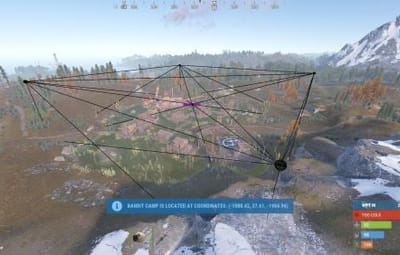
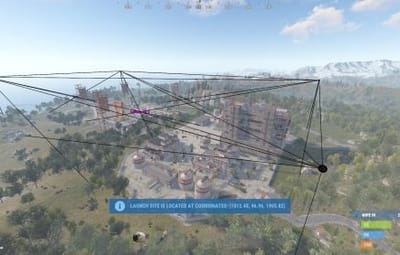
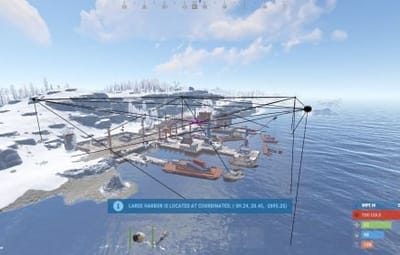
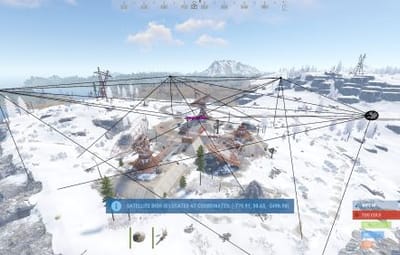
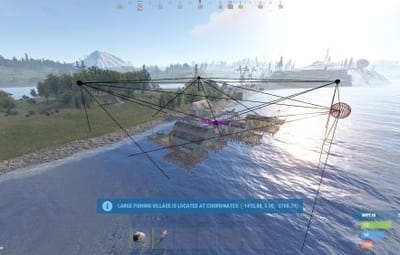
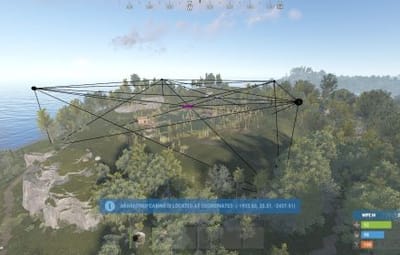
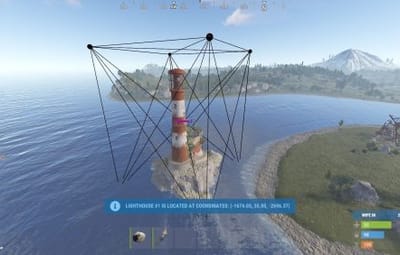
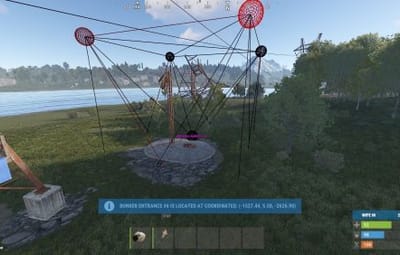
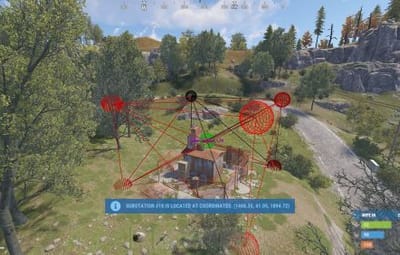
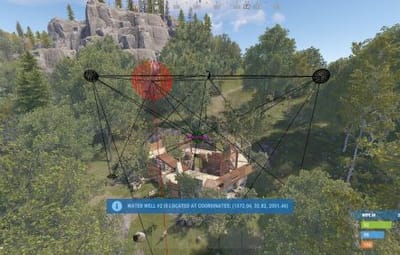
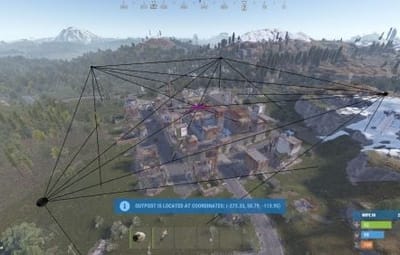
11 Screenshots
  • 26.9k
  • 1.7k
  • 197.01 kB
  • Update details
    v0.1.10
    Released
    Download size197.01 kB
    Total versions12
    Time between versions 44 days
    Typical update pace About every 70 days
    Freshness 43 days ago
Beta available v0.1.11 Scheduled release:

A beta build is available to download now. Betas may include unfinished features or regressions. Only deploy on test servers (or supervised production), keep backups, and be ready to roll back. If you spot an issue, report it with steps to reproduce.

This area is for discussion and questions. Please use the support area for reporting issues or getting help.

Recommended Comments

IIIaKa

Posted (edited)

🛠️ Welcome to the MonumentsWatcher Plugin Discussion Section!

Hello! This section is exclusively for discussing MonumentsWatcher plugin.

🤔 Encountered Issues?
If you're facing any difficulties with the plugin's functionality, feel free to create a topic in the Support section for assistance!

💡 Ideas and Suggestions?
Have ideas to share or new features to suggest? Feel free to start a discussion by creating a topic in the Support section.

Feel free to share your thoughts and experiences - together we can make our plugin even better!

Edited by IIIaKa
arno1986

Posted

hi i have a custom build monument that i want removing from monument watcher so people can set home, but no matter what i do it will not remove, anyone know how to remove? i have deleted from the json file saved, restarted and still it wont go.


IIIaKa

Posted

9 hours ago, arno1986 said:

hi i have a custom build monument that i want removing from monument watcher so people can set home, but no matter what i do it will not remove, anyone know how to remove? i have deleted from the json file saved, restarted and still it wont go.

Hello, this is most likely referring to the RealPVE functionality. If you want to disable monument tracking by the RealPVE plugin, you can do it in the monument settings file *SERVER*\oxide\data\RealPVE\MonumentsConfig.json

There are two ways to do this:

  1. Disable tracking by type - Simply remove the monitored type(in this case, Custom) from the "List of tracked categories of monuments" property. This will stop RealPVE from tracking all monuments of that type.
  2. Disable tracking by monumentID - Add the monumentID(which you can find in the same file) to the "List of IGNORED monument names. Example: powerplant_1" property. This will prevent RealPVE from tracking that specific monument.
0g.Ghost.7373

Posted

With the Naval update tabled until February, will this update still work tomorrow?

  • Like 1

Create an account or sign in to comment

You need to be a member in order to leave a comment

Create an account

Sign up for a new account in our community. It's easy!

Register a new account

Sign in

Already have an account? Sign in here.

Sign In Now
  • Love 2

User Feedback

About Us

Codefling is the largest marketplace for plugins, maps, tools, and more, making it easy for customers to discover new content and for creators to monetize their work.

Downloads
2.5m
Total downloads
Customers
11k
Customers served
Files Sold
158.5k
Marketplace sales
Payments
3.4m
Processed total
×
×
  • Create New...

Important Information

We have placed cookies on your device to help make this website better. You can adjust your cookie settings, otherwise we'll assume you're okay to continue.