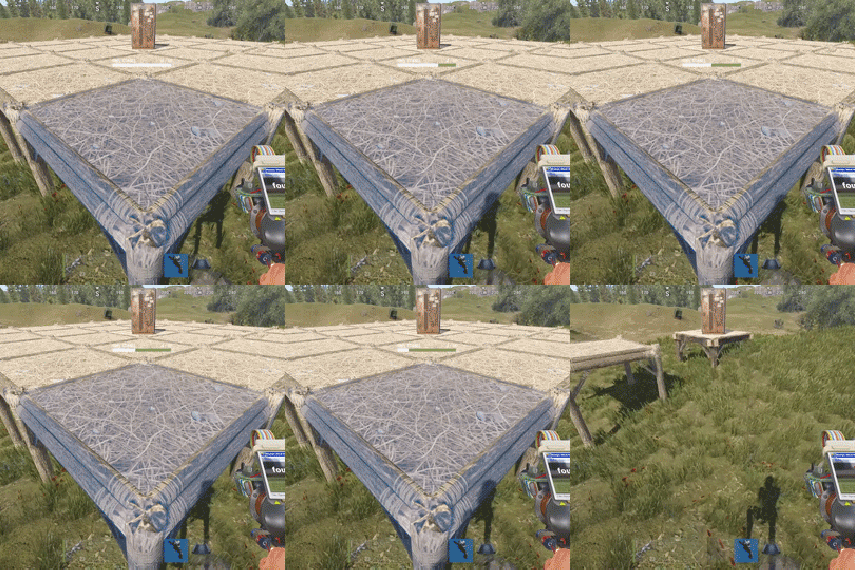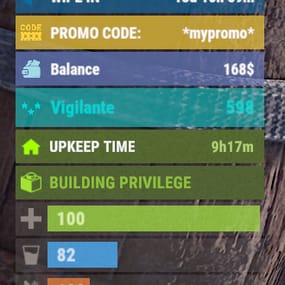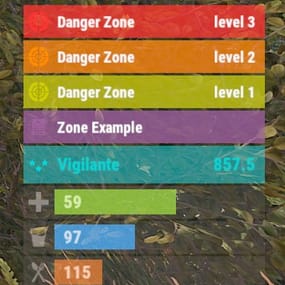


About Permissions Status
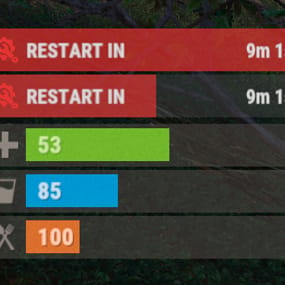
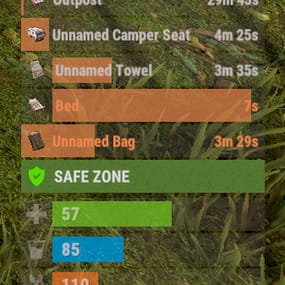
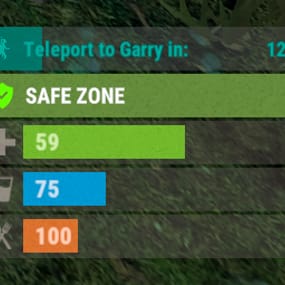
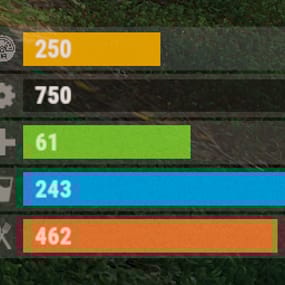
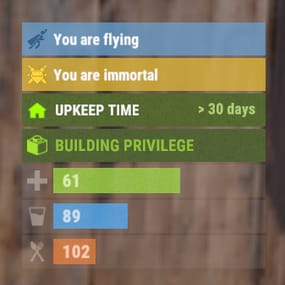
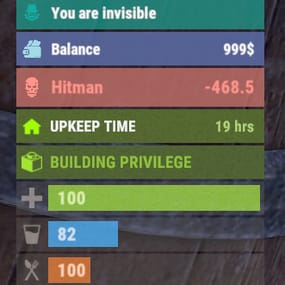
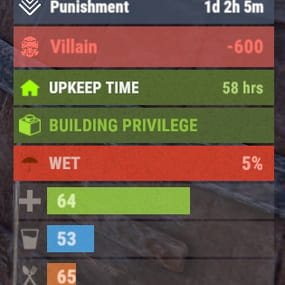
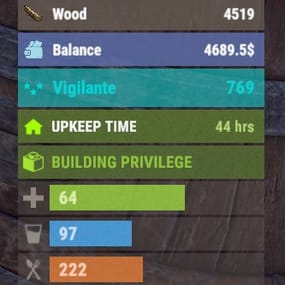
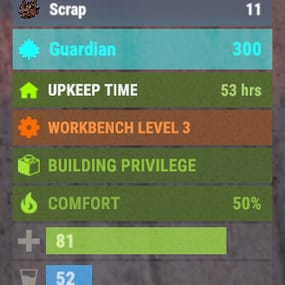
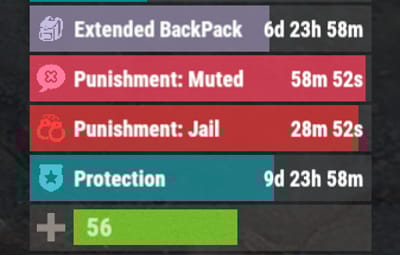
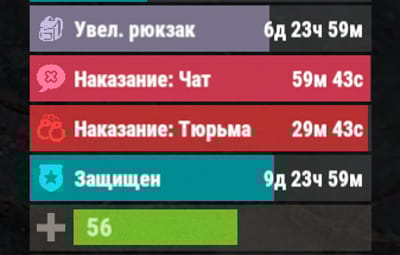
The plugin that displays temporary permissions and groups in the status bar. Depends on AdvancedStatus plugin.

- The ability to display temporary and permanent permissions;
- The ability to display temporary and permanent groups;
- The ability to display temporary and permanent permissions from groups;
- The ability to automatically generate language files for different languages(filled in English);
- The ability to customize the bar for each permission and group;
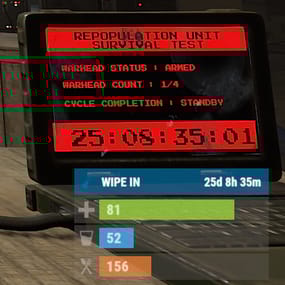
- The ability to choose between bar types(TimeCounter and TimeProgressCounter);
- The ability to specify the order of the bar;
- The ability to change the height of the bar;
- The abillity to customize the color and transparency of the background;
- The ability to set a material for the background;
- The ability to switch between CuiRawImageComponent and CuiImageComponent for the image;
- The ability to get images from the local folder(*SERVER*\oxide\data\AdvancedStatus\Images);
- The abillity to set own image and customize the color and transparency of the image;
- The abillity to set sprite instead of the image;
- The ability to customize the color, size, font and outline of the text.

{
  "Chat command": "pstatus",
  "Is it worth enabling GameTips for messages?": true,
  "List of language keys for creating language files": [
    "en"
  ],
  "Is it worth clearing saved settings for permissions and groups upon detecting a wipe?": false,
  "Is it worth displaying the status bar only when players are in the safe zone or have building privilege?": false,
  "Default display mode for new permissions(Disabled, Temporary, UntilWipe, Permanent, All)": "Temporary, UntilWipe",
  "Default display mode for new groups(Disabled, Temporary, UntilWipe, Permanent, All)": "Temporary, UntilWipe",
  "Wipe ID": null,
  "Version": {
    "Major": 0,
    "Minor": 1,
    "Patch": 4
  }
}
P.S. The default status bar configuration can be adjusted in *SERVER*\oxide\data\PermissionsStatus\BarsConfig.json under the key "_default".

EN:
{
  "CmdFailed": "The entered command is incorrect! Try '/{0} display'",
  "CmdDisplayEnabled": "Displaying the bar is enabled!",
  "CmdDisplayDisabled": "Displaying the bar is disabled!",
  "BarUntilWipe": "Until wipe",
  "BarPermanent": "Permanent"
}
RU:
{
  "CmdFailed": "Введена не верная команда! Попробуйте '/{0} display'",
  "CmdDisplayEnabled": "Отображение бара включено!",
  "CmdDisplayDisabled": "Отображение бара выключено!",
  "BarUntilWipe": "До вайпа",
  "BarPermanent": "Постоянный"
}
The language file is generated during the plugin initialization process. Additionally, when creating a new permission or group, a key for it will be automatically added.
Note: You can also specify in the configuration file the generation of language files for other languages besides en and ru.
In the "\data\PermissionsStatus\" folder, there are three files:
- BarsConfig.json - stores status bar settings with their unique keys.
- GroupsConfig.json - contains settings for groups.
- PermissionsConfig.json - contains settings for permissions.