
SlayersRust
-
Posts
1,815 -
Joined
-
Last visited
-
Days Won
18
Content Type
Profiles
Warranty Claims
Downloads
Forums
Store
Services
Downloads Plus Support
DOWNLOADS EXTRA
Everything posted by SlayersRust
-
 I am able to damage players Tool Cupboards but everything else seems protected. Here is my config. They should be protected, what is the issue? { "General Rules": { "Allow Friendly Fire": true, "Allow Suicide": true, "Kill Sleepers": false, "Player Radiation Damage": false, "Damage to Horse": false }, "Player Rules": { "Player can hurt players": false, "Player can hurt animals": true, "Player can hurt NPC": true, "Player can damage Minicopter, TCopter, Vehicles)": false, "Player can damage other players buildings": false, "Player can damage own buildings": true, "Player can damage own temamates building": true }, "Npc Rules": { "Npc can hurt players": true, "Animal can hurt players": true, "Patrol Heli can hurt player": true, "Patrol Heli can hurt buildings": false, "Player Sam site ignore player": true, "Npc Sam Site ignore players": true, "Bradley can hurt players": true }, "Entity Rules": { "Walls entitys can hurt players(Example: High External Stone Wall)": true, "Barricade Entitys can hurt players(Example: Wooden Barricade)": true, "MLRS Rocket can damage player or buildings": false, "Vehicle entitys can hurt players(Example: Cars, Mini, Scrapheli)": false, "Disable Traps(Bear Trap, Land Mine, GunTrap, FlameTurret, AutoTurret)": true, "Enable Vehicle collsion damage": false }, "Loot Rules": { "Use Loot Protection": true, "Admin Can Loot All": false, "Teams Can Access Loot": true }, "Notifications": { "Prefix": "<color=#9ab957>[SimplePVE]</color>: ", "Chat Avatar": 76561198059348841, "Show PVE Icon Overlay": true, "Show PVE Warning Messages": true, "PVE Warning Type(Chat/UI/Both)": "Both", "PVE Warning Chat Message": "PVE enabled on this server, blocking damage.", "PVE Warning UI Settings": { "Anchor Min": "0.786 0.722", "Anchor Max": "0.99 0.815", "Warning Image URL": "https://i.postimg.cc/0jZNDr9x/Add-a-subheading-2.png" }, "Show Loot Protection Messages": true, "Loot Protection Type(Chat/UI/Both)": "Both", "Loot Protection Chat Message": "This entity is protected!", "Loot Protection UI Settings": { "Anchor Min": "0.786 0.722", "Anchor Max": "0.99 0.815", "Warning Loot UI Image URL": "https://i.postimg.cc/SxSsS67s/Add-a-subheading-1.png" } }, "Zone Rules": { "Use ZoneManager": true, "Disable PVE Rules in zones": true } }
 -
How do I move the PVE ICON to the left of the Weapons bar?
-
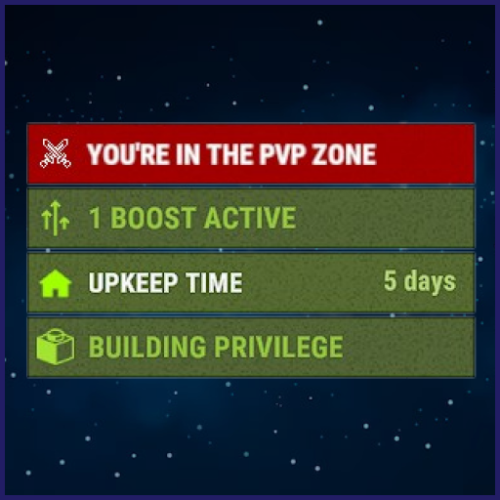 Could we have support for showing PVE status when outside of the PVP Zone? That would be amazing! Because I only have Launch Site set as PVP Zone and would like the PVE indicator to be on all other times.
 -
 Whatever is the easier more performance friendly option would be nice to have A simple dome with a Notifier when you enter and leave stating the base has Active Offline raid Protection would be cool.
- 299 comments
-
- 1
-

-
- #protection
- #base
- (and 5 more)
-
Would it be possible to add a Feature where any base that currently has Offline Raid Protection enabled could have a Visible Zone manager Bubble around it? And also maybe have Txt whenever you enter stating this base has Offline Raid Protection, like the txt whenever you enter and leave Zone Manager Zones. I think that would be an amazingly cool feature!
-
 How do we change the Heli Minimum height? Sometimes it gets stuck on the water and just stays there and anyone can kill it easy because its flying so low so often.
 -
 If you watch the AI in the vehicles they are glitching tons and moving lots while driving. I thought this would help server performance to make them inactive until players come close. BotReSpawn plugin and ZombieHorde plugin does this. Makes the movements of the AI inactive until players get close for better server performance.
 -
Does anyone know why my Convoy Event isn't automatically starting? Here is my config. I only want the Hard one to spawn and I have it set to 100 percent probability and Automatic Startup set to True I have these turned on "Enable automatic event holding [true/false]": true, "Minimum time between events [sec.]": 60, "Maximum time between events [sec.]": 60, "Automatic startup": true, "Probability of a preset [0.0-100.0]": 100.0, Here is the Pastebin of my Config: https://pastebin.com/rqT6AFPN
-
Also I wonder if its possible to Turn off AI of scientists within the vehicles until players get in range or until the convoy is attacked?
-
Is there a way to add Turrets to some of the vehicles?
-
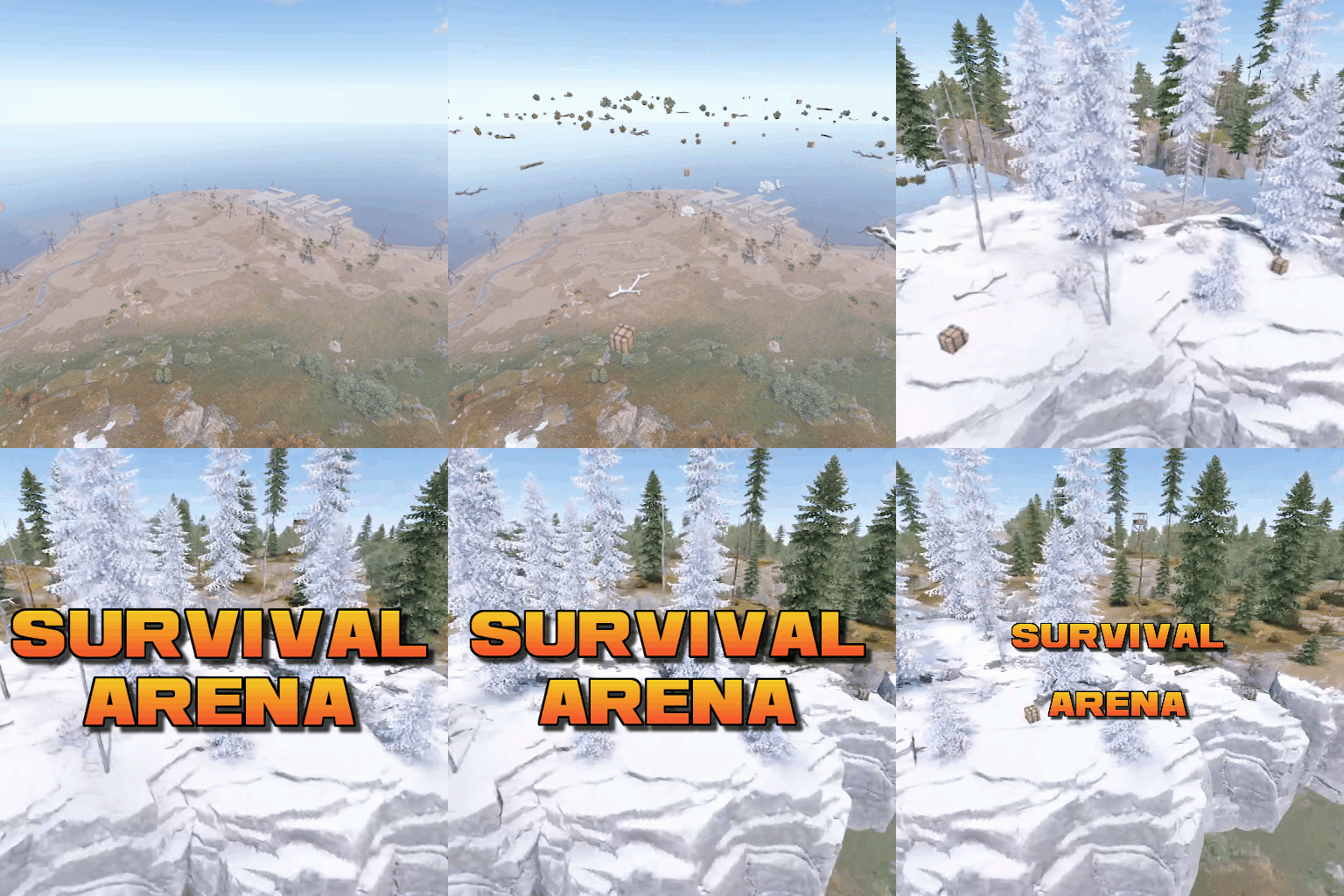 Oh I believe this is for your other Plugin Paintball Arena sorry about that, I think I also left a message on this plugin.
 -
Players using a building plan and /bgrade 4 maybe can build I think? https://umod.org/plugins/bgrade?__cf_chl_tk=CPDWZgD4iKNGryYF5VDpC22c1OGqzjFGihIkzzPhYT4-1691309919-0-gaNycGzNDaU A player sent me a photo of him building up there thats all
-
Hello! We currently have an issue on all 5 of our servers running this Plugin where if a player just logs off and goes Offline while being Raided their Offline Protection automatically gets applied blocking the Raiders. When I have in my config the following: "Delay for offline protection (seconds)": 600, "Delay after taking damage (seconds)": 600 But for some reason no matter what players can not continue to raid the second the players go Offline, we have tested this several times with many different teams and players. How I assume it should work is that players should be able to continue to raid indefinitely as long as they break a building block once every 600 seconds. But how it's working now is the second a players goes Offline while being raided the "100% Offline Raid Protection" is taking effect. How can we fix this?
-
That's amazing, we also have it so players can build with no materials as well as craft in the same fashion, is there a way to make the arenas a build blocked zone for players? I guess if they can't craft they won't be able to get a build plan/hammer to build in the first place anyways so this one fix might be efficient enough to block both possibly anyways. Thanks for looking into this and working with me We love your arena plugins on our 7 servers
-
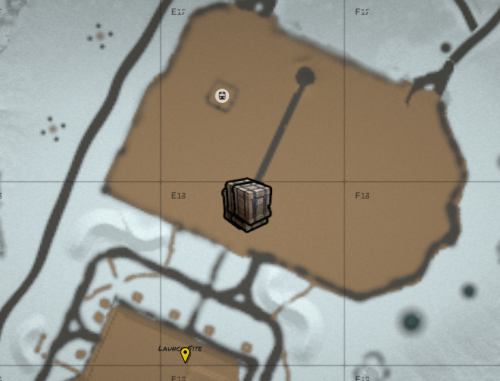 Is it possible to chose a single custom location on the map for this to spawn?
 -
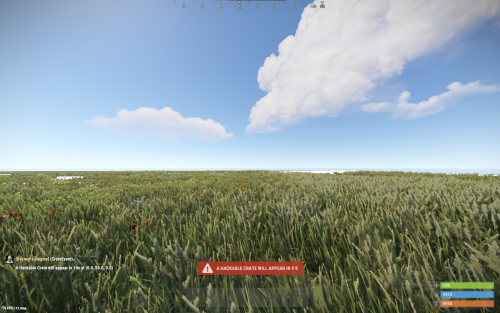 Can you chose in the configuration how many crates spawn in an area? I'd like to have several locked crates spawn in an area on my Battlefield server
 -
 Needs an update broken after latest update
 -
 Broken after todays update! Needs fixing
 -
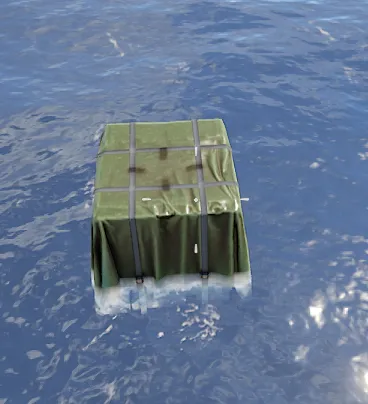 Is this currently working on normal servers that are NOT using Shipwreck Plugin without any spam errors or lag etc and the unable to open sometimes issue?
 -
Is it possible for a player who wants to raid a base to see how long is left on a bases Offline Protection when they shoot it? Right now it only displays "Protected 100%" in red with Custom Status Framework and a green 100% protected shield. But it does not say how long the base is protected for and when it will be raidable for the raider. Is there a way to display how much time left until the base will be off Offline Raid Protection to the raider?
- 299 comments
-
- 1
-
-
- #protection
- #base
- (and 5 more)
-
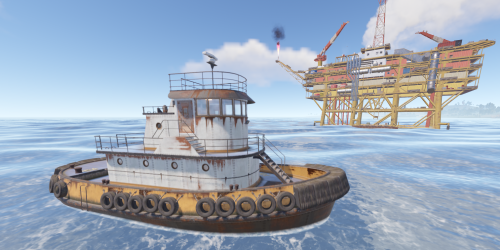 Awesome my players would love that thanks so much!
 -
I use Virtual Items Plugin to remove craft costs for all items on my Battlefield Servers. How do I stop players from being able to craft within the arena? https://umod.org/plugins/virtual-items
-
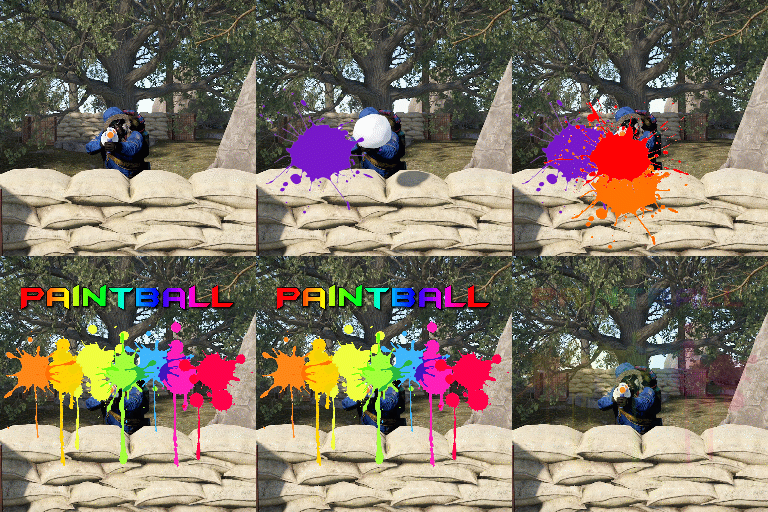 I use Virtual Items Plugin to remove craft costs for all items on my Battlefield Servers. How do I stop players from being able to craft within the arena? https://umod.org/plugins/virtual-items
 -
 Plugin is absolutely perfect after the most recent update! I love the ability to have transparent markers and change the Icon next to the plugin. The developer was quick to add things which I'm grateful for. The plugin adds lots of life to my Battlefield Rust server and keeps the pop higher by bringing the action to the server areas quicker! Highly recommend! 10/10
 -
 Very cool! My players are very excited for this, thank you so much! Another thing that would be cool to see if maybe a first to 10 kills wins or something so they arenas last a bit longer.

