


imthenewguy
-
Posts
5,871 -
Joined
-
Last visited
-
Days Won
71
Content Type
Profiles
Warranty Claims
Downloads
Forums
Store
Services
Downloads Plus Support
DOWNLOADS EXTRA
Reels
Everything posted by imthenewguy
-
 Can you show me a screenshot of the actual error from console?
 -
What entities are you having this issue with? Mouse3 = Fire_third. If you have rebound that it wont work. Does the dnpickup command work to pick them up?
-
Will remove the buttons next release. You can change the currency format in lang under "NatureMarketPriceDisplay"
-
 Hey mate a feature request for you. When I do UI, i often want to manipulate the elements using offsets, not changing the anchors. Would it be possible to get a tick box or a lock icon or something under the positions menu to lock anchor points, so any movements etc are automatically handled via offset? Really enjoying the tool btw. Really awesome work.
- 17 comments
-
- 2
-

-
- #cui
- #cui editor
- (and 2 more)
-
Sounds like there may be another plugin conflicting with it and changing the values. Do you run any other plugins that affect health or metabolism?
-
 Make the icons for me and I will add it in the next release
 -
I dont even see it on this website.
-
It should be updating the config file with the new position. When you move it next time, type save into your server console.
-

Calling hook STCanGainXP resulted in a conflict
imthenewguy replied to hid333's Support Report in Support
I will need to figure out a solution for this. -
 They will roll individually. For example if you have 2 chance buffs at 50%, it will roll 2 times at 50%, not once at 100%.
- 32 comments
-
- 1
-
-
- #skilltree
- #skill
- (and 10 more)
-
Yeah I don't understand what you are wanting mate. I said there are hooks available already. Not commands.
-
Yeah they must have changed the prefab. You can adjust it in the config.
-
You would need to ask the developer to add support for the item.text field for the Custom Vending Setup plugin. Seems to be the only field missing from the VendingItem class. Should be an easy thing to add. Once added, it would look something like this: Skill Tree Items config entry: "forbidden archive": { "displayName": "forbidden archive [XP: 5000 - 10000]", "shortname": "xmas.present.large", "skinID": 3646162194, "effects": [ { "min": 5000.0, "max": 10000.0, "type": "XPInjection", "preventXpModifiers": false } ] }, Custom Vending Setup entry { "SellItem": { "ShortName": "xmas.present.large", "DisplayName": "whatever displayname you like here", "Text": "forbidden archive" "Amount": 1, "Skin": 3329896239 }, "CurrencyItem": { "ShortName": "redidtag", "DisplayName": "Heli Token", "Amount": 9, "Skin": 3447697655 }, "RefillMax": 100, "RefillDelay": 0 }, You can see that I am referencing the entry of the skill tree item pro item in the text field of the custom vending setup item (in this case it's "forbidden archive". You create any number of types of items in the SkillTreeItemsPro config, then reference those in the "Text" field of the Custom vending setup (if the developer adds support for the Text field).
-
The 2 hooks I gave you should be more than suitable for that. If a hotspawn spawns, and there are currently no active hotspots, it will fire OnFishingHotspotsStarted. If a hotspawn despawns, and that was the last active hotspot, it will fire OnFishingHotspotsEnded.
-
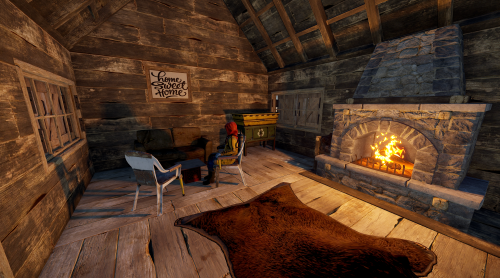 No, but I am sure there is a plugin that exists. You would just create a custom skill that gives the players the permissions to use it.
 -
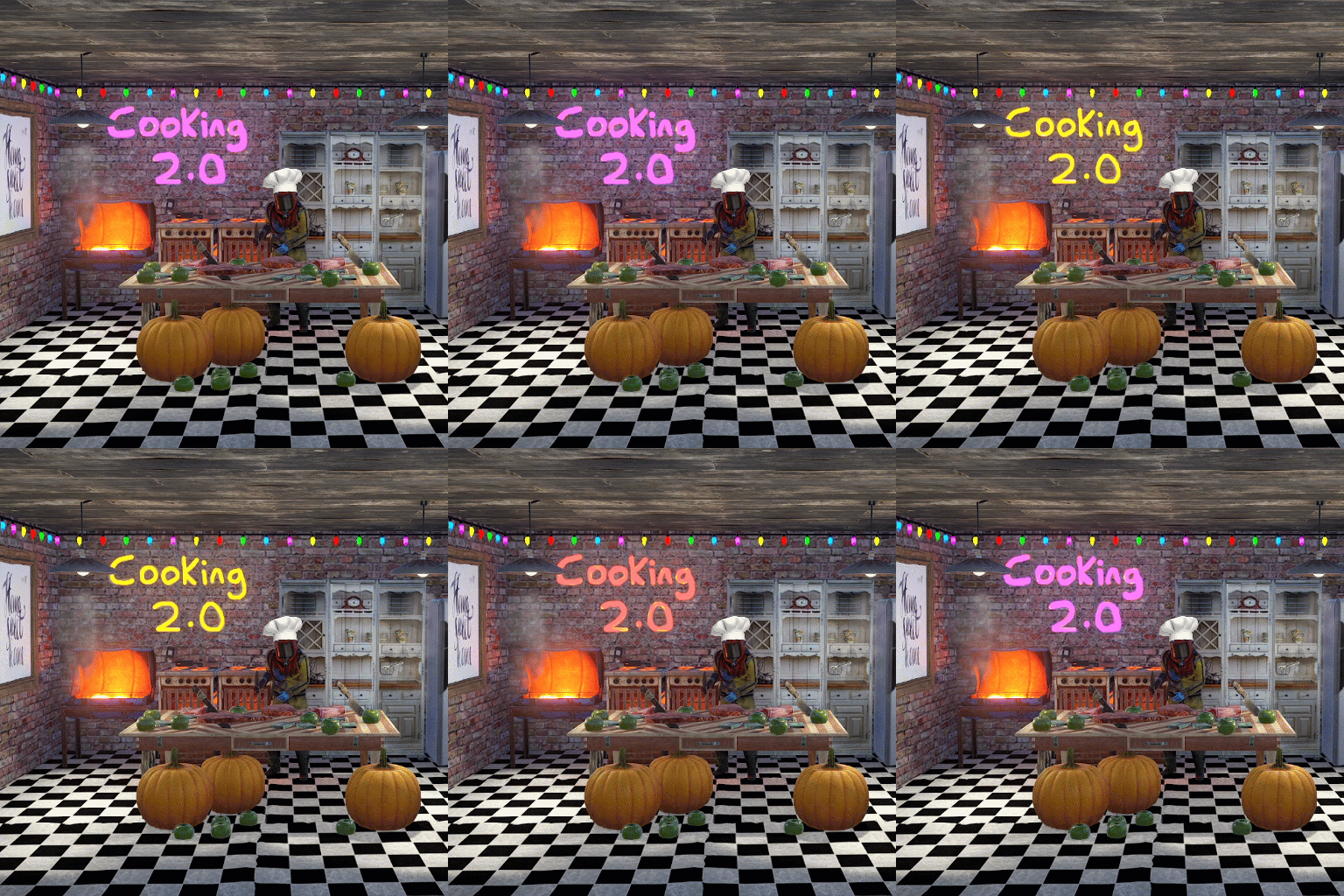 I built this plugin specifically due to the limitations of the default vending systems.
 -
What are you trying to do
-
Yeah they work differently. Download the beta version from here. Give me an example of the old setup in your shop and I will show you how to add it
-
Download the beta version
-
Will fix in next release
-
void OnFishingHotspotsStarted() // Fires when the first active hotspot spawns. void OnFishingHotspotsEnded() // FIres when the last hotspot despawns.
-
Download 1.0.42
-
Default profile example: "demolition instruction manual"
- 32 comments
-
- 1
-
-
- #skilltree
- #skill
- (and 10 more)
-
Will add to next release.
-
Issues with Experience Item Functionality and Stack Usage
imthenewguy replied to 9527's Support Report in Support
Behaves differently for me. I have released a new version that may fix the issue, but it will break all pre-existing skill tree items on your server. I recommend updating to it when you wipe your server next. Rust 2026-03-09 12-35-04.mp4
