

imthenewguy
-
Posts
5,085 -
Joined
-
Last visited
-
Days Won
71
Content Type
Profiles
Warranty Claims
Downloads
Forums
Store
Services
Downloads Plus Support
DOWNLOADS EXTRA
Reels
Support Center
Everything posted by imthenewguy
-
Its been on my discord for a while. Next update will probably be close to forced on here though.
-
if the plugin that is being used to give the item uses %steamid% as the placeholder for the userid of the player, then it should work fine.
-
 Ill need a video of the issue. Cant' see where the issue is, and others don't have this issue.
 -
What PVP arena?
-
Thank Facepunch for that You will be able to add skin ids into the config manually. It just won't generate a default config.
-
You can just delete the skins for now. I won't be adding a feature to prevent servers from loading the skins on. I just won't be including them in the default config anymore.
-
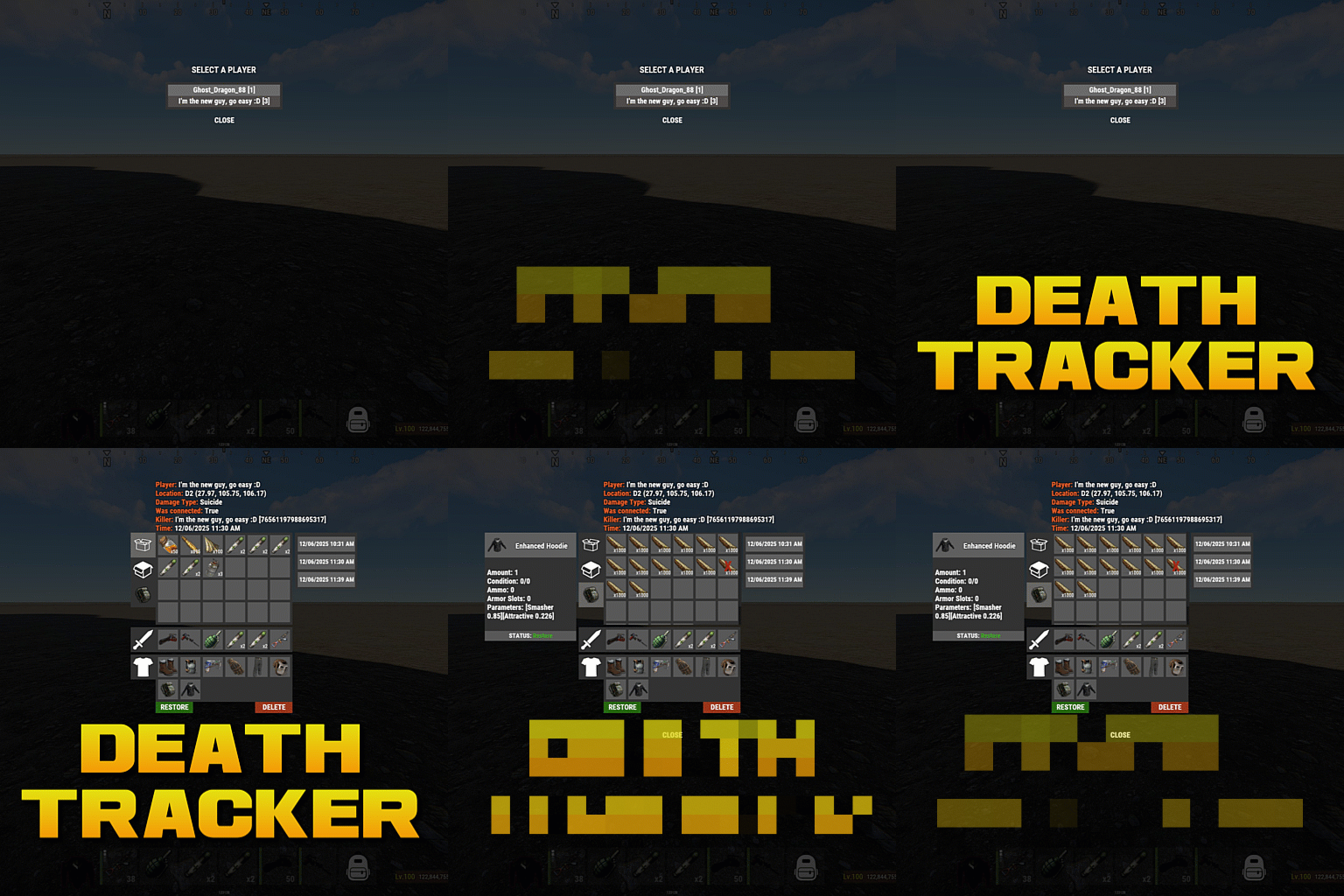 What would the Restore all button do?
 -
 If the command isnt registered and the permission doesn't exist, I would hazard a guess that the plugin is unloading itself because you don't have EventHelper and CopyPaste. Both need to be on the server.
 -
It does use paid skins. Ill have to look into it
-
 Ya I can add that.
 -
Nah nothing in the plugin for this.
-
Changed Status from Pending to Closed
-

Add Config to Bypass MaxHealth Buff Check (1.2.13update)
imthenewguy replied to pixel_excel_axel's Support Report in Support
If you load the previous version, does it work? -
May be a config setting in raid base about repairing items.
-
Add Config to Bypass MaxHealth Buff Check (1.2.13update)
imthenewguy replied to pixel_excel_axel's Support Report in Support
Sorry I must have missed this reply. The armor doesnt consume anything. It simply uses the player modifier to give health above 100. If there are other plugins that are using this modifier, then that is a conflict and there isn't much that can be done to resolve it; you would need to disable the max health perk. What happens if you unload all other plugins on your server and reload EpicLoot while wearing the equipment? -
Changed Status from Pending to Closed
-
It would create a new pack where the BetterNPC dies with the item in it if it drops. Set Loot Source to BetterNPC and set the next field to the profile name of the npc.
-
"Loot source" is an enum. You can only select from the Loot Sources listed on the main page, like Barrel, BossMonster etc. No idea what the dungeon plugin uses in terms of NPC. If it doesn't use NpcSpawn then the plugin wont support adding loot to the boss (unless you wanted to add the same loot to all scientist npcs of the same type). If it is NpcSpawn, then you can use BetterNPC as the Loot source, and the name of the NpcSpawn profile for the prefab shortname, boss profile, event name field. I assume Loot source having the paths to the NPC prefabs would be throwing an error when the plugin loads.
-
Changed Status from Pending to Closed
-
Remove recyclers how?
-
New tab next to mining for a custom Tree
imthenewguy replied to World_Gamerz's Support Report in Support
Plugin allows you to add your own custom skills and trees already -
Repairing Epic Loot to full durability with Blacksmith skill
imthenewguy replied to irchaz20's Support Report in Support
Changed Status from Pending to Closed -
Skill Tree no longer working/causing server problems
imthenewguy replied to irchaz20's Support Report in Support
If you change the lang and don't maintain the placeholders like {0} {1}, or if there are missing commas, or quotation marks, then it will throw the LoadDefaultMessages error. -
What was the issue?
-
Repairing Epic Loot to full durability with Blacksmith skill
imthenewguy replied to irchaz20's Support Report in Support
In the EpicLoot config: "Allow the MaxRepair buff from SkillTree to repair EpicLoot items to max condition?": true,
