


imthenewguy
-
Posts
4,739 -
Joined
-
Last visited
-
Days Won
59
Content Type
Profiles
Warranty Claims
Downloads
Forums
Store
Services
Downloads Plus Support
DOWNLOADS EXTRA
Everything posted by imthenewguy
-
 The main difference is epic loot is based around item sets and wearing different items with the same set to unlock more bonuses. ItemPerks is individual buffs attached to individual pieces of gear. Both plugins can work together and there are servers that run both in tandem (with modifications to the power of some buffs).
- 204 comments
-
- 1
-

-
- #items
- #enhancement
- (and 6 more)
-
 Yeah the sulfur was a mistake. Remove it from the config and you should be good.
 -
 Set team handling in config to false. Its not compatible with clans.
 -
Any holdable or wearable item.
-
Yeah you can set whitelist or blacklists for each perk type and add item shortnames into each list that you want to restrict from receiving the perk (blacklist), or exclusively receive that perk (whitelist).
-
Type /sprize to get the rewards.
-
Adding scores to the next release. Rust 2024-10-19 12-33-09.mp4
-
 Have a read through this https://umod.org/guides/getting-started/localization
 -
Version 1.0.0
4 downloads
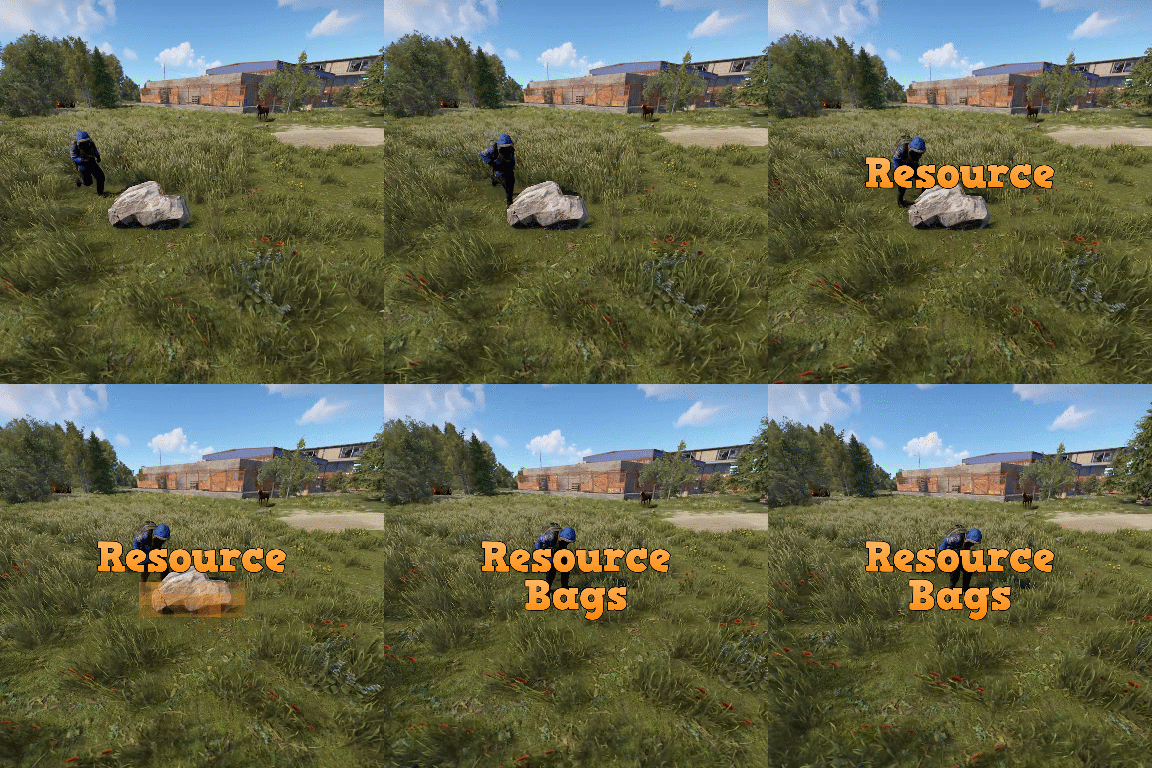
Resource bags is a plugin that allows for the creation of customized backpacks with overriding stack sizes for white listed items. Server owners can: Create custom backpack profiles. Set crafting item requirements (base value + cost per slot). Add a list of items and set the stack modifiers for each individual item that the bag can take (for example: 3x stone). Set permissions to only allow authorized players from using specific bags. Permissions resourcebags.loot - Required to find bags in loot container. resourcebags.craft - Required to craft bags.$19.99 -
If they don't have any of the perms, they won't see any of the plugin/UIs.
- 1,565 comments
-
- 1
-

-
- #leveling
- #progression
- (and 19 more)
-
Its an instanced list, so it would need to be run each time the plugin loads. IF you dont want certain players having access, could you not give them the perms to use the plugin?
-
Are you talking about the actual item name that rust displays? If so, it's not possible to support lang with it.
-
There isn't a permission that disables buffs as it would be quite taxing to check it as frequently as it would need to be. There are hookmethods in the plugin that allow other plugins to disable the skills (while at events for example), and the next version has a command that disables them globally (for things like purge). I can look at adding a command to disable buffs for target players if that helps?
-
 Aren't there plugins that handle that sort of thing for servers like that?
 -
It would support your prefab
-
 1.0.0 is fine with speeds up to 10, but any faster and it gets a little bugger. 1.0.1 fixes that issue. Here is a snap I took yesterday. It shouldn't trigger an EAC ban because it's the server causing the player to run faster, and its resetting the antihack for speed regularly. Rust 2024-10-14 20-44-34.mp4
 -
Version 1.0.3
81 downloads
Motorbike racing is a plugin that allows you to build and host motorbike race tracks in-game. The plugin is integrated with a track building system that gives you full control over where and how you build your race tracks. Players can compete for prizes for winning, or compete for the fastest lap times on a map for bragging rights. Races are associated with the .map file name that they were built on, and will automatically load when a map with the same name is loaded. I would like to extend a special thanks to @monsterqueen for the idea and supplying the prefab. You can test out the plugin and prefab on her server: us.themonsterden.net. Features Map building system that is easy to use and powerful. Global scoreboard to track the amount of wins for each race track, as well as the fastest times. Seamless enrollment into the event - players will be teleported to the race when it begins, and their items will be stored safely until it's completion (or they leave). Start to finish race handling - the plugin will restrict the contestants to the configured value or the number of motorbike spawns (whatever is lower), and will handle the race, scoring and prizes. Customizable prizes based on placement - you can set customizable prices (including economics, server rewards and items), based on the position that the player finished. EventHelper support - the plugin will work with EventHelper's auto start and event vote features. Permissions motorbikeracing.admin - allows for the user of the buildmap command and the manual starting of races Chat commands buildmap <race name> - Starts the map building process. Avoid using the dash (-) symbol in the map name. buildclearspawns - removes all spawns from a map while in building mode. savemap - Only usable during the map builder. It saves the map file you are working on. startrace <race name> - Manually starts the desired race. Run the command with no parameters to see valid races for the current map. endrace <race name> - Ends the selected race. If there is only 1 race active, you don't need to use the race name parameter. rscore - Opens up the hi scores. joinrace <race name> - Joins the desired race. leaverace - Leaves the active race. racerestoreitems - restores the players items if they weren't restored automatically (ie they died somehow). raceprize - redeems any prizes that the player is owed. Video and pictures were taken using this prefab:$19.99 -
 Think you can do it through eventhekper from memory.
 -
What did you need it for?
-
Version 1.0.7
725 downloads
Movement speed is a plugin that allows servers to create permission based speed increases for running and swimming. Server owners can create as many custom permission levels as they desire, and permissions are split between swimming and running, allowing for a lot of flexibility. The plugin allows for multiple speed boost permissions to be applied, and will select the highest speed modifier where applicable. This plugin will work great with: Skill Tree: This plugin can be used to create a new permission based skill inside of the Skill Tree, and supports leveling up. Cooking: A new recipe can be created that will give the player a temporary skill buff when consumed. Epic Loot: Add the speed value as part of a set bonus to provide players with faster swimming or running when wearing a set of equipment. Permission: movementspeed.admin - allows user of commands. Commands msdisablerun <steam id> - forces the players run speed to be disabled. msdisableswim <steam id> - forces the players swim speed to be disabled. msenablerun <steam id> - re-enables the run speed. msenableswim <steam id> - re-enables the swim speed. togglerun - Turns run speed on/off for the command user. toggleswim - Turns swim speed on/off for the command user. Config integration examples Cooking "energy drink": { "enabled": true, "shortname": "fish.cooked", "skin": 3348991998, "description": "Pretty sure I can hear colors and taste time right now... anyone else vibrating?", "duration": 120, "buffs": { "Permission": 1.0 }, "Commands to run when the player consumes the food [key = command, value = description]": { "o.grant user {id} MovementSpeed.run.5": "Increases your movement speed by 100%." }, "Commands to run when the food buff expires": [ "o.revoke user {id} MovementSpeed.run.5" ], "persistThroughDeath": false, "cookTime": 15.0, "useCooldown": 0.0, "permissionToCook": null, "dropWeight": 100, "allowDefaultEffects": false, "Effect settings": { "Effect to run when the player consumes the meal": "assets/prefabs/clothes/halloween.scarecrow/effects/soul_release_effect.prefab", "Should the effect run server side?": true, "Max distance heard [0 = no limit]": 20.0 }, "Ingredients for meal": { "sugar": 5, "pineapple": 1, "red berry": 2, "blue berry": 2 } }, Skill Tree - Swim speed "Olympic Swimmer": { "Permission required to show this node": null, "Minimum prestige required to unlock this node": 0, "Skill required to unlock node [Requires max level]": null, "Skill that if unlocked, will prevent this node from unlocking": null, "enabled": true, "max_level": 5, "tier": 3, "value_per_buff": 1.0, "buff_info": { "Key": "Permission", "Value": "Permission" }, "icon_url": "https://www.dropbox.com/s/6blc3eiarm07rku/cooking%20tree%20example.v1.png?dl=1", "skin": 3349007497, "permissions": { "description": "This node provides you with <color=#42f105>20%</color> faster swim speed per level.", "perms": { "1": { "perms_list": { "MovementSpeed.swim.2": "Swim speed - <color=#61e500>+20%</color>" } }, "2": { "perms_list": { "MovementSpeed.swim.3": "Swim speed - <color=#61e500>+40%</color>" } }, "3": { "perms_list": { "MovementSpeed.swim.4": "Swim speed - <color=#61e500>+60%</color>" } }, "4": { "perms_list": { "MovementSpeed.swim.5": "Swim speed - <color=#61e500>+80%</color>" } }, "5": { "perms_list": { "MovementSpeed.swim.6": "Swim speed - <color=#61e500>+100%</color>" } } } } }, Skill Tree - Run Speed "Athletic": { "Permission required to show this node": null, "Minimum prestige required to unlock this node": 0, "Skill required to unlock node [Requires max level]": null, "Skill that if unlocked, will prevent this node from unlocking": null, "enabled": true, "max_level": 4, "tier": 2, "value_per_buff": 1.0, "buff_info": { "Key": "Permission", "Value": "Permission" }, "icon_url": "https://www.dropbox.com/s/6blc3eiarm07rku/cooking%20tree%20example.v1.png?dl=1", "skin": 3349007405, "permissions": { "description": "This node provides you with <color=#42f105>20%</color> faster run speed per level.", "perms": { "1": { "perms_list": { "MovementSpeed.run.2": "Run speed - <color=#61e500>+20%</color>" } }, "2": { "perms_list": { "MovementSpeed.run.3": "Run speed - <color=#61e500>+40%</color>" } }, "3": { "perms_list": { "MovementSpeed.run.4": "Run speed - <color=#61e500>+60%</color>" } }, "4": { "perms_list": { "MovementSpeed.run.5": "Run speed - <color=#61e500>+80%</color>" } } } } }, API AddRunSpeedBoost(BasePlayer player, string plugin, float modifier, float duration, bool forceOverwrite) AddSwimSpeedBoost(BasePlayer player, string plugin, float modifier, float duration, bool forceOverwrite) RemoveRunSpeed(BasePlayer player, string plugin) RemoveSwimSpeed(BasePlayer player, string plugin)$9.99 -
The plugin respawns a new workbench immediately after it's killed. The plugin loads 1 of each bench under the map, then removes them when the plugin unloads. These are required for the Human_Workbench skill. Set that skill to false and it will stop the workbenches from spawning.
-
Nothing in the config gives xp for shooting and nothing for melee, there are only settings for the other way around. It sounds like you have a potential conflict. The barrel may be destroyed before SkillTree sees the hook for the player who destroys it with a melee weapon. Unload all other plugins on your server to test. if the issue is resolved, it means you have another plugin conflicting with mine.
-
 It already has automated starting
 -
 Ill sort that out
 -
Set this to true: "Use Rust's default loot profile? [true: Will only give items that the container could provide]"

