Zoreeno
-
Posts
254 -
Joined
-
Last visited
-
Days Won
4
Content Type
Profiles
Warranty Claims
Downloads
Forums
Store
Services
Downloads Plus Support
DOWNLOADS EXTRA
Reels
Everything posted by Zoreeno
-
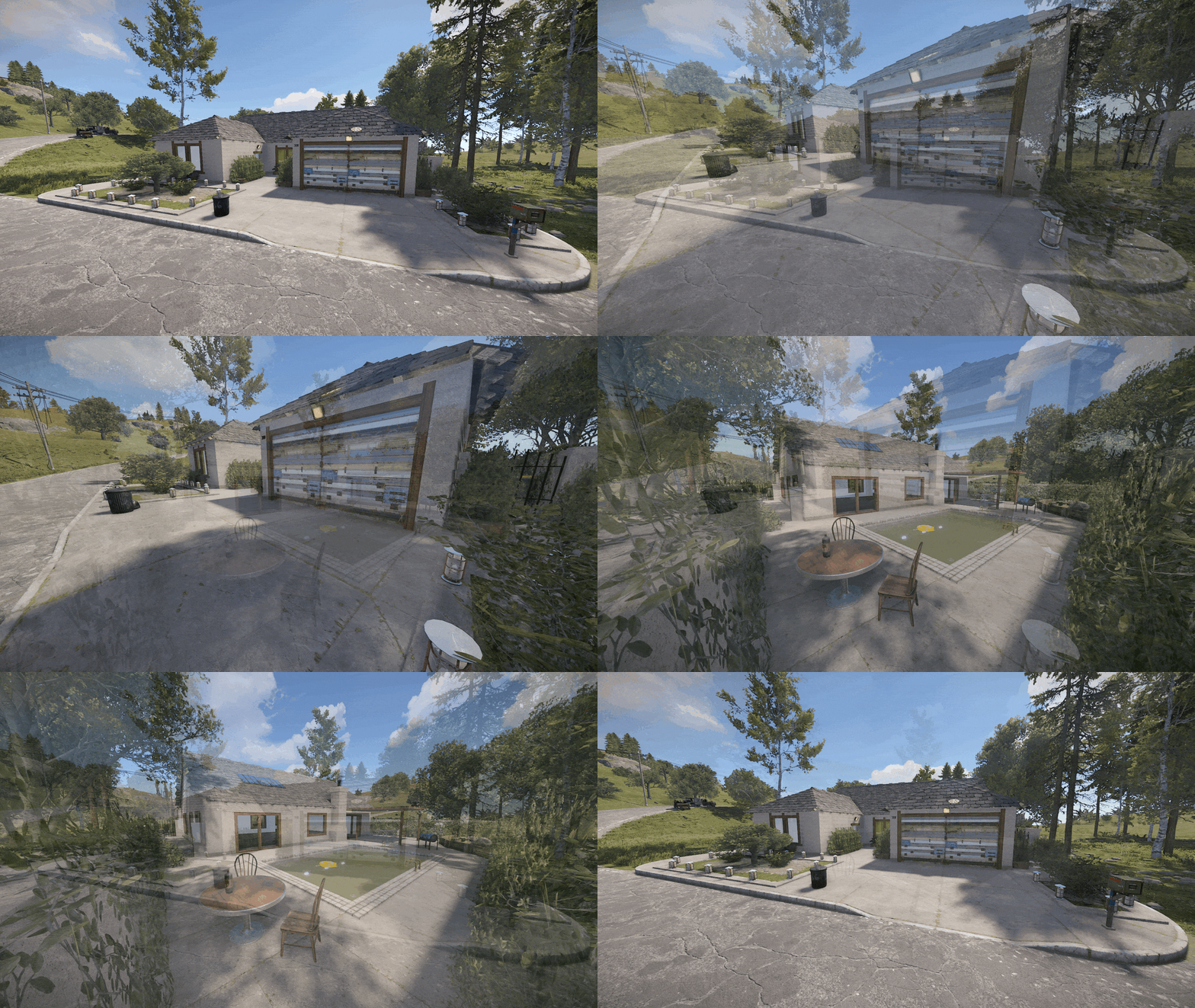 Hey man. Nice job with this one. Our server has a drug trade system and this fits in nicely. I attached a short clip of how it looks for anyone looking to buy this. The NPCs, keycard room, and the furniture do not come with this btw. https://streamable.com/be4bun
- 11 comments
-
- 1
-

-
- #breaking bad
- #custom places
- (and 3 more)
-
A nicely put together replica of Heisenberg's house. It's mean to be used as a place for players to build a base, but I repurposed it into a place where players can sell and buy drugs that they craft. Thanks for putting this up.
- 11 comments
-
- 1
-
-
- #breaking bad
- #custom places
- (and 3 more)
-
 @imthenewguyis there a way to make it so that the givexp command is not impacted by the xp multiplier perms that i have set up?
 -
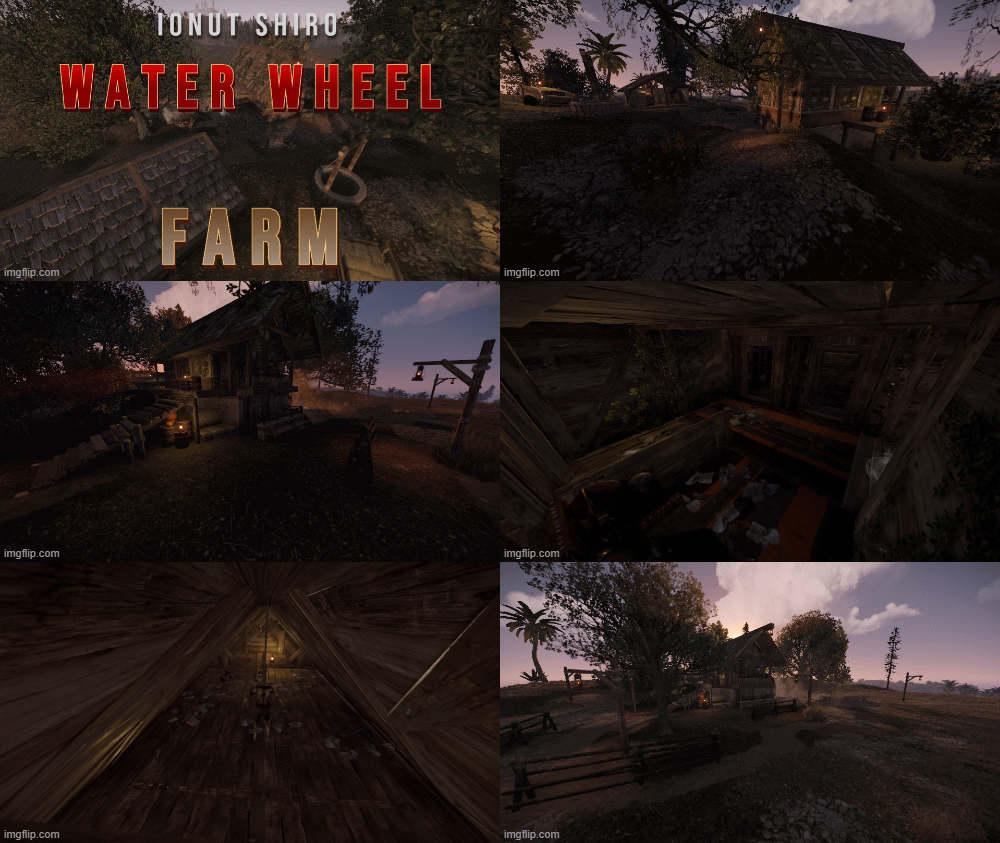 This is a great little mini-monument that you can plop down anywhere without taking up too much space. The detail on the pefab is great and there are a lot of little hidden areas and loot for players to discover. I've been putting this prefab on all of my maps recently and players really like it.
-
- 1
-

-
Hey glad my explanation made sense! Also glad you were able to push a fix so quickly. I would be glad to give this new version a test later tonight or tomorrow. Basically, I'm just glad as you can see.
-
Sorry to keep spamming, But i'm also having issue where if the player clicks the decline invite button it says that there is no trade to decline. But if they use the /dtrade command it declines it.
-
I may have hit send too soon on this. Think we figured it out. You have to click the accept button to get the fee container to open up. If you just type /atrade like the chat message says, that's when you do not get the fee container and it just cancels. Any chance that you could make it so that typing /atrade to accept the trade also pops up the fee container when a fee is set? Most of our players are used to pressing Tab - to open the inventory - to press our other UI buttons, but since the UI button on this is set as a Hud that fades into the background when inventory is open (and the inventory is covering the UI) it's impossible to click it that way. If not, it's cool. I can adjust the incoming trade message to explain how to do it without going into inventory.
-
Hey. I'm not sure what i'm doing wrong, but we're testing the plugin using scrap as a fee, I have it set to use currency type 1 and made sure that both testers have tons of scrap in their inventory to cover the fee, but as soon as one of them accepts the trade it immediately says that it's canceled with no reason just "Trade cancelled" If i go back into the config and change it to the no fee option, everything works perfectly fine between the same two testers. What could be wrong?
-
 Look for this setting in the main config file and set the number of minutes extremely high. "Minutes Until Despawn After Inactive (0 = disabled)": 7000, (0 for disabled might work too, never tried it) And then the below setting can be set to something much lower "Minutes Until Despawn After Looting (min: 1)": 15, What should happen is the bases will never despawn (unless you restart or the extremely log timer runs out) but if someone raids them and takes all the loot, they despawn after 15 minutes (or whatever you set it to) and a new base will spawn.
 -
Hey Nivex, is there a way in the current version to prevent bases from spawning in the Tier 0 topology so that they don't spawn near places that nakeds spawn? If not, would you be willing to add it in a future update? Like how you have the options for Building and Monument Topology spawn prevention.
-
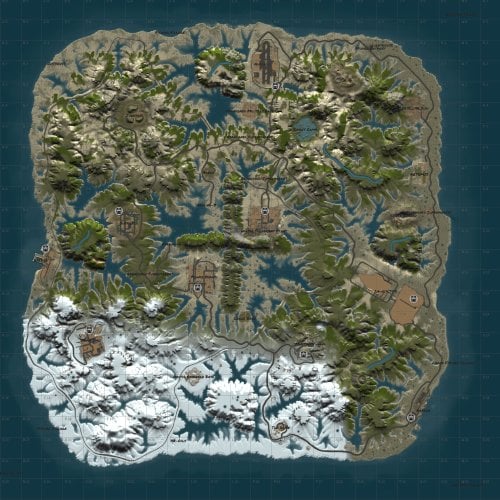 Looks really cool man, nice work! Your other map looks nice too, but a little too large for my liking, this one is perfect size though. I may have to snatch this one up here soon.
 -
maybe you don't use it, but whatever source you got that base file from does use it.
-
(1).thumb.png.808a3fccbcd4a28de5d7f511832a1442.png) Hey Raul, Does the marketplace support custom items? Custom Display name and skin? And if so, have you ever considered peeling the marketplace function off as it's own stand alone plugin? There is a lock of good plugins out there that allow players to buy/sell custom items between each other.
Hey Raul, Does the marketplace support custom items? Custom Display name and skin? And if so, have you ever considered peeling the marketplace function off as it's own stand alone plugin? There is a lock of good plugins out there that allow players to buy/sell custom items between each other. -
Looking for a plugin that would display a pop-up message (using something like notify API if needed) the very first time a player loots an item with a specific skinID. Our server uses a lot of custom items in the loot table and a pop-up to display some info about the item would be amazing.
-
Figured i would share this for anyone interested. If you are using Lockout Timers and want to have the UI be small and compact in the bottom left hand corner of the players screen you can use these Anchor settings in the main config file. "Lockouts": { "Enabled": true, "Easy Anchor Min": "0.018 0.012", "Easy Anchor Max": "0.038 0.033", "Medium Anchor Min": "0.04 0.012", "Medium Anchor Max": "0.059 0.033", "Hard Anchor Min": "0.061 0.012", "Hard Anchor Max": "0.08 0.033", "Expert Anchor Min": "0.082 0.012", "Expert Anchor Max": "0.102 0.033", "Nightmare Anchor Min": "0.103 0.012", "Nightmare Anchor Max": "0.123 0.033", You'll also need to adjust the text size to 10 for the timers via the language file. "UIFormatLockoutMinutes": "<size=10><b>{0}m</b></size>",
-
My bad dude, i now see that you removed the command in a previous update. It's still listed in the product description as a usable command which threw me off.
-
Forgive me if this is a user error but i'm trying to have it so that the lockout timer and UI appears on the players screen after they complete a raid, but also allow them the option to turn the UI panel off if they chose. I thought that the following command would do the trick but when i type it in nothing happens. I've tried the following syntax with no luck. /rb ui /rb ui off /rb ui lockouts /rb ui lockouts off I've tried with and without the allow.commands perm. I can't really think of anything else to try. Any tips on this?
-
 Ahhh this is exactly what I was asking about. Didn't know it did that. Nevermind my request
 -
There is a major issue with wood being deleted. This is an example with the BBQ, but it also happens in furnaces. I see others reporting this issue, but not much talks of a fix. Is there a maintainer of this plugin? Here is a clip showing the example and the error that shows in console when it happens. Failed to call hook 'SplitterCommand' on plugin 'OGSplitter v1.1.1' (NullReferenceException: Object reference not set to an instance of an object) at Oxide.Plugins.OGSplitter.OvenSplitter (BaseOven oven, BasePlayer player) [0x003a1] in <8d6d8383aa4a4ade8145103be6b2c264>:0 at Oxide.Plugins.OGSplitter.SplitterCommand (Oxide.Core.Libraries.Covalence.IPlayer iplayer, System.String command, System.String[] args) [0x0005a] in <8d6d8383aa4a4ade8145103be6b2c264>:0 at Oxide.Plugins.OGSplitter.DirectCallHook (System.String name, System.Object& ret, System.Object[] args) [0x00249] in <8d6d8383aa4a4ade8145103be6b2c264>:0 at Oxide.Plugins.CSharpPlugin.InvokeMethod (Oxide.Core.Plugins.HookMethod method, System.Object[] args) [0x00079] in <09575a60985045248bcb43b20faeeb99>:0 at Oxide.Core.Plugins.CSPlugin.OnCallHook (System.String name, System.Object[] args) [0x000d8] in <bae5f1223fce49c493b01571c99dce02>:0 at Oxide.Core.Plugins.Plugin.CallHook (System.String hook, System.Object[] args) [0x00060] in <bae5f1223fce49c493b01571c99dce02>:0 https://streamable.com/196xov
-
Does the paid version of RadiableBases support custom display names for items in the loot tables? Our server has a ton of custom items that i would love to be able to insert into the RaidableBases loot tables, but a lot of the plugins that make our custom items work rely on matching item display names. In the free version i can apply a skin but not a custom display name. This is the one thing that keeps me hesitant from buying the full version.
-
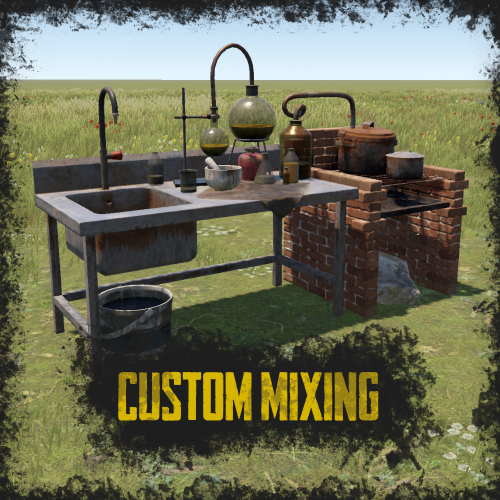
Hey man, cool concept here and I like how it looks very close to the rust default mixing UI. Would you be able to add a Custom Display Name setting for ingredients in a future update? So that if I have a custom display name set for an ingredient the PopUi would display it like it does other ingredients?
-
 Yezzir sure does!
 -
Thanks for the recent update, Steen. The enable/disable command works perfectly for what I needed. The temporary spawn command is also great, although i notice that it doesn't spawn the NPCs at the exact custom spawn locations that i set for the profile, instead it spawns them at the profile location based on the radius I have set for the profile. This might actually be intentional, but figured I would let you know just in case.
-
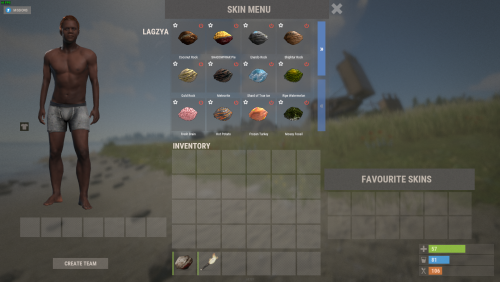 No sorry I don't have that error in my console logs. Only other suggestion i have for you is to unload the Image Library plugin then delete all data and config files for ImageLibrary then reload ImageLibrary plugin and allow it to recreate all of the files. Any other issues you should ask on in the Image Library help section on Umod.