Anaconda
-
Posts
153 -
Joined
-
Last visited
Content Type
Profiles
Warranty Claims
Downloads
Forums
Store
Services
Downloads Plus Support
DOWNLOADS EXTRA
Reels
Support Center
Everything posted by Anaconda
-
.thumb.png.51520f2f6274a43b2379d144e64a2ae3.png) hey do you have a updated discord link
hey do you have a updated discord link -
 no problem, for the rewards is this just through a command
 -
hey i have just put this script in and it isnt showing the amount of scrap you deposit in the ui
-
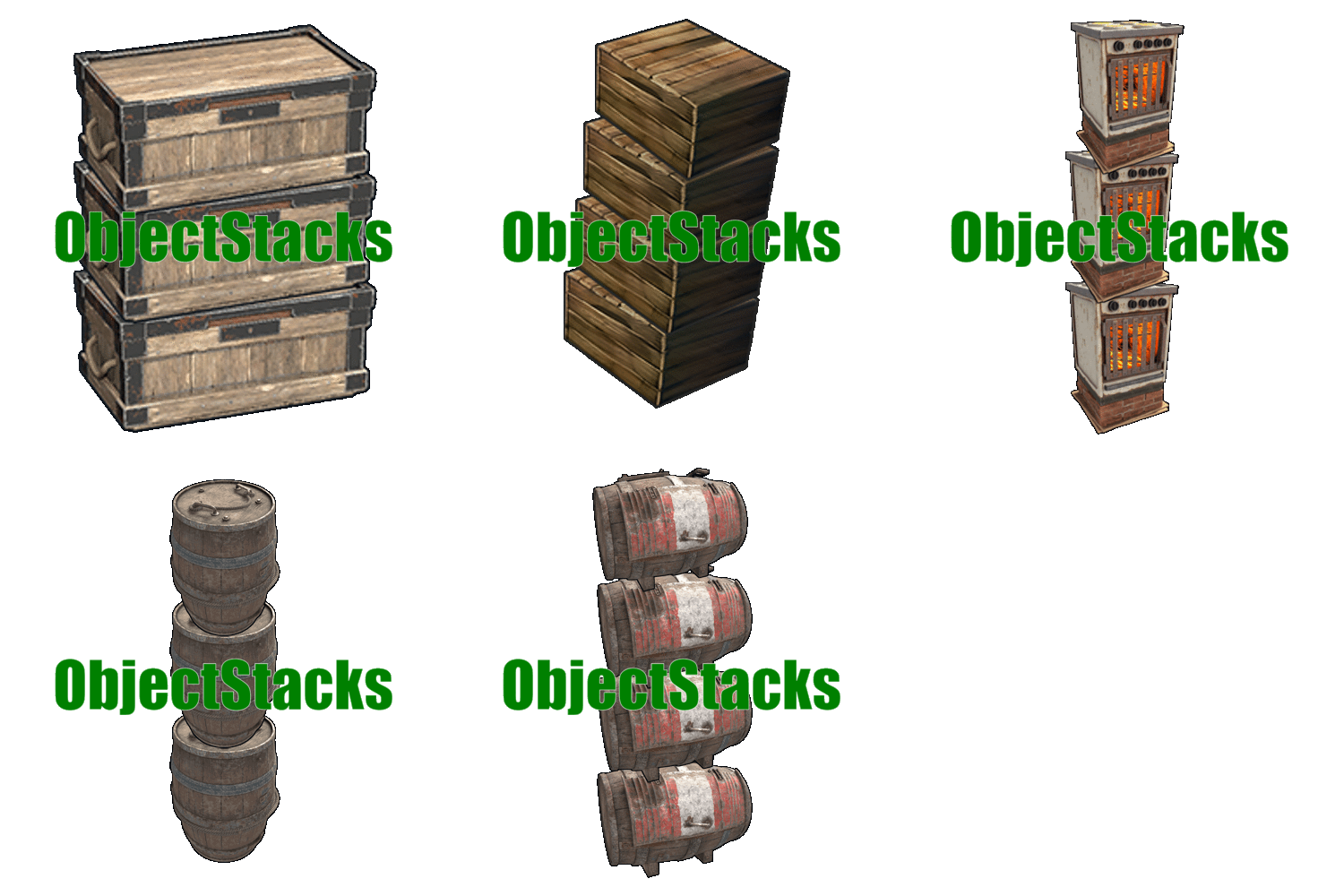 i cant seem to get the krieg deployables to stack with the new update
 -
will there be a update released to work with the new dlc.
-
Is there an update released just now for the fix. Sorry checking on my phone this website isn’t mobile friendly haha
-
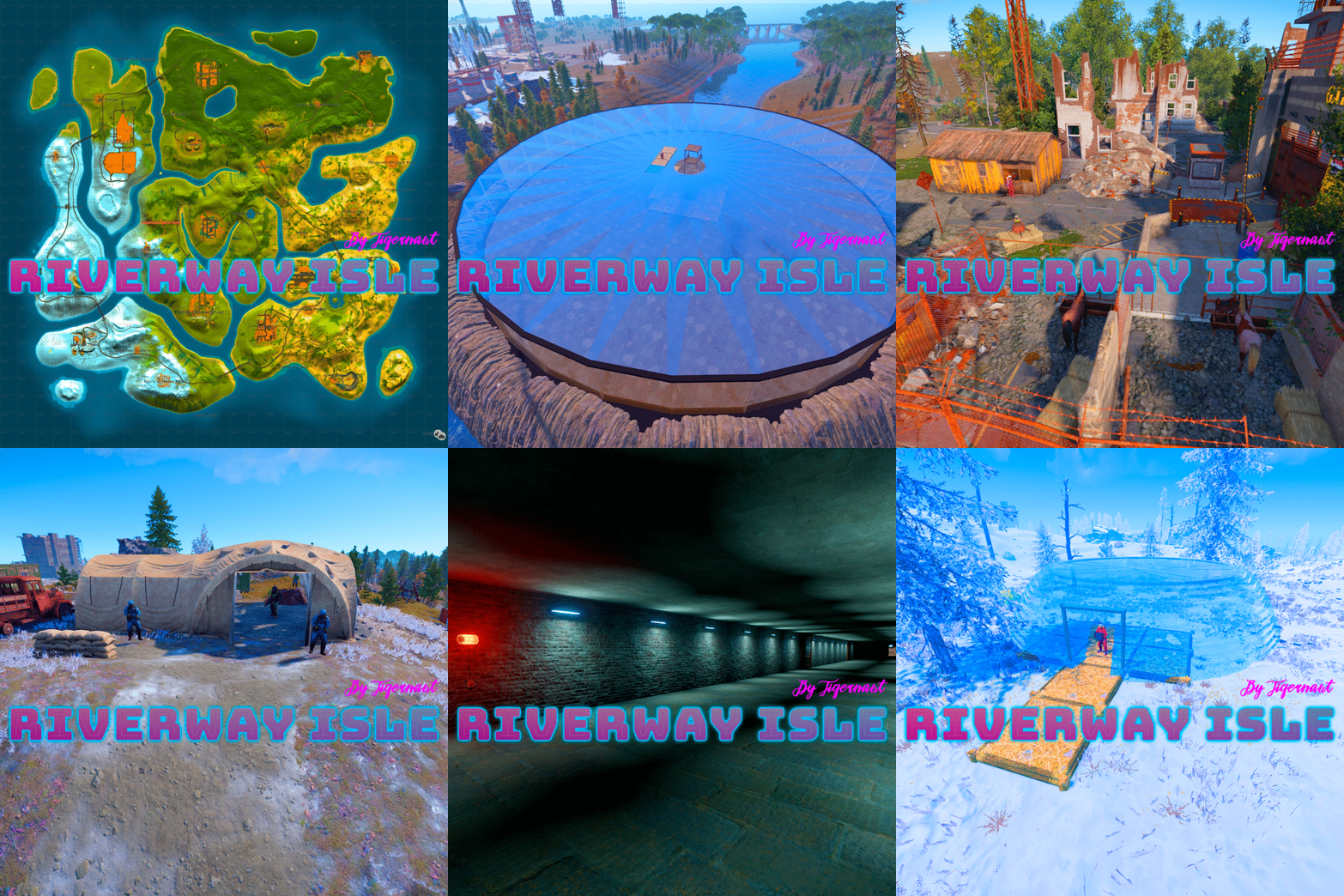 Hey was wondering if this map will be getting updated for the November facepunch update
 -
.thumb.gif.fd4f63b3cef239560c00f8feab94f845.gif) Hey was wondering if this map will be getting updated for the November facepunch update.
Hey was wondering if this map will be getting updated for the November facepunch update. -
Players are reporting bandage not removing bleeding with rust class.
-
hey so some players had been complaining about floating npc's after watching cargo i drives through large oil rig causing it to scoop up the npcs from it.
-
i have looked into trying to fix the respawn time on the npcs at WF oil rig but they arent handled anywhere that i can see, i have tried to use other plugins also but they are persistent, and spawn back super fast. the only way i can see how to do it is changing it in rust edit. i dont really want to be editing your map.
-
sorry for not replying i got it thanks.
-
 may not be a bug but none of my players can find the fuse to finish the red card room on the custom oil rig
 -
 i am trying to find this image in the files and i cant find it where is it pulling from for these messages in chat
 -
i cant seem to get the black market item to work, i can only access the black market when i have the item set to false, what am i missing
-
Same dealer, one standing, one sleeping
Anaconda replied to 0g.Ghost.7373's Support Report in Support
it seems to be fixed, i think with now using SmoothRestarter it has fixed this. Obv manually closing the server caused this to happen. -
hey was wondering if there is going to be a update for this to adhere to the new Rust TOS as i have noticed it lets you choose any skin that are already approved in rust, my understanding is this can get you shut down. ps.. plugin is sick
-
Same dealer, one standing, one sleeping
Anaconda replied to 0g.Ghost.7373's Support Report in Support
i have looked into everything and cant work out why its doing it, i have outsourced it to another dev also and no luck still.

.thumb.gif.567be98be7f62288f83bfff45ba25968.gif)