imthenewguy
-
Posts
5,876 -
Joined
-
Last visited
-
Days Won
71
Content Type
Profiles
Warranty Claims
Downloads
Forums
Store
Services
Downloads Plus Support
DOWNLOADS EXTRA
Reels
Everything posted by imthenewguy
-
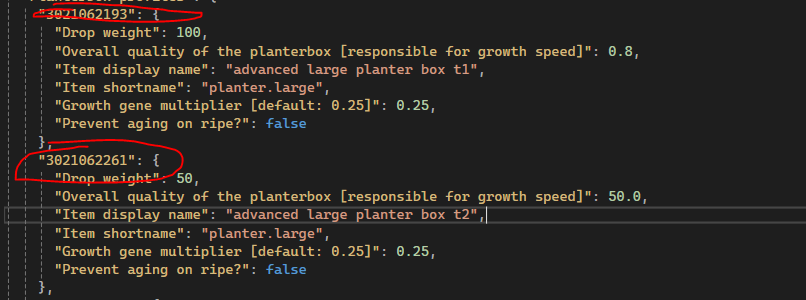
add true or false at the end, like the instructions are telling you.
-
Changed Status from Pending to Closed Changed Fixed In to 1.0.34
-
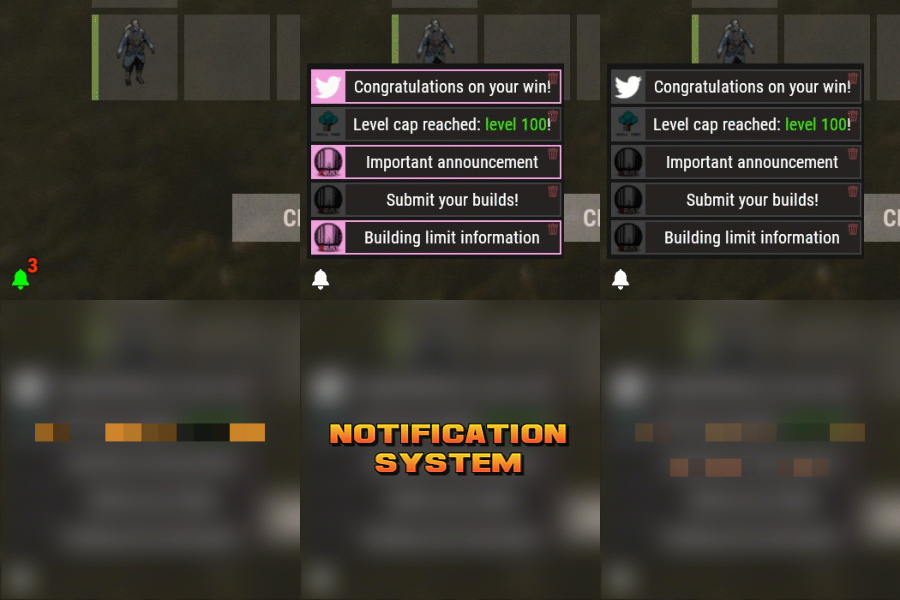 Hey mate, I wasn't able to replicate the issue.I ran the command, logged into my server and was able to redeem. What happens if you: Disconnect from server., Run command. Reload plugin. Reconnect to server.
- 8 comments
-
- 1
-

-
- #notify
- #notification
- (and 7 more)
-
Can you give me an example of a notification that was sent out while the player was offline?
-
 No. I don't sell on that site anymore. You can transfer your purchase to Codefling. Send me a pm and I can guide you through it.
 -
That is a question for the shoppy stock dev.
-
Changed Status from Pending to Closed
-
 There should be no compile issues with the latest version (or there would be a lot more noise on this page). Try and download it again. If that doesn't work, log into CF with an incognito browser and download it - may be your cache causing issues.
 -
Skin id is in the config. Make sure you use the same shortname and description as well.

-
Pushed an update.
-
 It is a console command.
 -
Pushed an update. Lmk if it fixes it.
-
Its a client issue. Reconnect to server.
-
Changed Status from Pending to Closed
-
Patched. Will revert when they fix the issue.
- 1,658 comments
-
- 2
-

-

-
- #leveling
- #progression
- (and 19 more)
-
I have patched. Will undo next release if they fix the issue.
-
Can you take a video?
-
 I haven't updated plugins on Lone for almost 2 years as I no longer sell on there. You will need to transfer your purchase over to Codefling. PM me and I can guide you through it. "Allow EpicLoot to add items to RaidableBases?": false. It should cause little to no lag since it's only adding a few items to a few containers a tick after the base spawns.
 -
You probably have the cooking.instant permission assigned.
-
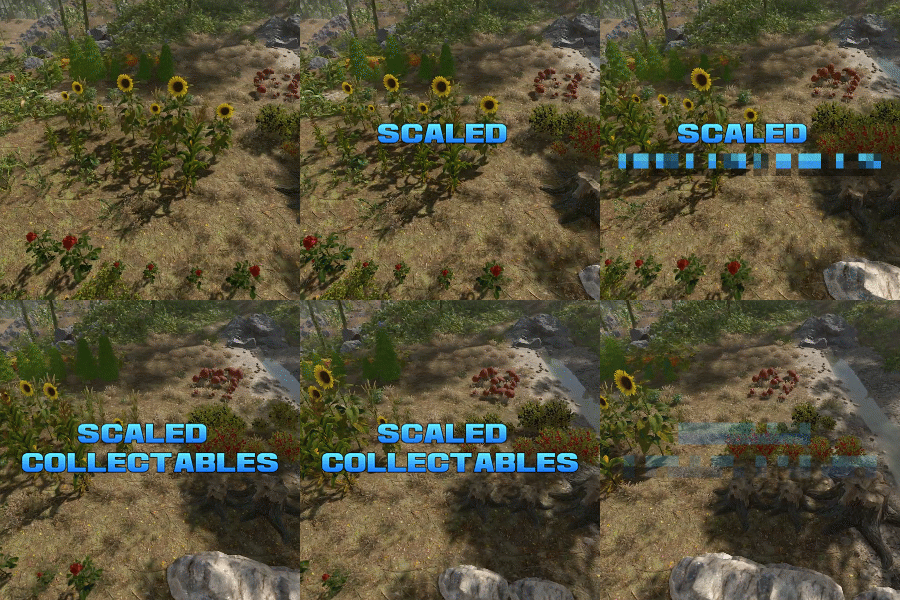 Yeah 1.0 is the vanilla size. 2.0 would be double. 0.5 would be half.
 -
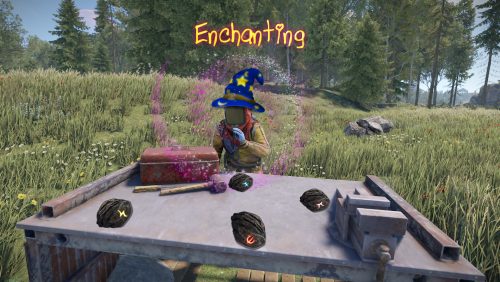 Did you update to version 1.0.13? Edit: Oops, I forgot to change something. Pushed update again.
 -
Works fine for me. You may have a conflict. Rust 2026-06-24 09-29-02.mp4
-
Yeah its an issue with the wolf path. They changed it back to Wolf2 last wipe for some reason.
-
It only works against enemies that inherit from the BasePlayer class. It won't hit animals, and it won't hit scientistnpc2 enemies.
-
It shoudn't be. The key should be the profile name of the npc (case sensitive). Assuming its an NpcSpawn npc. You could join my discord and ask in the skill Tree channel if anyone has a config you could look at.