
BetterDeadThanZed
-
Posts
1,199 -
Joined
-
Last visited
-
Days Won
1
Content Type
Profiles
Warranty Claims
Downloads
Forums
Store
Services
Downloads Plus Support
DOWNLOADS EXTRA
Everything posted by BetterDeadThanZed
-
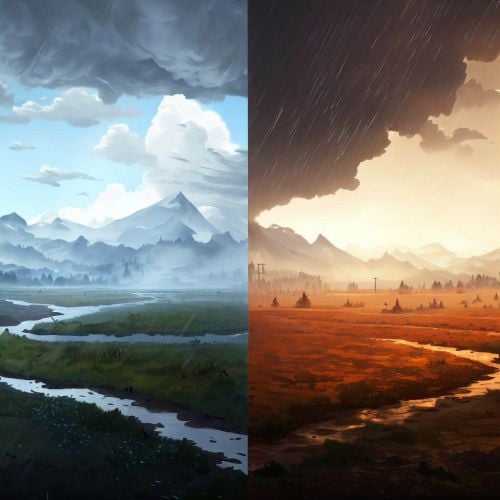 When I said that I've got the same thing, I meant my players have. Their screenshots look exactly like newp's. I have one player claiming that they are being kicked from the server during weather changes but I don't have any solid information on that, such as what weather changes. Just to confirm what I've been telling my players, all this plugin is doing is setting game convars that I could set myself, such as through the console, right? If that's all it does, then a player that is affected by the weather changes could easily be affected by the game changing the weather without this plugin?
 -
I've got the same thing. I thought it was the game's new weather changes that FP said they did without telling us what they did...
-
I think that's due to the weather changes that FP made in the latest update... the changes that they haven't shared with us other than that they changed the weather...
- 113 comments
-
- 1
-

-
- #rust weather control
- #weather presets
- (and 7 more)
-
I've read that the Rust update tomorrow will have weather changes. Have you looked at staging to see if this is going to affect this plugin?
-
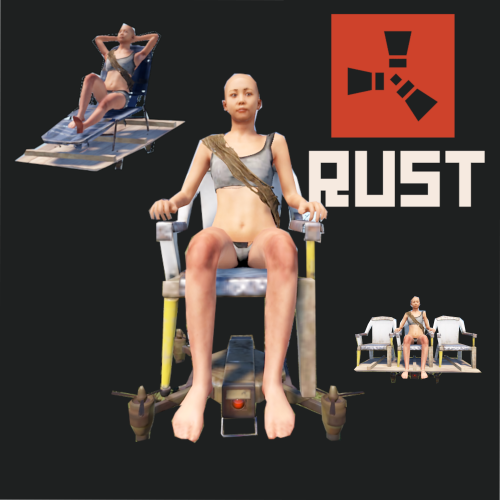 This plugin never worked properly for me. Most of the time the chair is invisible for me.
 -
This is the default config being generated: { "Auto reload [If you change the config and save the file the plugin will reload itself]": true, "Day length [minutes]": 30, "Night length [minutes]": 30, "Use time control": true, "Presets": [ { "Name": "Clear", "Duration [seconds]": 14400, "Transition time [seconds]": 300, "Chance [0 - 100%": 15, "Wind": -1.0, "Rain": -1.0, "Thunder": -1.0, "Rainbow": -1.0, "Ocean": -1.0, "Atmosphere rayleigh": -1.0, "Atmosphere mie": -1.0, "Atmosphere contrast": -1.0, "Atmosphere directionality": -1.0, "Atmosphere fogginess": -1.0, "Atmosphere brightness": -1.0, "Clouds size": -1.0, "Clouds opacity": -1.0, "Clouds coverage": -1.0, "Clouds sharpness": -1.0, "Clouds coloring": -1.0, "Clouds attenuation": -1.0, "Clouds saturation": -1.0, "Clouds scattering": -1.0, "Clouds brightness": -1.0 } ] }
-
I deleted the config so it would create a new one but I'll try it again.
-
Running the latest version. Here's a screenshot a player sent to me.
-
I set the chance for fog to 0% after this happened. Other than that, this is the config I am using: { "Auto reload [If you change the config and save the file the plugin will reload itself]": true, "Day length [minutes]": 50, "Night length [minutes]": 10, "Use time control": true, "Presets": [ { "Name": "Clear", "Duration [seconds]": 3600, "Transition time [seconds]": 60, "Chance [0 - 100%": 65, "Wind": -1.0, "Rain": -1.0, "Thunder": -1.0, "Rainbow": -1.0, "Ocean": -1.0, "Atmosphere rayleigh": -1.0, "Atmosphere mie": -1.0, "Atmosphere contrast": -1.0, "Atmosphere directionality": -1.0, "Atmosphere fogginess": -1.0, "Atmosphere brightness": -1.0, "Clouds size": -1.0, "Clouds opacity": -1.0, "Clouds coverage": -1.0, "Clouds sharpness": -1.0, "Clouds coloring": -1.0, "Clouds attenuation": -1.0, "Clouds saturation": -1.0, "Clouds scattering": -1.0, "Clouds brightness": -1.0 }, { "Name": "Dust", "Duration [seconds]": 300, "Transition time [seconds]": 60, "Chance [0 - 100%": 5, "Wind": 0.0, "Rain": 0.0, "Thunder": 0.0, "Rainbow": 0.0, "Ocean": 3.5, "Atmosphere rayleigh": 2.0, "Atmosphere mie": 4.0, "Atmosphere contrast": 1.25, "Atmosphere directionality": 0.75, "Atmosphere fogginess": 0.3, "Atmosphere brightness": 0.9, "Clouds size": 2.0, "Clouds opacity": 0.25, "Clouds coverage": 0.0, "Clouds sharpness": 0.0, "Clouds coloring": 1.0, "Clouds attenuation": 0.25, "Clouds saturation": 1.0, "Clouds scattering": 1.0, "Clouds brightness": 1.0 }, { "Name": "Fog", "Duration [seconds]": 900, "Transition time [seconds]": 60, "Chance [0 - 100%": 0, "Wind": 0.0, "Rain": 0.0, "Thunder": 0.0, "Rainbow": 0.0, "Ocean": 4.5, "Atmosphere rayleigh": 1.0, "Atmosphere mie": 1.0, "Atmosphere contrast": 1.0, "Atmosphere directionality": 0.2, "Atmosphere fogginess": 0.9, "Atmosphere brightness": 0.5, "Clouds size": 2.0, "Clouds opacity": 0.0, "Clouds coverage": 0.0, "Clouds sharpness": 0.1, "Clouds coloring": 0.15, "Clouds attenuation": 0.15, "Clouds saturation": 0.8, "Clouds scattering": 100.0, "Clouds brightness": 0.8 }, { "Name": "Overcast", "Duration [seconds]": 2400, "Transition time [seconds]": 60, "Chance [0 - 100%": 15, "Wind": 0.0, "Rain": 0.0, "Thunder": 0.0, "Rainbow": 0.0, "Ocean": 3.5, "Atmosphere rayleigh": 0.2, "Atmosphere mie": 5.0, "Atmosphere contrast": 1.5, "Atmosphere directionality": 0.75, "Atmosphere fogginess": 0.8, "Atmosphere brightness": 0.9, "Clouds size": 2.0, "Clouds opacity": 1.0, "Clouds coverage": 1.0, "Clouds sharpness": 0.05, "Clouds coloring": 0.15, "Clouds attenuation": 0.15, "Clouds saturation": 0.8, "Clouds scattering": 20.0, "Clouds brightness": 1.0 }, { "Name": "RainMild", "Duration [seconds]": 1200, "Transition time [seconds]": 60, "Chance [0 - 100%": 10, "Wind": 1.0, "Rain": 0.2, "Thunder": 0.0, "Rainbow": 0.0, "Ocean": 4.7, "Atmosphere rayleigh": 1.0, "Atmosphere mie": 1.0, "Atmosphere contrast": 1.3, "Atmosphere directionality": 0.9, "Atmosphere fogginess": 0.2, "Atmosphere brightness": 1.0, "Clouds size": 1.0, "Clouds opacity": 1.0, "Clouds coverage": 0.4, "Clouds sharpness": 0.0, "Clouds coloring": 0.8, "Clouds attenuation": 0.05, "Clouds saturation": 0.8, "Clouds scattering": 0.4, "Clouds brightness": 1.0 }, { "Name": "RainHeavy", "Duration [seconds]": 600, "Transition time [seconds]": 60, "Chance [0 - 100%": 10, "Wind": 1.0, "Rain": 1.0, "Thunder": 0.0, "Rainbow": 0.0, "Ocean": 7.4, "Atmosphere rayleigh": 0.2, "Atmosphere mie": 5.0, "Atmosphere contrast": 1.5, "Atmosphere directionality": 0.75, "Atmosphere fogginess": 0.7, "Atmosphere brightness": 0.8, "Clouds size": 2.0, "Clouds opacity": 1.0, "Clouds coverage": 0.9, "Clouds sharpness": 0.25, "Clouds coloring": 0.15, "Clouds attenuation": 0.15, "Clouds saturation": 0.8, "Clouds scattering": 5.0, "Clouds brightness": 1.0 }, { "Name": "Storm", "Duration [seconds]": 300, "Transition time [seconds]": 60, "Chance [0 - 100%": 5, "Wind": 1.0, "Rain": 1.0, "Thunder": 1.0, "Rainbow": 0.0, "Ocean": 8.0, "Atmosphere rayleigh": 1.0, "Atmosphere mie": 3.0, "Atmosphere contrast": 1.3, "Atmosphere directionality": 0.75, "Atmosphere fogginess": 0.95, "Atmosphere brightness": 0.8, "Clouds size": 2.0, "Clouds opacity": 1.0, "Clouds coverage": 1.0, "Clouds sharpness": 0.4, "Clouds coloring": 0.15, "Clouds attenuation": 0.15, "Clouds saturation": 0.8, "Clouds scattering": 5.0, "Clouds brightness": 1.0 } ] }
-
My report is that your fix isn't working.
-
I updated the plugin this morning. When going from clear to fog, at least at night, the whole sky lights up. I think this was supposed to be fixed in this update? "Fixed - black sky/clouds when you go from Fog to Clear"
-
 I've been using Skin ID 2420097877 for the money. That's probably the one you were using too. The skin ID changed with this update.
 -
 Awesome. Thanks for the updates!
 -
Thank you for adding support for the PVE Mode plugin, however it's unclear how a player gets the event locked to you. Other events that have support for the PVE Mode plugin has a section like this in their config: "PVE Mode Setting (only for users PveMode plugin)": { "Use the PVE mode of the plugin? [true/false]": true, "The amount of damage that the player has to do to become the Event Owner": 500.0, "Damage coefficients for calculate to become the Event Owner": [ { "Type of target": "NPC", "Damage Multiplier": 1.0 }, { "Type of target": "Bradley", "Damage Multiplier": 2.0 }, { "Type of target": "Helicopter", "Damage Multiplier": 2.0 } ], That determines who the owner is. Also, these events put a bubble over the event to show the area that is affected and there's an announcement when the event becomes locked to the player.
-
Disregard my reply.
- 113 comments
-
- 1
-
-
- #rust weather control
- #weather presets
- (and 7 more)
-
 Thank you. I guess the Bot Purge event didn't suffer from this issue?
 -
I've got a player complaining that the event isn't showing the correct totals. He says the UI says a player had 3 or 4 kills and then it said that player won with 7 kills. Is it possible that the UI isn't updating the totals correctly?
-
Hey there. Any update on adding support for the PVE Mode plugin?
-
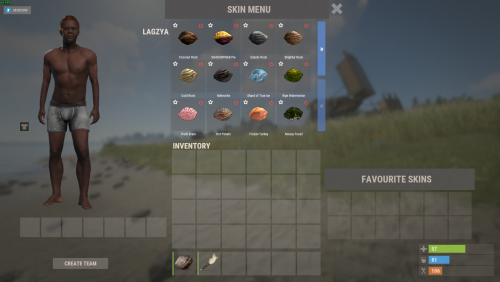 I asked Lagzya about this in Discord. Unfortunately it's a technological limit. I recommend typing what you want to search for in chat, then cut and paste it into the search bar or you can search for partial words. For example, if you're looking for an item with the word "Black" in it, but B is bound to your Backpack, then type "lack" and it'll still be found.
 -
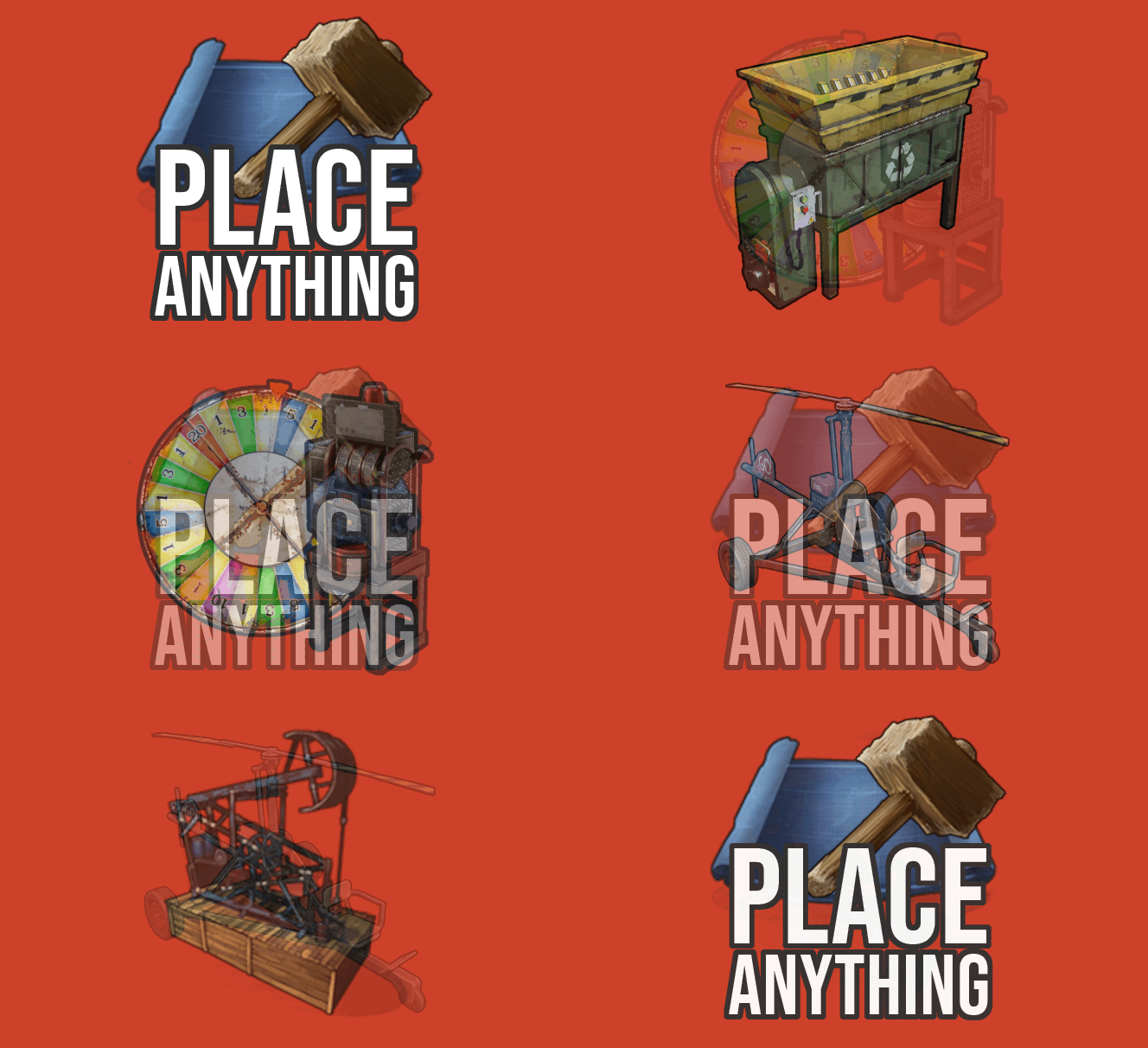 Using Place Anything. With the Craft Menu, I can craft the Gambling Wheel and Gambling Terminal. The big wheel spins. I put the scrap into the terminal. The wheel stops. No scrap is taken when I lose and no scrap is being added when I win. Any idea what the issue might be? No errors in the console.
 -
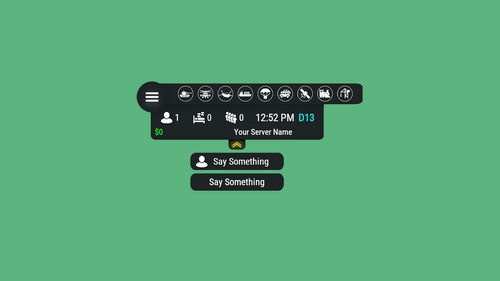 Time doesn't progress and economic money doesn't display correct amount as more is added to a player's balance since the wipe.
 -
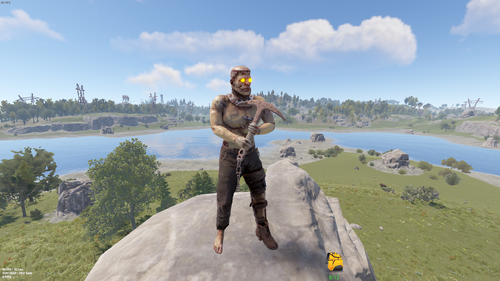 I have found that zombies using these kits seem to be impervious to melee weapons and arrows. Using BotReSpawn, lowered health to 125. I need to do more extensive testing, but this is my initial results. They were dieing fine by bullets.
 -
 All of the self hosted Discord bots I've found so far all require Linux. Does this also require Linux or can it be hosted on a Windows server?
 -
How does this work? Do you have to host your own Discord bot?
-
Looks nice, but I run LSkins. It would be awesome if it supported that too!