

moulinch
-
Posts
264 -
Joined
Content Type
Profiles
Warranty Claims
Downloads
Forums
Store
Services
Downloads Plus Support
DOWNLOADS EXTRA
Everything posted by moulinch
-
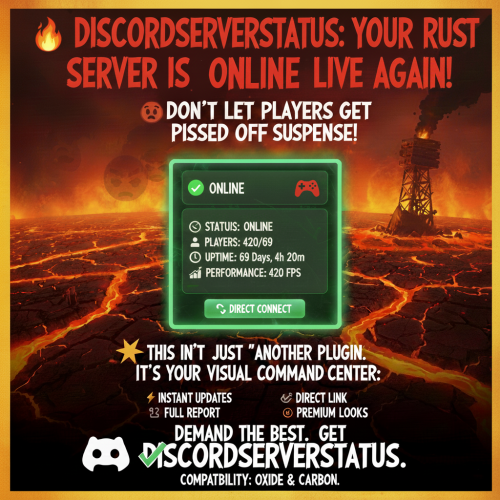 Hi! I’m really glad to hear you’re feeling better and can sit at the computer again — that’s great news I followed your instructions and applied the settings you suggested. Everything seems to be working correctly now — the issue looks resolved! I’ll keep you informed if anything else comes up. Thanks a lot for your help, it’s really appreciated One quick question: would it be possible to add a lang file so I can translate all the embed messages into my language for my players? Thanks again!
 -
Hey YAR, I hope you’re feeling better today I’ve installed the new update, but unfortunately there’s still an issue: when my server is offline, the webhook still considers it as online, so the status isn’t accurate.
-
 Thank you for the detailed reply! For now, the points I mentioned earlier are the only ones I have, so thanks a lot for taking them into account. I’m really looking forward to seeing them implemented in future updates. Keep up the great work, and thanks again!
- 20 comments
-
- 1
-

-
- #fuel
- #minicopter
- (and 4 more)
-
Hi there, I’m interested in the Fuel Monitor plugin for Rust (Codefling) but I have a few questions before purchasing: Can the fuel amount thresholds be customized? Specifically, on modded servers where tanks or fuel stack sizes are higher than vanilla, can we adjust at what amount the fuel bar appears full/low/empty? Is the position of the fuel bar UI movable? Can we configure where the UI appears on the screen, or change its size/color? Does the plugin have an audible alert when fuel is low? The description mentions blinking and an “OUT OF FUEL” warning, but I didn’t see anything about a sound notification. Thanks in advance for your help!
-
 I understand, and I appreciate the explanation. In my opinion, this would be a very useful feature. If it ever becomes possible, please don’t hesitate to get back to me — I would purchase the plugin immediately if this functionality is added.
 -
Hello, I’m interested in your Admin Warn plugin and I have a question about how the warning GUI behaves in practical situations. Specifically: If a player is currently in combat (for example fighting a raid, PvP, in combat state, etc.), will the warning message still appear on their screen immediately, or does it wait until they are out of action? I need to make sure that the warning GUI does not interrupt or interfere with active gameplay during critical moments like combat or raiding. Could you please confirm how it behaves in those cases? Thank you!
-
No worries, I understand. I’ll wait for your reply, and take good care of yourself
-
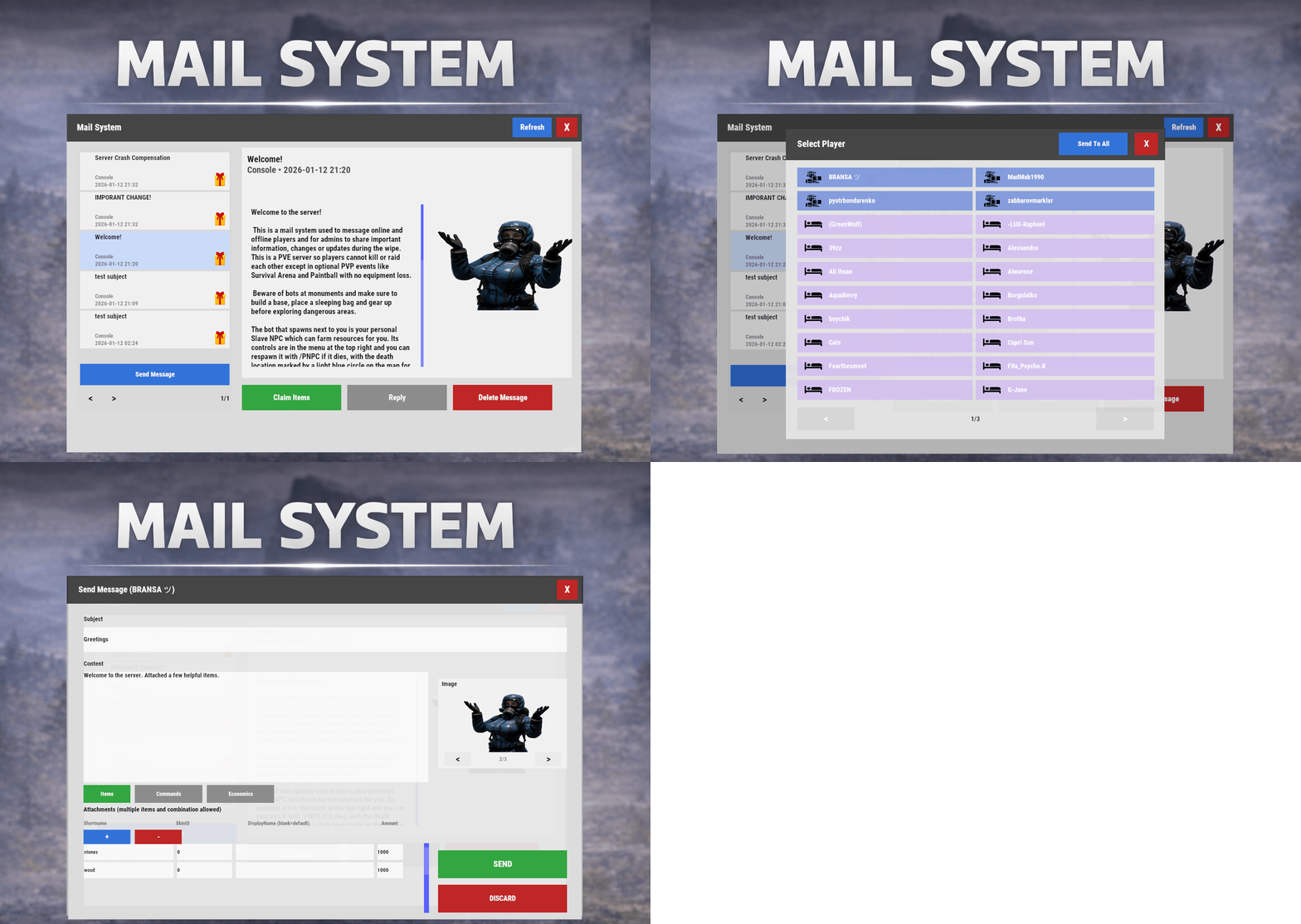 Hello, Is there a server available where I can test this plugin before purchasing it? Thank you in advance!
 -
I followed exactly what you asked me to do. It does create new messages, but the problem is that it spams notifications. Also, when the server goes offline, nothing updates anymore: the message is no longer updated the embed stays “online” even though the server is actually offline So the issue is not the configuration being ignored, but the fact that once the server is offline, the status is not refreshed correctly.
-
I followed exactly what you asked me to do. It does create new messages, but the problem is that it spams notifications. Also, when the server goes offline, nothing updates anymore: the message is no longer updated the embed stays “online” even though the server is actually offline So the issue is not the configuration being ignored, but the fact that once the server is offline, the status is not refreshed correctly.
-
I’ve tried with Enable offline message on shutdown set to true and tested the updated version, but unfortunately the behavior is still the same. The status doesn’t switch to offline when the server goes down. Let me know if you’d like me to test something else or provide logs.
-
Thanks for the update I’ve enabled that option and I’m testing the updated version right now. I’ll let you know how it goes.
-
When the server goes fully offline, the status doesn’t switch to offline. I wanted to check with you if there’s something specific I should configure, or if this is a known limitation of the plugin. Let me know if there’s anything I can test or provide on my side. Thanks again for your help
-
Thank you, I appreciate it. I’ve already done it, but what bothers me is that I’ll have to redo everything again after each update.
-
is it possible to change the interface language?
-
ok thanks you
-
Hi, I have a quick question regarding the Discord Server Status plugin. Does this plugin require a Discord bot (with a token), or does it work only with a Discord webhook? Thanks in advance for your clarification.
-
 Oxide Cleaner is a very practical and well-designed plugin that does exactly what it promises: keeping the system clean and optimized. It’s easy to use, efficient, and helps maintain good server performance without any hassle. On top of that, the developer is very reactive and truly listens to feedback and suggestions, which makes a big difference. Updates are solid, and support is fast and helpful. Overall, a reliable and useful plugin that every server owner should consider. Great work!
 -
 alright thanks you
 -
Thanks for the clarification I was just wondering if you plan to add an admin-side feature in the future, like a centralized way for admins to manage or control all vending machines from one place?
-
Hi, thanks for the reply. Just to clarify my question: I wasn’t asking about players buying remotely. I meant admins — is there a way for admins to manage or control all vending machines/shops from a single interface or location? Thanks!
-
Hi ZHELL, I wanted to ask if this system is also adapted for admins, so they can manage all shops from one single place? Thanks in advance.
-
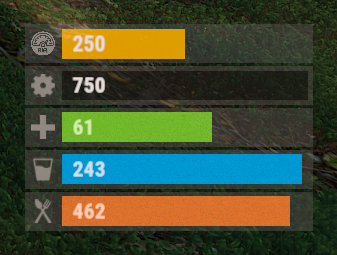 Fuel Status is a simple but extremely useful plugin. It provides clear and reliable information about fuel levels, which is something that should honestly be part of the base game. The plugin is lightweight, works perfectly as expected, and integrates very well on a live server without causing any performance issues. Installation is straightforward, and the configuration is easy to understand, even for server owners who are not highly technical. It greatly improves quality of life for players and admins alike by avoiding unnecessary guesswork and saving time. On top of that, the developer is responsive and professional, which is always a big plus. Highly recommended
 -
 I just wanted to take a moment to thank you for this amazing free content. The RemoverTool Right-Side HUD configuration is incredibly clean, well-designed, and really improves the user experience on my server. I also really appreciate the effort you put into providing multilingual support. It makes a huge difference for communities like mine, and it shows how much attention you give to every detail. You're a truly outstanding developer — always listening, always responsive, and consistently delivering high-quality work. Finding someone who offers this level of support and free content is rare, and it deserves to be highlighted. Thank you again for everything you do. Keep up the fantastic work!
.thumb.gif.5b451bea999e845f194c30f91f342bbc.gif)