
-
Posts
2,588 -
Joined
-
Last visited
-
Days Won
37
Content Type
Profiles
Warranty Claims
Downloads
Forums
Store
Services
Downloads Plus Support
DOWNLOADS EXTRA
Reels
Everything posted by David
-
Changed Status from Pending to Not a Bug
-
based on response you got Im assuming that you used it as chat command - (console) wpkits_import -> import all kits from your kits_data.json - (console) wpkits_import "kit name" -> import specific kit from your kits_data.json both are console commands
-
 if you having issues there is support section. https://codefling.com/plugins/drug-mixing?tab=support
 -
 DM sent.
 -
 You can open ticket here https://discord.com/invite/Pa2xnsehGD and I will send you new version to test.
 -
most likely yes
-
Changed Status from Pending to Not a Bug
-
Thanks, I knew that I forget something
-
Im glad to hear that
-
Changed Status from Pending to Not a Bug
-
Hey, hit me up on me discord and I will send you version with discord logging. https://discord.com/invite/Pa2xnsehGD
-
Changed Status from Pending to Not a Bug
-
Open ticket on my discord https://discord.com/invite/Pa2xnsehGD and I will assist you
-
It's been handled in tickets
-
Text is parented to content panel. Thing is that panel has transparent color so you cant really see where you moving it unless you change color of it before editing.
-
Changed Status from Pending to Not a Bug
-
https://i.gyazo.com/9f9ed8bc591e8afdb0dab24c69cbdbd8.mp4 Editor is working exactly as intended, here is what I did in that short clip. 1. select panel you want to edit 2. select side of the panel you want to move (WASD), I selected bottom one with S, hence my character moved back 3. Click left or right button on your mouse to increase/decrease anchor value of specific side 4. Press R to go back to edit menu It might be bit confusing on first glance but that was the only way how to make it work with keys in game.
-
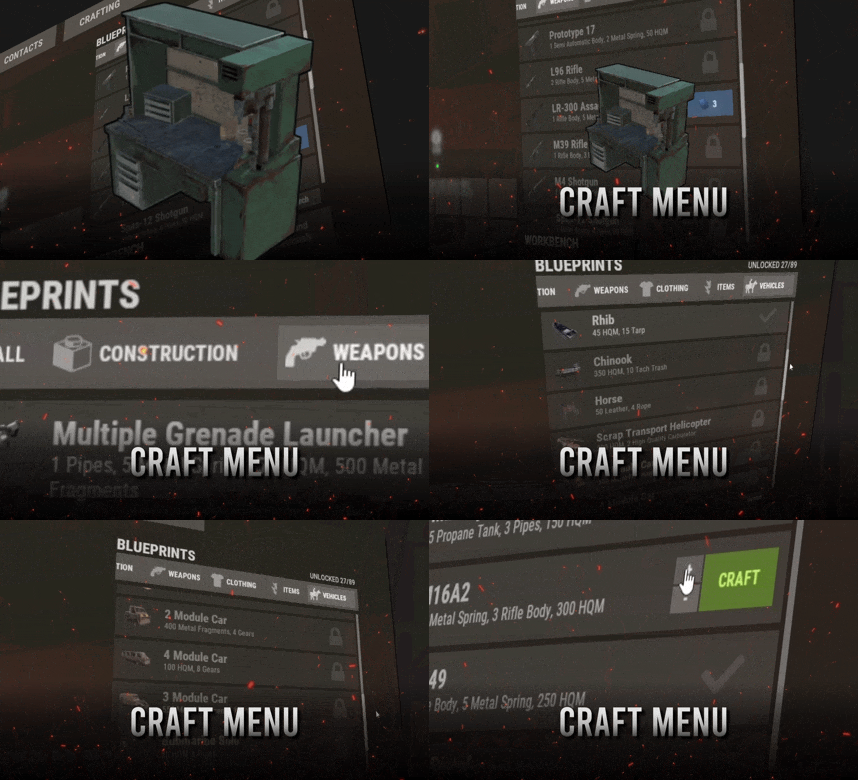 Wheel and terminals have to be within certain range also. It's bit tricky, connection is handled by game and not by plugin. Also Known issues - some prefabs cannot be damaged thus can be used to grief players. (recycler, slotmachine, test generator...etc) - hitting gambling wheel with hammer will make wheel disappear, game issue cant be fixed
 -
Hey @Nicholas Buchholz I would like to turn this plugin into full fledged ui builder by the end of the year but can't promise anything right now, will see how things plays out.
-
For item you sent above, just add "mailbox" with display name of "Gambling Terminal" into your craft menu data file.
-
Sorry but there is no way that plugin can break your game in a way that you can shoot in background while being forced to close game with task manager. I'm not able to really help you unless you send me clip of what you doing so I can see if there is any issue. Feel free to send me DM or contact me on my discord https://discord.com/invite/Pa2xnsehGD
-
Im glad that you made it work, on video you sent I've seen you clicking on close button as attempt to move it hence I was assuming that you not following instructions. Also its common mistake what people often do .