
-
Posts
259 -
Joined
-
Last visited
Content Type
Profiles
Warranty Claims
Downloads
Forums
Store
Services
Downloads Plus Support
DOWNLOADS EXTRA
Everything posted by RustFlash
-
Version 2.0.0
25 downloads
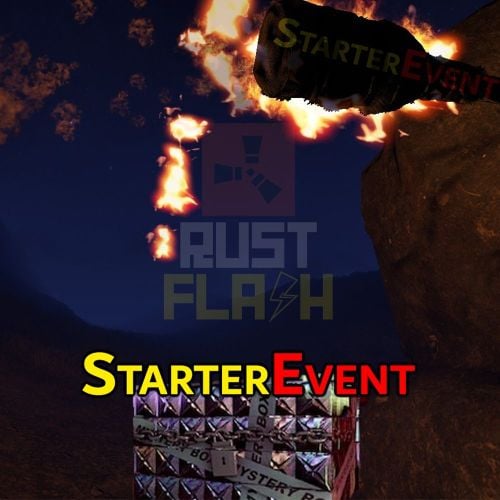
Features This plugin creates a secret crate after a restart, mapwipe, fullwipe or forcewipe. The coordinates are displayed in the chat and the players have to find the crate on the map. As soon as it has been located, the crate is removed from the map. I have set it up with Event Manager and other plugins so that it is only executed after a fullwipe. It's very popular, especially when they reward players with building materials, it doesn't hurt anyone and the winner is happy that he can build something small straight away. Functions You can also trigger it as an admin and owner without authorization. /flashstarterevent When others use this comand, they give the authorization starterevent.use Config: { "Event Start Delay (Minutes)": 10, "Box Skin ID": 2753036242, "Box Contents": [ { "ShortName": "wood", "Amount": 6000 }, { "ShortName": "stones", "Amount": 4000 }, { "ShortName": "cloth", "Amount": 200 }, { "ShortName": "lowgradefuel", "Amount": 100 } ], "Announcement time before event (Seconds)": 300, "Mystery Box Lifetime (Minutes)": 180 } load, run, enjoy Support Discord$12.99 -
 I'm happy to write it down in my ToDo, but I'm still working on other things at the moment. You can test it and let me know. If it doesn't make any mistakes I can include it! See PN
 -
Changed Status from Work in Progress to Closed Changed Fixed In from 1.1.0 to Next Version
-
I have now added a function so that some chickens are forced to spawn at ground level. The plugin is designed so that if you kill chicken, more new ones will spawn! You can't get rid of them completely, but this ensures that the player can always see and kill chicken. There are only a small number that are under the map and it will hardly be noticeable. Thank you please see version 1.1.2
-
No, they're not doing anything wrong! You have found a small bug. I didn't think that there could be higher positions than sea level! Of course I will fix this immediately. Thank you for your message!
-
Changed Status from Pending to Work in Progress Changed Fixed In to 1.1.0
-
I wanted to add it for her at the weekend. I did it straight away as it's a nice extension and I don't want to make them wait until Sunday. Thanks for your feedback please have a look at version 1.0.1! I don't understand what you mean?
-
Version 4.0.0
91 downloads
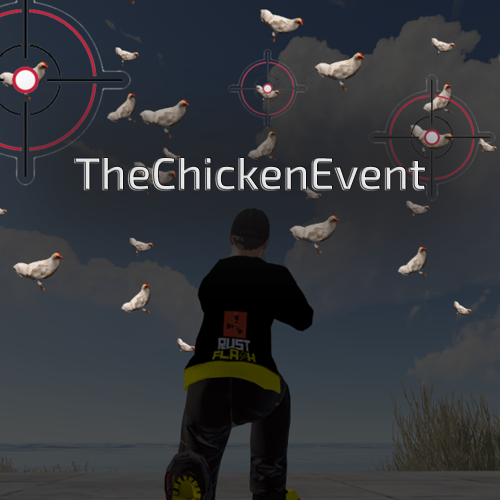
Features This plugin enables players to trigger an entertaining event in Rust - the so-called "Chicken Event". If a player has the required authorisation, they can start the event. During the event, chickens are spawned near the player and the goal is to shoot as many chickens as possible. After a set time, the event ends and the players with the most chicken kills receive rewards. The plugin tracks the performance of the players and determines the winners based on their kills. The main functions of the plugin are: - Launching of the Chicken Event by eligible players. - Randomly spawning chickens near the player. - Tracking the number of chickens shot down by each player. - Announcement of winners and their rewards at the end of the event. - [NEW in 4.0.0] Live Top-5 Leaderboard during the event (can be disabled in config). - [NEW in 4.0.0] Simple Kill Counter above the inventory (can be disabled in config). - [NEW in 4.0.0] Choose which UI elements you want to display — both, one, or none. - Configurable rewards for each place with individual winning probabilities. - Optional VIP group assignment for winners with customizable duration. This plugin adds a fun activity to the game of Rust and rewards players who are successful in this event. It's a great way to encourage player interaction on your server and have fun. Functions You can start the ChickenEvent command: /flashchickenevent You can start the ChickenEvent Console: flashchickenevent To use the command, you need the authorization: Config { "EventDuration": 60, "ChickenSpawnRadius": 20.0, "EnableChickenMovement": true, "RemoveDeadChickensAfterEvent": true, "UseTop5Leaderboard": true, "SimpleKillCounter": true, "PlaceRewards": [ { "Place": 1, "Label": "1st Place", "Items": [ { "Shortname": "supply.signal", "Amount": 1, "SkinId": 0, "Chance": 50.0 }, { "Shortname": "scrap", "Amount": 500, "SkinId": 0, "Chance": 80.0 } ], "VipGroup": "vip", "VipDuration": 7 } ] } Config Explanation: EventDuration: Duration of the event in seconds (default: 60) ChickenSpawnRadius: Radius around the player where chickens spawn (default: 20.0) EnableChickenMovement: Chickens walk around randomly during the event (default: true) RemoveDeadChickensAfterEvent: Remove dead chicken corpses after the event ends (default: true) UseTop5Leaderboard: Show the live Top-5 leaderboard on the right side during the event (default: true) [NEW in 4.0.0] SimpleKillCounter: Show the simple kill counter above the inventory (default: true) [NEW in 4.0.0] PlaceRewards: Customize rewards for each place with items, chances, and optional VIP group assignment Video: load, run, enjoy$12.99 -
[Closed] Check the new Version please.
-
Changed Status from Work in Progress to Closed
-
 Hey @Sphinkter , thanks again for your feedback. Yesterday I sat down again and worked on version 1.0.3. This will come as soon as I have completed my testing and can ensure that the plugin does not cause any issues or performance lags. I implemented your wishes as follows: - II changed the command /coderaidstart to /flashcoderaid. - The chat messages are now displayed by a colored CodeRaid: text message. (For a nicer look) - I added codes beginning with 000 - II have integrated error feedback when the player writes letters or too many/few numbers - When voting with /coderaid 1234, feedback is output in the chat for the user. -> So that the chat is not spammed and no codes that are close to the code are leaked, the feedback is only shown to the respective user. - If there is a winner, it will be displayed in the chat. - What exactly the winner win will now be displayed in the chat. - Winning items can now be handed over with a skin ID. - VIP for winners has been fixed. It will now be automatically handed over to the winner. Thank you for your participation and feedback
 -
Changed Status from Pending to Work in Progress Changed Fixed In to 1.0.2
-
@Mabel I have now revised the plugin so that you do not have to delete the config when updating to the new version. Please test it and let me know. Thank you for your feedback, it helps me to perfect the plugin. If you adjust the amount of damage, please always remember to restart the plugin once.
-
Have you read the update description?
-
 No problem, I will no longer offer any more plugins 4 free You're not the only one who wrote to me. Insulting parents because I point out a server in one of my free plugins is not appropriate for my age. So if you're Razor in Discord, shame on you. As I said, I will no longer offer plugins 4 free and will forego advertising, which doesn't bother anyone anyway because there are mostly admins here.
 -
And now? I have been using a lot of custom plugins on my server for a long time that I made myself. I thought to myself, why should only I benefit from it? The plugins cost time and maintenance... what's so objectionable about mentioning a good server? I can also just make all my plugins payable because apparently the toxic Rust community doesn't deserve to help them. Because of people like you, there are fewer and fewer free plugins. I also have a question for you? Why are you able to run a server and search for plugins here? Without people like us your server probably wouldn't work... so please spare me from stupid discussions!
-
Version 1.4.0
40 downloads
ChuteUp Features Do you want to really enjoy the parachutes in Rust or unlock another feature for your VIP? Then ChuteUp is exactly the right thing for your server. Let yourself be catapulted into the air with a simple command. Functions You can start the ChuteUp command with height information: /chuteup 600 To use the command, you need the authorization: chuteup.use Config load, run, enjoy Support Discord$6.99 -
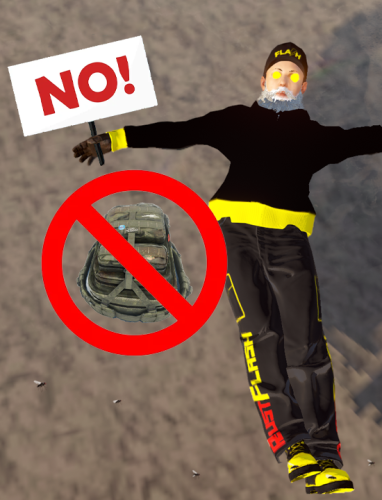 adminlootprotection.use means that the group cannot be looted with this permission. So if you only want admin bodies not to be looted. Then give permission: adminlootprotection.use only the user group "admin”, whatever your group is called
 -
Version 2.0.0
234 downloads
Features This plugin prevents players from looting admins and specified groups. It checks if the looter has a specific permission ("adminlootprotection.use"), and if not, it restricts them from looting players who are admins. You can also extend this to protect other specific groups or conditions. In summary, it adds a layer of protection for admins and certain groups to prevent unauthorized looting by other players. Functions Give the respective group on your server the appropriate permission to avoid being looted: adminlootprotection.use load, run, enjoy #free4all$1.99 -
Version 2.2.0
61 downloads
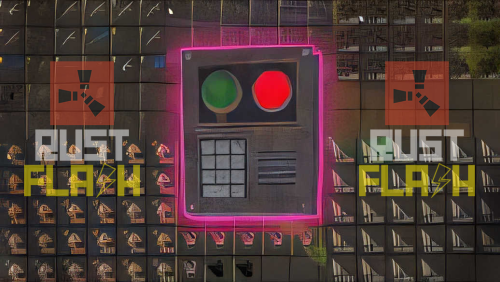
Description: A little event for your players! The new version of CodeRaid 2.0.0 introduces a revamped and improved gaming experience that has already been well received by the community! The new version replaces the annoying chat spam system of the previous version with a user-friendly user interface (UI) that makes entering, deleting and sending codes much more intuitive. Thanks to the optimisations, the plugin is not only more visually appealing, but also more practical to use - perfect for dynamic and exciting competitions. The new customisation options and the enthusiastic feedback from players make CodeRaid 2.0.0 a must-have event for everyone! Commands: You can start the CodeRaid event with the following command: /flashcoderaid - Chat Command flashcoderaid - Console Command Permission: coderaid.use Config After you have successfully started the plugin, you can define everything yourself in /oxide/config/CodeRaid.json! { "PrizeSettings": { "Commands to execute": [ "addgroup {player_id} vip 7d" ], "Items": [ { "amount": 1, "displayName": "Well done, here's a rock", "shortname": "rock", "skinId": 2843316584 } ] }, "ProximityThreshold": 100, // Gives help when a player is near the correct code. "wrongGuessDamage": 5 // Damage caused by incorrect guessing } Dependencies You need the free TimedPermission for this plugin if you want to deliver VIP as profit More Free Plugins: If you are looking for more useful free plugins, please have a look at my Discord, you only have to choose the Flash role when you join. Support Discord load, run, enjoy Support Discrod$12.99 -
The x at the top right is no longer visible. Is there a way to maybe make it yellow. Before the update I had no problems with the same background
-
Unfortunately you can no longer close the full screen since the update. Can you add the x again?
-
I would like to split it up and split it up. A bit in the ovens tool cabinet, boxes it should just be well distributed