

HunterZ
-
Posts
365 -
Joined
-
Last visited
-
Days Won
3
Content Type
Profiles
Warranty Claims
Downloads
Forums
Store
Services
Downloads Plus Support
DOWNLOADS EXTRA
Reels
Everything posted by HunterZ
-
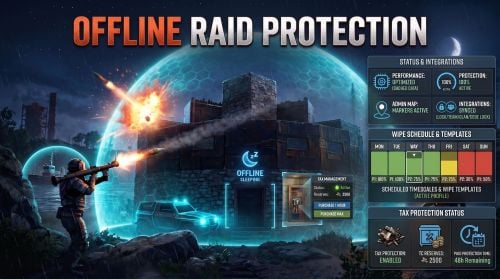 This is a vanilla "grief protection" feature: When a TC is destroyed, it will move up to 24 hours worth of upkeep to what I call a "shadow TC" to give players a chance to reclaim their base.
 -
Actually this is a nothingburger - I just reloaded the plugin at a bad time.
-
Apps like RustPlusDesk seem to still detect when and where CargoShip and Building Blocked volumes spawn, even when they aren't getting map marker data.
-
This doesn't have a config file, you have to edit values in the code to turn features on and off.
-
One ProtoBuf.AppMarkerType value is missing: TravellingVendor
-
 It looks like maybe this only blocks chat from the game to the Rust+ client - would it be possible to block things going the other way? Maybe it doesn't matter so much if map markers are disabled though, since it seems that the recent bot phenomenon mostly depends on those? Edit: Seems to be the other way around, which is fine.
 -
Find this option in your data/RaidableBases/Profiles/*.json files and change it to true: "Allow Players To Deploy A Cupboard"
-

Not working when players are not in clan or team
HunterZ replied to Franx2Rust's Support Report in Support
Changed Status from Pending to Closed -
Changed Status from Pending to Not a Bug
-
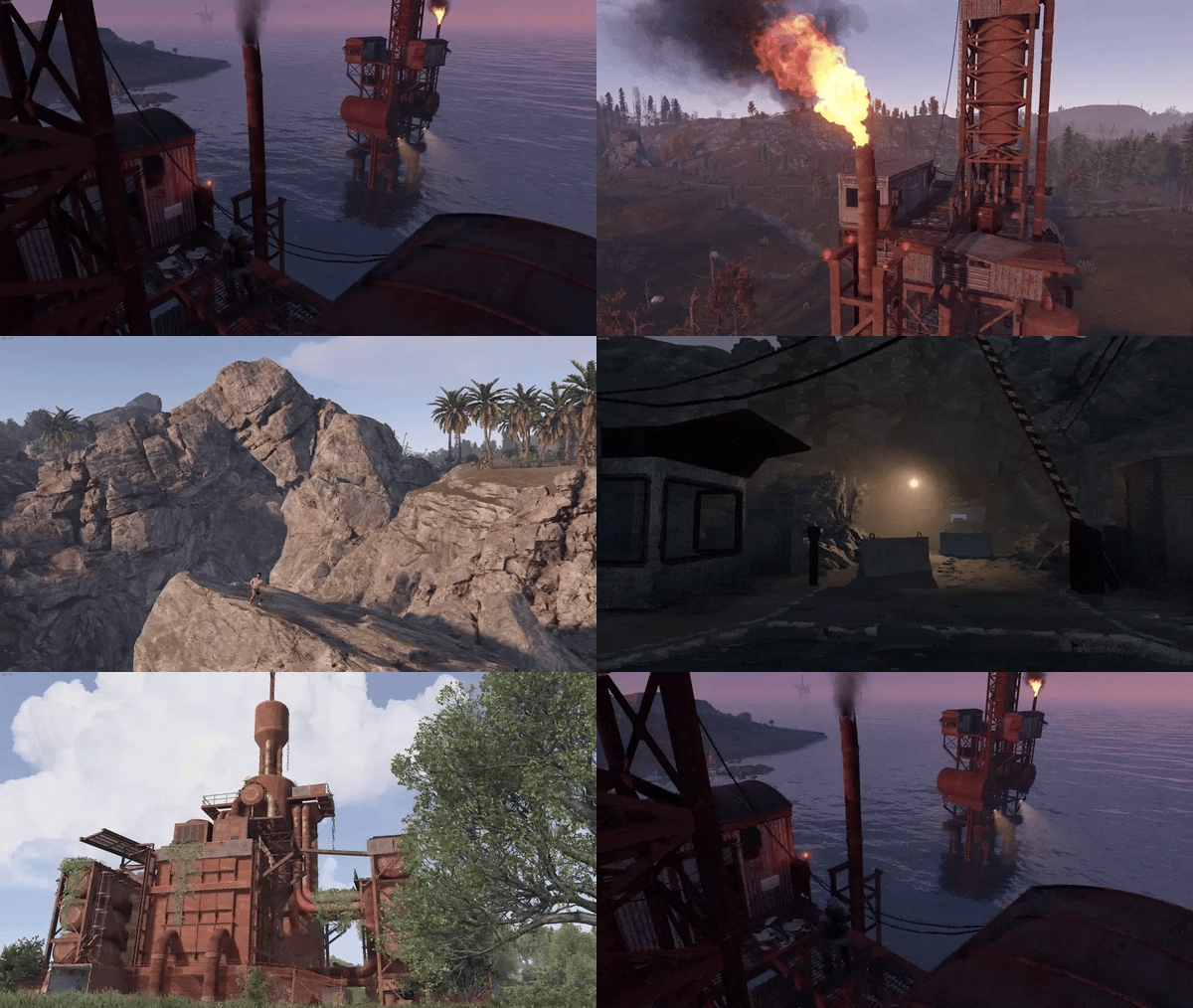 What changed in today's update (update note is just "."), and why did I get notifications saying that both @Cobaltand @RobJuploaded the same version number?
 -
Not working when players are not in clan or team
HunterZ replied to Franx2Rust's Support Report in Support
What happens if you set "Mitigate damage by the team-mate who was offline the longest" to false? It doesn't generally make sense to set this to true, because usually you want protection to be based on the most recently online player. -
As a plugin co-author, I would like to: Receive notifications when support requests are opened Be exempted from "you're not on the latest version" notices
-
Not working when players are not in clan or team
HunterZ replied to Franx2Rust's Support Report in Support
Are you 100% sure they're both authed on the TC when the issue is occurring? Can you post a screenshot showing the auth list? Can you attach your ORP config? -
Here is a small tweak to 4.3.2 to sort the plugin list by plugin name when saving the config file. This makes it easier to compare configs from two different servers. Changes: added IComparable<PluginInfo> interface requirement to PluginInfo class added CompareTo(PluginInfo) interface implementation to PluginInfo class added _config.ListOfPlugins.Sort() call to SaveConfig() UpdateChecker.cs
- 1 reply
-
- 1
-

-
Changed Status from Pending to Not a Bug
-
Changed Status from Pending to Fixed Changed Fixed In to 1.3.2
-
This is an Oxide command parsing issue. Try surrounding the name in double quotes, e.g. "Some Name". Alternatively, try checking by SteamID instead of name.
-
I think I see in the code why this is happening...I'll see if I can figure out a fix. Edit: Yes, in the special case that team/clan checking is disabled, ORP was failing to check the TC auth list. This has been fixed in version 1.3.2.
-
Please file a separate support request for this so that it can be tracked separately.
-
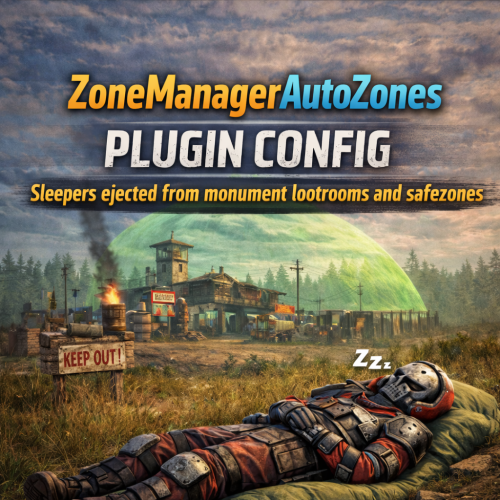 Zone Manager appears to be hard-coded to nearly instantly kill players on disconnect in `killsleepers` zones, and does not provide a configurable delay. Of course implementing such a thing is possible, but would be best done by Zone Manager itself. Unfortunately the developer isn't maintaining it very actively these days.
 -
It's a hypothetical question unless you use some means besides this plugin to do it, but Zone Manager supports a `killsleepers` flag that will kill anyone who logs off in a zone with that flag: https://umod.org/plugins/zone-manager Seems kind of harsh though - what if they disconnect due to a bad connection?
-
If your plugin is just setting flags on Zone Manager zones, there is a `killsleepers` flag...
-
Friends don't let friends use ZMAZ Dynamic PVP is so much better engineered that I took over maintenance of it lol Among many other things, it also lets you set arbitrary Zone Manager flags on the zones it manages...
- 10 comments
-
- 1
-

-
- #plugin
- #zonemanager
- (and 8 more)
-
Try setting "Enable team offline protection sharing" to true.
-
Can you attach your config file?