
-
Posts
320 -
Joined
-
Days Won
7
Content Type
Profiles
Warranty Claims
Downloads
Forums
Store
Support
DOWNLOADS EXTRA
Services
Everything posted by Disguise
-
.thumb.png.92865e92ae7e0f88a20eb894626d964d.png)
Version 2021.05.29
1,031 downloads
Config file containing every skin for every item in the game. Only officially accepted skins! Plugin by misticos: https://umod.org/plugins/skinsFree -
https://umod.org/plugins/loading-messages
-
 Not the plugin itself, a picture about the plugins name is enough too.
 -
.
-
Please send a list of your plugins.
-
Premium version is available! Discount remains until: 05/09/2021 [M/D/Y]
-

Version 1.4.4
139 downloads
FEATURES Fast & Smart automated messaging Server resource-friendly Highly customizable Continent & Country display SUPPORT If you have questions, requests or you're stuck you can get support via my Discord Server or the Support Tab. Most of the time I'm available on Discord. You can find answers there to previous questions and get discounts. Invite link to Discord Server SHOWCASE Default Welcome Message Default Broadcast Message Default Admin Greeting Default Console Message DESCRIPTION You have to get an API KEY from Extreme Ip Lookup and set it in the config file or some features won't work! Compatible with Better Chat (and side mods), Coloured Chat, Chat Prefix, Admin Chat & more! For easier formatting, I recommend Online String Tool PERMISSIONS wcp_greet.admin If "Require Permission" is set to true, only admins with permission will be greeted. If you REALLLLY like my projects and you consider buying me a coffee, I'll thank you forever! (If not, you should consider rating my projects anytime! :D) Ko-Fi PayPal$2.99- 6 comments
-
- 6
-

-

-
- #welcome
- #welcome console
- (and 8 more)
-
 For portals you can use this 2 together: https://umod.org/plugins/zone-manager https://umod.org/plugins/nteleportation
 -
Version 0.2.2
836 downloads
A plugin that allows your server to send a message to the players via console when connected! Because this is my first plugin and it's in v0.1.2 (fully functional) you can download it for FREE! An example below how it's shown to players. You can change the text, size and color too! NOTE: If you're using an another plugin that uses the same hooks as this plugin does (ex. when a player connects, then display a message), there can be some conflicts between the two! If you're expriencing that, please remove the other plugin and test if it works after the removal. Thank you! Welcome Message (by default (only shown to player)) Broadcast Message (by default (shown to others)) Greet Admins (by default (shown to others)) Config file (by default) { "Texts": { "Welcome": "Welcome to", "Server Name": "My Server Name", "Server Description": "This is the server description.\n- 2x gather rate\n- custom monuments\n- For more info, go to: discord.gg/mylink", "GLHF / Endline": "Good Luck & Have Fun!" }, "Text Colors": { "Welcome HEX": "#ffff00", "Server Name HEX": "#00ffa2", "Server Description HEX": "#ffffff", "GLHF / Endline HEX": "#ffffaa" }, "Text Sizes": { "Welcome & Server Name size": 30, "Server Description size": 12, "GLHF / Endline size": 10 }, "Chat": { "Enable Welcome Message": true, "Chat Message (When Player Connects)": "Press <color=orange>F1</color> to view the information about the server.", "Enable Welcome Broadcast": true, "Broadcast Message (When Player Connects)": "is connected", "Enable Farewell Broadcast": false, "Broadcast Message (When Player Disconnects)": "is disconnected", "Chat Icon (Steam64ID)": 76561199163635223 }, "Admin": { "Enable Greet Admins": true, "Chat Message": "is here to give you anxiety." }, "Version": { "Major": 0, "Minor": 1, "Patch": 2 } } Examples what you can change in the .json (config) file & in the .cs (plugin) file. Change the text's color <color=orange>This is a text</color> "This is a text" will be orange. <color=orange>This is</color> <color=green>a text</color> "This is" will be orange while "a text" will be green. Change the text's size <size=28>This is a text</size> "This is a text" size will be 28. - You can use it with coloring too. Linebreak This is\na text "This is" "a text" will be shown. Questions & Answers I wanna change the text coloring, but I can't change it in the config file Don't worry, you can change it in the .cs file (the plugin itself). Hit Ctrl + F to find the text you want to change. The chat icon is set as default, how can I change it? The rust doesn't support chat icon for reply message. I suggest using that ID that you find in the default config or replacing it as 0. Is this plugin will be FREE forever? Yes, this plugin will be FREE forever. There might be a premium version of this plugin in the future. (I don't promise anything.) My old config file is corrupted, what can I do? Delete the old config file and reload the plugin. (o.reload WelcomeConsole)Free -
 What's the prefab count?
 -
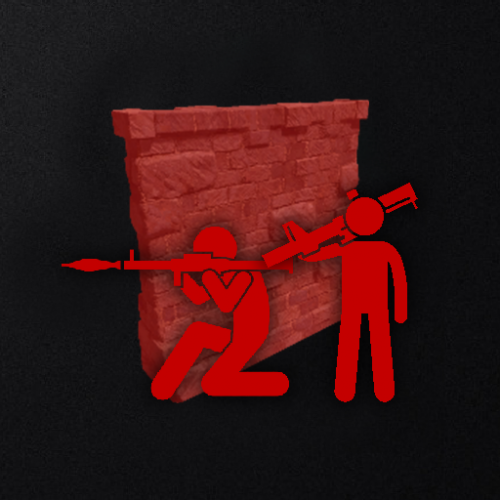 Can we get pictures about the bases? Because paying for something that I don't know what it is, is not a good deal.
 -
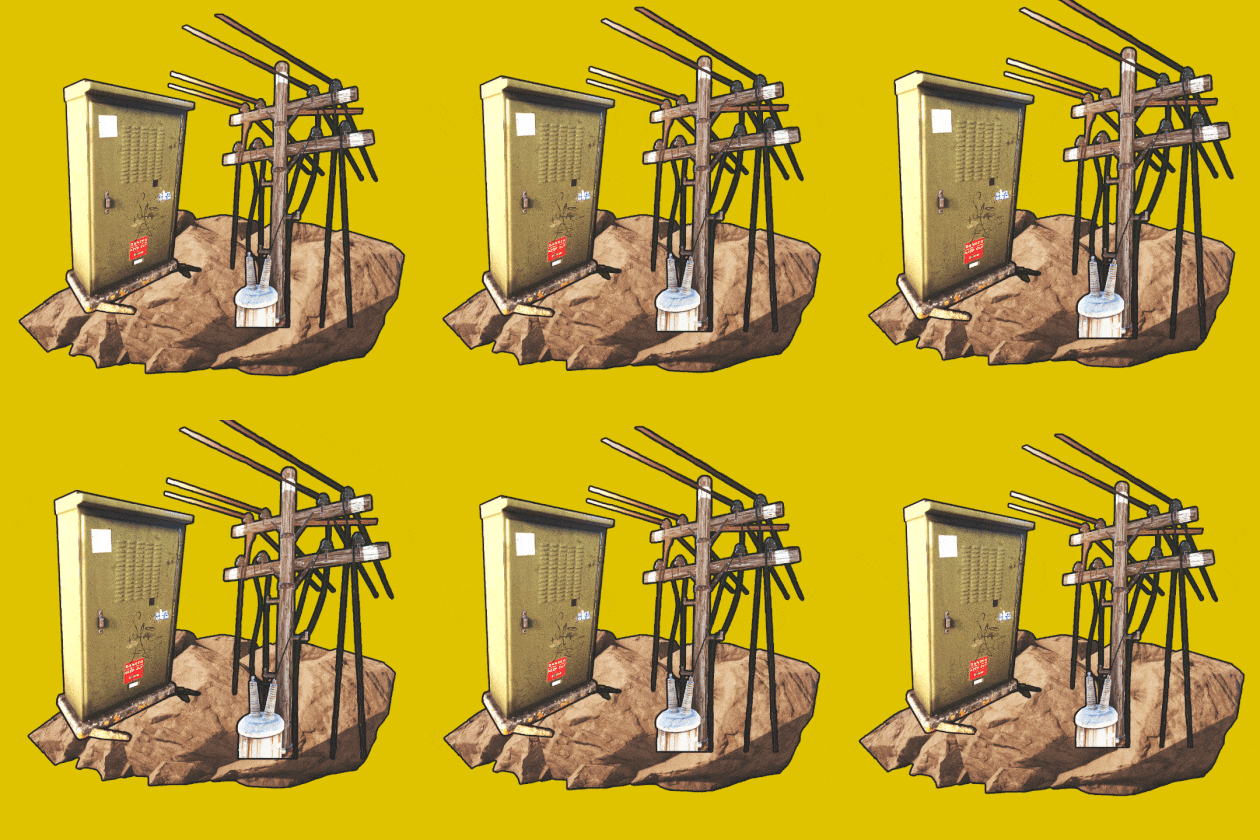 That's so cool man! I've only seen paid and custom plugins like that. Very big thanks!
 -
 If there's a video that YOU make about the plugin and players can bypass it, it means the plugin doesn't work.
 -
 Correct
 -
No, it's a prefab. Entities can't be skinned in Rust. Thanks!
-
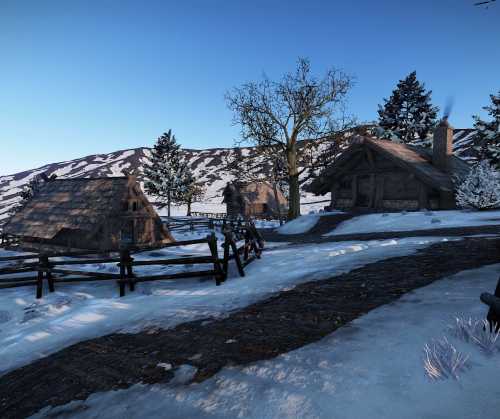 How many is the prefab count?
 -
Changed Status from Pending to Closed
-
If you need any support, I'm open on discord or here.
-
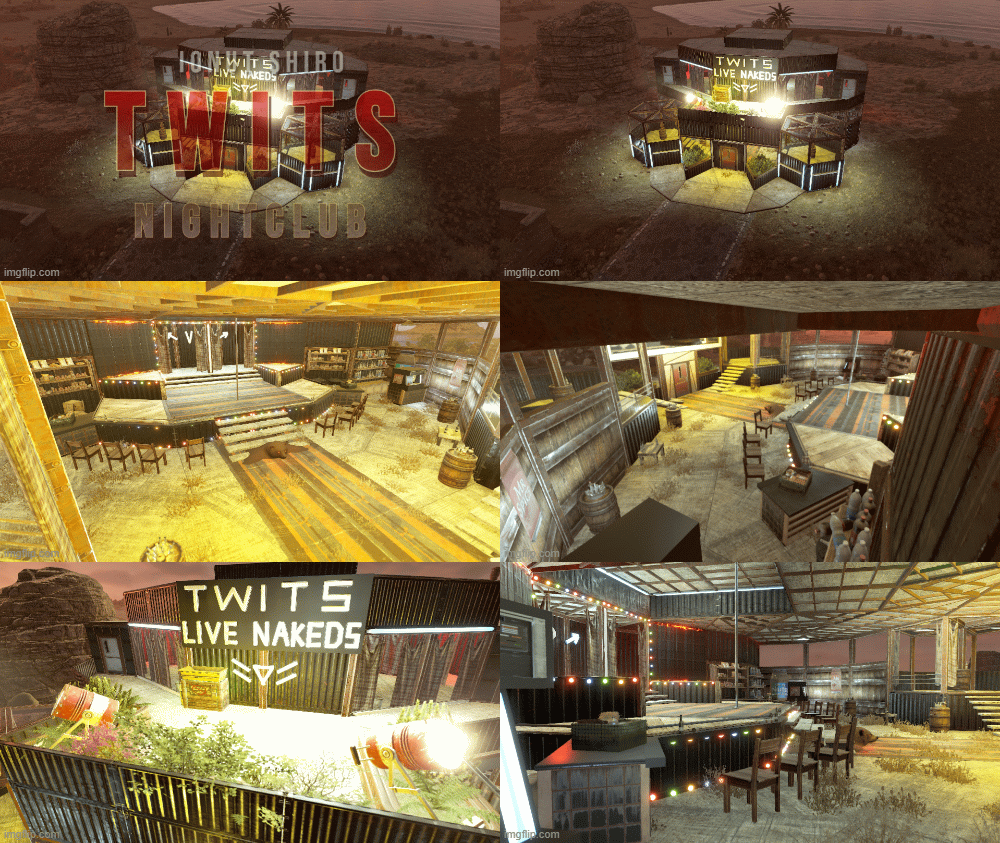 Twits but the W is silent
 -
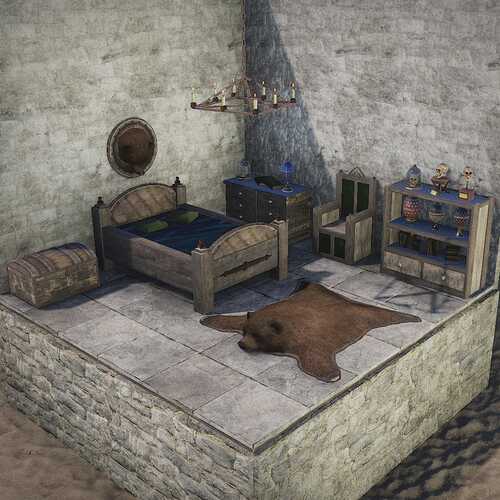 Look at this, I can use it for a medieval themed restaurant too! AMAZING!!!
 -
Sick
-
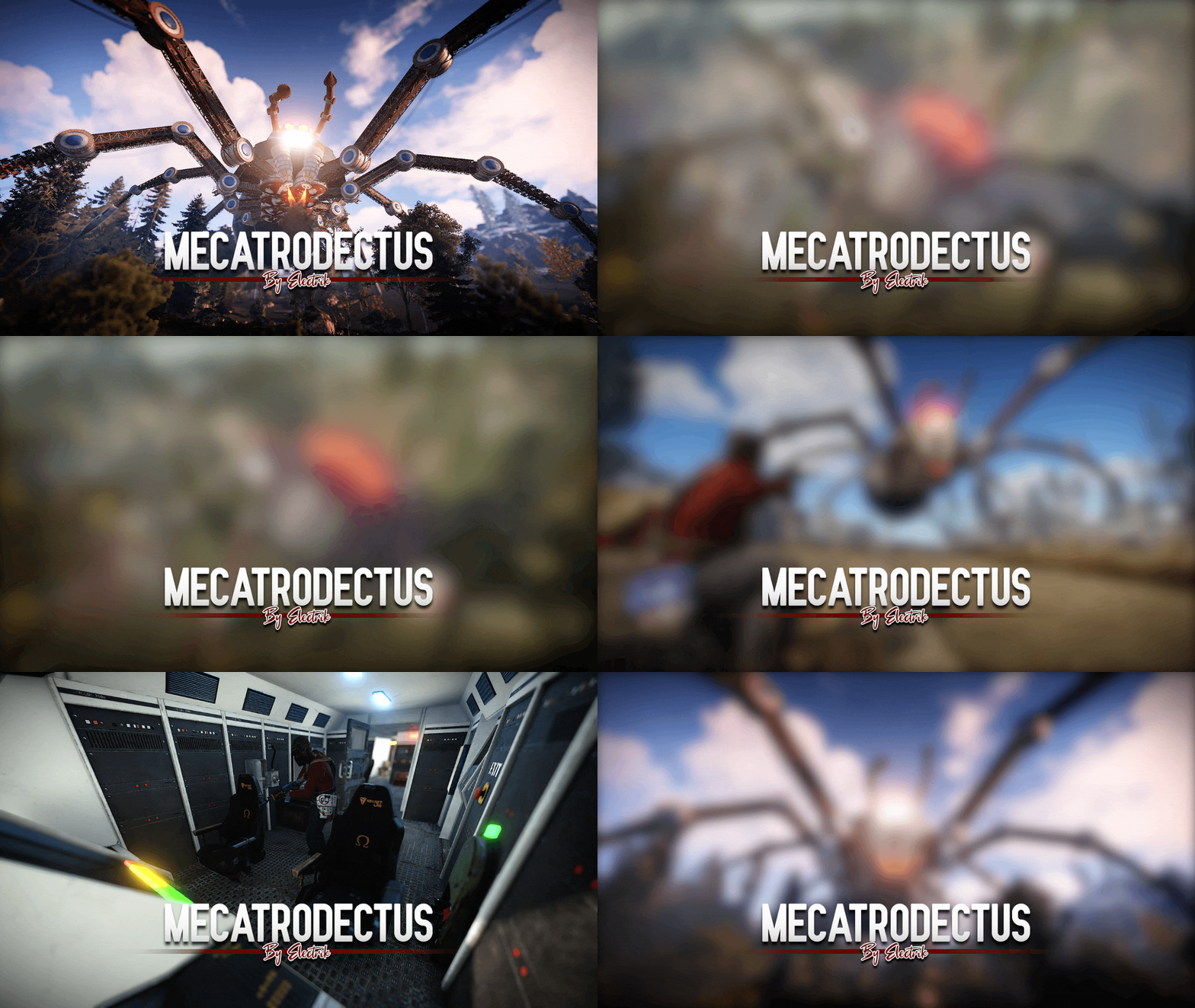 This product reminds me of the watchdog's spider, when you buy speed on the street.
 -
Try https://umod.org/plugins/beds-limit but made 2 years ago and there's no maintainer