-
Posts
190 -
Joined
-
Last visited
Content Type
Profiles
Warranty Claims
Downloads
Forums
Store
Services
Downloads Plus Support
DOWNLOADS EXTRA
Everything posted by Paul H.
-
 I can't manage to configure it. I get the message that the garage door has been set but nothing appears... I would like to have the old menu again
 -
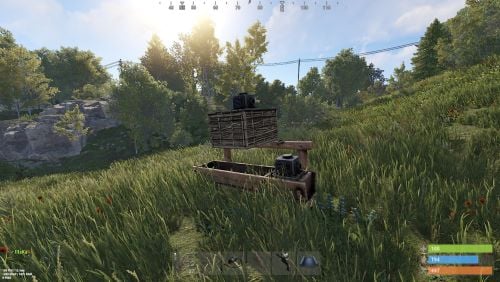 Thank you, it worked
 -
Can anyone help me? I would just like to have the display on the right instead of the left but somehow I can't get it right...
-
 Thank you very much, the map works
- 6 comments
-
- 1
-

-
- #germany map
- #rust germany
- (and 8 more)
-
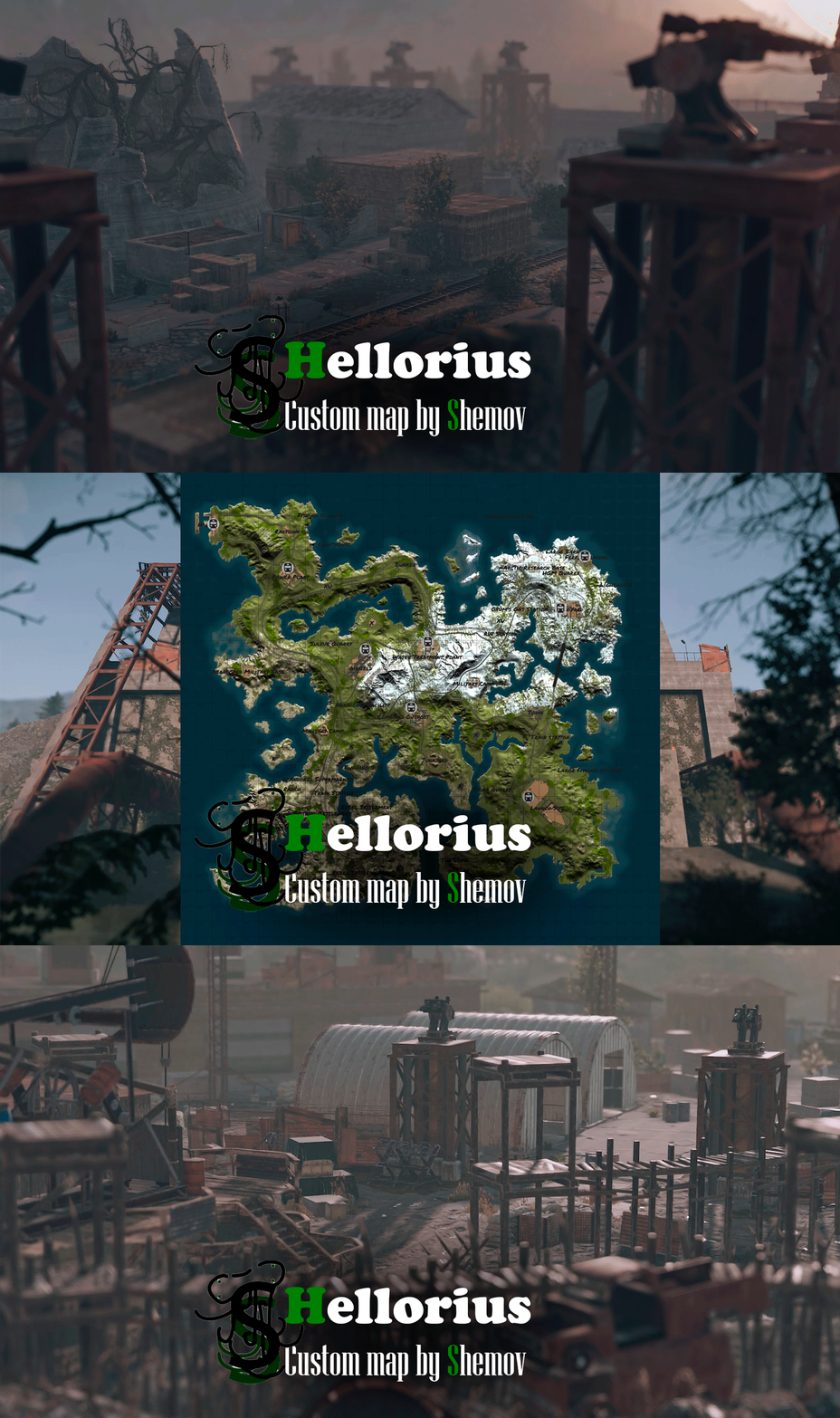 Hi, is there any data for BetterNPC? or you still have to set the NPCs themselves The map is really cool
 -
.thumb.gif.b22047505823f6b849692f2b28fdc083.gif) Hi I have a question about the map, we have our own "Town" as spawn point and for our NPCs and stores and small port houses. (these were created by ourselves) Is it allowed to put them on the map with?
Hi I have a question about the map, we have our own "Town" as spawn point and for our NPCs and stores and small port houses. (these were created by ourselves) Is it allowed to put them on the map with? -
Hello, I have a problem, I put the bank on the map the plugin works so far but the NPCs shoot through the walls and go through closed doors.
-
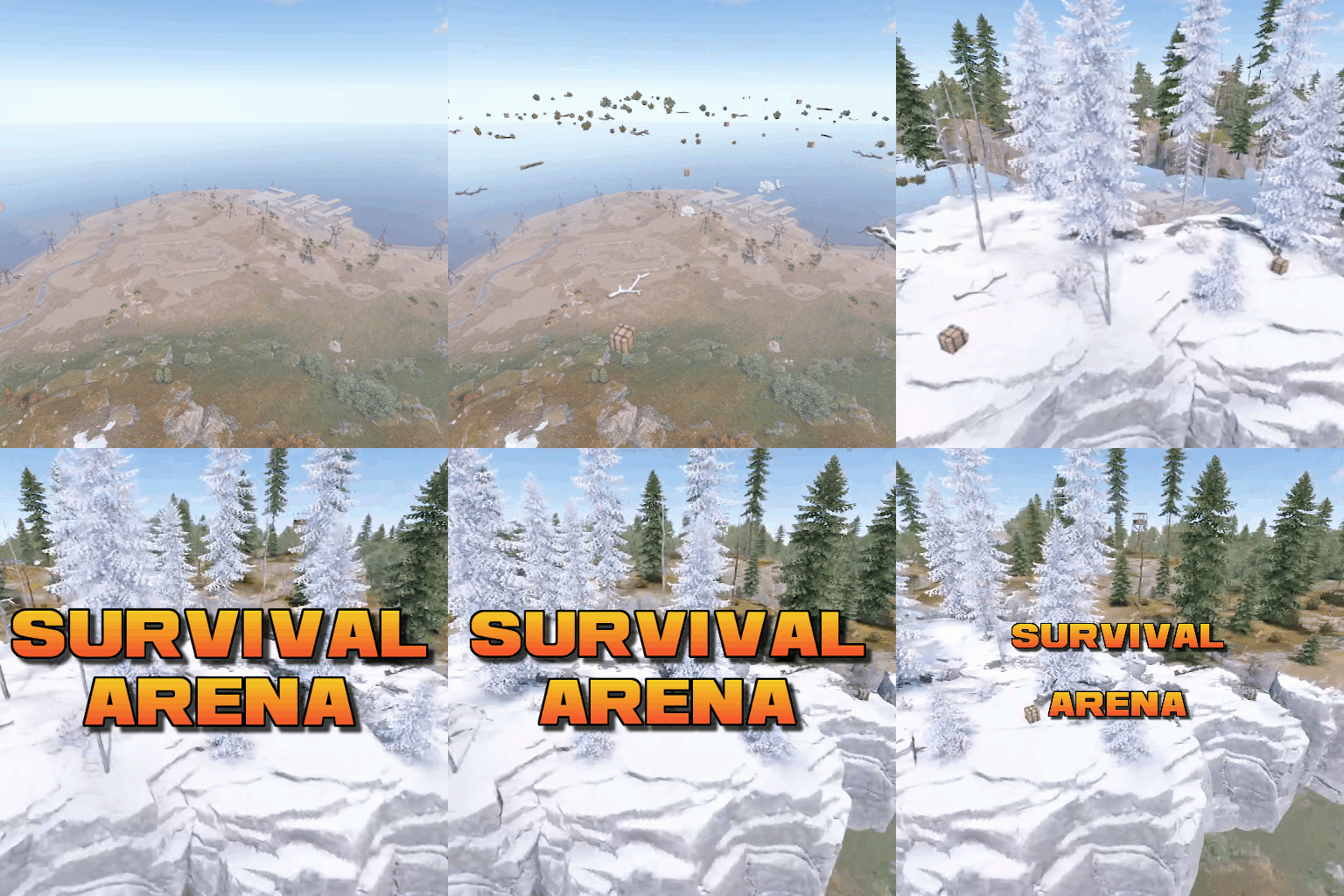 .
. -
Hello, is it possible that players can buy this as an event and thus start the event themselves? Until now only the admin can start the game or via EventHelper
-
Which team plugin can you recommend for the arena?
-
 Thanks, now I understand
 -
I deleted the config and then installed the update and in the new config "Wipe all" is no longer there Sorry, my English isn't that good, so I didn't quite understand it
-
"Wipe all" is missing now Possibly wipe the economics?
-
 Too bad, another plugin that is not maintained
 -
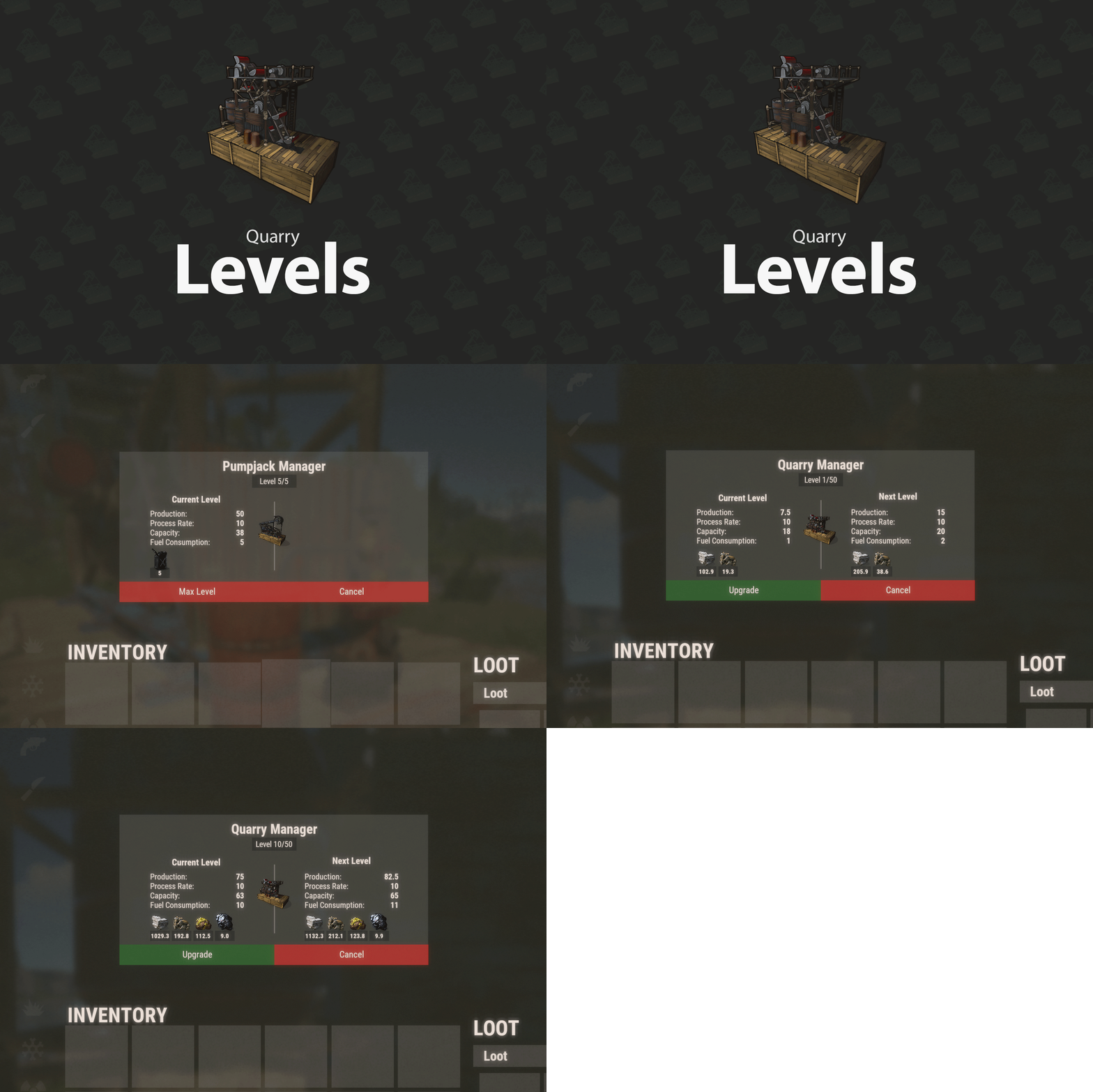 Broken plugin It was really great at first, but then it stopped working there are enough unanswered supoort requests. Direct inquiries to the provider remained unanswered.
- 197 comments
-
- 1
-

-
- #rust plugin
- #custom rust plugin
- (and 2 more)
-
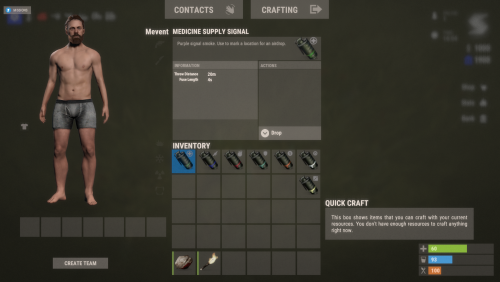 Hi, will there be a solution to make the plugin work with loottable? I bought it and didn't see that there was a problem with it... I think it's a shame now. (07:36:33) | [Loottable] Plugin HelpfulSupply is overwriting existing custom item with skin id 2912968568. Consider removing custom items before re-registering them (07:36:33) | [Loottable] Plugin HelpfulSupply is overwriting existing custom item with skin id 2912968440. Consider removing custom items before re-registering them (07:36:33) | [Loottable] Plugin HelpfulSupply is overwriting existing custom item with skin id 2912968298. Consider removing custom items before re-registering them (07:36:33) | [Loottable] Plugin HelpfulSupply is overwriting existing custom item with skin id 2912968179. Consider removing custom items before re-registering them (07:36:33) | [Loottable] Plugin HelpfulSupply is overwriting existing custom item with skin id 2912967918. Consider removing custom items before re-registering them (07:36:33) | [Loottable] Plugin HelpfulSupply is overwriting existing custom item with skin id 2912968057. Consider removing custom items before re-registering them (07:36:33) | [Loottable] Plugin HelpfulSupply is overwriting existing custom item with skin id 2912968671. Consider removing custom items before re-registering them
 -
 Hi, how can i disable ultimate I'm logged in as admin but undten is only Ultimate and not Ultimate settings. I couldn't find anything in the config either. Can anyone help me and say how I can disable it?
 -
 Ah thanks I have it
 -
sorry i have another question, I have the plugin Build Tools 1.5.13 bought and used in the RadialMenu. It worked at first, but recently after the RustUpdate no longer. Failed to call hook 'DistributionCommand' on plugin 'RadialMenu v1.2.4' (NullReferenceException: Object reference not set to an instance of an object) at Oxide.Plugins.RadialMenu.DistributionCommand (ConsoleSystem+Arg args) [0x00245] in <a2dea7ec95434786b73f0ef31a12ea3a>:0 at Oxide.Plugins.RadialMenu.DirectCallHook (System.String name, System.Object& ret, System.Object[] args) [0x002fe] in <a2dea7ec95434786b73f0ef31a12ea3a>:0 at Oxide.Plugins.CSharpPlugin.InvokeMethod (Oxide.Core.Plugins.HookMethod method, System.Object[] args) [0x00079] in <23ba99f131254889867c71f0bd137b1d>:0 at Oxide.Core.Plugins.CSPlugin.OnCallHook (System.String name, System.Object[] args) [0x000d8] in <157a94ee66ab4a7991faecd1eb84be3b>:0 at Oxide.Core.Plugins.Plugin.CallHook (System.String hook, System.Object[] args) [0x00060] in <157a94ee66ab4a7991faecd1eb84be3b>:0 Config: { "Section name": "BauTool", "Enable this section?": true, "Section permission [required]": "buildtools.all", "Section icon": "https://i.imgur.com/m7kyUIK.png", "Fill icon with color below?": true, "Inactive section color [HEX or Unity RGBA]": "#ff9c1b", "Active section color [HEX or Unity RGBA]": "#e3e3e3", "Command executed on behalf of the player [if empty, the subsections below are used]": "rem", "Command type [true - chat, false - console]": true, "Permissions for above command [comma separated. optional]. Checks if the player has such a permissions.": "", "Show this section only to those with permissions above?": false, "Show this section even to those who don't have permissions?": false, "Subsections layout [n - number]: 0 - auto; n - from the beginning; -n - from an active element": 0, "Subsections": [] }, Can you please help me?
-
Thank you very much, that was the mistake radialmenu.craft
-
this one
-
Very dear thanks. I've revised everything, the error messages are gone too, but my problem with Craft has remained. I took the code as it was given but I keep getting the message that I don't have permission but I have it... I can enter the command in the chat and can use the plugin fully... Am I mistaken somewhere? I've also tried Craft with and without the s { "Section name": "Craft", "Enable this section?": true, "Section permission [required]": "craft", "Section icon": "https://i.imgur.com/m7kyUIK.png", "Fill icon with color below?": true, "Inactive section color [HEX or Unity RGBA]": "#fade54", "Active section color [HEX or Unity RGBA]": "#e3e3e3", "Command executed on behalf of the player [if empty, the subsections below are used]": "craft", "Command type [true - chat, false - console]": true, "Permissions for above command [comma separated. optional]. Checks if the player has such a permissions.": "craft.use", "Show this section even to those who don't have privileges?": true, "Subsections layout [n - number]: 0 - auto; n - from the beginning; -n - from an active element": 0, "Subsections": [] },