Jump to content
Message added by KpucTaJl,

⚠️ IMPORTANT: Major Update!
Before installing, carefully read the update instructions included inside the archive

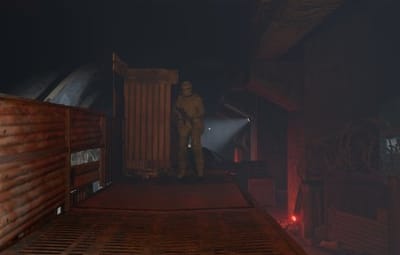
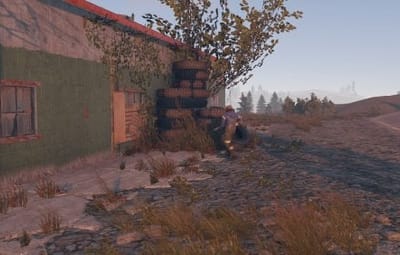
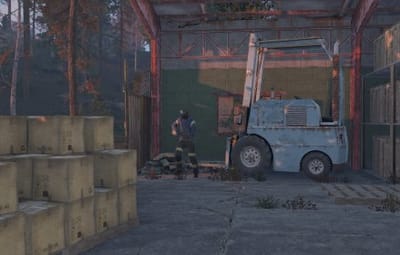
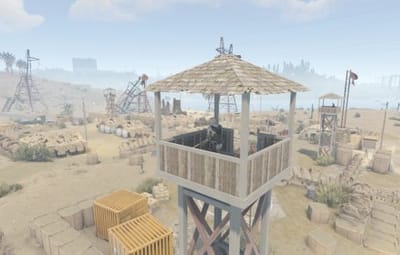
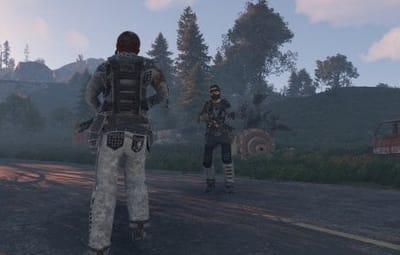
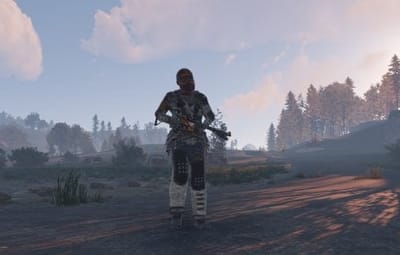
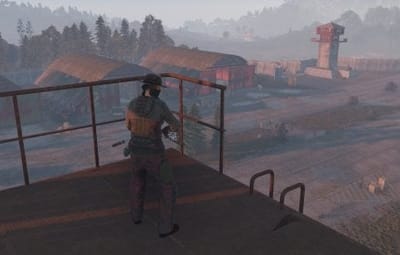
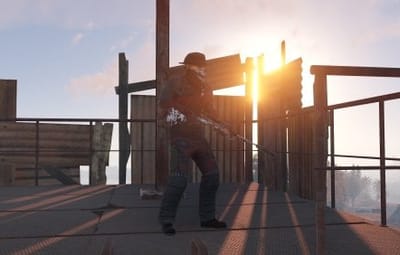
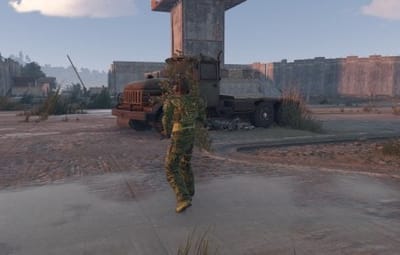
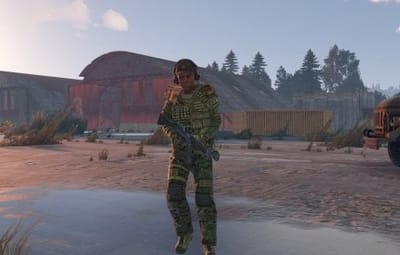
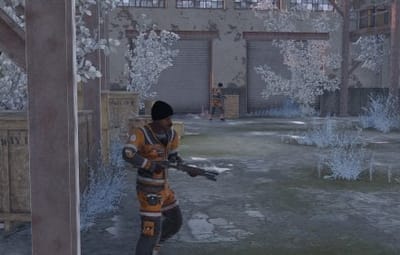
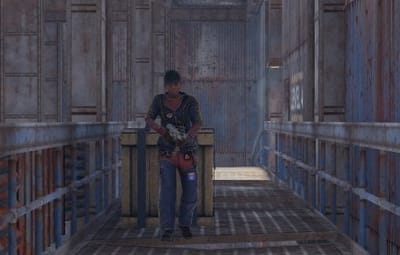
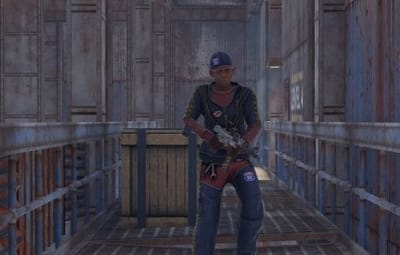
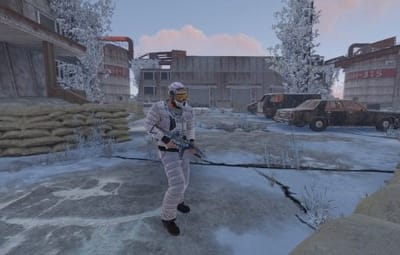
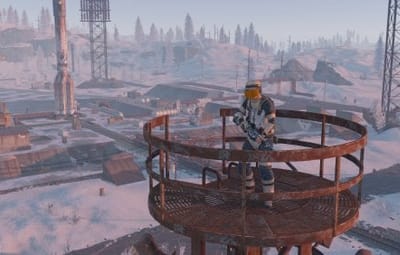
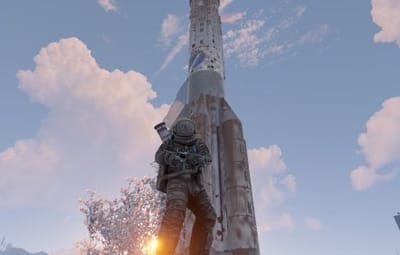
40 Screenshots
  • 244.9k
  • 10.7k
  • 403.55 kB

This area is for discussion and questions. Please use the support area for reporting issues or getting help.

Recommended Comments


lokisoteg

Posted

I am smacking my head atm... forgot to check the file. The directory didn't have the Custom folder


aimacak

Posted (edited)

4 minutes ago, lokisoteg said:

I am smacking my head atm... forgot to check the file. The directory didn't have the Custom folder


Well.. This won't help you right now, although at first it may seem like everything is fine.

Did you backup your files before starting the major update? configs NpcSpawn and BetterNpc, data files: oxide/data/BetterNpc

Edited by aimacak
lokisoteg

Posted

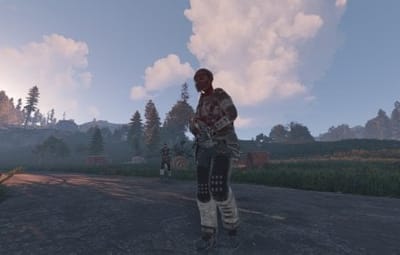
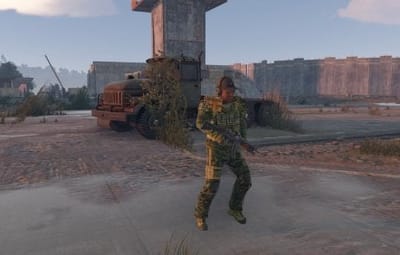
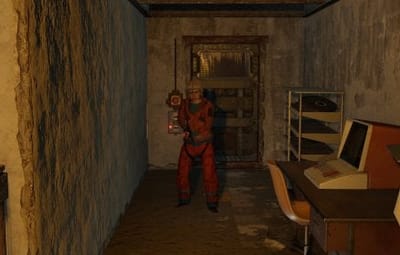
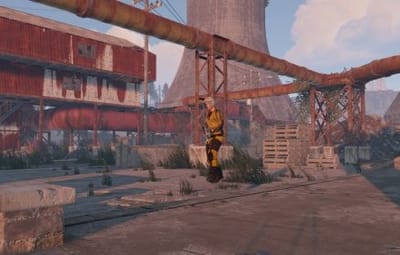
I clean installed. once the Custom floder was added, bots spawned. Now they are naked and not moving. fun
lokisoteg

Posted

no backups. fresh downloads from Codefling

aimacak

Posted

8 minutes ago, lokisoteg said:

I clean installed. once the Custom floder was added, bots spawned. Now they are naked and not moving. fun
 

2 minutes ago, lokisoteg said:
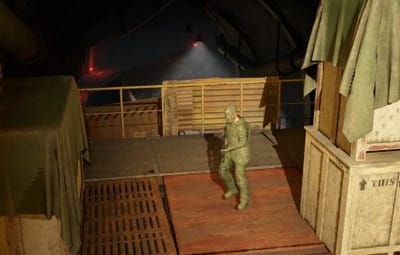
no backups. fresh downloads from Codefling

This is already a standard question about backups, so I wrote it automatically, besides, I do not know for what reason you did a clean install.
Since, judging by the server logs, UpdaterBetterNpc is installed on your server, I can assume that you have a broken BetterNpc configuration, and possibly NpcSpawn. I would advise you to delete the configurations: NpcSpawn.json, NpcSpawn_old.json, BetterNpc.json and BetterNpc_old.json, delete data files: oxide/data/BetterNpc/, oxide/data/NpcSpawn/Preset/.
After that, transfer the data files from the last version of NpcSpawn and BetterNpc archives, then upload NpcSpawn.cs, then upload BetterNpc, you don't need any Updaters for a clean install.

aimacak

Posted

@lokisoteg

oh, yes, I completely forgot, before transferring the data files, you also need to delete NpcSpawn.cs, BetterNpc.cs, UpdaterNpcSpawn.cs and UpdaterBetterNpc.cs from oxide/plugins/

lokisoteg

Posted

will this do a version where they spawn with clothes and moving? Cause the process you described, I did. 3 times, and caused the IOExcep. B4 i added the Custom folder

aimacak

Posted

9 minutes ago, lokisoteg said:

will this do a version where they spawn with clothes and moving? Cause the process you described, I did. 3 times, and caused the IOExcep. B4 i added the Custom folder

If you'd followed this procedure exactly at least once, everything would have worked. You asked for help, and I'm trying to help you within the forum's guidelines and in the same ways I've helped many people. How can you help someone who's resisting? I've provided you with arguments, based on your own logs, as to why you're having these problems, and for some reason you've decided to argue with me instead of following my exact procedure and enjoying the plugins working properly.

lokisoteg

Posted

I'm asking. Not resistant. I am currently in process of doing this. And in the way you mentioned. I, along with many others, hate repeating steps. I appoligize if it seems I'm being anything other than accepting of your help

  • Like 1
aimacak

Posted

10 minutes ago, lokisoteg said:

I'm asking. Not resistant. I am currently in process of doing this. And in the way you mentioned. I, along with many others, hate repeating steps. I appoligize if it seems I'm being anything other than accepting of your help

I understand, it's okay. Let me clarify for you: NpcSpawn and BetterNpc recently had a major update, which is the only reason for all the confusion and complexity. That's also why you have *.cs update files in your archives. They were created primarily to preserve user settings when upgrading from the previous version to this one. There are also instructions for all possible options, for a clean installation, for those who use BetterNpc and for those who don't.

lokisoteg

Posted

I removed said updater files. and after following your advise, it still a large naked and afraid episode. (puns) 
My clarification on my reasoning for clean install is I am helping a friend on their server, they bought the plugin and installed. I did a fresh install to remove anything that might cause issues, Like you said, old configs and such. But i've also noticed He has a plugin called NPCKits. I am now curious if that is possibly causing conflict


aimacak

Posted

3 minutes ago, lokisoteg said:

I removed said updater files. and after following your advise, it still a large naked and afraid episode. (puns) 
My clarification on my reasoning for clean install is I am helping a friend on their server, they bought the plugin and installed. I did a fresh install to remove anything that might cause issues, Like you said, old configs and such. But i've also noticed He has a plugin called NPCKits. I am now curious if that is possibly causing conflict


Probably not, first we need to make sure everything is correct. What kind of pun did you come up with? You can add me on Discord, maybe it would be more convenient @shrpndfcsd

Create an account or sign in to comment

You need to be a member in order to leave a comment

Create an account

Sign up for a new account in our community. It's easy!

Register a new account

Sign in

Already have an account? Sign in here.

Sign In Now
  • Like 10
  • Love 6

User Feedback

2.2m

Downloads

Total number of downloads.

10.3k

Customers

Total customers served.

149.3k

Files Sold

Total number of files sold.

3.2m

Payments Processed

Total payments processed.

×
×
  • Create New...

Important Information

We have placed cookies on your device to help make this website better. You can adjust your cookie settings, otherwise we'll assume you're okay to continue.