-
Posts
355 -
Joined
-
Last visited
-
Days Won
1
Content Type
Profiles
Warranty Claims
Downloads
Forums
Store
Services
Downloads Plus Support
DOWNLOADS EXTRA
Reels
Everything posted by Stormo
-
Maybe I explained it incorrectly. The issue is that when a weapon that was equipped in the player's hands falls through the map, it cannot be recovered. Everything else can still be recovered, even if it falls through the terrain. I tested this by dying underneath the map while holding a weapon. All insured items were recoverable except for the weapon that was in my hands at the time of death. Is this intended behavior, or is there a way to fix it so that equipped weapons can also be restored in this situation?
-
Hello, First of all, great plugin! However, I have a question. Is there any way to fix the following issue? On my server, loot occasionally falls through the map/terrain. With insured clothing and other insured items, everything works fine, even if the backpack falls through the map. However, there seems to be a problem with weapons that were equipped in the player's hands at the time. They are not restored, and the plugin reports them as "looted" instead. Is there any way to fix this behavior or configure the plugin so that equipped weapons are also restored when a backpack falls through the map?
-
 thx
thx -
Hi! I was wondering if there are any plans for a discount on this plugin, and if so, do you have an estimated timeframe for when it might go on sale?
-
 Yes, the latest server updates were installed. The first time players reported this issue to me was on the evening of October 2, 2026. Before that, I had never experienced this problem.
 -
After killing the boss with rockets, these messages started appearing in the console. The explosions never stop, and the FPS near the explosion area drops to around 3 FPS. Does anyone know how to fix this? When I reload NpcSpawn, everything goes quiet for a few seconds, but then it starts happening again. NullReferenceException: Object reference not set to an instance of an object at Rust.Ai.Gen2.BasicAnimalFsm.Hurt (HitInfo hitInfo) [0x00014] in <5c6eb1c7ffa24b1ea2180a66bcc56f9e>:0 at BaseCombatEntity.Hurt (HitInfo info) [0x00155] in <5c6eb1c7ffa24b1ea2180a66bcc56f9e>:0 at Rust.Ai.Gen2.BaseNPC2.Hurt (HitInfo info) [0x00016] in <5c6eb1c7ffa24b1ea2180a66bcc56f9e>:0 at BaseCombatEntity.OnAttacked (HitInfo info) [0x00067] in <5c6eb1c7ffa24b1ea2180a66bcc56f9e>:0 at Rust.Ai.Gen2.BaseNPC2.OnAttacked (HitInfo info) [0x00000] in <5c6eb1c7ffa24b1ea2180a66bcc56f9e>:0 at DamageUtil.RadiusDamage (BaseEntity attackingPlayer, BaseEntity weaponPrefab, UnityEngine.Vector3 pos, System.Single minradius, System.Single radius, System.Collections.Generic.List`1[T] damage, System.Int32 layers, System.Boolean useLineOfSight, System.Boolean ignoreAI, System.Boolean ignoreAttackingPlayer, System.Boolean extendedLineOfSight, System.Collections.Generic.List`1[T] playerDamage, System.Boolean removeWallpaper, System.Boolean includeBoatBuildingPieces, BaseEntity ignoreEntity) [0x002b4] in <5c6eb1c7ffa24b1ea2180a66bcc56f9e>:0 at TimedExplosive.Explode (UnityEngine.Vector3 explosionFxPos) [0x004be] in <5c6eb1c7ffa24b1ea2180a66bcc56f9e>:0 at TimedExplosive.Explode () [0x00007] in <5c6eb1c7ffa24b1ea2180a66bcc56f9e>:0 at TimedExplosive.ProjectileImpact (UnityEngine.RaycastHit info, UnityEngine.Vector3 rayOrigin) [0x00012] in <5c6eb1c7ffa24b1ea2180a66bcc56f9e>:0 at ServerProjectile.ProcessHit (UnityEngine.RaycastHit hitInfo, BaseEntity hitEnt, UnityEngine.Vector3 rayOrigin) [0x00047] in <5c6eb1c7ffa24b1ea2180a66bcc56f9e>:0 at ServerProjectile.DoHitDetection (UnityEngine.Vector3 velocityToUse, System.Single distance) [0x0008c] in <5c6eb1c7ffa24b1ea2180a66bcc56f9e>:0 at ServerProjectile.DoMovement () [0x0004b] in <5c6eb1c7ffa24b1ea2180a66bcc56f9e>:0 at ServerProjectile.FixedUpdate () [0x00028] in <5c6eb1c7ffa24b1ea2180a66bcc56f9e>:0
-
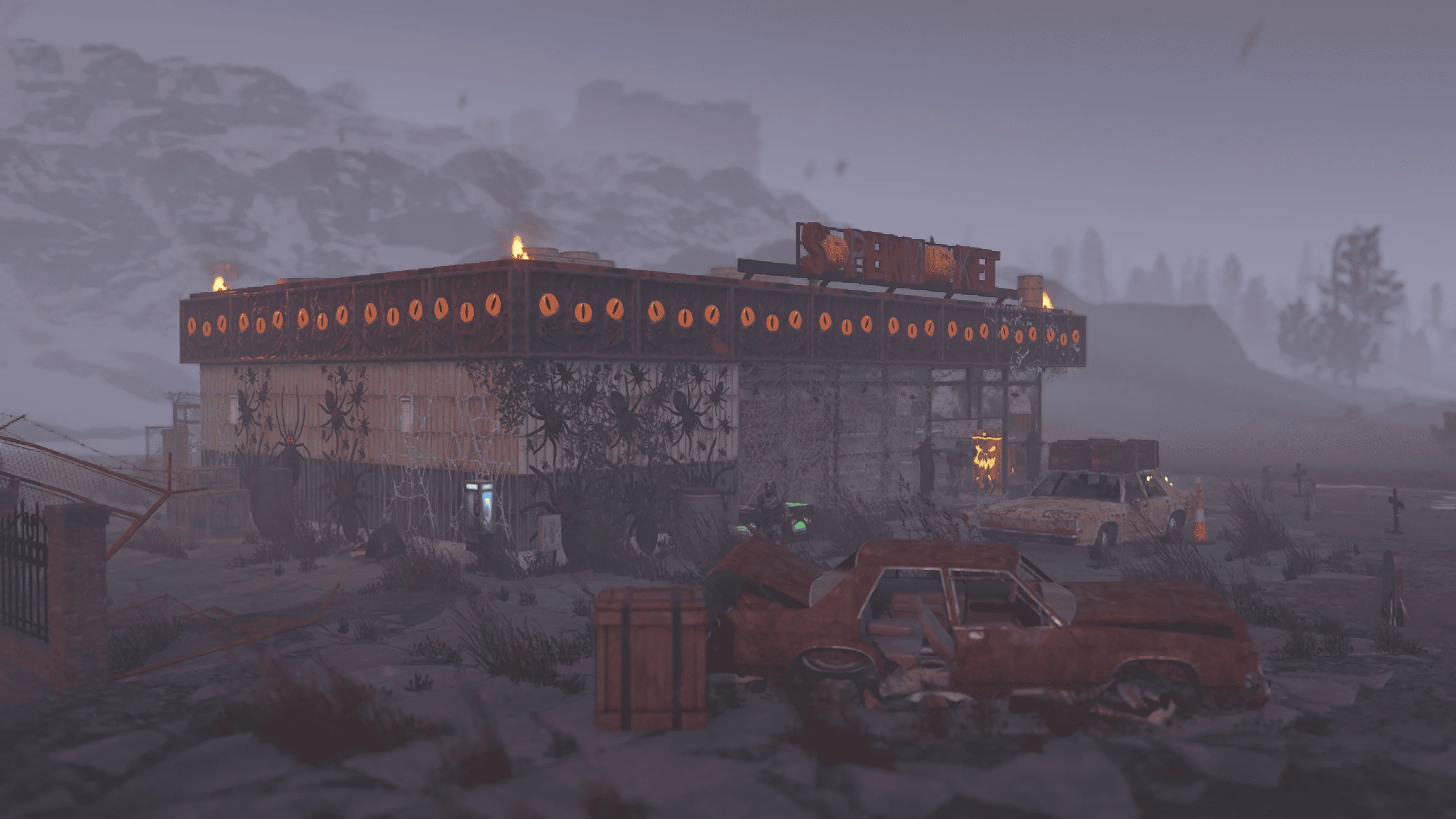
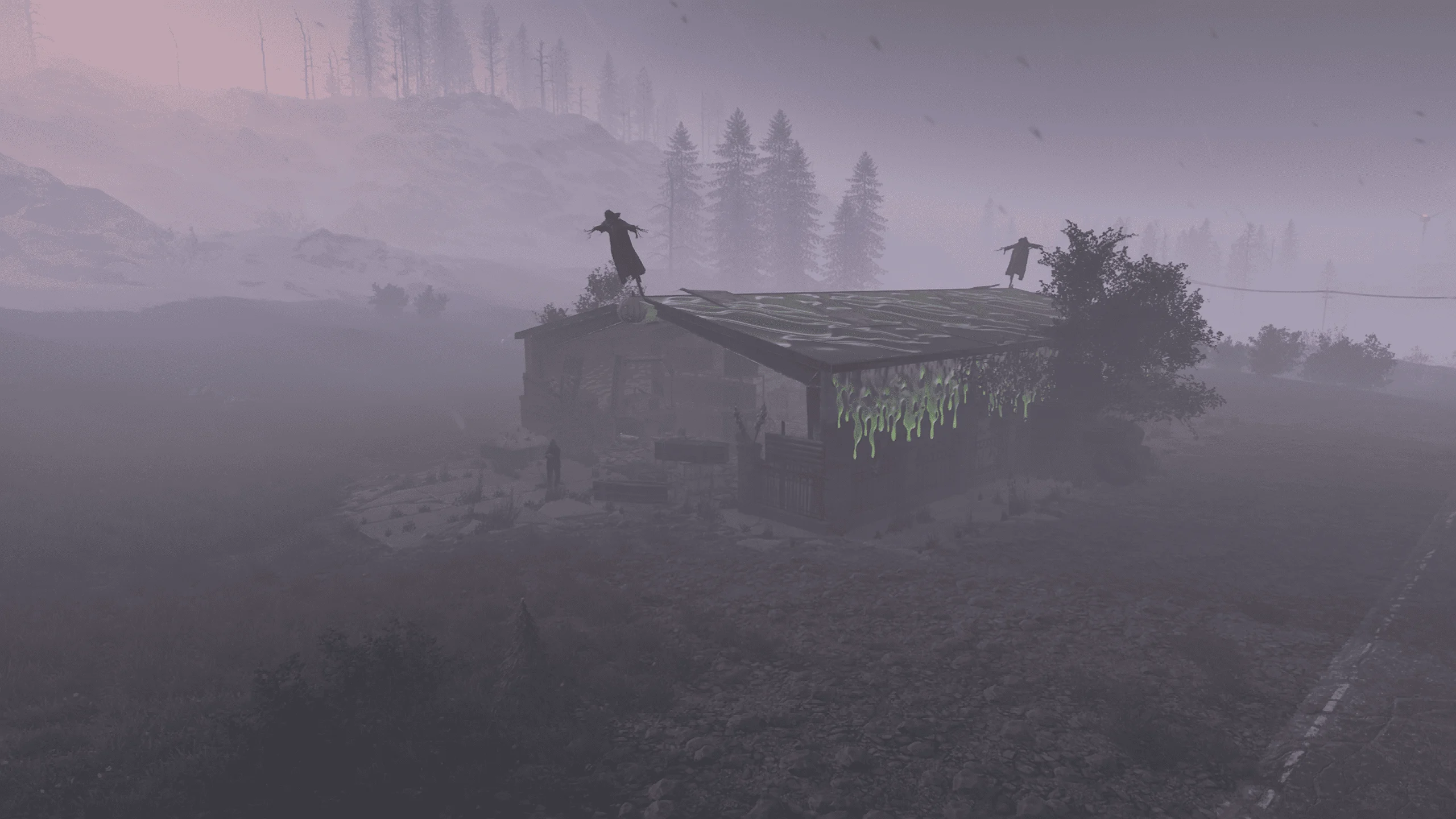
No, you misunderstood. It is working. For some reason, only the Supermarket, Gas Station, and Warehouse were not updated, and the Halloween decorations shown in your screenshots did not appear on them. Sorry, I just checked again and there are a few of them. However, Halloween decorations were not added to all Gas Stations and Warehouses. Was that intentional?
-
Hello, as always, it's a great addition, but I'm having some issues. The power line monuments and the junkpiles connected to them were updated successfully. However, none of these monuments seem to appear at all. Is there perhaps something that needs to be configured differently or set up correctly?

-
After the global update, my players started complaining that sometimes when they kill a boss, the boss's backpack falls through the ground. I honestly don't know what to do. The map is a regular procedurally generated map. I disabled the option that removes the corpse after death, and I noticed that the boss's corpse also occasionally falls through the terrain. Does anyone know how this can be fixed? Any suggestions would be greatly appreciated.
-
 @Brad Copp Hi! Does Zen Tickets have any Discord integration? I would like new tickets and staff/player replies to be automatically posted to a Discord channel. If this is not currently supported, are there any hooks or an API available for creating a custom Discord integration? Thank you.
 -
@Martian After the latest update, animals cannot be killed. This also prevents players from completing dungeons because some objectives require killing animals. Please investigate this issue.
-
Hello, I would like to ask whether there are any plans for future updates or design improvements for this theme. As far as I know, it has been nearly three years since the theme was released, yet there are still a number of visual and responsive design issues that have not been addressed. For example: When the browser window is resized or the page is zoomed, the project name overlaps other navigation elements. In the mobile version, the site title does not properly adapt to different screen sizes. There are several responsiveness and layout issues throughout the theme. There are also various smaller UI/UX problems that affect the overall appearance and usability of the website. Please do not take this as a complaint. I generally like the theme and use it for my project. However, this is still a paid product. While the price is not particularly high, it was purchased with the expectation of ongoing support and improvements. Are there any plans to fix these issues and continue updating the theme in the future? Thank you for your time, and I look forward to your response.
-
Hello! We've noticed a small issue with the Jungle RTs. At the Tree Dome and Temple locations, the bots are spawning extremely close to each other, essentially on the same spot. As a result, when one bot is killed, all of the nearby bots die at the same time as well. Would it be possible to adjust the spawn points and spread the bots across different positions so they don't overlap and can function properly? Thanks in advance!
-
I wanted to ask if there's an update coming soon. My players have been complaining more often lately that loot sometimes gets stuck in the air, especially after a raid base is destroyed or when a player dies in a minicopter. They usually build up to reach the loot, but sometimes, even when they get right next to it, they still can't pick it up for some reason. I'm just asking because my players keep wondering when this issue will be fixed.
-
Hello, is there any way to fix an issue where, if a player dies in mid-air, their loot would fall to the ground or at least be moved to the nearest ceiling, foundation, or valid surface? Right now, there are situations where the loot simply remains floating in the sky. For example, when a player is flying a minicopter and gets hit by SAM site missiles, both the player and the helicopter are destroyed, but the backpack, player loot, and helicopter loot can end up suspended in the air above the map. If there is any way to fix this behavior, it would be greatly appreciated.
-
Hello, would it be possible to add a feature that allows admins to view the history when opening a box while in vanish mode? Right now, if the box is protected with a code lock, the History button does not appear until you authorize yourself on the lock.
-
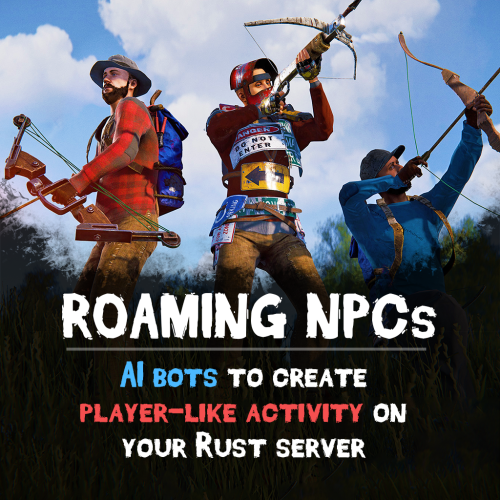 thx
thx -
I would like to purchase this wonderful plugin. Could you please tell me if there will be a sale or discount available in the near future?
-
1

.webp.218e3263ca427742b5381508d7ab15ca.webp)