-
Posts
233 -
Joined
-
Last visited
Content Type
Profiles
Warranty Claims
Downloads
Forums
Store
Services
Downloads Plus Support
DOWNLOADS EXTRA
Everything posted by Stormo
-
My players are complaining that they can’t complete the event. Also, please add support for rewards such as economy and items, because the event currently has no proper rewards, please.
-

-
Custom items from this plugin: https://codefling.com/plugins/custom-item-manager
-
Yeah, I have an error too, but the plugin works. I just have 3 servers, so I got a bit mixed up with the console.
-
Everything runs without errors.
-
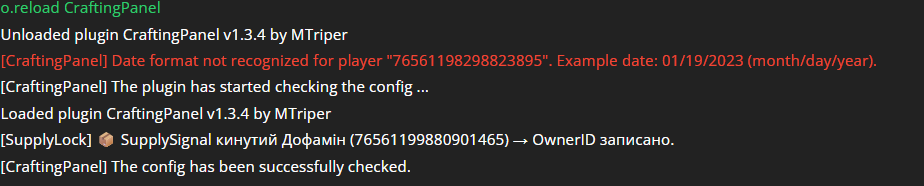
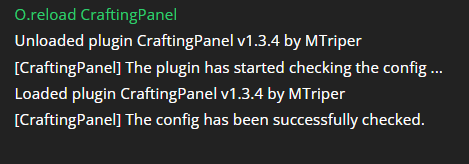
Got it. Could you tell me which plugin this might be related to or what could be causing this in general? Maybe I misconfigured something in the config — it just happens on all items in the panel. CraftingPanel.json
-
Please tell me how to disable this plugin so that everything works like vanilla until the issue is fixed. Because I disabled the plugin, but the timer and the deep sea still remained unchanged. Only the items started stacking in very large amounts, and if this isn’t fixed now, it will simply kill the server with loot.
-
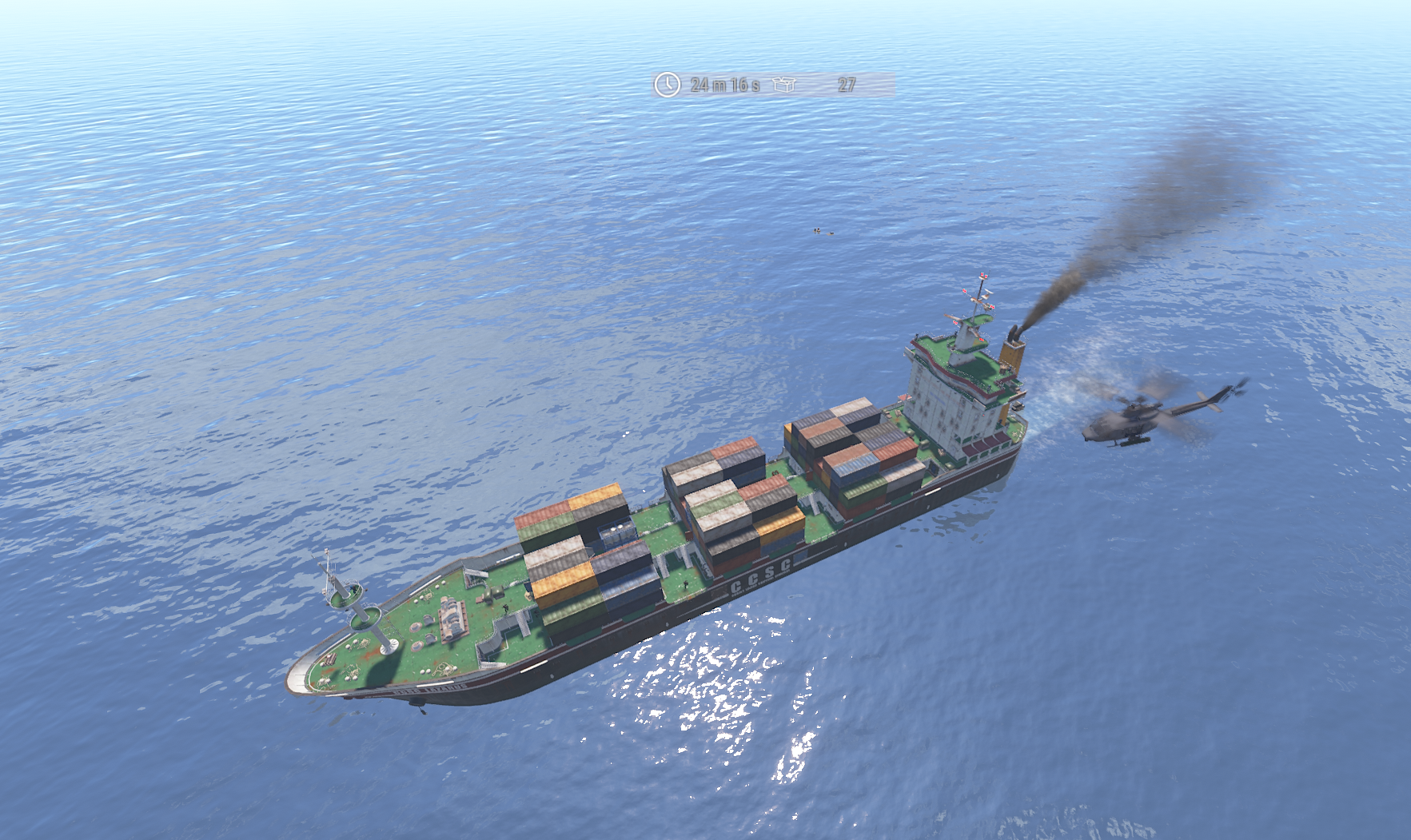
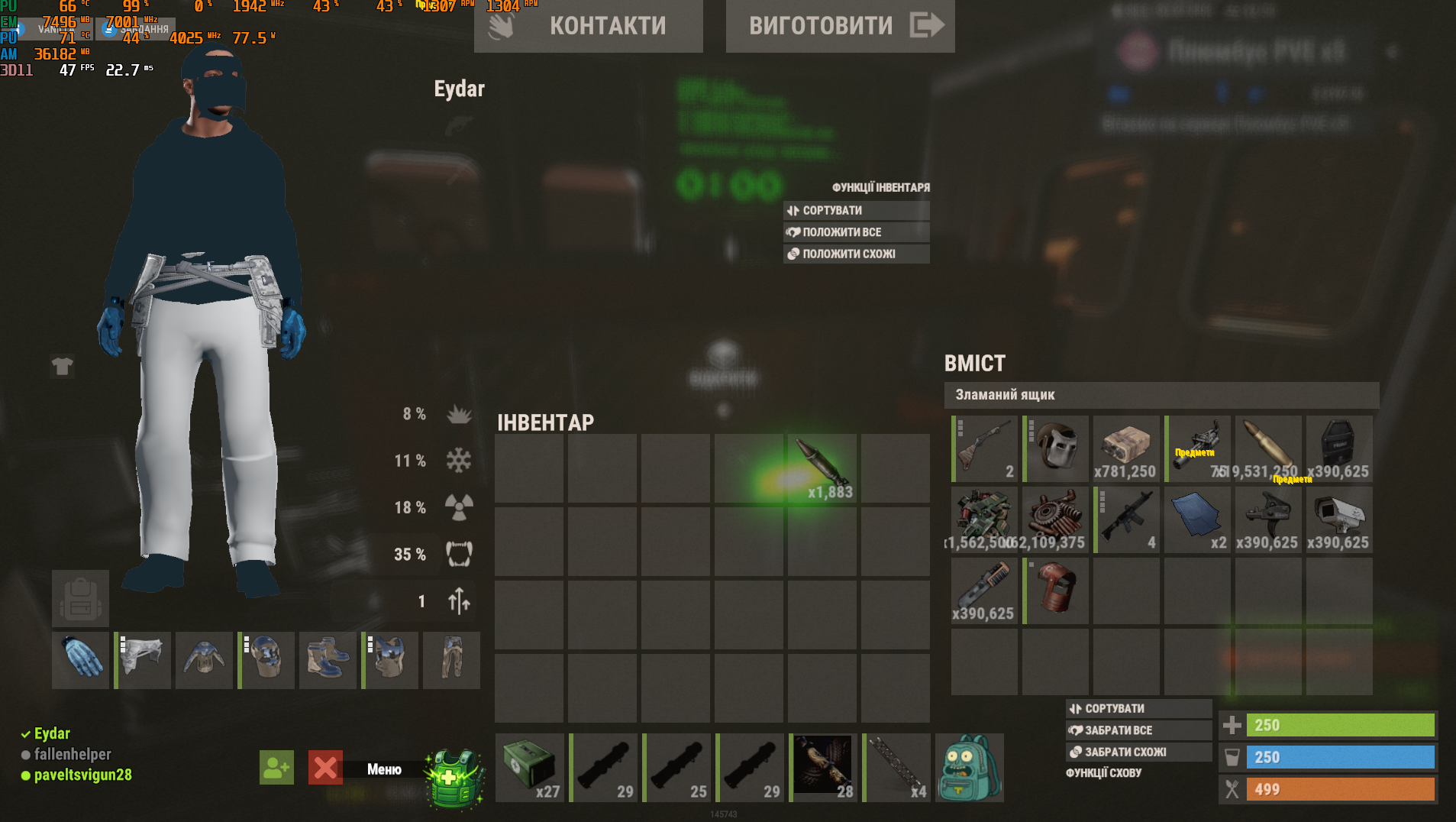
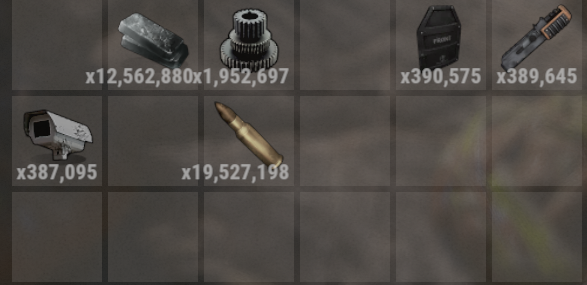
My moderator found where so many resources spawn on the ship — it turned out to be in a crate on the ship. But I suspect a plugin like LootMultiplier — it didn’t have the prefab codelockedhackablecrate_ghostship configured, so it might have bugged because of that, or maybe due to duplicates, but the numbers were really huge.
-
/deepsea dedupe Okay, we’ll wait. By the way, the command /deepsea dedupe says that such a command does not exist.
-
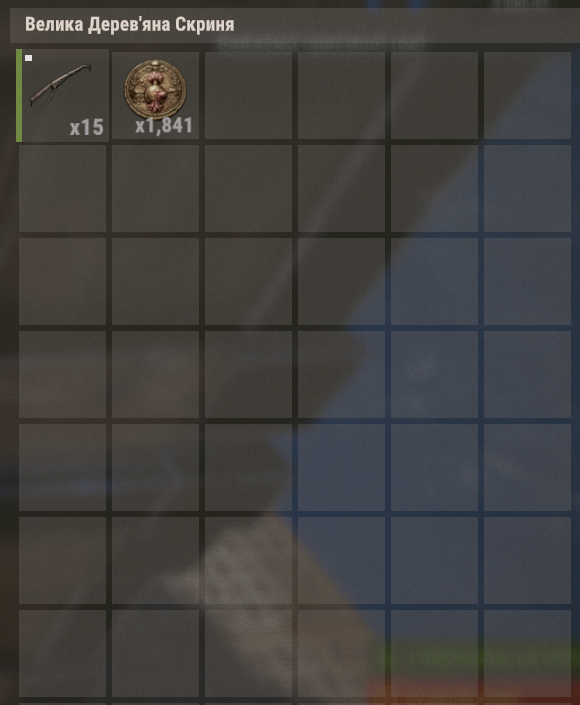
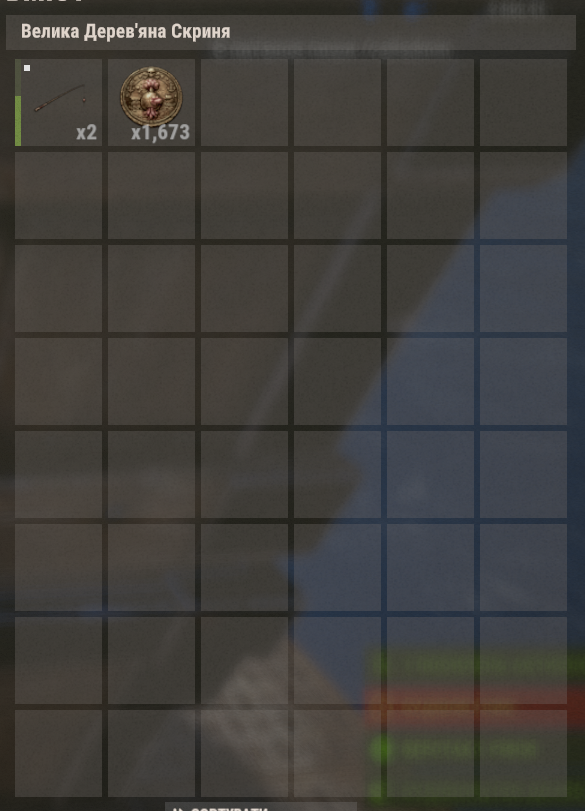
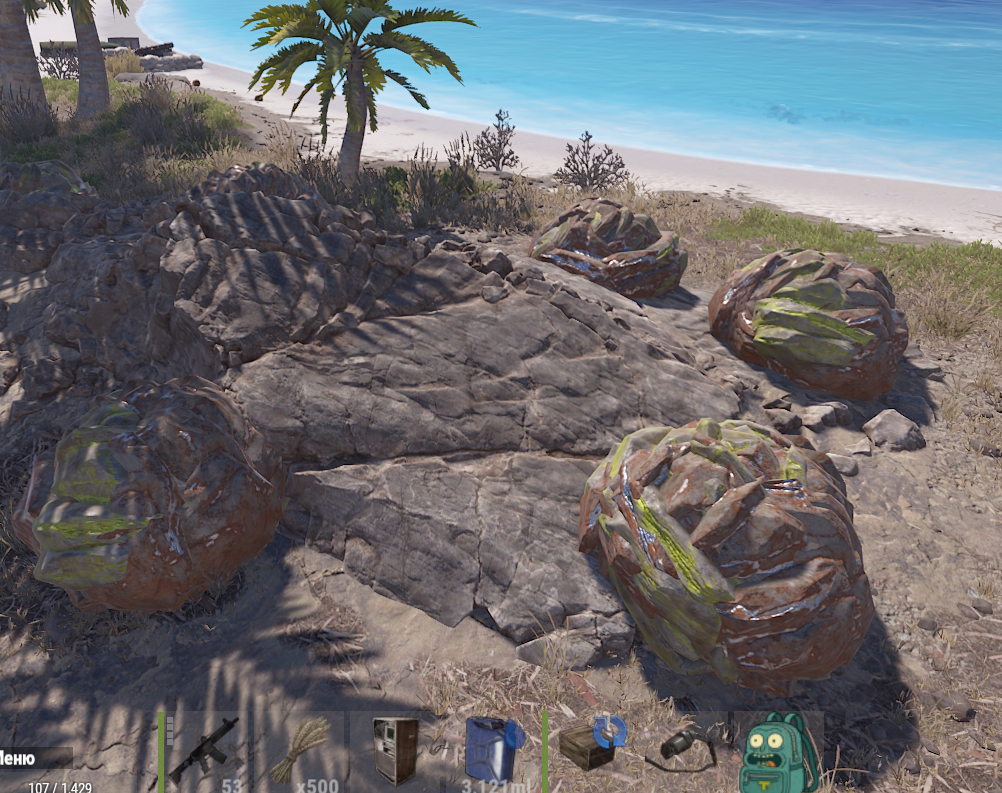
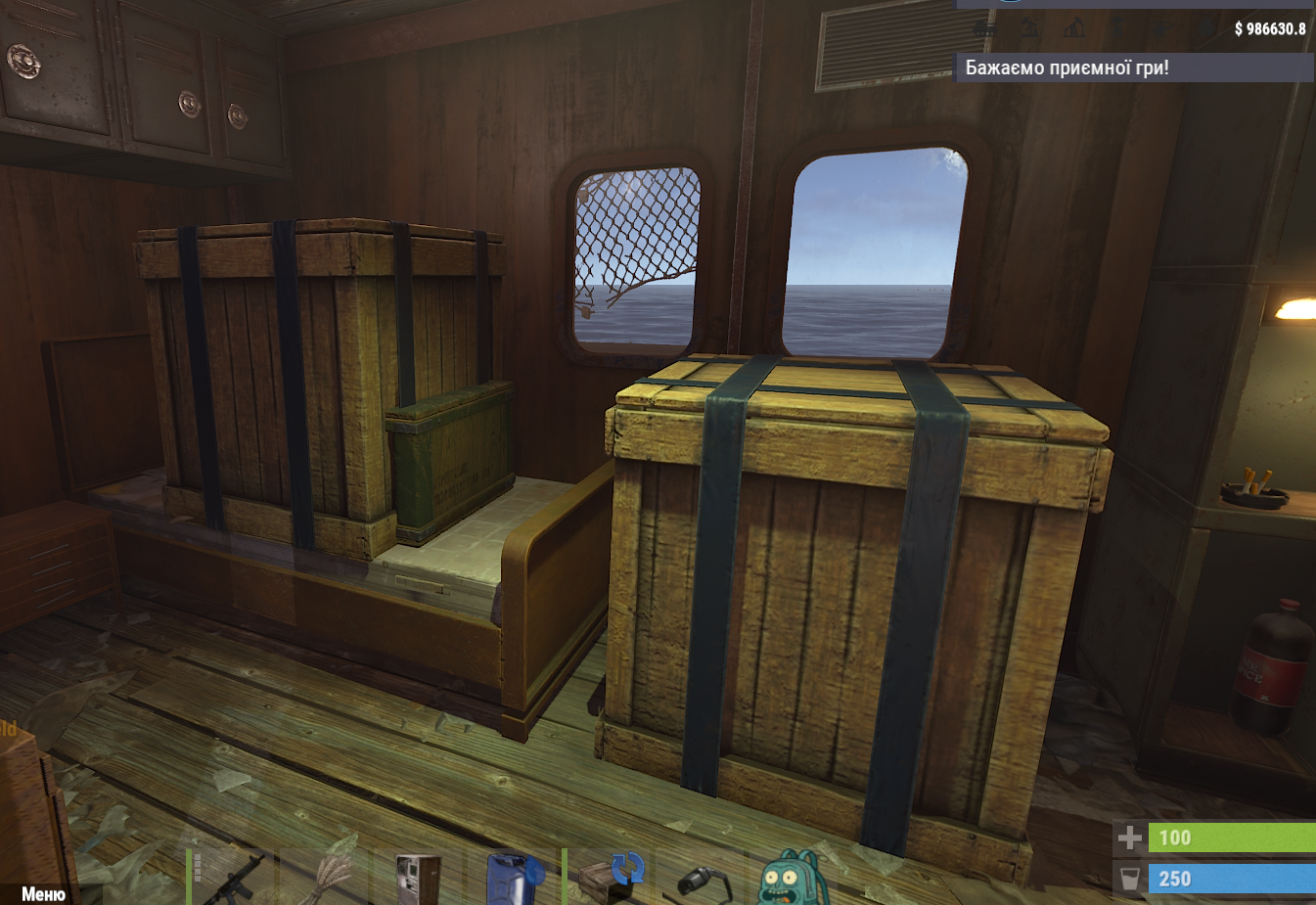
Good day — or maybe not so good The duplication issues with sulfur, HQM, and crude oil barrels have started again. Now it’s also happening on ghost ships at sea — crates are spawning inside other crates. That’s already bad, but something else worried me even more. A player of mine, on the lower deck of a ship, found items like these in a crate — all in a single stack with such huge amounts. That’s a very serious problem. I checked other ships and didn’t find anything like this. Is there any way to fix this? Maybe I configured something incorrectly — I’m attaching the config. Also, another thing that concerns me is that since installing the plugin, crates have not spawned on ships even once. For context, the sea on my server is open continuously for 14 days, after which there is a technical wipe with a map change. DeepSeaOptions.json
-
Thank you, it worked. I also wanted to ask — do groups stack? For example, I would like to give certain players increased industrial conveyor speed, or give farmers things like artificial light in the chicken coop. If I assign them through different groups with different settings, will those settings stack on top of the default ones, or what is the best way to handle this?
-
After the wipe, automation stopped working for chicken coops and horse feeders, and the automatic splitting in the composter is no longer functioning. All permissions are assigned correctly. Before the technical wipe yesterday, everything was working fine. However, what’s strange is that I have another server where no wipe was performed yesterday, and the same issues appeared there as well. Could you please help? ultimateindustrialfarm.vip1, ultimateindustrialfarm.vip2, ultimateindustrialfarm.vip3, ultimateindustrialfarm.default, ultimateindustrialfarm.use, ultimateindustrialfarm.admin, ultimateindustrialfarm.bypass.building_privilege, ultimateindustrialfarm.composter.autosplit, ultimateindustrialfarm.farm.all, ultimateindustrialfarm.farm.chickencoop, ultimateindustrialfarm.farm.hitchtrough, ultimateindustrialfarm.farm.beehive, ultimateindustrialfarm.farm.planterbox.disable_food_spoilage, ultimateindustrialfarm.farm.chickencoop.no_food_water_required, ultimateindustrialfarm.farm.chickencoop.disable_food_spoilage, ultimateindustrialfarm.farm.chickencoop.enable_eggs_auto_hatching, ultimateindustrialfarm.farm.tools_converter, ultimateindustrialfarm.industrial.all, ultimateindustrialfarm.industrial.nostorageadaptorrequired, ultimateindustrialfarm.industrial.beehive, ultimateindustrialfarm.industrial.furnace, ultimateindustrialfarm.industrial.hobobarrel, ultimateindustrialfarm.industrial.fireplacestone, ultimateindustrialfarm.industrial.mailbox, ultimateindustrialfarm.industrial.dropbox, ultimateindustrialfarm.industrial.planterbox, ultimateindustrialfarm.industrial.hitchtrough, ultimateindustrialfarm.industrial.fridge, ultimateindustrialfarm.industrial.fuelgenerator, ultimateindustrialfarm.industrial.composter, ultimateindustrialfarm.industrial.mixingtable, ultimateindustrialfarm.industrial.cookingworkbench, ultimateindustrialfarm.industrial.recycler, ultimateindustrialfarm.industrial.auto_recycler, ultimateindustrialfarm.industrial.barbeque, ultimateindustrialfarm.industrial.cursedcauldron, ultimateindustrialfarm.industrial.campfire, ultimateindustrialfarm.industrial.fishtrap, ultimateindustrialfarm.industrial.fishtrap.disable_damage, ultimateindustrialfarm.industrial.autoturret, ultimateindustrialfarm.industrial.samsite, ultimateindustrialfarm.industrial.flameturret, ultimateindustrialfarm.industrial.guntrap, ultimateindustrialfarm.industrial.snowmachine, ultimateindustrialfarm.industrial.fogmachine, ultimateindustrialfarm.auto_attach.storage_adaptor.all, ultimateindustrialfarm.auto_attach.storage_adaptor.exclude_from_limit, ultimateindustrialfarm.auto_attach.storage_adaptor.beehive, ultimateindustrialfarm.auto_attach.storage_adaptor.furnace, ultimateindustrialfarm.auto_attach.storage_adaptor.hobobarrel, ultimateindustrialfarm.auto_attach.storage_adaptor.fireplacestone, ultimateindustrialfarm.auto_attach.storage_adaptor.mailbox, ultimateindustrialfarm.auto_attach.storage_adaptor.dropbox, ultimateindustrialfarm.auto_attach.storage_adaptor.planterbox, ultimateindustrialfarm.auto_attach.storage_adaptor.hitchtrough, ultimateindustrialfarm.auto_attach.storage_adaptor.fridge, ultimateindustrialfarm.auto_attach.storage_adaptor.fuelgenerator, ultimateindustrialfarm.auto_attach.storage_adaptor.composter, ultimateindustrialfarm.auto_attach.storage_adaptor.mixingtable, ultimateindustrialfarm.auto_attach.storage_adaptor.cookingworkbench, ultimateindustrialfarm.auto_attach.storage_adaptor.recycler, ultimateindustrialfarm.auto_attach.storage_adaptor.barbeque, ultimateindustrialfarm.auto_attach.storage_adaptor.cursedcauldron, ultimateindustrialfarm.auto_attach.storage_adaptor.campfire, ultimateindustrialfarm.auto_attach.storage_adaptor.fishtrap, ultimateindustrialfarm.auto_attach.storage_adaptor.autoturret, ultimateindustrialfarm.auto_attach.storage_adaptor.samsite, ultimateindustrialfarm.auto_attach.storage_adaptor.flameturret, ultimateindustrialfarm.auto_attach.storage_adaptor.guntrap, ultimateindustrialfarm.auto_attach.storage_adaptor.snowmachine, ultimateindustrialfarm.auto_attach.storage_adaptor.fogmachine RUST_2026.03.20_-_01.34.10.01.mp4 UltimateIndustrialFarm.json
-
 I wanted to ask: if I have a plugin like this installed on my server — https://codefling.com/plugins/armor-slot-manager — will it be able to create 4 armor slots when adding slots?
 -
Hello, before purchasing I asked whether it works with the Backpacks plugin. I was told that it does, but there is a problem. If you upgrade a furnace, put it into a backpack, and then update the plugin, it resets the upgrade progress. Is it possible to fix this somehow? 5c3fef9c-38bd-4c86-b644-f545ac470a66.mp4
-
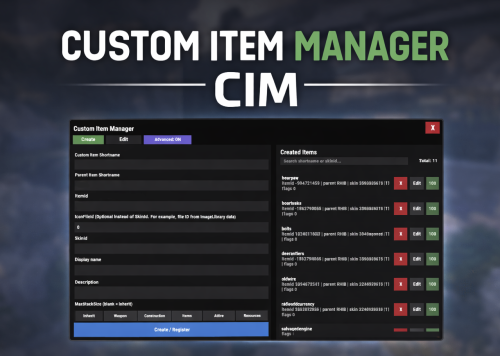 I have long since found a solution to this problem—just edit the file in lang. It’s just that for some reason the description in lang doesn’t change after creating it via /cim.
 -
After the latest update, my players are complaining about an issue with chicken coop automation. Water is not being transferred from the barrel to the chicken coop. Food is not being delivered to the coop through the pipes, and eggs are not being extracted from the coop either.
-
Hello. I have already managed to solve the previous issue by changing the skin. However, another problem has appeared. The Capacity command does not always give the number of slots that I specify. Could you please clarify which command should be used to give clothing with a 100% guaranteed number of slots? It would also be very helpful if you could respond to users’ questions, as currently many people are not receiving answers. Thank you in advance for your help.
-
We have discovered an issue with the cooldown: if the plugin is not restarted, everything works correctly and it shows the countdown until the next time the item can be crafted. However, as soon as the plugin is restarted, the cooldown disappears.
-
 Hello, I wanted to ask when there might be a discount on this product. I would like to buy it.
 -
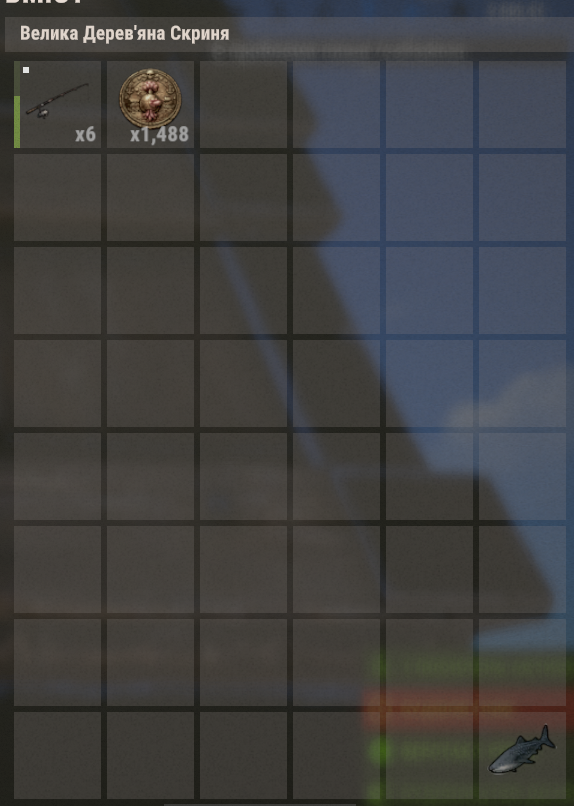
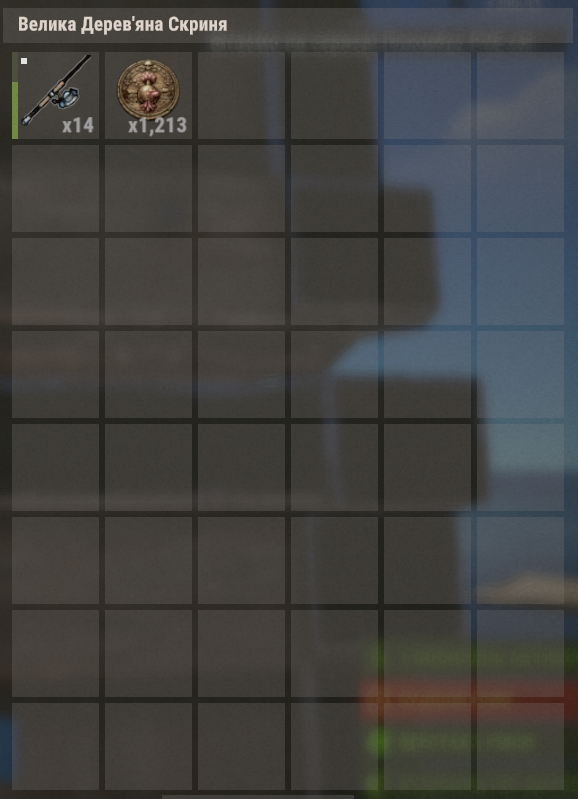
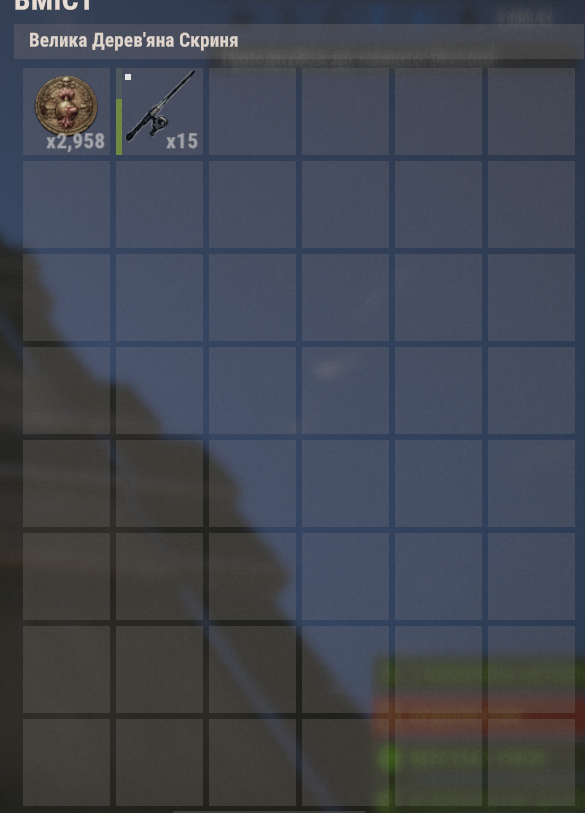
I have another question and was hoping you could help. I might have misconfigured something in the plugin settings. I created 4 different fishing rod tiers, but after testing them for about 10 minutes with the fishing buff active, I barely noticed any significant difference in the results. Only the highest tier rod produced slightly more profit, but the difference was still quite small. From what I understand, higher tier rods should noticeably improve the catch rate or rewards, but in my tests the effect seems minimal. Could you please take a look at my configuration and let me know if I might have set something up incorrectly? ExtraFishing.json

.webp.0938c3269ece17183b28249759e4f311.webp)
.webp.340a5bc2c7c53ef6e9f33378971dedca.webp)