Monster
-
Posts
1,201 -
Joined
-
Last visited
-
Days Won
10
Content Type
Profiles
Warranty Claims
Downloads
Forums
Store
Services
Downloads Plus Support
DOWNLOADS EXTRA
Reels
Everything posted by Monster
-
 @DeutscherRitterPlatz Hmm... Though no, file checking is already in this plugin. Write me in Discord: monster__dev
 -
@DeutscherRitterPlatz Hi. I'll add an additional file integrity check. Then there shouldn't be any problems. And the problem is due to errors in server operation during its startup/shutdown. 1440 players is very few to cause load on the server. Without this file, the player rating will not work. Since it needs all players from the data at once.
-
Changed Status from Pending to Closed Changed Fixed In to 1.6.1
-
Maybe I'll add it, but no promises.
-
Hi. If you have removed an item from the configuration, then it should no longer be anywhere. Check the kits (default and custom). Player kits will have to be deleted if there are deleted items there.
-
Changed Status from Pending to Closed Changed Fixed In to 1.6.0
-
Ouch... I forgot to write in the update description that this update should be install after the game update. It has skins/items that are not yet in the current version of the game. That's why the error occurs.
-
What exactly is causing the error? What action? There's a lot of different commands, I can't just find out what's causing the error.
-
Changed Status from Work in Progress to Closed Changed Fixed In to 1.6.0
-
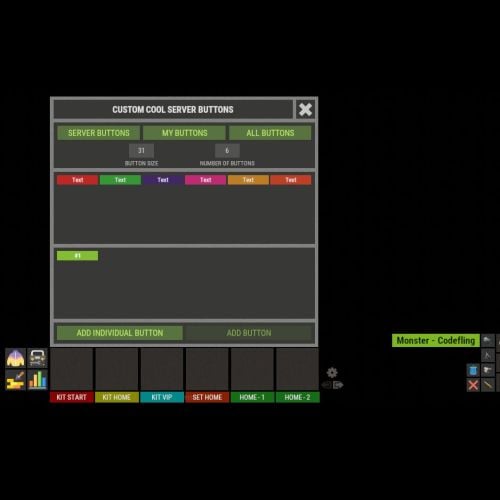 In the code, find those icons and change the coordinates. "assets/icons/enter.png" and "assets/icons/exit.png"
 -
Changed Status from Work in Progress to Closed
-
Changed Status from Closed to Work in Progress Changed Fixed In to Next Version
-
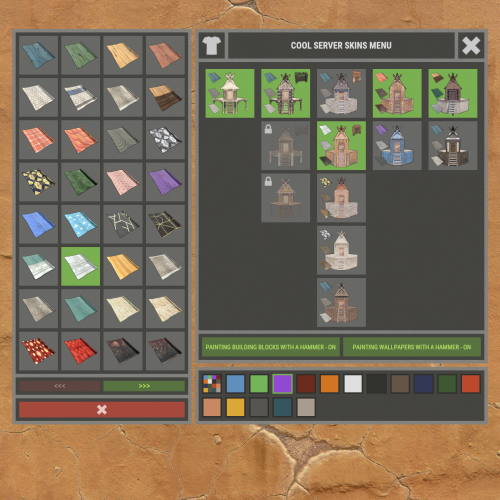 @Takeshi @Hawkhill - https://steamcommunity.com/profiles/76561198148028293/myworkshopfiles/?p=2 There are about 150 working wallpaper skins on this profile.
 -
That's something you have to do on your own. Add the skins you want to the configuration.
-
@Hawkhill My Discord: monster__dev @Mbesailor This is available in the latest version of the plugin.
-
No problem with that. Everything works and saves.
-
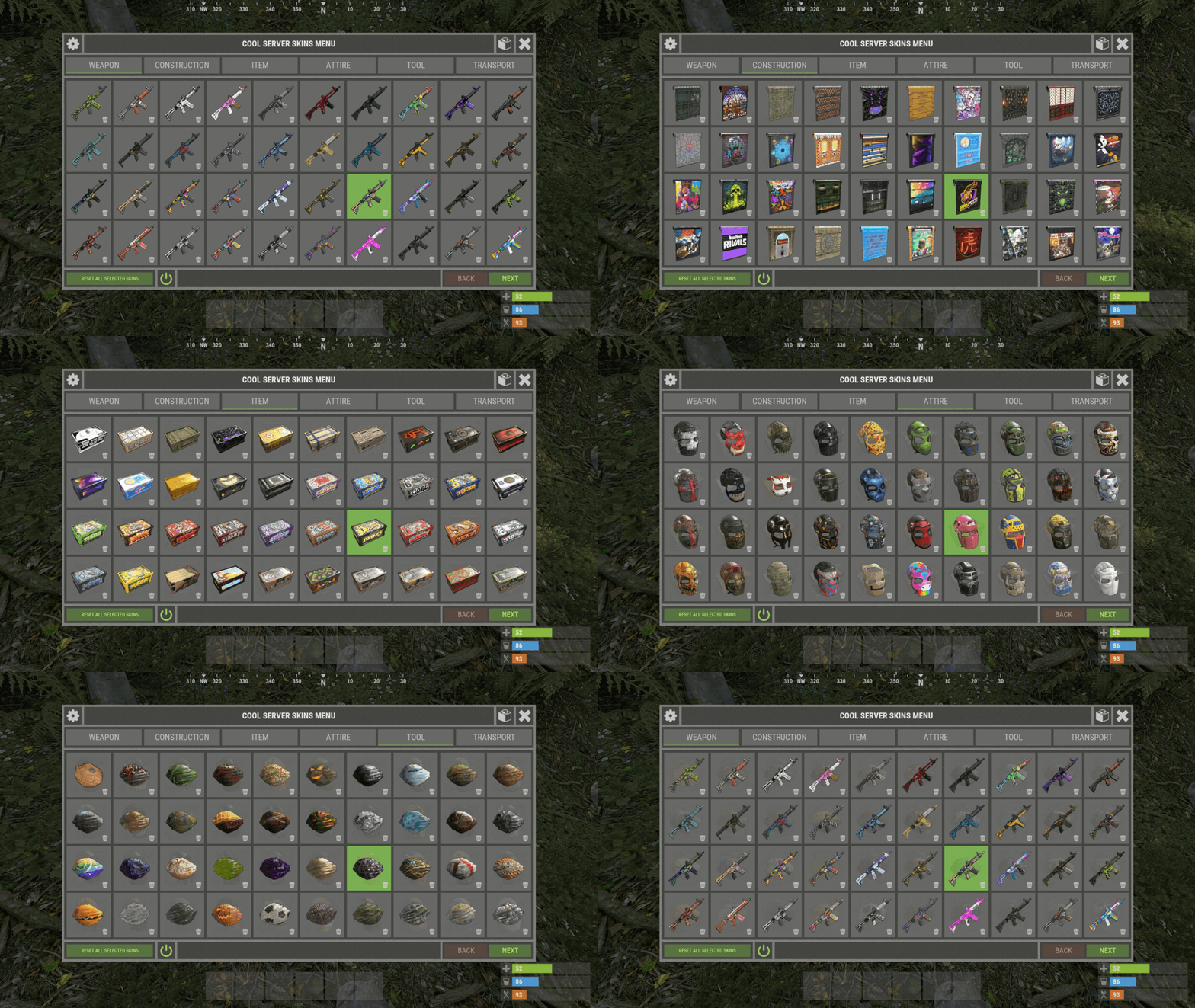 The plugin is not responsible for loading speed or for loading images in general. The plugin simply sends skinIDs to the client, and the game client processes them and loads the skin. If you have long loading skins, it means that these skins are from Steam workshop. And with them a lot of troubles. So I do not recommend anyone to use them. Use 4500+ skins from developers. Which are already cached in the game client and they do not need to download each player from the workshop Steam on your PC.
 -
This is not a fix or a bug in the plugin. This is a simple support for another plugin. You don't need to push me around.
-
Changed Status from Pending to Closed Changed Fixed In to 1.2.0
-
Has a new permission been granded?
-
Now I need to update the plugin. I will check it later.
-
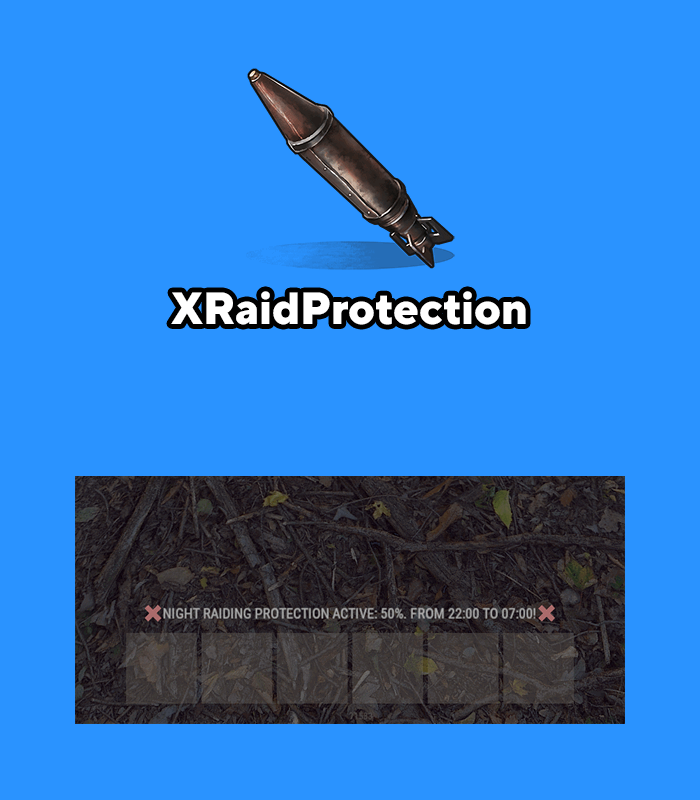 The owner cannot destroy his entities. Should they be allowed to do that in their building zone?
 -
Changed Status from Pending to Closed Changed Fixed In to 1.1.14
-
1. Opening inventory happens on the client side, there is no way to track this. You can hide buttons only when the player opens containers or sits at a chair (e.g. computer station). 2. This is still in the plans.