
Notz
-
Posts
207 -
Joined
-
Last visited
Content Type
Profiles
Warranty Claims
Downloads
Forums
Store
Services
Downloads Plus Support
DOWNLOADS EXTRA
Everything posted by Notz
-
Many players don't find the farmer useful because they don't receive the custom items we've implemented on the server. For example, we have the Cooking 2.0 and Ganja plugins, and players receive the custom items if they harvest the plants manually; however, when the farmer harvests, it doesn't collect those items. Would it be possible to add compatibility for these plugins? Thank you.
-
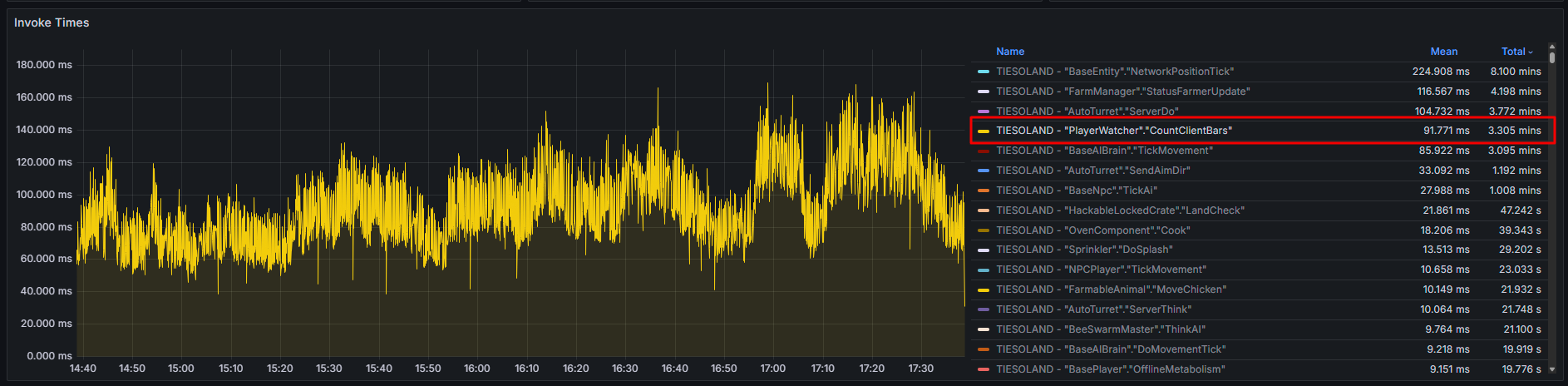
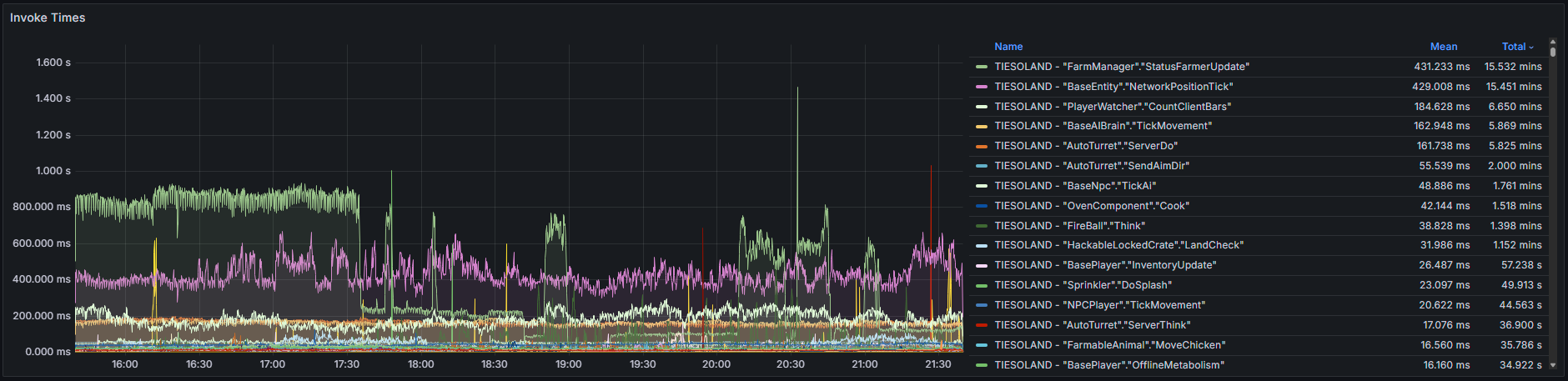
The plugin uses too many resources. I've increased the tick interval to see if that helps, but it's still too resource-intensive for a server with an medium population (50–75 players online). AdvancedStatus.json

-
The plugin uses too many resources. I've increased the tick interval to see if that helps, but it's still too resource-intensive for a server with an medium population (50–75 players online). PersonalFarmer.json
-
@supreme we need a fix for this.
-
I turned back to 1.4.5 version.
-
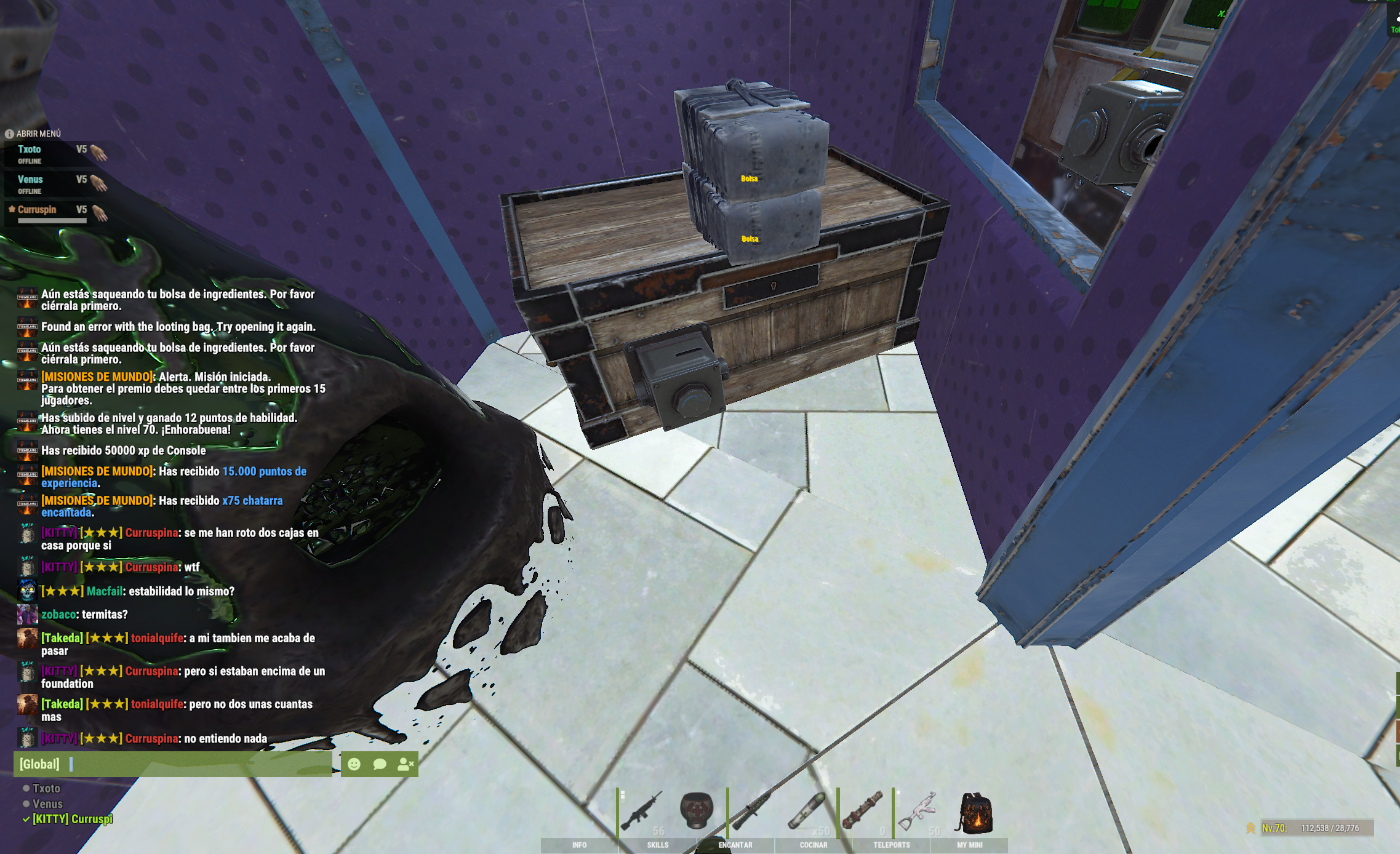
The broken boxes in version 1.4.6 occur when the player opens a supply drop inside the base (we have a plugin to open supplies instantly). When that happens, the boxes nearby break.
-
Player also are reporting broke chest issues
-
After the latest update (1.4.6), there are still problems when changing the skin of the boxes. If you change the skin of any box, all the boxes above it are also changed. https://medal.tv/es/games/rust/clips/mhac7EecanxWwS1ha?invite=cr-MSxJTmIsMzg2MjkwMTMw&v=26
-
Hi @Tangerine, I would really appreciate it if you could fix it, as I can't teleport myself
-
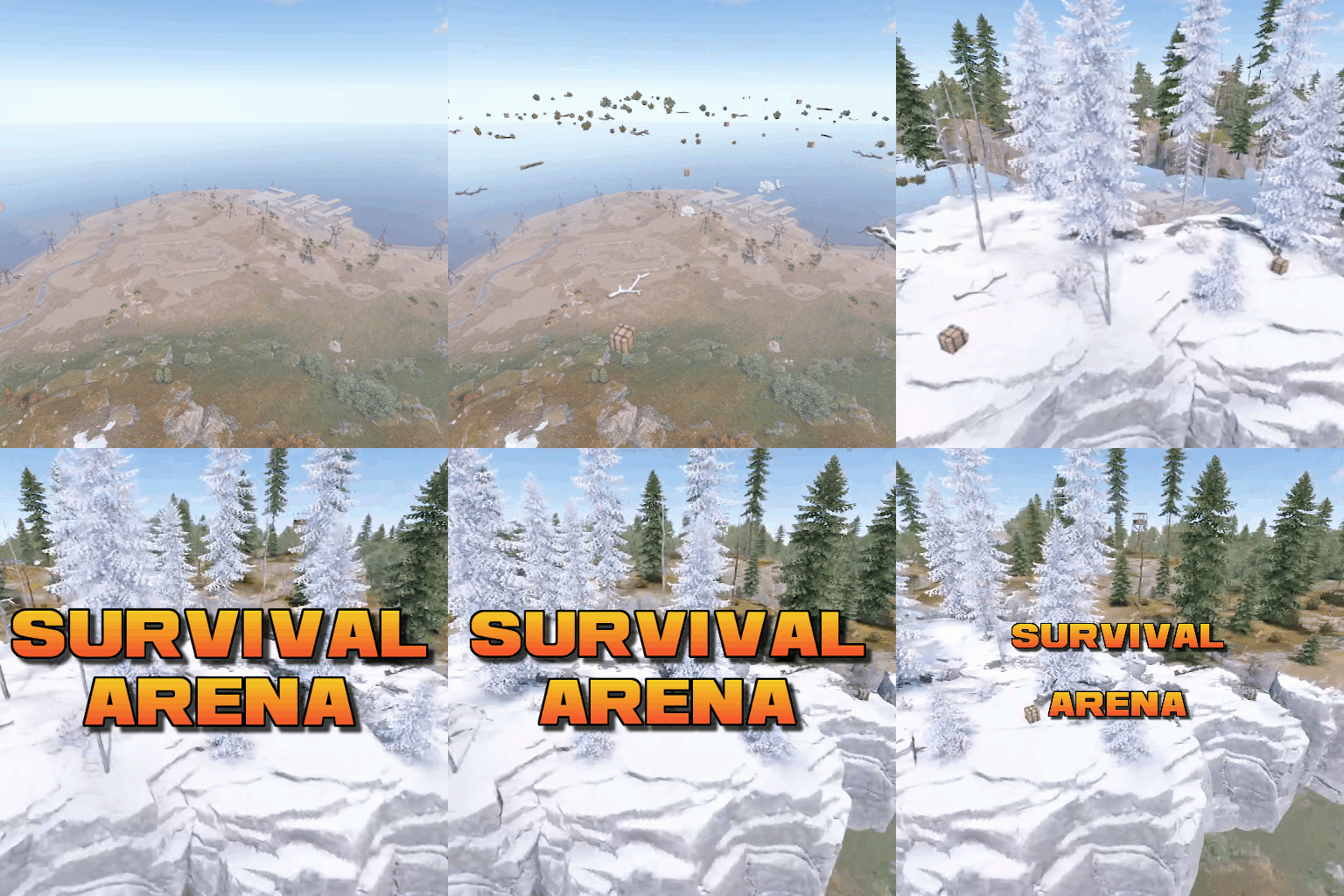 Does anyone else have problems with teams when events such as Survival Arena or Gun Game end? I have players on other teams when these events end.
 -
 Does anyone else have problems with teams when events such as Survival Arena or Gun Game end? I have players on other teams when these events end.
 -

Scientist2 unkillable until I unload EpicLoot Plugin
Notz replied to SlayersRust's Support Report in Support
Confirmed. Same problem in my server. -
 Thank you very much and sorry for the confusion.
- 233 comments
-
- 1
-

-
- #jtedal
- #mad mappers
- (and 7 more)
-
Ok thank you, can you share the fix problem here if you find it?
-
Same problem here with oil ring scientist2, please fix
-
Error while compiling xWirelessPower: 'Pool' does not contain a definition for 'GetList' | Line: 877, Pos: 41
-
Error while compiling BoatControl: Property or indexer 'SmallEngine.MaxThrust' cannot be assigned to -- it is read only | Line: 1040, Pos: 13
-
Error while compiling BetterTeams: 'Pool' does not contain a definition for 'GetList' | Line: 1386, Pos: 48
- 1 reply
-
- 1
-
-
 Hello @tofurahie, I have noticed that when players are de-authorized from a TC, the plugin does not de-authorize the player from the turrets/SAMS. Is this a bug? It is difficult for clans with many turrets to manage this situation. My config: "The maximum number of players that can register in the TC": 8, "The maximum number of players that can register in the AutoTurrets": 8, "Only registered players can open chests (when registered on TC)": true, "Only registered players can open furnaces (when registered on TC)": true, "Automatically when players are registered on TC (Autohorized on Turrets, SAM Site)": true, "Automatically when players are registered on the TC (remove building parts)": false, "Automatically when players are registered on the TC (open codelocks without a code)": true, "Automatically registered your teammates on the TC": true, "Allow players to authorize friends to TC": false,
 -
 The plugin works perfectly, with zero impact on the server. The developer has been very responsive to all the suggestions I have sent him and has improved the plugin in a very short time. I recommend this developer 100%, he is always open to suggestions and improvements.
 -
Thanks for the info! I bought the plugin and I love it. Don't worry about the limit, I think it's fine for now. After testing it, I think it could be improved quite a bit if you added an IO entity - permission relationship. That way we could offer automation of some items with VIPs. For example, in my case, I would be interested in offering VIPs the option of not needing power for sprinklers. I'm sure they would appreciate it as a VIP perk.
-
Would it be possible to add a limit for each type of IO entity? If that limit could be extended with permissions, it would be great to offer it as a VIP benefit. On the other hand, what happens if the plugin is unloaded? Do the entities continue to function or do they all shut down? I am thinking about how to manage this in the purge of a PVE server, as I would like players to be unable to place additional automatic power turrets during a raid. Thank you.
-
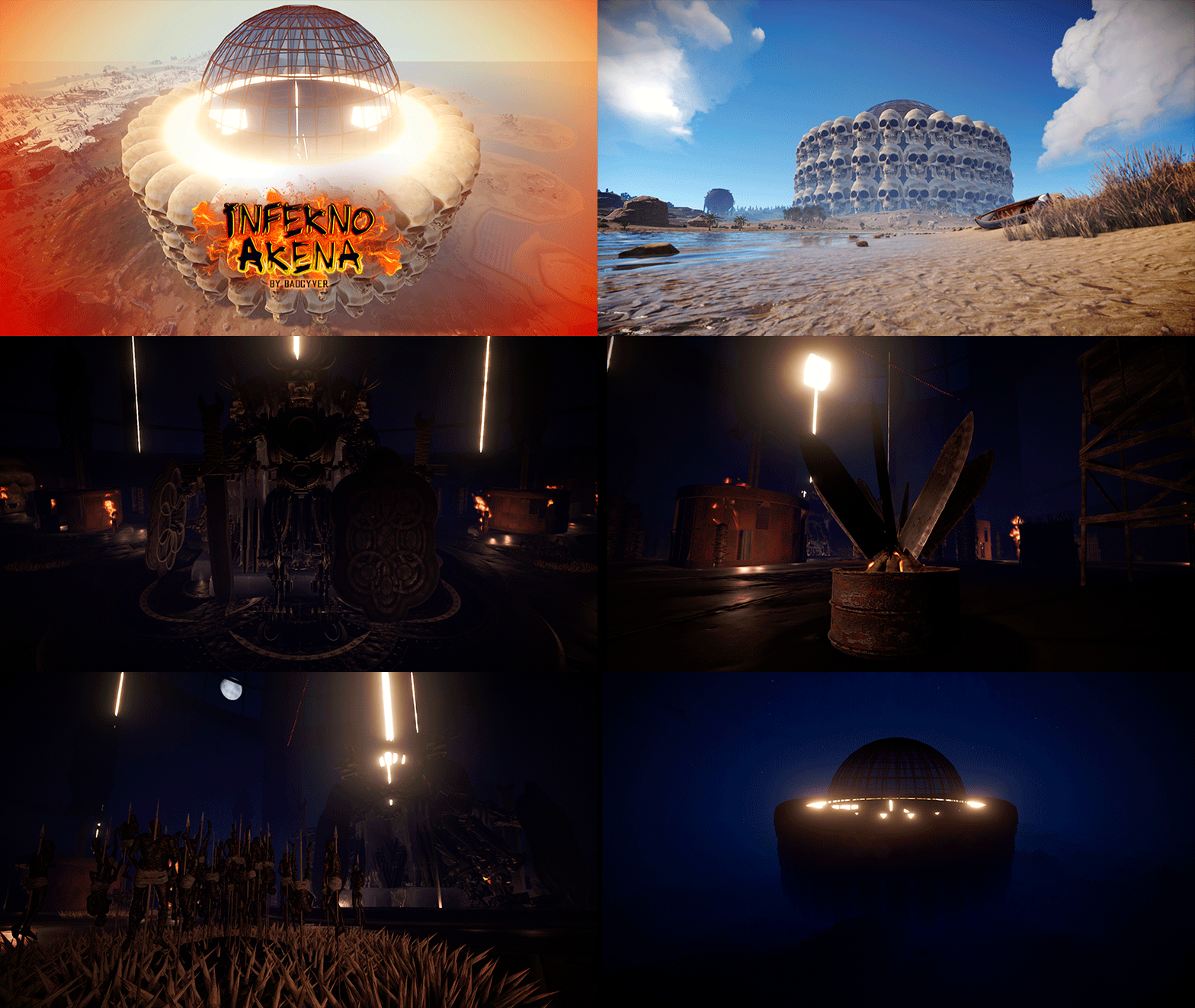 Hi @badgyverIs this a prefab or a copy paste file?