
-
Posts
142 -
Joined
-
Last visited
Content Type
Profiles
Warranty Claims
Downloads
Forums
Store
Services
Downloads Plus Support
DOWNLOADS EXTRA
Reels
Everything posted by monsterqueen
-
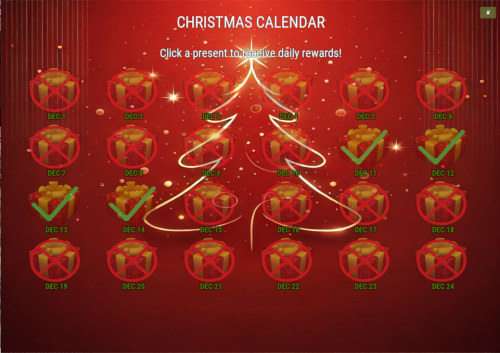 This PlugIn exceeded my expectations. I love that it is customizable so that I could rebrand it to match my server. Developer is responsive and happy to add reasonable features upon request.
 -
Thank you very much! I am excited to implement this for my players
-
Can you please add an optional mode where it is a specific reward for a specific day? Thank you
-
Hello, does this have the capability of skinning items given to players such as for example: a shirt and pants skinned to look like xmas pajamas?
-
Adding loot to collectible resources
monsterqueen replied to monsterqueen's Support Report in Support
Hey there we ended up resolving this over discord DMs, thank you for looking out though! -
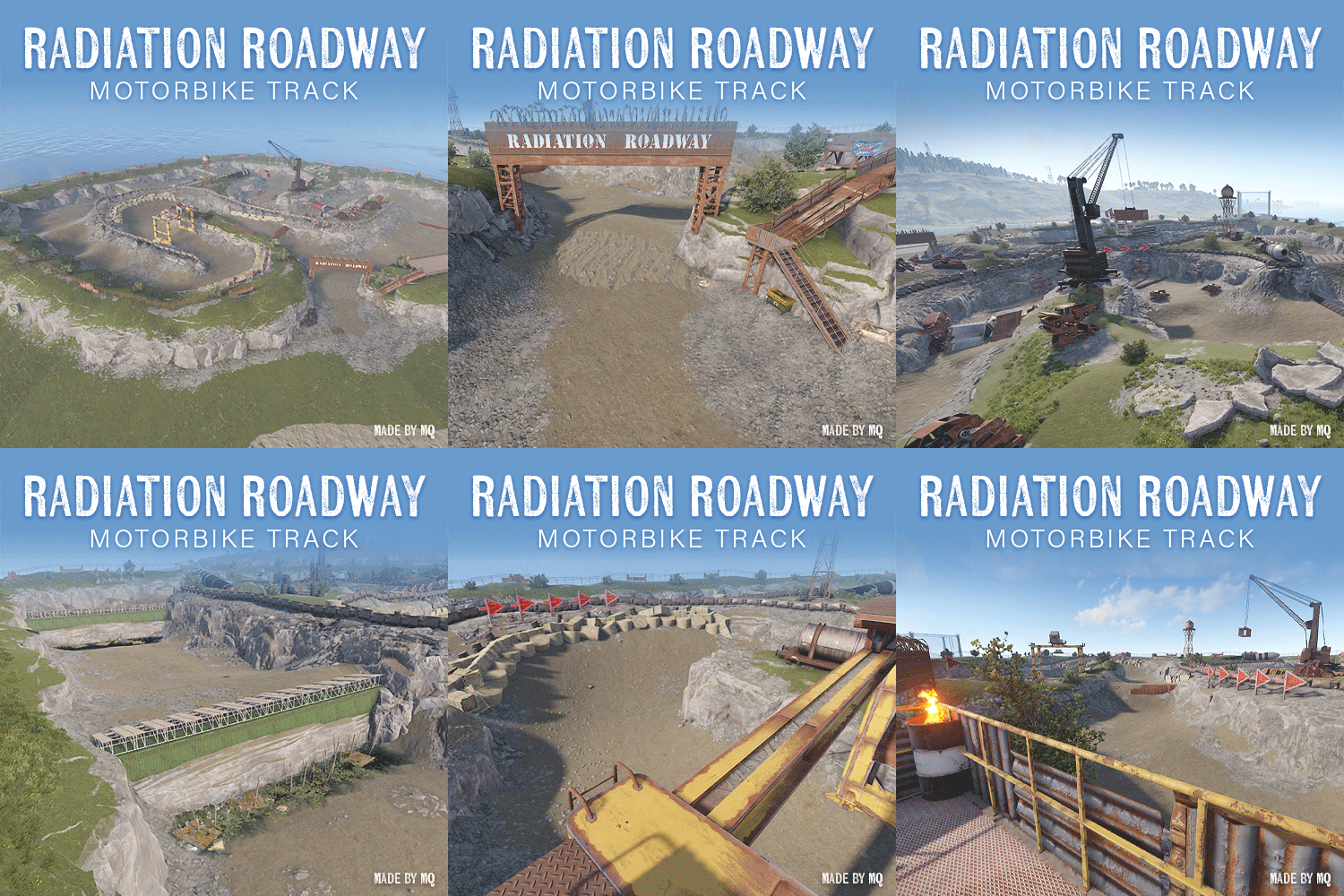
Radiation Roadway Motorbike Track Monument
monsterqueen commented on monsterqueen's file in Monuments
 You don't have to install it, there is a skip download button and watch on webpage.
 -
Radiation Roadway Motorbike Track Monument
monsterqueen commented on monsterqueen's file in Monuments
Hi there, I am currently in the process of updating. I unfortunately am balancing it with 2 jobs right now. Thank you for your understanding and patience! -
Radiation Roadway Motorbike Track Monument
monsterqueen commented on monsterqueen's file in Monuments
Hey there, I have it on my server right now. If you do F1 and type "client.connect us.themonsterden.net". Players will need to get some scrap to /buy the motorbike though to use it. You can /warp on the server to "Radiation Roadway" -
Version 3.2
62 downloads
ABOUT Radiation Roadway Motorbike Track Monument is a thoughtfully created course for the relatively new Motorbikes that Rust released. Inspired by actual dirt bike tracks and player tested for maximum fun. INCLUDED • 1 Monument: Radiation Roadway Motorbike Track Monument FEATURES • Drivable track with turns and jumps • Platform for viewers near entrance to track • Recycler near entrance to track • Various small details found on actual dirt bike tracks. INSTALLATION NOTE: Basic Rust Edit skills required if you want to seamlessly blend this monument into your map. Drag and drop the monument where desired and apply all Prefab Modifiers: Biome Mask, Height Mask, Splat Mask, Topology Mask. INSTALLATION VIDEO DEMO: https://medal.tv/games/rust/clips/inKY1BOjQVaDyjC1Z/d1337btmuynN?invite=cr-MSxrQWYsMTUwNzIzNTcwLA Check out this monument in-game on The Monster Den (connect us.themonsterden.net)! Feel free to reach out to me on Discord (MonsterQueen) for any questions or help needed.$20.00- 8 comments
- 1 review
-
- 6
-

-

-
- #motorbike
- #monument
- (and 5 more)
-
 wrong post, sorry disregard
- 1,164 comments
-
- 1
-
-
- #loot
- #customloot
- (and 13 more)
-
 I'm not quite sure how to check that sorry
 -
 Hi, can you confirm that I have this right in the configuration? It was turning players supply drops into the lucky boxes so I added this crate_normal here so it's only those boxes. Since making this change, they no longer spawn. My dev looked at the PlugIn and said UnityEngine.Random.Range(1, 100) in your code should be 101 instead but he doesn't want to touch someone elses work, so I hope that might be helpful somehow. Thank you for your continued support and providing a cool plugin.
 -
Hey there I used the custom spray can skin protocol to make the custom skin. The skin itself was made by me - my servers colors and logo. If you need help with a design I am happy to help but I'm not sure if I'm allowed to offer that on another persons store item lol
-
It's worked fine for months lol just stopped working on the update. made sure its up to date, etc.
-
I am no longer getting webhook functionality either.
-
Disregard, was a me problem
-
"Server command": "luckyblock create_item supply.signal", Is there a way to add quantity to the item given? Thank you
-
Wonderful, thank you!
-
Is there an ability to add a customized skin instead of the one provided? Thank you!
-
Adding loot to collectible resources
monsterqueen replied to monsterqueen's Support Report in Support
It appears to be happening to vehicles as well -
Hello, While this PlugIn is loaded collectible resources have the Static Lootable Collectible icon display and opens a loot interface like it is a static lootable. It is not in my configuration file - although I have the Lootables.Ext I am not using it. It still persists on the server with no other PlugIns loaded, so it has to be something with this PlugIn. Thank you for helping me figure this out.
-
 It's anywhere, I had players mainland and out on islands experiencing this.
 -
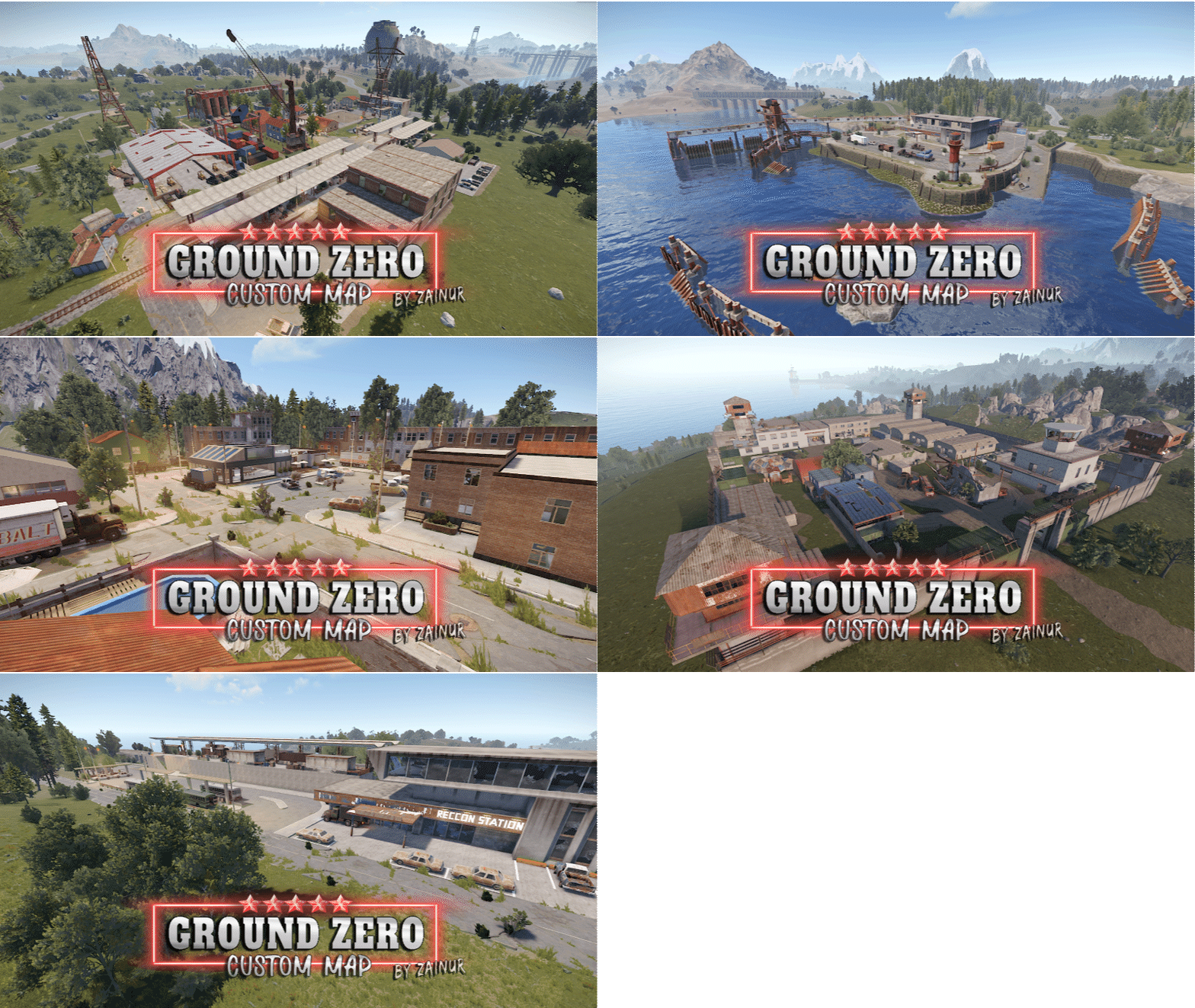
I have had 7 players kicked with "InsideTerrain Violation Level 200" within 2 hours on this map, please advise as it is very much the map doing it and not my server. Thanks.
-
 Can this be made so it doesn't automatically show the bar and instead only shows when players toggle it?
 -
My webhooks keep randomly not working either