Jump to content
Message added by KpucTaJl,

⚠️ IMPORTANT: Major Update!
Before installing, carefully read the update instructions included inside the archive

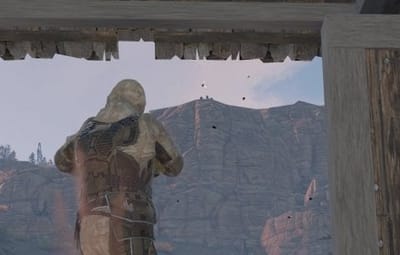
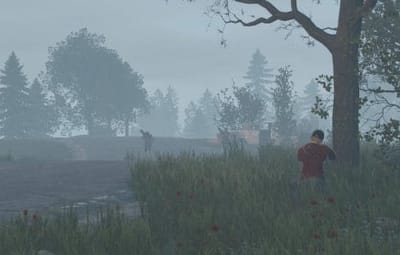
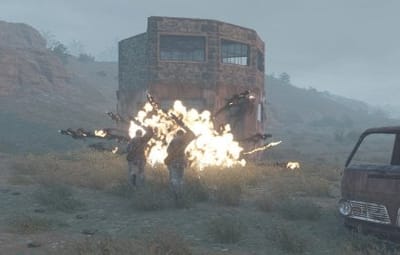
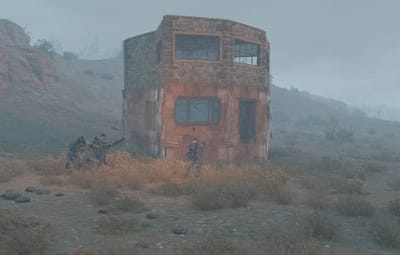
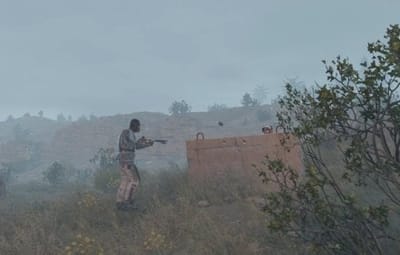
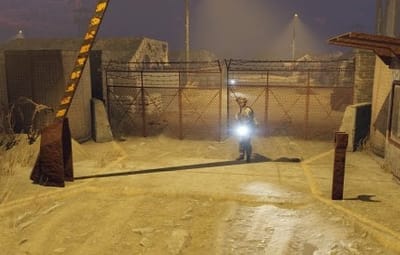
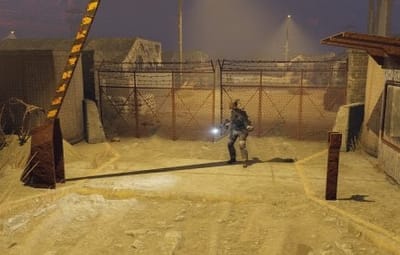
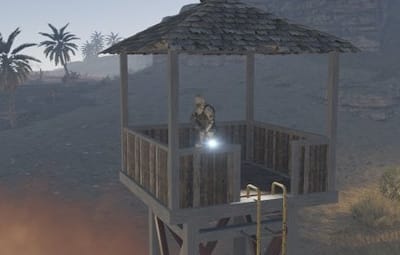
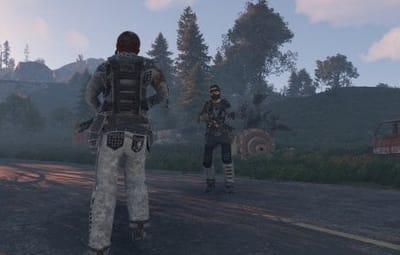
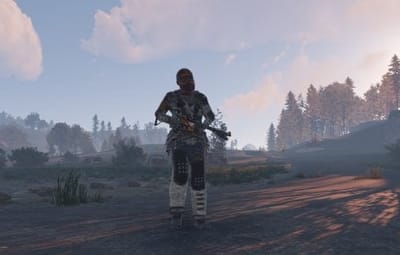
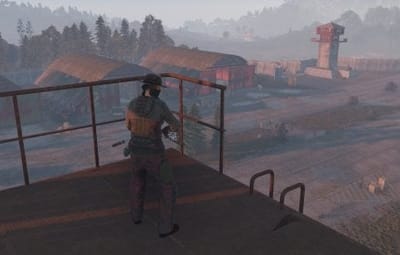
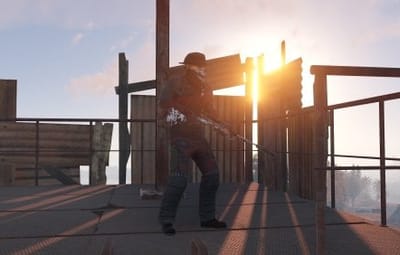
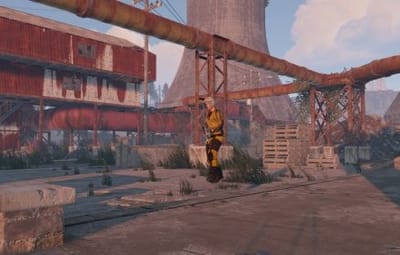
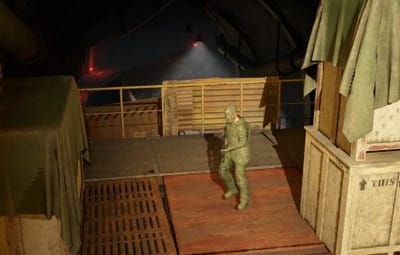
40 Screenshots
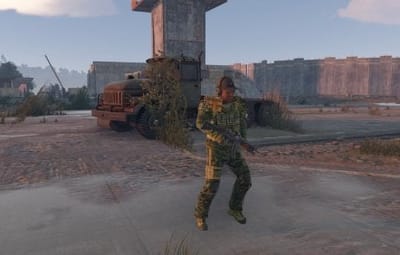
  • 246k
  • 10.8k
  • 403.55 kB

This area is for discussion and questions. Please use the support area for reporting issues or getting help.

Recommended Comments


SuperKitten

Posted

Just now, aimacak said:

Compare it yourself.

actual (first your's file):
{
  "Enabled? [true/false]": true,
  "Presets": [
    {
      "Enabled? [true/false]": true,
      "Minimum numbers - Day": 50,

      "Maximum numbers - Day": 50,
      "Minimum numbers - Night": 35,
      "Maximum numbers - Night": 35,
      "NPCs setting": {
        "Names": [
          "Patrolman"
        ],
        "Health": 100.0,
        "Roam Range": 10.0,
        "Chase Range": 35.0,
        "Attack Range Multiplier": 1.5,
        "Sense Range": 50.0,
        "Target Memory Duration [sec.]": 60.0,
        "Scale damage": 0.45,
        "Aim Cone Scale": 1.0,
        "Only attack hostile players? [true/false]": false,
        "Detect the target only in the NPC's viewing vision cone? [true/false]": false,
        "Vision Cone": 135.0,
        "Speed": 7.5,
        "Minimum time of appearance after death (not used for Events) [sec.]": 900.0,
        "Maximum time of appearance after death (not used for Events) [sec.]": 1800.0,
        "Disable radio effects? [true/false]": true,
        "Is this a stationary NPC? [true/false]": false,
        "Remove a corpse after death? (it is recommended to use the true value to improve performance) [true/false]": true,
        "Wear items": [
          {
            "ShortName": "hoodie",
            "SkinID (0 - default)": 1408832378
          },
          {
            "ShortName": "pants",
            "SkinID (0 - default)": 1406835139
          },
          {
            "ShortName": "shoes.boots",
            "SkinID (0 - default)": 1406796292
          },
          {
            "ShortName": "metal.facemask",
            "SkinID (0 - default)": 1083628316
          },
          {
            "ShortName": "metal.plate.torso",
            "SkinID (0 - default)": 1094522474
          },
          {
            "ShortName": "roadsign.kilt",
            "SkinID (0 - default)": 1106569231
          },
          {
            "ShortName": "burlap.gloves",
            "SkinID (0 - default)": 1406800025
          }
        ],
        "Belt items": [
          {
            "ShortName": "rifle.semiauto",
            "Amount": 1,
            "SkinID (0 - default)": 1395475969,
            "Mods": [
              "weapon.mod.holosight",
              "weapon.mod.flashlight"
            ],
            "Ammo": ""
          },
          {
            "ShortName": "syringe.medical",
            "Amount": 10,
            "SkinID (0 - default)": 0,
            "Mods": [],
            "Ammo": ""
          },
          {
            "ShortName": "grenade.f1",
            "Amount": 2,
            "SkinID (0 - default)": 0,
            "Mods": [],
            "Ammo": ""
          }
        ],
        "Kits (it is recommended to use the previous 2 settings to improve performance)": []
      },
      "The amount of economics that is given for killing the NPC": {
        "Economics": 0.0,
        "Server Rewards (minimum 1)": 0,
        "IQEconomic (minimum 1)": 0
      },
      "Type of appearance (0 - random; 1 - own list) (not used for Road and Biome)": 0,
      "Own list of locations (not used for Road and Biome)": [],
      "If the NPC ends up below ocean sea level, should the NPC return to it's place of appearance? [true/false]": false,
      "Type of navigation grid (0 - used mainly on the island, 1 - used mainly under water or under land, as well as outside the map, can be used on some monuments)": 0,
      "The path to the crate that appears at the place of death (empty - not used)": "",
      "Which loot table should the plugin use? (0 - default; 1 - own; 2 - AlphaLoot; 3 - CustomLoot; 4 - loot table of the Rust objects; 5 - combine the 1 and 4 methods)": 4,
      "Loot table from prefabs (if the loot table type is 4 or 5)": {
        "Minimum numbers of prefabs": 1,
        "Maximum numbers of prefabs": 1,
        "Use minimum and maximum values? [true/false]": true,
        "List of prefabs": [
          {
            "Chance [0.0-100.0]": 100.0,
            "The path to the prefab": "assets/rust.ai/agents/npcplayer/humannpc/scientist/scientistnpc_oilrig.prefab"
          }
        ]
      },
      "Own loot table (if the loot table type is 1 or 5)": {
        "Minimum numbers of items": 1,
        "Maximum numbers of items": 1,
        "Use minimum and maximum values? [true/false]": true,
        "List of items": [
          {
            "ShortName": "scrap",
            "Minimum": 100,
            "Maximum": 200,
            "Chance [0.0-100.0]": 50.0,
            "Is this a blueprint? [true/false]": false,
            "SkinID (0 - default)": 0,
            "Name (empty - default)": ""
          }
        ]
      }
    }
  ]
}


from yours archive:

{
  "Minimum distance that must be maintained between nearby NPCs [m]": 60.0,
  "Enabled? [true/false]": false,
  "Presets": [
    {
      "Enabled? [true/false]": true,
      "Minimum numbers - Day": 100,
      "Maximum numbers - Day": 100,
      "Minimum numbers - Night": 100,
      "Maximum numbers - Night": 100,
      "Minimum respawn time after death [sec.]": 900,
      "Maximum respawn time after death [sec.]": 1800,
      "The name of the NPC preset from the NpcSpawn plugin": "Patrolman",
      "Rewards for killing the NPC (key - plugin name, value - points to give)": {}
    }
  ]
}


You're correct.  I've got files everywhere from trying to get this working.  I've done a forth clean load.  All are spawning except the Custom npcs from the map.  I suspect because there isn't a preset for these specific npcs files?

aimacak

Posted (edited)

22 minutes ago, SuperKitten said:

You're correct.  I've got files everywhere from trying to get this working.  I've done a forth clean load.  All are spawning except the Custom npcs from the map.  I suspect because there isn't a preset for these specific npcs files?

No, everything is there, but all 3 road files are disabled by default. After uploading the data files of BetterNpc, enable 3 files manually.

"Enabled? [true/false]": false, -> "Enabled? [true/false]": true,


you must delete (if exist):
files:
oxide/plugins/NpcSpawn.cs
oxide/plugins/BetterNpc.cs
oxide/plugins/UpdaterNpcSpawn.cs
oxide/plugins/UpdaterBetterNpc.cs
oxide/config/NpcSpawn.json
oxide/config/NpcSpawn_old.json
oxide/config/BetterNpc.json
oxide/config/BetterNpc_old.json

folders:
oxide/data/BetterNpc
oxide/data/BetterNpc_old
oxide/data/NpcSpawn/Preset


Then move the data folder from the NpcSpawn archive to the oxide/ folder, confirm the file replacement (if necessary), then move NpcSpawn.cs to the oxide/plugins/ folder, check the console for errors, if there are no errors, move the data folder from the BetterNpc archive to the oxide/ folder, confirm the file replacement (if necessary), manually include 3 road files, then move BetterNpc.cs to the oxide/plugins folder. Everything should work.

Edited by aimacak
zoidberg

Posted

I have 2 issues with better npc.
The first is that I cant get the npc to walk on the balcony, it will spawn up on the roof, I used printpos ingame to get the cordinates.

The other problem I have it to get the npc's to spawn when i add custom cordinates and change from Random to Custom, the dont spawn at all.

Anyone know anything about this ?


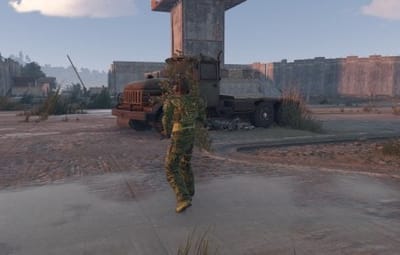
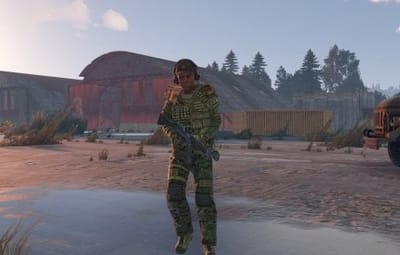
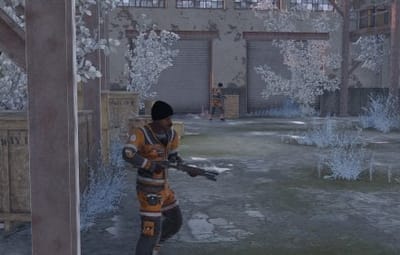
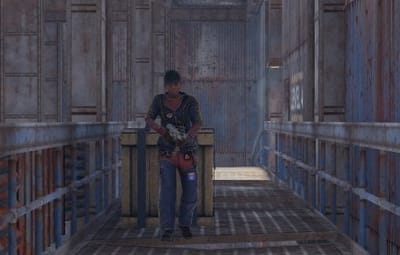
npc_01.jpg

npc_02.jpg

npc_03.jpg

npc_04.jpg

aimacak

Posted (edited)


4 hours ago, zoidberg said:

I have 2 issues with better npc.
The first is that I cant get the npc to walk on the balcony, it will spawn up on the roof, I used printpos ingame to get the cordinates.

The other problem I have it to get the npc's to spawn when i add custom cordinates and change from Random to Custom, the dont spawn at all.

Anyone know anything about this ?


npc_01.jpg

npc_02.jpg

npc_03.jpg

npc_04.jpg

Hello, can you add me in discord? @shrpndfcsd

Edited by aimacak
sociallyobscure

Posted

I am having a strange problem . All my betternpcs are working however it seems the plug in deletes its self every restart. I have to reinstall everyday


aimacak

Posted

7 minutes ago, sociallyobscure said:

I am having a strange problem . All my betternpcs are working however it seems the plug in deletes its self every restart. I have to reinstall everyday


Delete UpdaterNpcSpawn.cs / UpdaterBetterNpc.cs in oxide/plugins/ folder.

SuperKitten

Posted

10 hours ago, aimacak said:

No, everything is there, but all 3 road files are disabled by default. After uploading the data files of BetterNpc, enable 3 files manually.

"Enabled? [true/false]": false, -> "Enabled? [true/false]": true,


you must delete (if exist):
files:
oxide/plugins/NpcSpawn.cs
oxide/plugins/BetterNpc.cs
oxide/plugins/UpdaterNpcSpawn.cs
oxide/plugins/UpdaterBetterNpc.cs
oxide/config/NpcSpawn.json
oxide/config/NpcSpawn_old.json
oxide/config/BetterNpc.json
oxide/config/BetterNpc_old.json

folders:
oxide/data/BetterNpc
oxide/data/BetterNpc_old
oxide/data/NpcSpawn/Preset


Then move the data folder from the NpcSpawn archive to the oxide/ folder, confirm the file replacement (if necessary), then move NpcSpawn.cs to the oxide/plugins/ folder, check the console for errors, if there are no errors, move the data folder from the BetterNpc archive to the oxide/ folder, confirm the file replacement (if necessary), manually include 3 road files, then move BetterNpc.cs to the oxide/plugins folder. Everything should work.

I have followed these instructions to the letter.  I have biome, event, monument, and road npcs spawning.  I do not have custom map npcs spawning.  the custom folder is filled with the appropriate files for the map.  They all have enabled true.  I recognize that the names of the npcs in each custom npc file do not have corresponding names in the NpcSpawn Preset folder.  I'm suspecting that because that doesn't exist, the custom files do not have a file to correspond with to know which npc to spawn.

aimacak

Posted

3 minutes ago, SuperKitten said:

I have followed these instructions to the letter.  I have biome, event, monument, and road npcs spawning.  I do not have custom map npcs spawning.  the custom folder is filled with the appropriate files for the map.  They all have enabled true.  I recognize that the names of the npcs in each custom npc file do not have corresponding names in the NpcSpawn Preset folder.  I'm suspecting that because that doesn't exist, the custom files do not have a file to correspond with to know which npc to spawn.

yeah, check this google drive from KpucTaJI with new files for custom maps.

image.png

SuperKitten

Posted

6 minutes ago, aimacak said:

yeah, check this google drive from KpucTaJI with new files for custom maps.

image.png

I have Npcs now, but they're naked.

aimacak

Posted

4 minutes ago, SuperKitten said:

I have Npcs now, but they're naked.

Have you carefully studied the downloaded folder for custom map? There are also presets, I believe that they are specified in the presets in spawn points in the /Custom folder/

SuperKitten

Posted

1 minute ago, aimacak said:

Have you carefully studied the downloaded folder for custom map? There are also presets, I believe that they are specified in the presets in spawn points in the /Custom folder/

Got it.  Yes, found a preset folder in the Npc Spawn on the google drive.  Thank you.  This is why you're the professional.  😉  I appreciate all your help.

  • Like 2
Et3rn47

Posted

18 hours ago, aimacak said:

try add ScarecrowNPC like this or another type, which is a ZombieHorde, I do not know him, unfortunately..

image.png

Ah boo, I have to add for every one ",ScarecrowNPC,ZombieNPC"  in the presets. Thank you, this is it. If you do not add, the zombies will not do damage. Thank you very much

  • Like 1
Hawkhill

Posted (edited)

Lootmanager:
"Due to negative feedback, this plugin will be discontinued.
The configuration files of plugins that depend on it will be automatically reverted to the previous format in the upcoming updates.
The plugin will be removed from the website once all related plugins have been updated."

I have been going back to version of BetterNpc / NpcSpawn i used before the big update with LootManager.
Can i update to the newest versions of BetterNpc and NpcSpawn without moving the profiles to LootManager?

When Convoy plugin gets updated and removed its support for Lootmanager, i plan to delete that plugin.
 

Edited by Hawkhill
aimacak

Posted

52 minutes ago, Hawkhill said:

Lootmanager:
"Due to negative feedback, this plugin will be discontinued.
The configuration files of plugins that depend on it will be automatically reverted to the previous format in the upcoming updates.
The plugin will be removed from the website once all related plugins have been updated."

I have been going back to version of BetterNpc / NpcSpawn i used before the big update with LootManager.
Can i update to the newest versions of BetterNpc and NpcSpawn without moving the profiles to LootManager?

When Convoy plugin gets updated and removed its support for Lootmanager, i plan to delete that plugin.
 

It is currently impossible to update without files for Loot Manager, and most likely, even when the Loot Manager dependency is removed from NpcSpawn, you will not be able to upgrade from older versions, because obviously the main adaptation of the update will be aimed at switching from the latest version of plugins.

Hawkhill

Posted

But Adem will not continue developing Lootmanager and will delete the plugin....
So why not take a step back and remove betternpc from Lootmanager?

aimacak

Posted

5 minutes ago, Hawkhill said:

But Adem will not continue developing Lootmanager and will delete the plugin....
So why not take a step back and remove betternpc from Lootmanager?

Everyone understands this perfectly well, don't worry, NpcSpawn, like everything else, will work without Loot Manager after the update, just stay tuned, everything will be fine.

p.s. why am I writing NpcSpawn and not BetterNpc, because BetterNpc currently uses presets from NpcSpawn, and NpcSpawn presets use loot tables from Loot Manager, just explained, just in case.

Create an account or sign in to comment

You need to be a member in order to leave a comment

Create an account

Sign up for a new account in our community. It's easy!

Register a new account

Sign in

Already have an account? Sign in here.

Sign In Now
  • Like 10
  • Love 6

User Feedback

2.2m

Downloads

Total number of downloads.

10.3k

Customers

Total customers served.

149.6k

Files Sold

Total number of files sold.

3.2m

Payments Processed

Total payments processed.

×
×
  • Create New...

Important Information

We have placed cookies on your device to help make this website better. You can adjust your cookie settings, otherwise we'll assume you're okay to continue.