
Leaderboard




Popular Content
Showing content with the highest reputation since 03/05/2026 in File Comments
-
 After some more testing I was actually able to reproduce the problem and there will be a fix for it in the next few days. In the mean time to prevent this from happening just disable your custom configurations for oil rig and deep sea npcs.4 points
 -
 Most likely, yes. I'll have to take a look at it, though.4 points
 -
 I am going to look into it and make an update. Thank You.4 points
 -
 I have already been informed about this, I am in the process of fixing it, I will try to fix it soon, sorry for the inconvenience3 points
 -
@The_KiiiingI was able to replicate the issue as well, once you complete the Large Oil Red card, after killing all the scientists of course... few GHOST NPC / scientists spawn. They don't do anything, but they're unkillable. The issue I think appears to be caused by the plugin interfering with the normal death process of the newer oil rig scientist NPCs introduced in recent Rust updates. When these scientists die, the plugin’s loot-handling logic partially bypasses Rust’s built-in cleanup and death sequence, which leaves the game thinking the NPC is dead while parts of the entity are still active. When the oil rig tries to repopulate scientists afterward, this mismatch creates “ghost” scientists that look normal but do not take damage. The fix is to stop the plugin from overriding the death handling for oil rig scientists and instead let Rust handle their death and cleanup normally while the plugin should only modify the loot afterward. This preserves the game’s internal NPC state and prevents the unkillable respawn issue. I applied the below, seems to have resolved the issue for me. Will leave it to you though to vet how effective this is... as its your plugin. ################ #CODE EDIT 1 ################ [Hook] object OnCorpseApplyLoot2(ScientistNPC2 npc2, LootableCorpse corpse, State_Dead stateInstance) { if (!CanPopulateCorpseHook(corpse)) { return null; } var config = manager.GetConfig(npc2); if (config == null || !config.Enabled) { return null; } if (config.Id.Key == "npc_oilrig" || config.Id.Key == "npc_oilrig_large") { return null; } LootManager.PopulateCorpse2(corpse, config, stateInstance); return true; } ################ #CODE EDIT 2 ################ public static bool Hook(State_Dead instance, BaseEntity owner, LootableCorpse corpse) { // true = skip, false = continue if (owner is ScientistNPC2 npc && corpse != null && Instance != null) { var config = Instance.manager?.GetConfig(npc); if (config != null && (config.Id.Key == "npc_oilrig" || config.Id.Key == "npc_oilrig_large")) { return false; } return Instance.OnCorpseApplyLoot2(npc, corpse, instance) != null; } return false; }3 points
-
 Just wanted to share an incident where a player reported that an NPC had stolen the loot from the bradley3 points
 -
 Broken with March update 03/05 1:44:35 PM | >>> c.reload ATMSystem 03/05 1:44:35 PM | Warning! 'ATMSystem' uses UnityEngine.GameObject.FindObjectsOfType. That may cause significant performance drops, and/or server stalls. Report to the developer or use at your own discretion! 03/05 1:44:36 PM | Failed compiling 'ATMSystem.cs': 03/05 1:44:36 PM | 1. 'Pool' does not contain a definition for 'GetList' [CS0117] (ATMSystem 40 line 271)3 points
 -
 DLC skins are no longer available in skin add-ons, so it would be nice if you took a little price cut. :I need, but my budget is limited3 points
 -
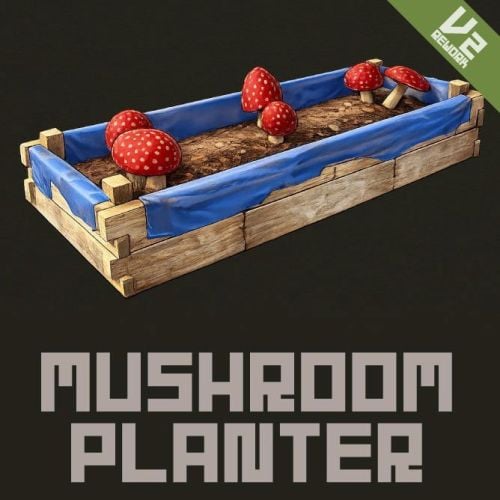 UPDATED [Fix] - Fixed a bug in OnItemUse. [Add] - Mushroom seeds (Mushroom Mycelium) can now be obtained from wild mushrooms.2 points
 -
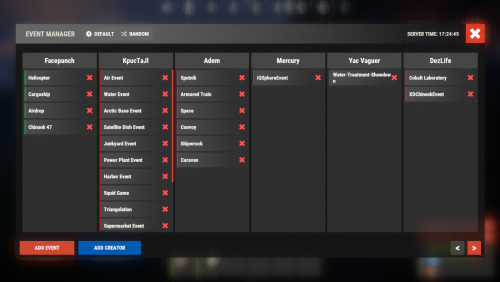 Easter event doesn't seem to start and is not listed in Event Manager, is there some way of adding it?2 points
 -
I'm not sure about adding that to the plugin. Seems like players would exploit it where high tier loot spawning is guaranteed. I'll DM you an alternative solution, though.2 points
-
 How does the map marker name work, is it the Mapmarker name from RustEdit? I've tried this but can't get it to work, do I need to change something else? "Map marker name (leave empty if using Position+Rotation)": "The name that is the same as the marker in RustEdit",2 points
 -
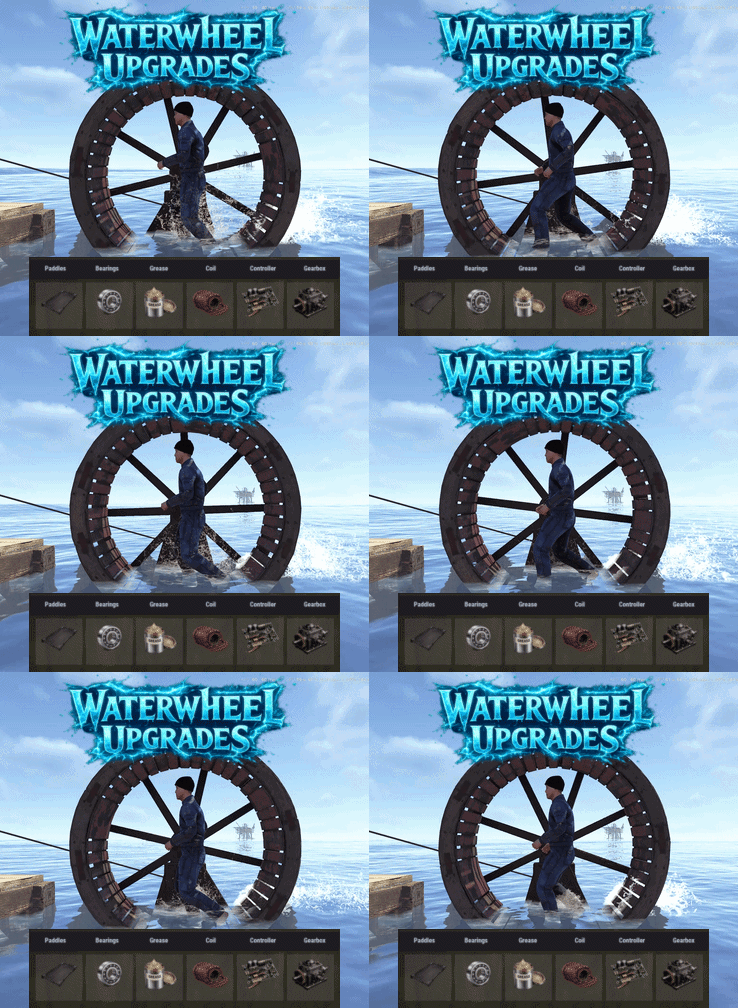 Thanks, that's the plan, just got the idea with the water wheel first , as found it a little underwhelming outside of vanilla gameplay2 points
 -
I'm sorry, my bad, I read 30 meters instead of centimeters.. Yes, if you want to do this, you can specify BaseOffSet in the NpcSpawn preset's GUI (/preset), for example -0.1, so that the NPCs are lower, but from my observations, it's still not ideal to do this, because for example, you align them on the grass, but they will walk a little recessed into the road.. such is the navigation grid in Rust2 points
-
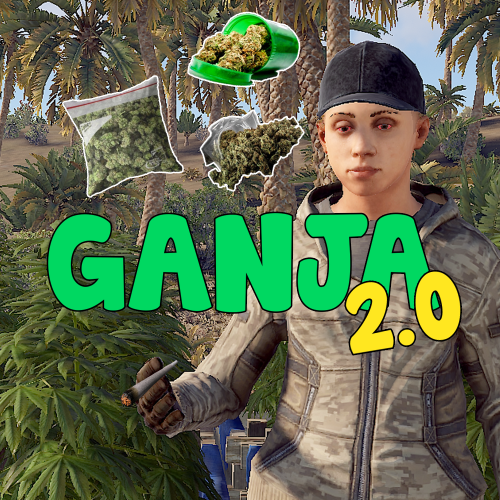 Been getting really high hook times since the update.2 points
 -
 You always bring up the best craziest concepts , love this !2 points
 -
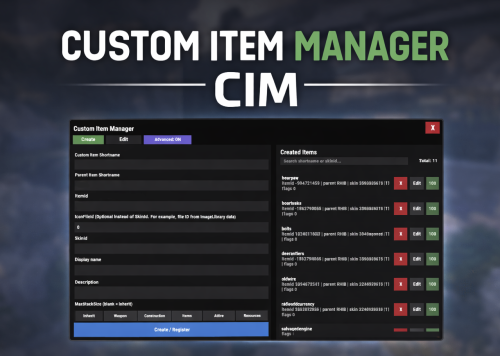 Thanks, i get it. Lang files normally don't get updated for existing keys. Would need to delete the lang and reload, or edit only the specific entry. I havent really thought whether there's a good way of handling this, considering you may have several languages configured. I'll see what i can do for next patch2 points
 -
 Finally ran across another approach to preventing reduplication. Implemented, should be fixed.2 points
 -
 I've noted this down for a future update. I think someone else requested it.2 points
 -
 or lord, sorry about that.2 points
 -
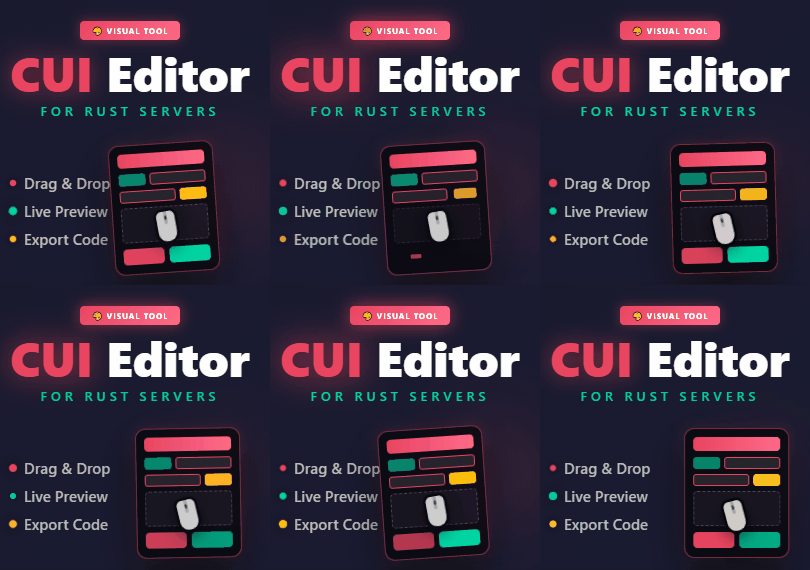 Hey mate a feature request for you. When I do UI, i often want to manipulate the elements using offsets, not changing the anchors. Would it be possible to get a tick box or a lock icon or something under the positions menu to lock anchor points, so any movements etc are automatically handled via offset? Really enjoying the tool btw. Really awesome work.2 points
 -
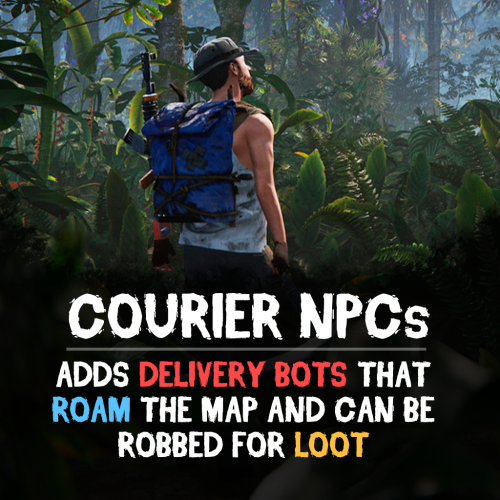 I'll cretae Wolt and Bolt skins just for this lmao2 points
 -
.thumb.png.da7aabb766f25bb3e8bce857b2e1dfdb.png) Thank you for these configs! I configured them to suit my use and made a few extra skin and items ect. One thing players and I had noticed is when we consume the drug type it will spam a bunch of red unity errors on the screen. I tracked one down to some action that run that i disabled on all of them, but there is still some more apprantly. I will have to track down what ones are giving all errors.2 points
Thank you for these configs! I configured them to suit my use and made a few extra skin and items ect. One thing players and I had noticed is when we consume the drug type it will spam a bunch of red unity errors on the screen. I tracked one down to some action that run that i disabled on all of them, but there is still some more apprantly. I will have to track down what ones are giving all errors.2 points -
 Hi, I don't mark Carbon compatibility just because I don't test on Carbon myself, but if issues are reported I look in to them and, in the past, the Carbon team has made any necessary changes. That hasn't happened in some time so, realistically, everything should be good.2 points
 -
Any chance we can get the deep sea monuments added as default profiles? Current deep sea is lacking, I'd love to be able to add some custom npcs out there.2 points
-
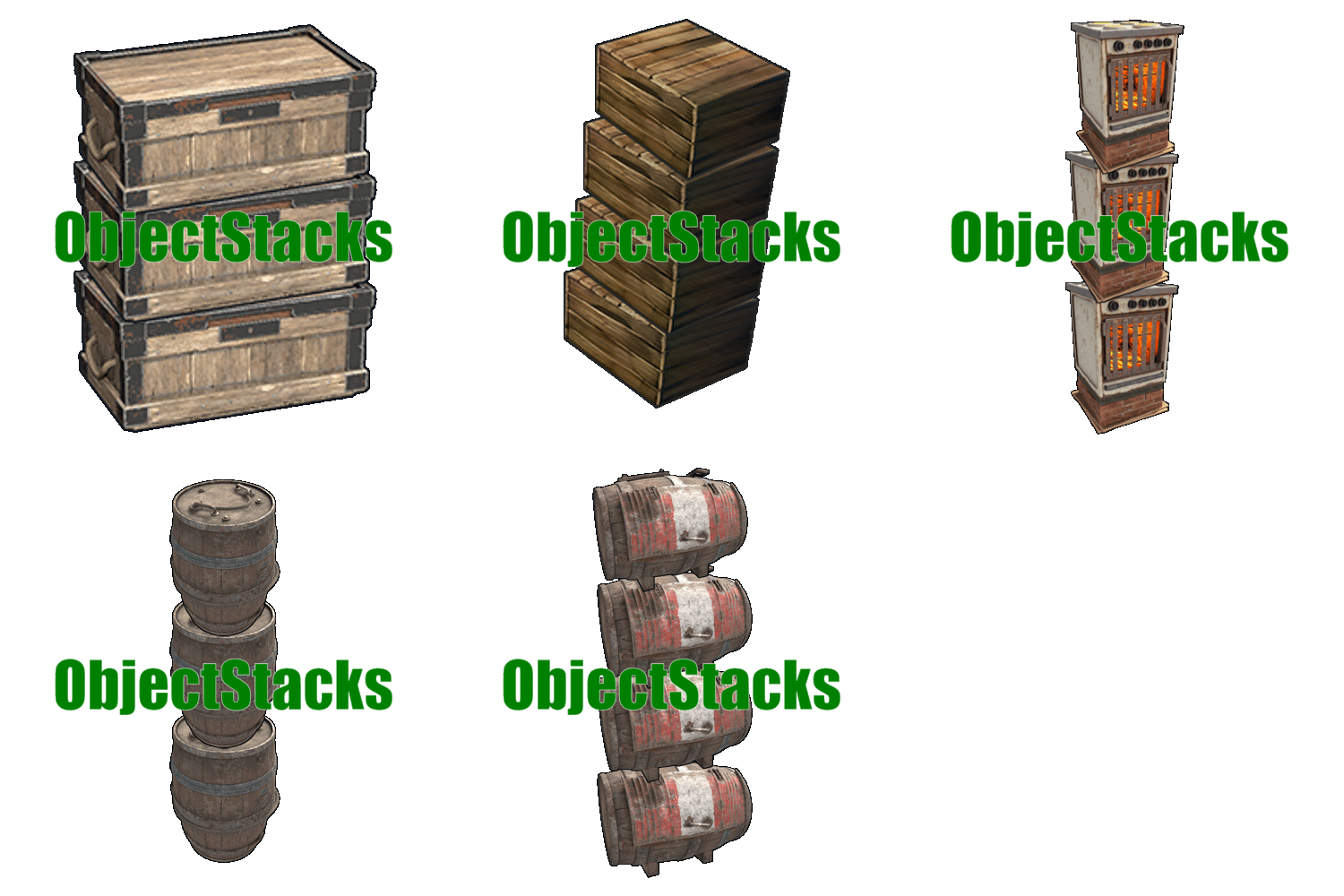 It's really irritating since a few of these plugins were taken over from M&B who was always on top of stuff. Mevent did 0-little work then the price was jacked up 2-3x the original with less than spectacular support. I paid i believe 10$ for this plugin originally from m&b. its not worth the current price when there's no support and he did not write the plugins. only (barely) maintains them.2 points
 -
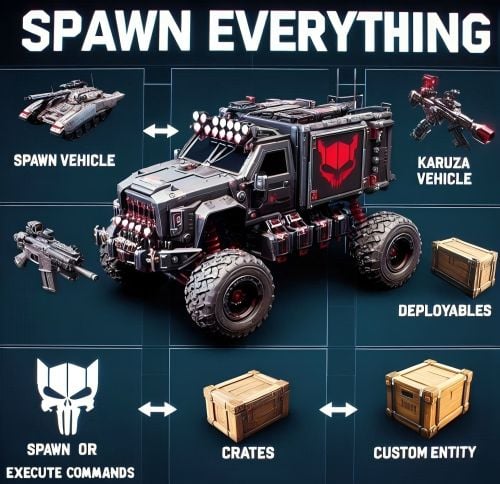 The plugin will be released tomorrow2 points
 -
Mevent last won the day on January 6 4 months ago, i think he dont care, took the money and run ? lol2 points
-
maybe we should report the file then. no response here or other plugins as well. (ie event manager) for krieg to be stacked use: "objectstacks.krieg_storage_vertical.use": 2, "objectstacks.krieg_storage_vertical.vip": 4, & "assets/prefabs/deployable/large wood storage/skins/warhammer_dlc_large_wood_box/krieg_storage_vertical/krieg_storage_vertical.prefab": { "YOffset": 1.2, "Shortname for permissions (objectstacks.THISNAME.[use/vip/etc.])": "krieg_storage"2 points
-
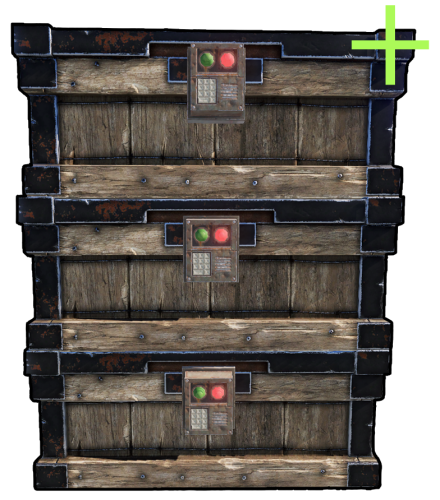 @supreme Since the update, this is causing issues with Skinbox. Before this plugin was updated you could skin the bottom box, middle box and top box with 3 different skins and all would skin perfectly. Now, if you skin say the bottom box, all 3 change to that skin, If you skin the middle box the top 2 use the same skin. Also if you want to change the skin back to match a set for example, you need to use a completely different skin before changing it back to the skin you want.2 points
 -
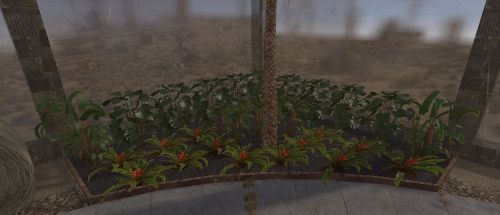 yes its at the bottom of each file description2 points
 -
eventually yes2 points
-
also been waiting on this2 points
-
 fixed2 points
 -
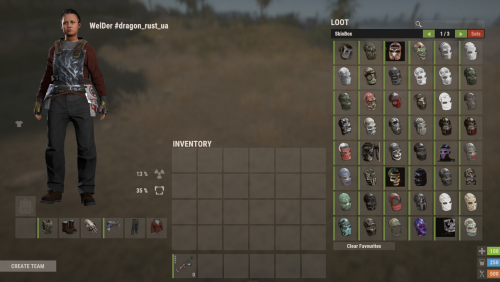 That's normal, All skins load2 points
 -
 Needs an Update for forced wipe! Failed to compile: 'Pool' does not contain a definition for 'FreeList' | Line: 4125, Pos: 242 points
 -
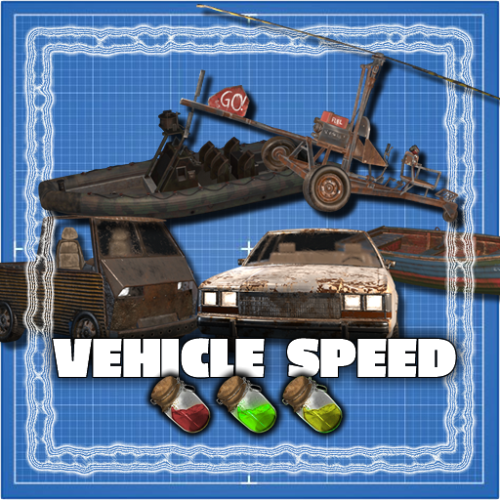 Player built boats are not currently supported. They will be added with the next update2 points
 -
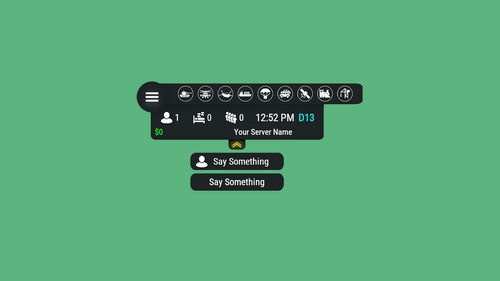 Can we maybe get an indicator for the deep sea please ?2 points
 -
 Thank you for the input @jtedal, your plugin is great. I like having my monument set up, with a 10 second buffer. If they leave longer than the 10 seconds, then they lose ownership. I have let my players know they will lose ownership of a locked crate if they lose ownership of the monument. I guess i was just trying to find a solution in the meantime. @aimacak What functionality does PveMode provide to BetterNPC? The only config option inside BetterNPC is "Use the plugin's PVE mode? (only if you use the PveMode plugin)": true/false. And PveMode only shows its methods. If I used "Use the plugin's PVE mode? (only if you use the PveMode plugin)": true, would PveMode not give a player ownership to a CH47 locked crate? bool HackCrate – Can other players and teams hack locked crates if not Event Owner or their team? [true/false]1 point
 -
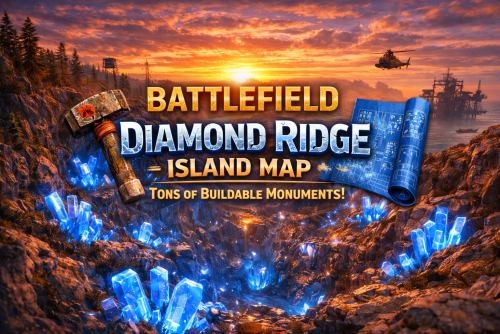 This is a great map.1 point
 -
confirmed.1 point
-
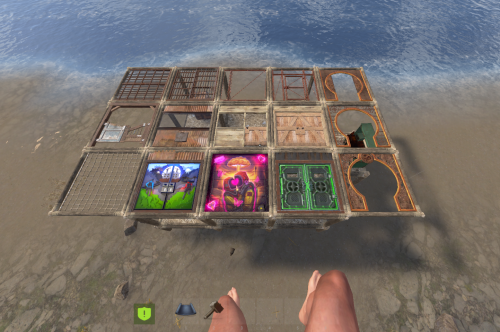 love the ideo of that we can move it as we want1 point
 -
 They will roll individually. For example if you have 2 chance buffs at 50%, it will roll 2 times at 50%, not once at 100%.1 point
 -
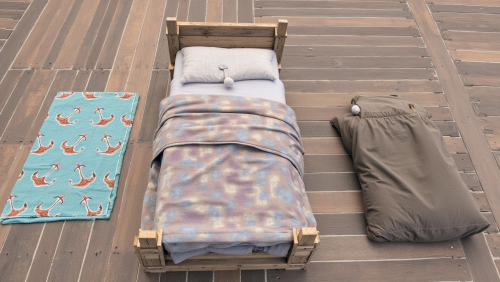 Hi, I haven't tried hardcore. I'll do some testing and let you know.1 point
 -
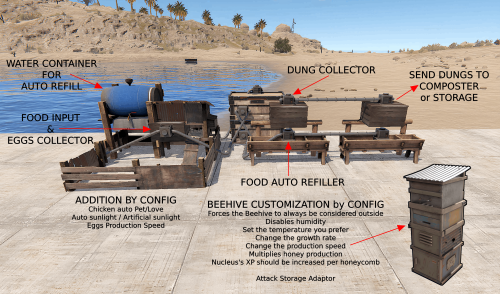 I don't know, I'm doing some tests to see if there's a way to fix this problem.1 point
 -
.thumb.gif.2d1b41b0ae0c1d0a34f2f55dc65983b5.gif) @DUROCRUSTSERVERS That's a very creative concept! But this really belongs in its own plugin due to how much logic I would need to be implement to support features like AI roaming, building, farming, upgrading, wiring, locking doors, defending bases, and managing loot. Much of that would be close enough to existing code to overlap with it, but different enough to require its own logic. That redundancy would further bloat the plugin. I honestly aim to reduce bloat, improve existing behavior, fix bugs and implement necessary quality of life changes. New features might have a place when they're not so large, but 600 options provides a decent amount of variation already. @fullwiped Hi, I would appreciate it if you could enable the user interface options in the config by default. These are core features of the plugin and I would like everyone to experience them by default. There is more at play here than meets the eye. I understand giving the appearance of more realistic looking bases is desired by some server owners, but this really is not achievable. It might fool some players initially, but they will quickly catch on. There is nothing worse than intentionally trying to deceive someone, either. Bases will inevitably be despawned, and the gig is up. I would prefer despawn to be optional, but it's not practical when it won't work properly for everyone due to unknown edge cases breaking its functionality in the past. Either way, players expect content to refresh in a timely manner across all aspects of the game, so setting up the configuration to reflect this will flow more naturally for the majority of servers. Hidden While Buyable Events UI Is Closed exists for Buyable Cooldowns and Player Lockouts is a great way to limit when these UI are shown, with other UI being shown on a limited basis already. If you have some ideas, then I'm open to suggestions. The essence of the plugin is to boast how massive of a beast it is, not to tame it into submission in a way that downplays its role on servers. I intend for servers to use this plugin as a focal point to help them grow, instantly showing their player base that content is readily available, with bases raising their hands in the air and screaming, "Come raid me if you can." I do understand that some want to limit this as much as possible to fit the theme of your server, and I completely agree that there are exceptions to be made.1 point
@DUROCRUSTSERVERS That's a very creative concept! But this really belongs in its own plugin due to how much logic I would need to be implement to support features like AI roaming, building, farming, upgrading, wiring, locking doors, defending bases, and managing loot. Much of that would be close enough to existing code to overlap with it, but different enough to require its own logic. That redundancy would further bloat the plugin. I honestly aim to reduce bloat, improve existing behavior, fix bugs and implement necessary quality of life changes. New features might have a place when they're not so large, but 600 options provides a decent amount of variation already. @fullwiped Hi, I would appreciate it if you could enable the user interface options in the config by default. These are core features of the plugin and I would like everyone to experience them by default. There is more at play here than meets the eye. I understand giving the appearance of more realistic looking bases is desired by some server owners, but this really is not achievable. It might fool some players initially, but they will quickly catch on. There is nothing worse than intentionally trying to deceive someone, either. Bases will inevitably be despawned, and the gig is up. I would prefer despawn to be optional, but it's not practical when it won't work properly for everyone due to unknown edge cases breaking its functionality in the past. Either way, players expect content to refresh in a timely manner across all aspects of the game, so setting up the configuration to reflect this will flow more naturally for the majority of servers. Hidden While Buyable Events UI Is Closed exists for Buyable Cooldowns and Player Lockouts is a great way to limit when these UI are shown, with other UI being shown on a limited basis already. If you have some ideas, then I'm open to suggestions. The essence of the plugin is to boast how massive of a beast it is, not to tame it into submission in a way that downplays its role on servers. I intend for servers to use this plugin as a focal point to help them grow, instantly showing their player base that content is readily available, with bases raising their hands in the air and screaming, "Come raid me if you can." I do understand that some want to limit this as much as possible to fit the theme of your server, and I completely agree that there are exceptions to be made.1 point -
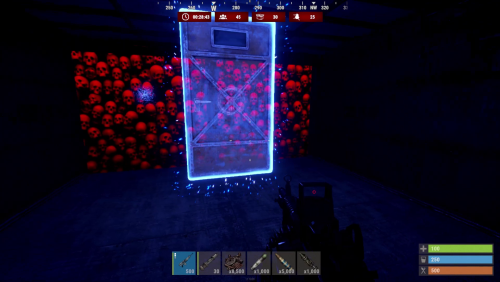 void OnDungeonSpawn(ulong OwnerID, Vector3 Position, string Grid, string TierName) { PrintWarning($"Dungeon spawned at {Position} by {OwnerID} Grid: {Grid}, Tier: {TierName}"); } void OnDungeonDespawn(ulong OwnerID, Vector3 Position, string Grid, string TierName) { PrintWarning($"Dungeon despawned at {Position} by {OwnerID} Grid: {Grid}, Tier: {TierName}"); } void OnDungeonWin(ulong playerID, string tierName) { PrintWarning($"Player {playerID} cleared the dungeon tier: {tierName}"); }1 point
 -
 I was looking at purchasing this do you think you could add small pictures next to each type of tree so we have a preview of the tree before it spawns1 point
 -
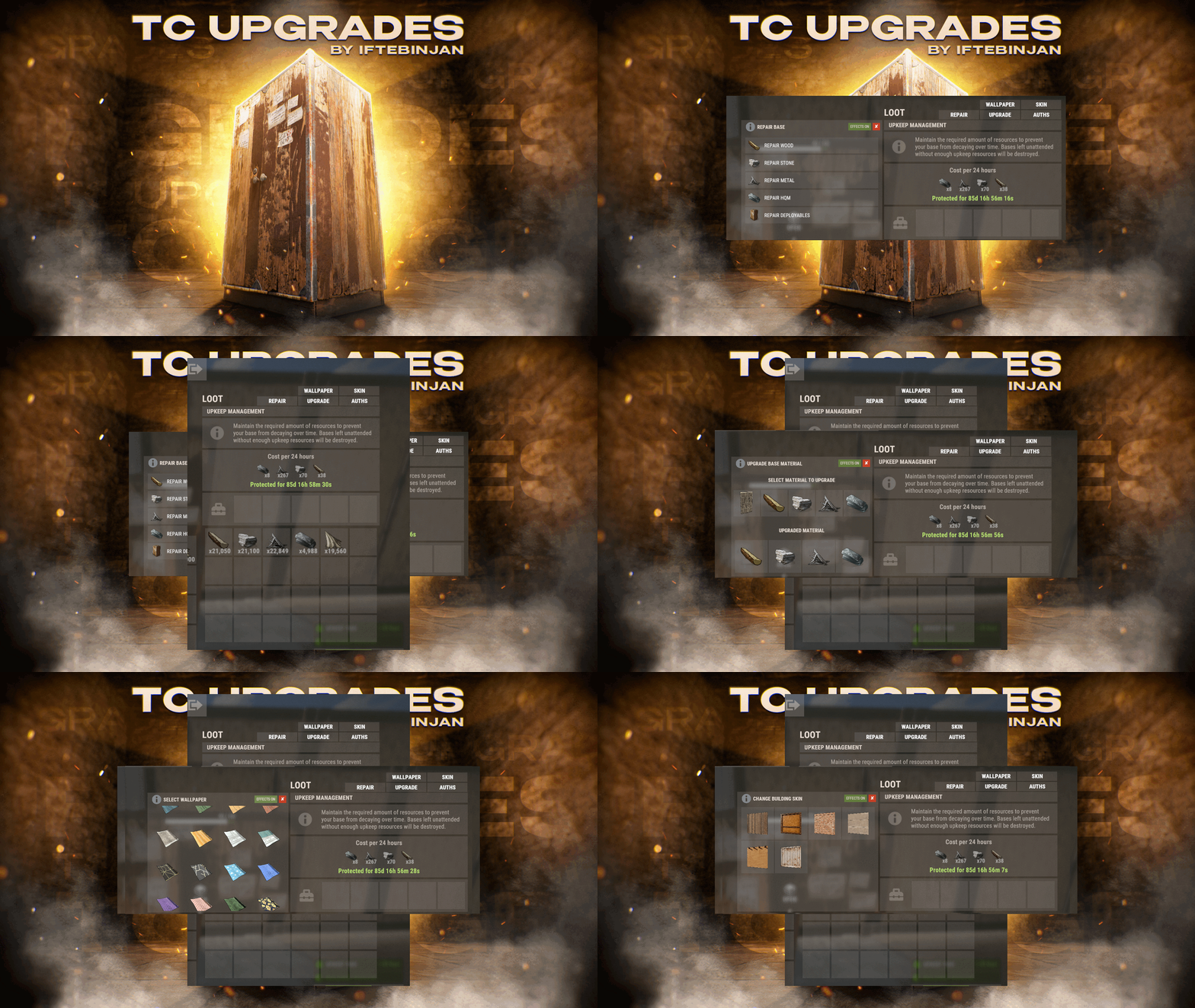 @Iftebinjan, Does it support the paid Raid Block?1 point


.thumb.png.ccf8a947948c9eb1445ad21a7931247b.png)


