

About Mushroom Planter V2
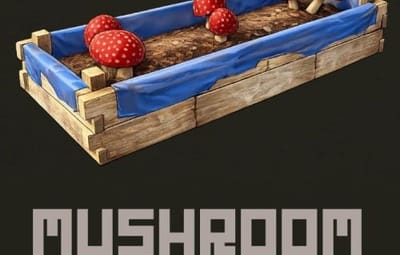
Mushroom Planter
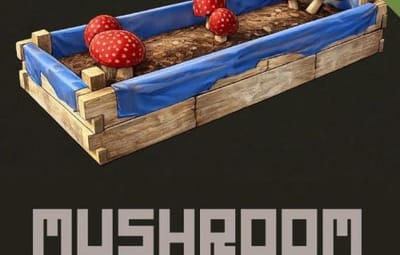
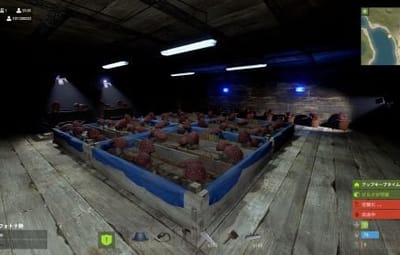
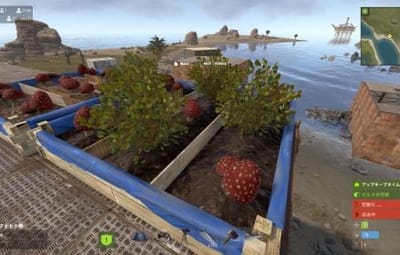
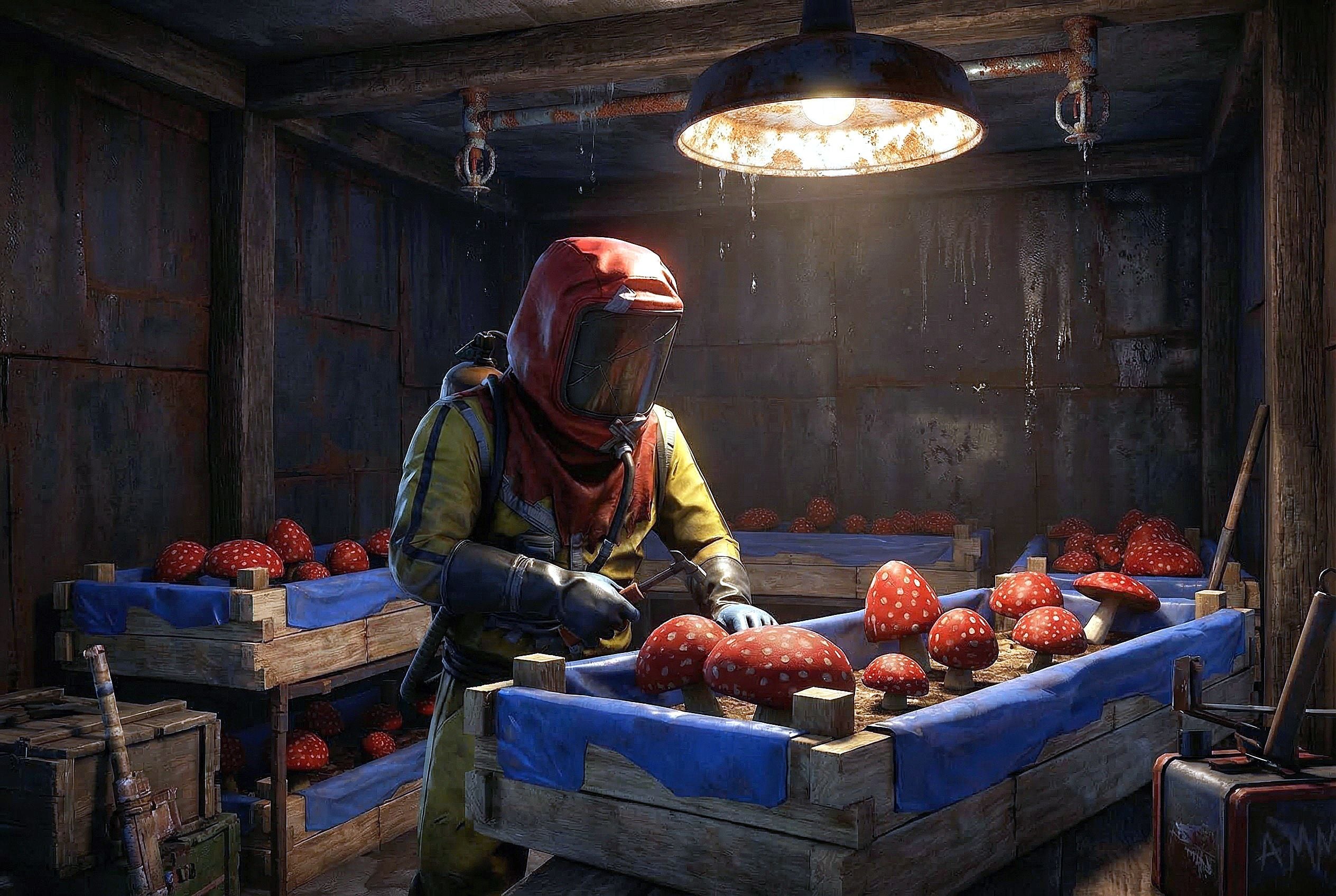
MushroomPlanter adds a mushroom cultivation system to Rust. Players can grow various types of mushrooms in any planter box by placing special "Mushroom mycelium" seeds (custom-skinned fertilizer items) into the planter's inventory.
 Product version
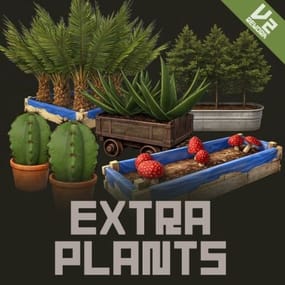
This is a trial version of the ExtraPlants plugin, featuring only the Mushroom cultivation system. The full version includes 20+ plant types such as fruits, vegetables, trees, herbs, and special plants.
Features
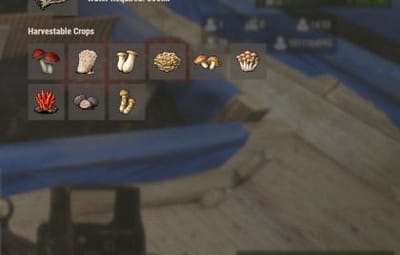
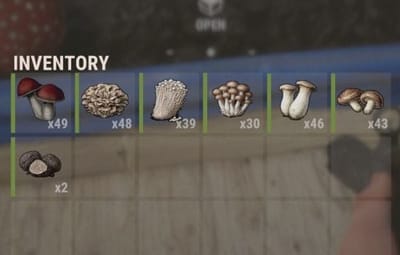
9 Mushroom Varieties — Harvest common and rare mushrooms including Enoki, King Oyster, Maitake, Shiitake, Shimeji, Fly Agaric, Truffles, and Matsutake.
Mushroom Seed — You can obtain mushroom seeds (Mushroom Mycelium) from wild mushrooms.
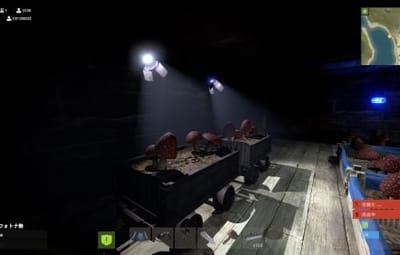
All Planters Supported — Works with Large Planter, Small Planter, Bathtub Planter, Minecart Planter, Railroad Planter, Single Plant Pot, Triangle Planter, and Railroad Triangle Planter.
Automatic Growth System — Mushrooms grow on a configurable timer cycle (default: 15 minutes) when sufficient water is available in the planter.
Smart Placement — Mushrooms are placed automatically in available grid positions without overlapping existing crops. Vanilla crops cannot be planted on top of mushrooms.
Configurable Drops — Each mushroom variety has configurable drop chance, min/max amounts, and custom skin IDs. Rare varieties (Fly Agaric, Truffles, Matsutake) have a 10% drop chance by default.
Seed Info UI — An in-game UI panel is displayed when opening a planter, showing growth time, water requirements, and harvestable crop icons with skin previews.
ImageLibrary Integration — Automatically loads skin preview images from the Steam Workshop for display in the Seed Info UI.
Data Persistence — Mushroom positions are saved and restored across server restarts and plugin reloads.
Multi-Language Support — UI supports English, Japanese, Chinese (Simplified), and Russian.
How to Use
- Players can obtain mushroom seeds (mycelium) from wild mushrooms. Or Admins can distribute seeds using the /mushroomseed chat command, the mushroomseed console command, or by adding them to the shop or Loot table. (fertilizer with skin ID 3675820909)
- Players place "Mushroom Mycelium" (fertilizer with skin ID 3675820909) in their planter inventory.
- The planter must have at least 300ml of water (configurable).
- Mushrooms automatically spawn in the planter every growth cycle.
- Players harvest mushrooms by picking them up (collectible interaction).
Command
Chat Commands (Admin Only)
/mushroomseed Gives 100x Mushroom mycelium seeds to yourself
Console Commands (Console/Admin)
mushroomseed <steamID> <amount> - Give seeds to a specific player
Give Seed Example:
mushroomseed 76561198000000000 10
(Give 10 Mushroom mycelium to 76561198000000000)
Configuration
All settings are fully configurable via the generated JSON config file:
{
  "Mushroom Settings": {
    "Seed Name": "Mushroom mycelium",
    "Seed Skin ID": 3675820909,
    "Growth Time (seconds)": 900.0,
    "Growth Chance (0.0-1.0)": 1.0,
    "Water Required": 300.0,
    "Max Drop Types Per Harvest": 1,
    "Drop Items": [
      {
        "Item Short Name": "mushroom",
        "Custom Item Name": null,
        "Skin ID": 0,
        "Min Amount": 1,
        "Max Amount": 3,
        "Drop Chance (0.0-1.0)": 1.0
      },
      {
        "Item Short Name": "mushroom",
        "Custom Item Name": "Enoki mushroom",
        "Skin ID": 3676097640,
        "Min Amount": 1,
        "Max Amount": 3,
        "Drop Chance (0.0-1.0)": 1.0
      },
      {
        "Item Short Name": "mushroom",
        "Custom Item Name": "King oyster Mushroom",
        "Skin ID": 3676103539,
        "Min Amount": 1,
        "Max Amount": 3,
        "Drop Chance (0.0-1.0)": 1.0
      },
      {
        "Item Short Name": "mushroom",
        "Custom Item Name": "Maitake mushroom",
        "Skin ID": 3676103641,
        "Min Amount": 1,
        "Max Amount": 3,
        "Drop Chance (0.0-1.0)": 1.0
      },
      {
        "Item Short Name": "mushroom",
        "Custom Item Name": "Shiitake mushroom",
        "Skin ID": 3676103885,
        "Min Amount": 1,
        "Max Amount": 3,
        "Drop Chance (0.0-1.0)": 1.0
      },
      {
        "Item Short Name": "mushroom",
        "Custom Item Name": "Shimeji mushroom",
        "Skin ID": 3676103982,
        "Min Amount": 1,
        "Max Amount": 3,
        "Drop Chance (0.0-1.0)": 1.0
      },
      {
        "Item Short Name": "spoiled.produce",
        "Custom Item Name": "Fly agaric",
        "Skin ID": 3676103435,
        "Min Amount": 1,
        "Max Amount": 1,
        "Drop Chance (0.0-1.0)": 0.1
      },
      {
        "Item Short Name": "apple",
        "Custom Item Name": "truffles",
        "Skin ID": 3676104055,
        "Min Amount": 1,
        "Max Amount": 1,
        "Drop Chance (0.0-1.0)": 0.1
      },
      {
        "Item Short Name": "apple",
        "Custom Item Name": "Matsutake mushroom",
        "Skin ID": 3676103783,
        "Min Amount": 1,
        "Max Amount": 1,
        "Drop Chance (0.0-1.0)": 0.1
      }
    ]
  },
  "Wild Mushroom Mycelium Drop Settings": {
    "Enabled": true,
    "Drop Chance (0.0-1.0)": 1.0,
    "Min Amount": 2,
    "Max Amount": 3
  }
}
Troubleshooting
Q: Mushrooms aren't spawning
Check if the planter has enough water
Verify there are empty spaces available
Wait for the configured growth interval
Contact
 VOID / NINJA WORKS
DISCORD : https://discord.gg/U8uxePjSyA
 MADE IN JAPAN

.thumb.gif.85db1086c3a89ac3c74d631b5eb77942.gif)