

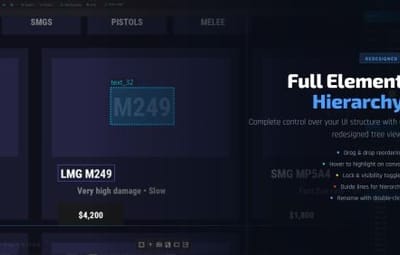



.thumb.jpg.893693088dd8ed897068f8be4f6750f9.jpg)






About RustCuiEditor - Visual CUI creator
Rust CUI Editor
Visual Interface Designer for Rust
Stop writing UI code blindly. Design your CUI interfaces visually and export ready-to-use code in seconds.

What is this?
Rust CUI Editor is a desktop application for creating Rust game UI (CUI) interfaces using a visual drag-and-drop editor. Instead of writing dozens of lines of CuiHelper code and constantly reloading your plugin to see the result, you design everything visually and get clean, working code instantly.
Video demonstration 2.0.0 Version (At the moment the version is already newer with new features)
|
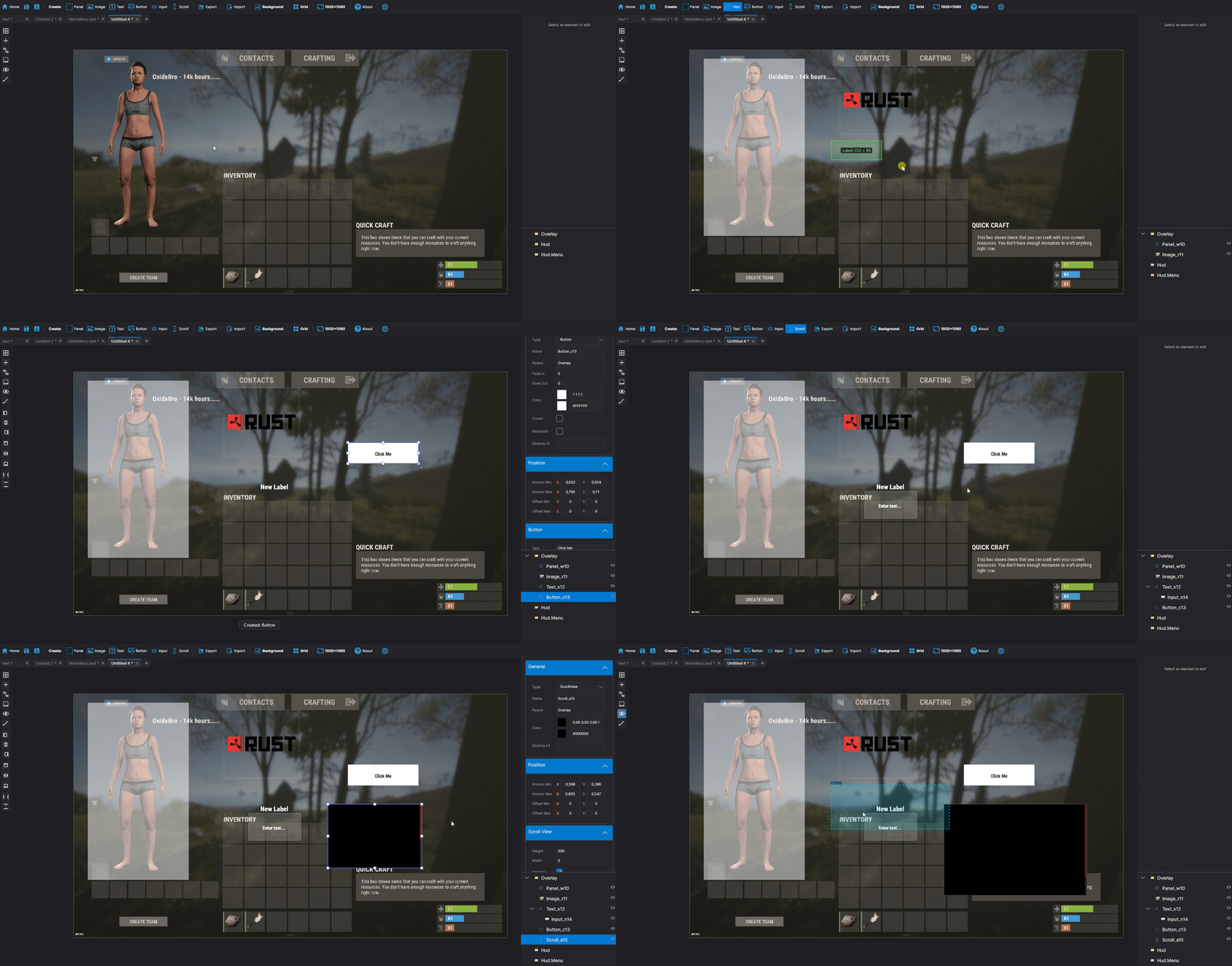
Elements Panel |
Layout Horizontal Layout Group |
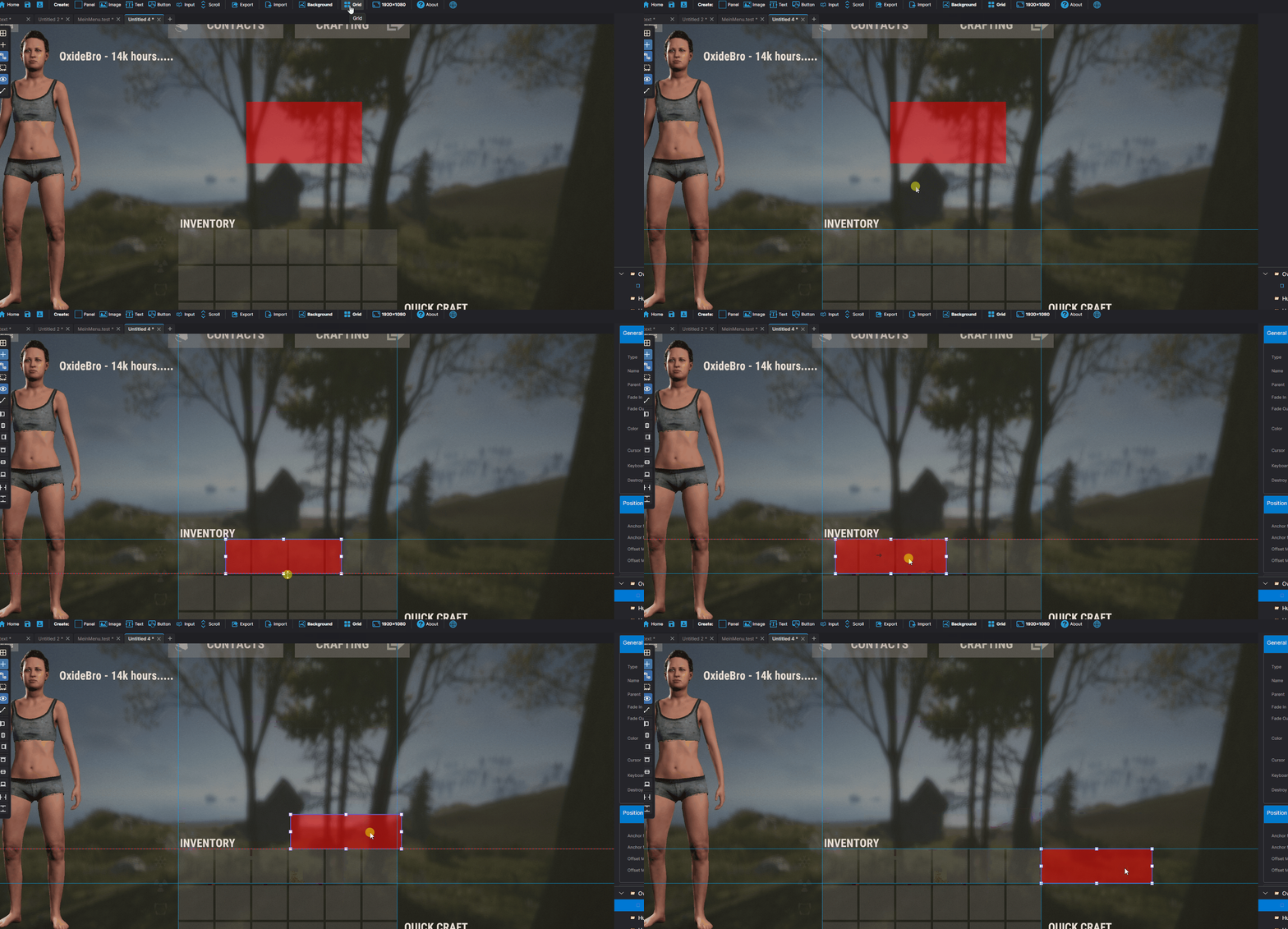
Visual Drag elements on canvas |
Alignment Left / Center / Right |
 Find & Replace
|
Search and replace element properties across the entire project at once. No need to click through each element manually. ► Search by text content, color value, sprite, or material |
Inspect Element
|
Dedicated inspection window for any selected element. Shows all properties in structured form alongside the raw CUI JSON output. ► All component properties in one place |
Snapshots
|
Save named project states at any point and restore them without losing your current work. Snapshots are completely separate from undo history. ► Create named snapshots before risky changes |
Wrap in Parent
|
You've built a header with a label and a close button, then realize you forgot to add a background panel behind them. Select all elements, right-click, Wrap in Parent — done. Nothing moves. ► Works with any selection of elements |
Themes
|
Dark Theme Default dark interface. |
Light Theme Full light mode across all panels, |
Plugin Import
|
Load CUI elements directly from an existing ► Parses |
Built-in Reference
|
A built-in help system with searchable articles covering the entire CUI system. No need to leave the editor to look something up. ► Articles for every element type and property |
Performance Rewrite
|
Canvas GPU rendering |
Element Tree Debounced rebuild on rapid changes |
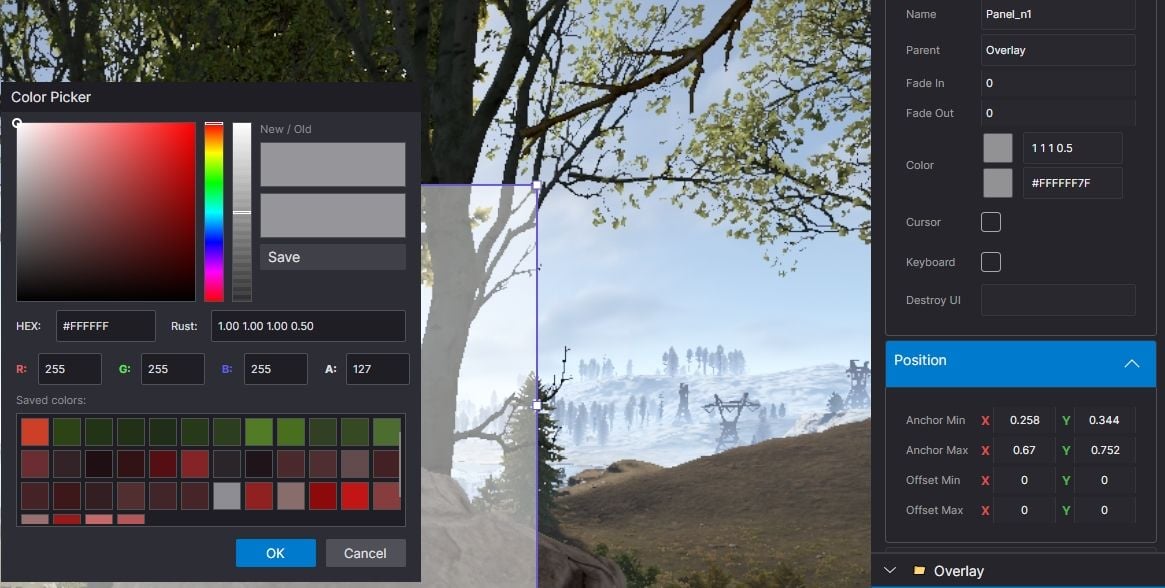
Color Picker Real-time updates while dragging |
Live Preview
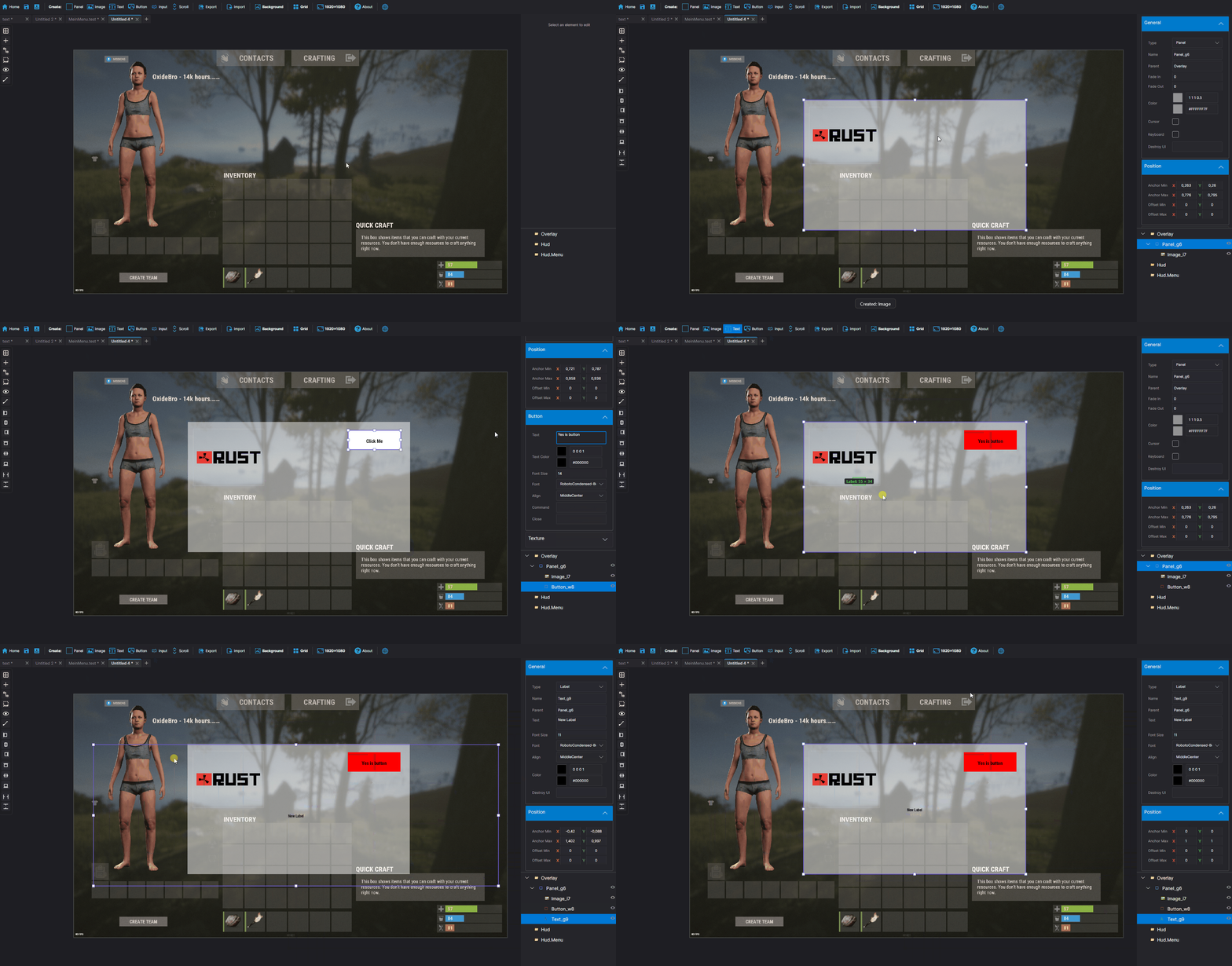
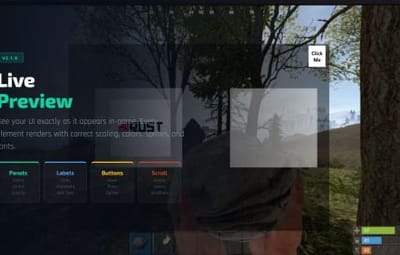
See your UI exactly as it appears in-game, right inside the editor. Every element is fully rendered with correct Rust scaling, colors, sprites, and fonts. No need to reload your plugin to check the result.
|
Rendering Panels & Images |
Interactive Button hover & press |
Drag & Drop Draggable elements |
Tools Element Inspector |
|
All CuiDraggableComponent properties are supported in preview: LimitToParent, MaxDistance, AllowSwapping, DropAnywhere, DragAlpha, ParentPadding, ParentLimitIndex, AnchorOffset, and more. ► Pick up Draggable elements and drop them into Slots |
Smart Hook Generation
|
When your project uses Draggable or Slot elements, the export automatically generates ready-to-use hook methods with proper logic: ► |
Developer Tools
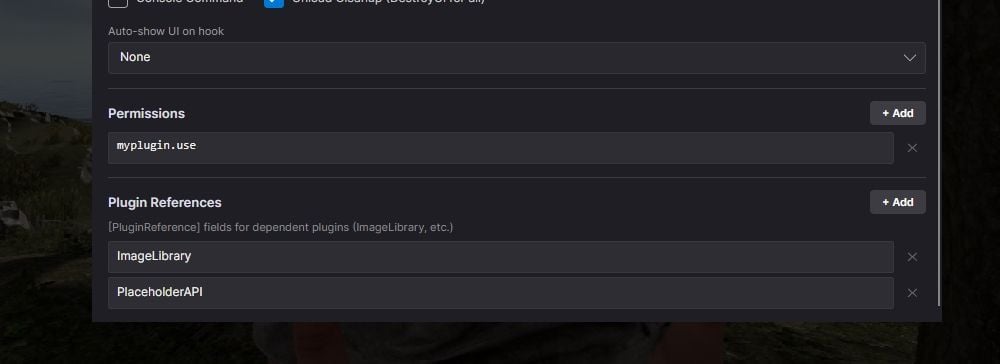
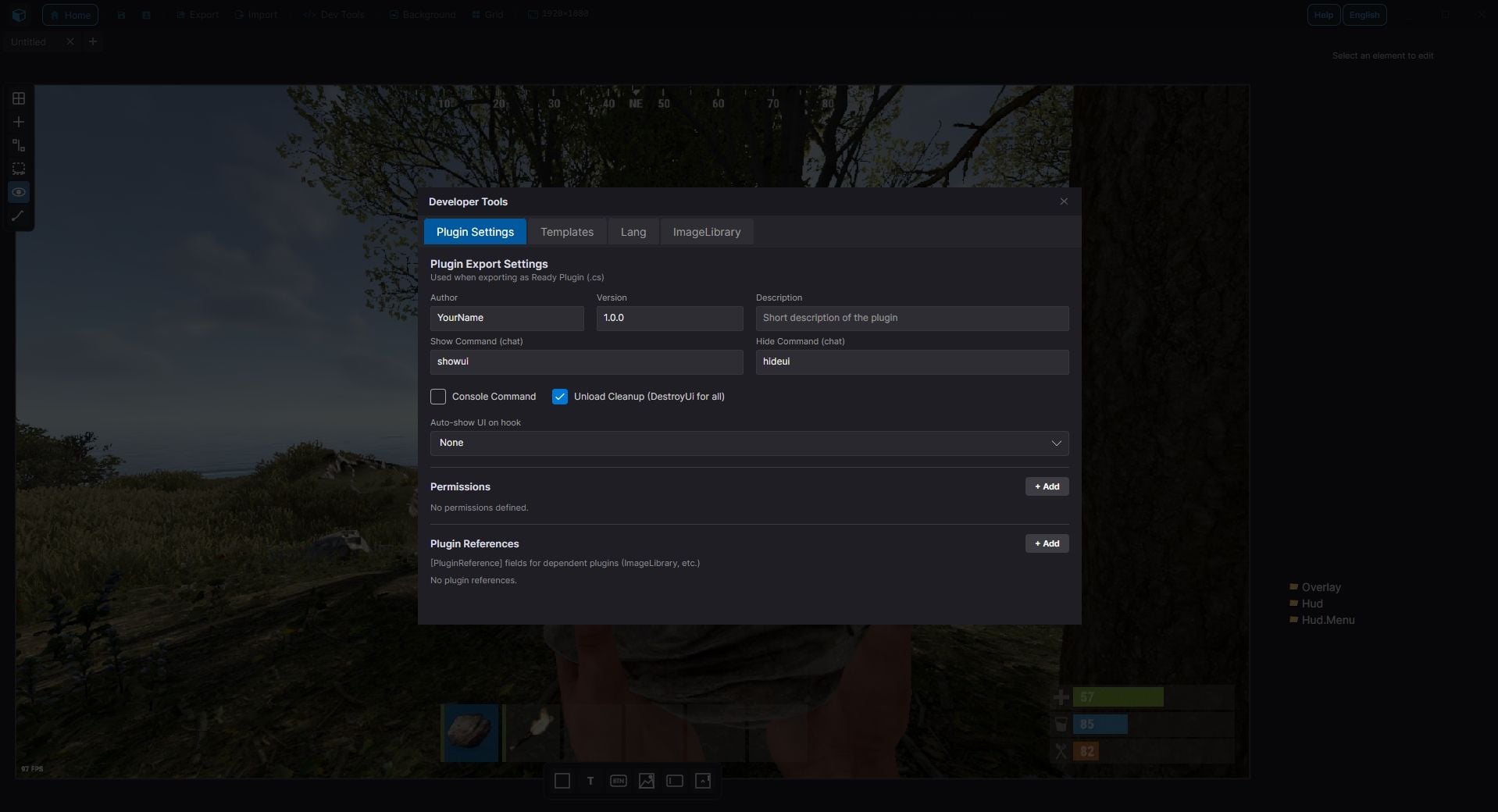
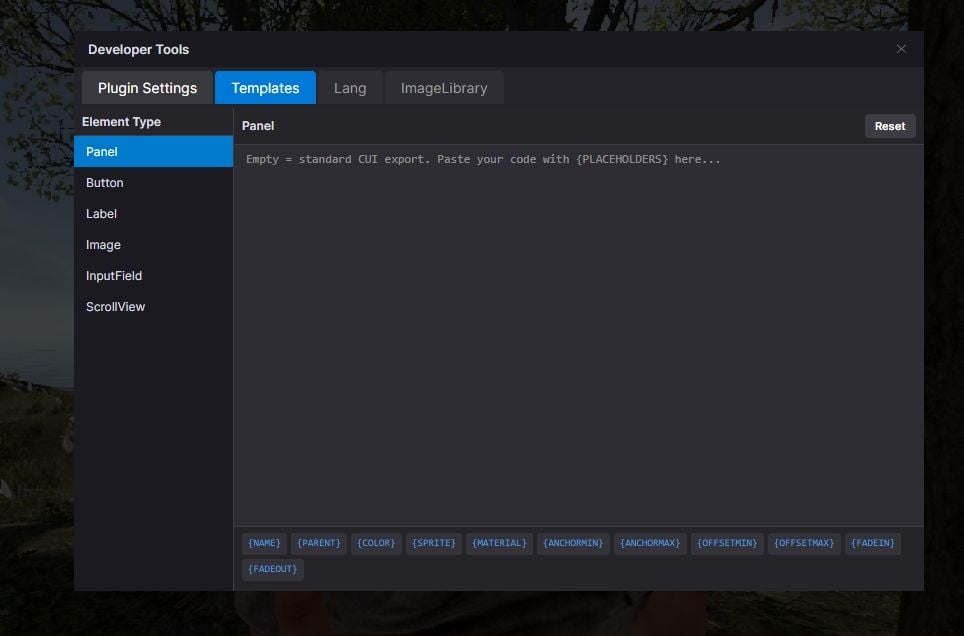
Professional plugin development toolkit with four dedicated tabs:
|
Plugin Settings Author & version |
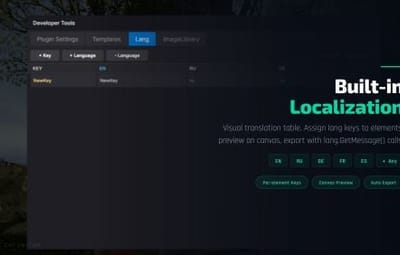
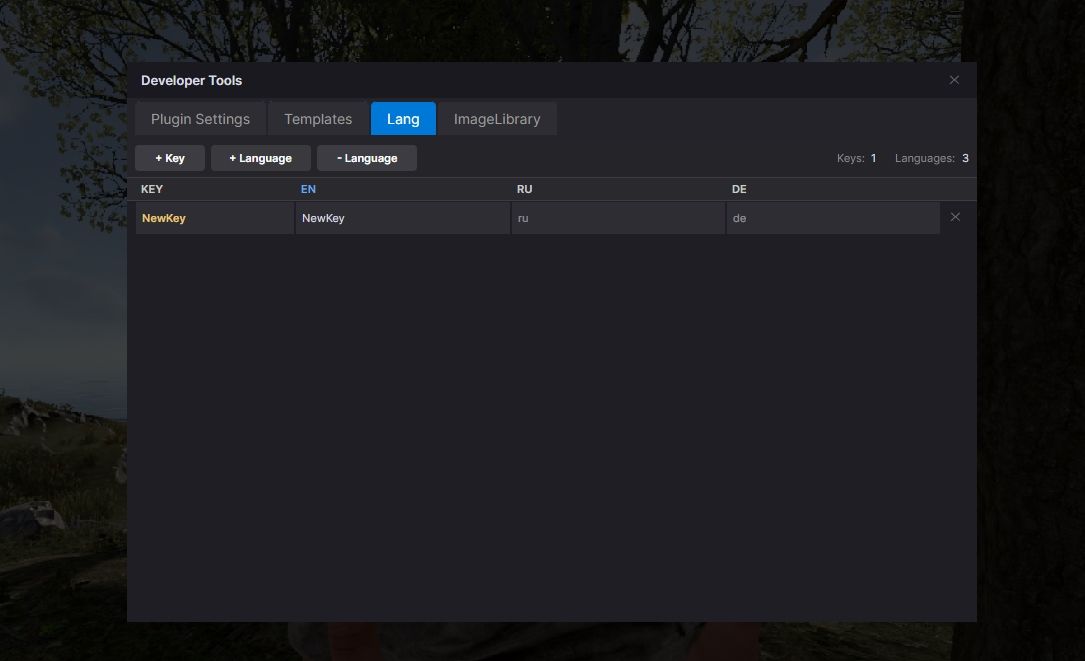
Lang System Multi-language support |
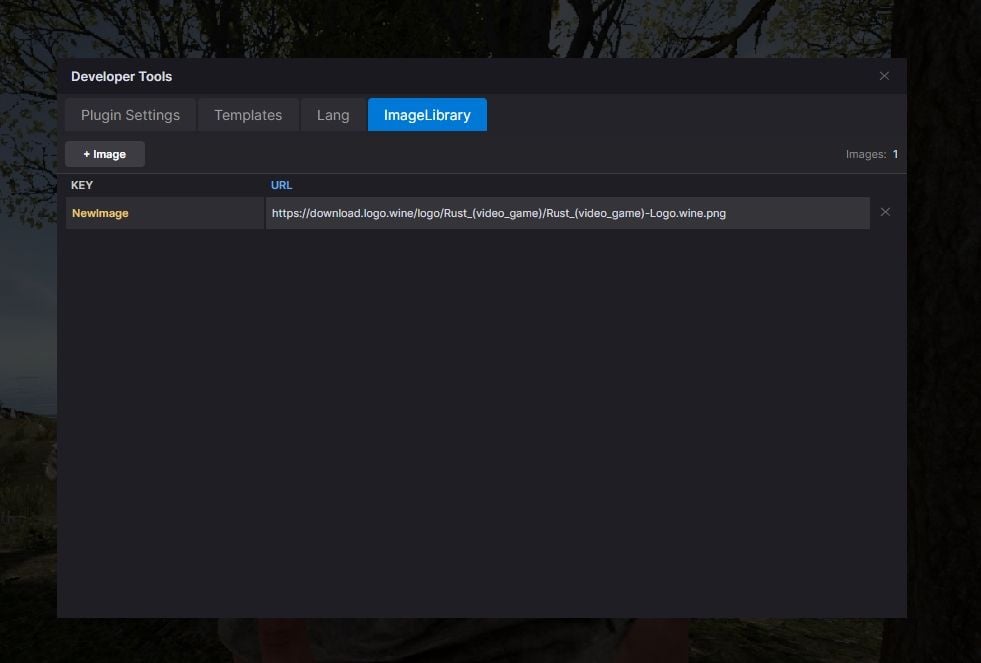
ImageLibrary Image key/URL table |
Templates Reusable code templates |
Localization System
|
Full multi-language support for your plugins. Assign lang keys to any text element, manage translations visually, and export with automatic ► Add unlimited languages (en, ru, de, fr, etc.) |
ImageLibrary Integration
|
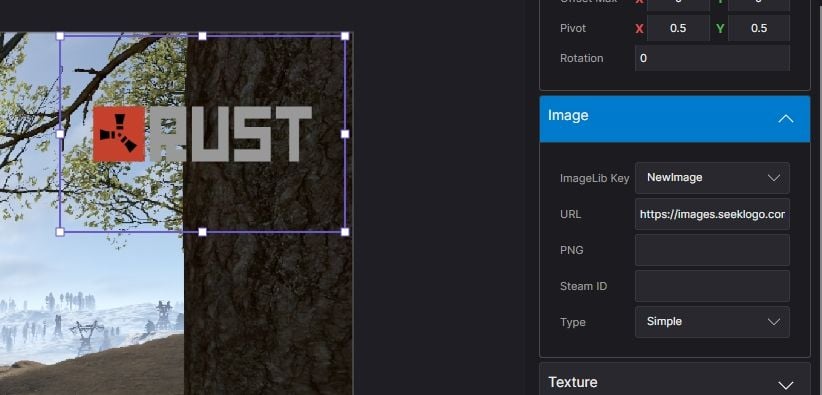
Manage image assets directly in the editor. Define image keys and URLs, assign them to elements, and get clean export code with automatic ImageLibrary loading. ► Image key/URL table in Dev Tools |
Syntax Highlighting
|
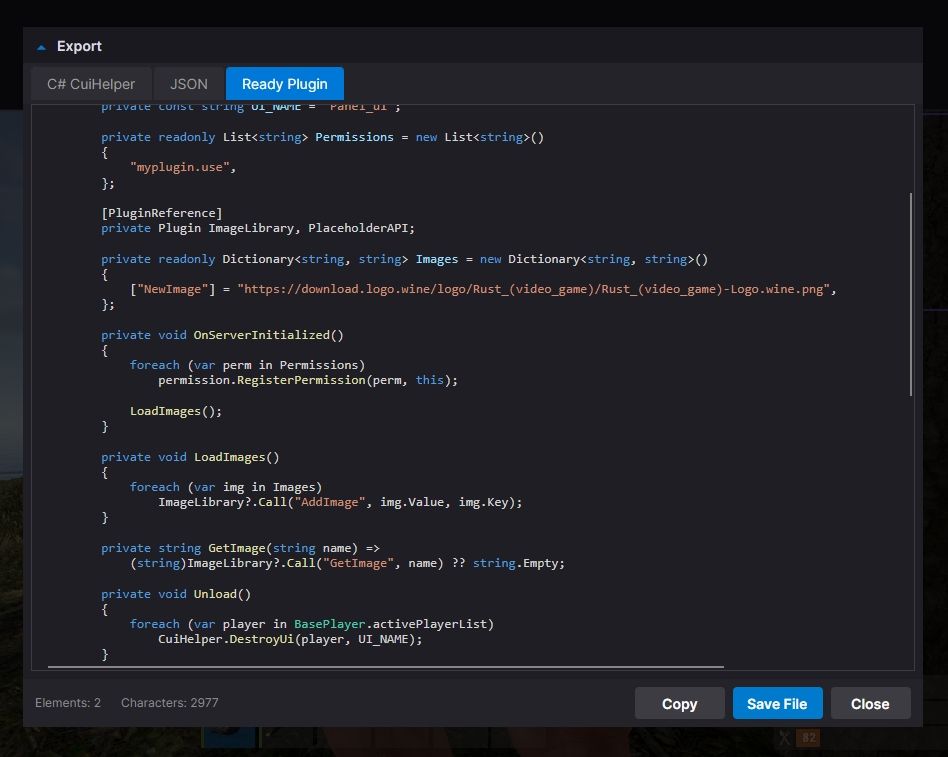
► C# syntax highlighting in Export window |
SVG Design Import
Import your designs directly from professional design tools:
|
Figma |
Illustrator |
Inkscape |
Any SVG |
|
► Automatic source detection optimizes parsing for each tool |
Figma Plugin & Tools
|
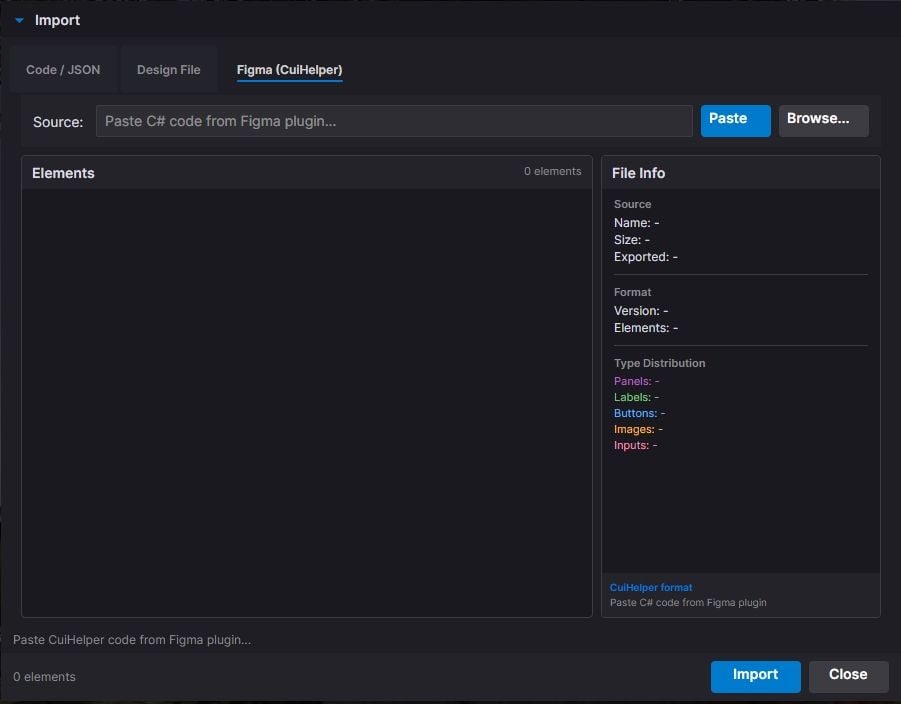
New "Tools" folder included with the editor: ► CuiHelper Plugin for Figma - export designs directly to C# code |
Smart Resize Mode
|
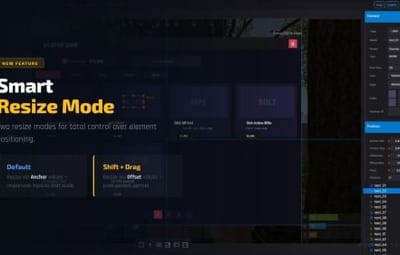
Default Mode Resize by changing Anchor values |
Shift + Resize Resize by changing Offset values |
Inline Text Editing
|
► Double-click any text element to edit it directly on canvas |
Guides, Grid & Smart Snapping
|
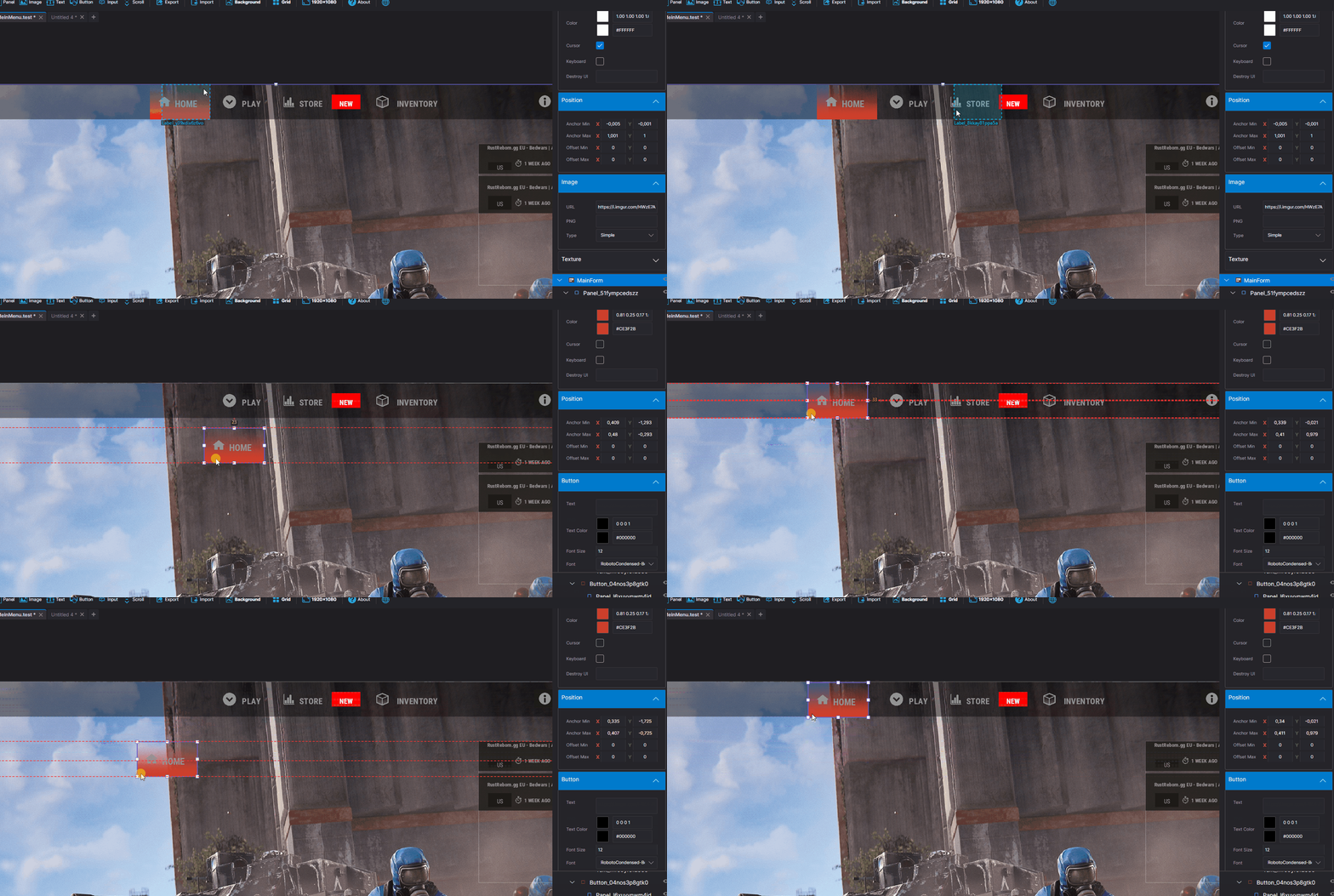
► Draggable guides from rulers |
|
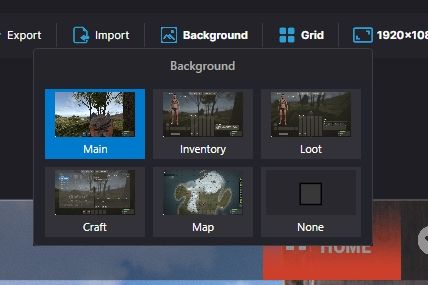
Multiple Backgrounds
Preview your UI on actual game screenshots:
| Game view Inventory Loot container Crafting Map Transparent |
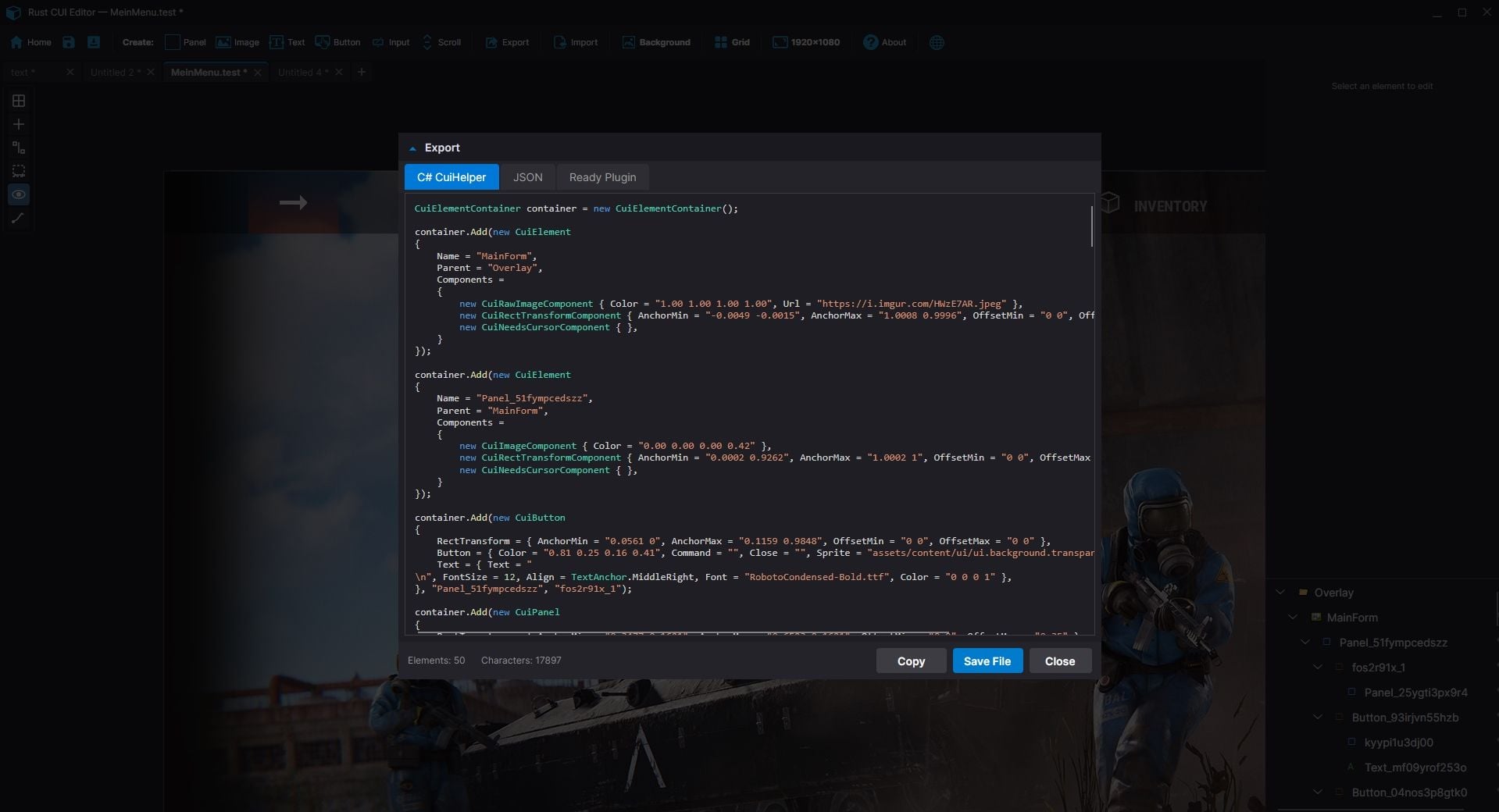
Export Formats
Generate ready-to-use code in three formats:
|
C# (CuiHelper) container.Add(new CuiPanel {
RectTransform = {
AnchorMin = "0.3 0.3",
AnchorMax = "0.7 0.7"
},
Image = { Color = "0.1 0.1 0.1 0.9" }
}, "Overlay", "MyPanel");
|
JSON [{
"name":"MyPanel",
"parent":"Overlay",
"components":[...]
}]
|
Full Plugin Complete .cs file with: |
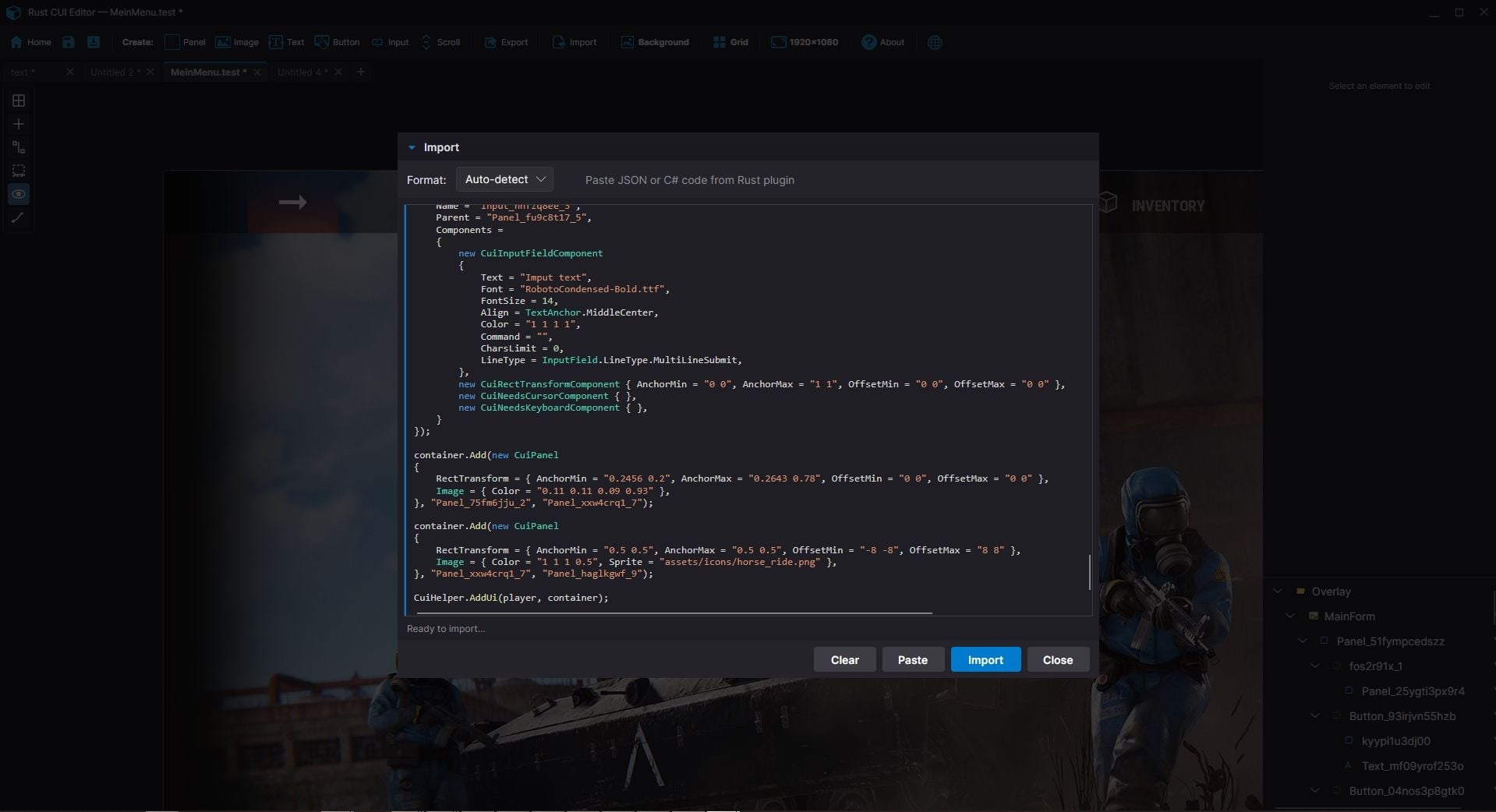
Import Existing Code
|
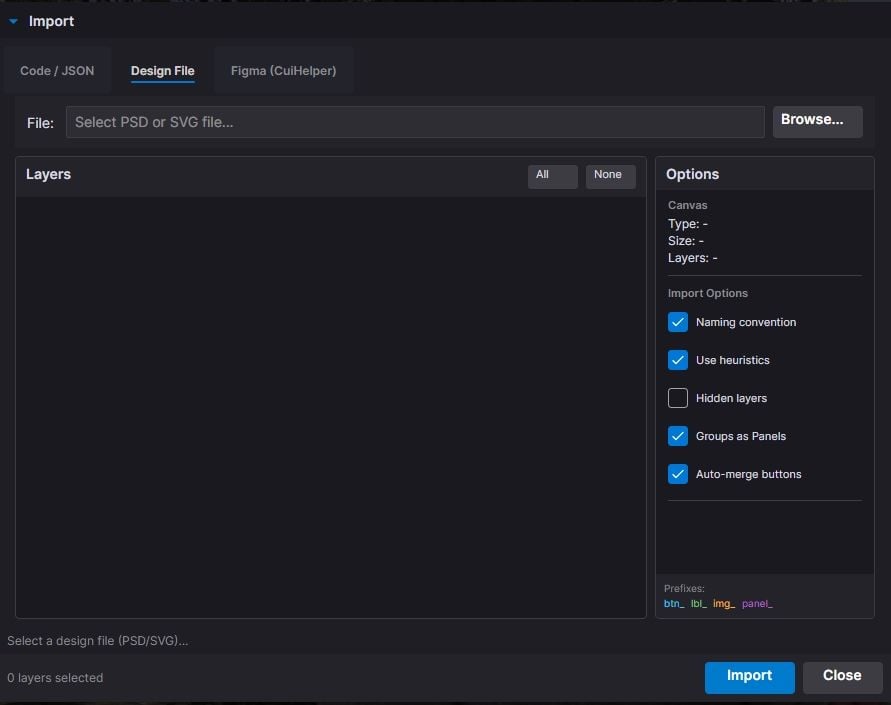
Already have CUI code? Import it! ► Paste JSON array The editor parses your code and recreates all elements for visual editing. |
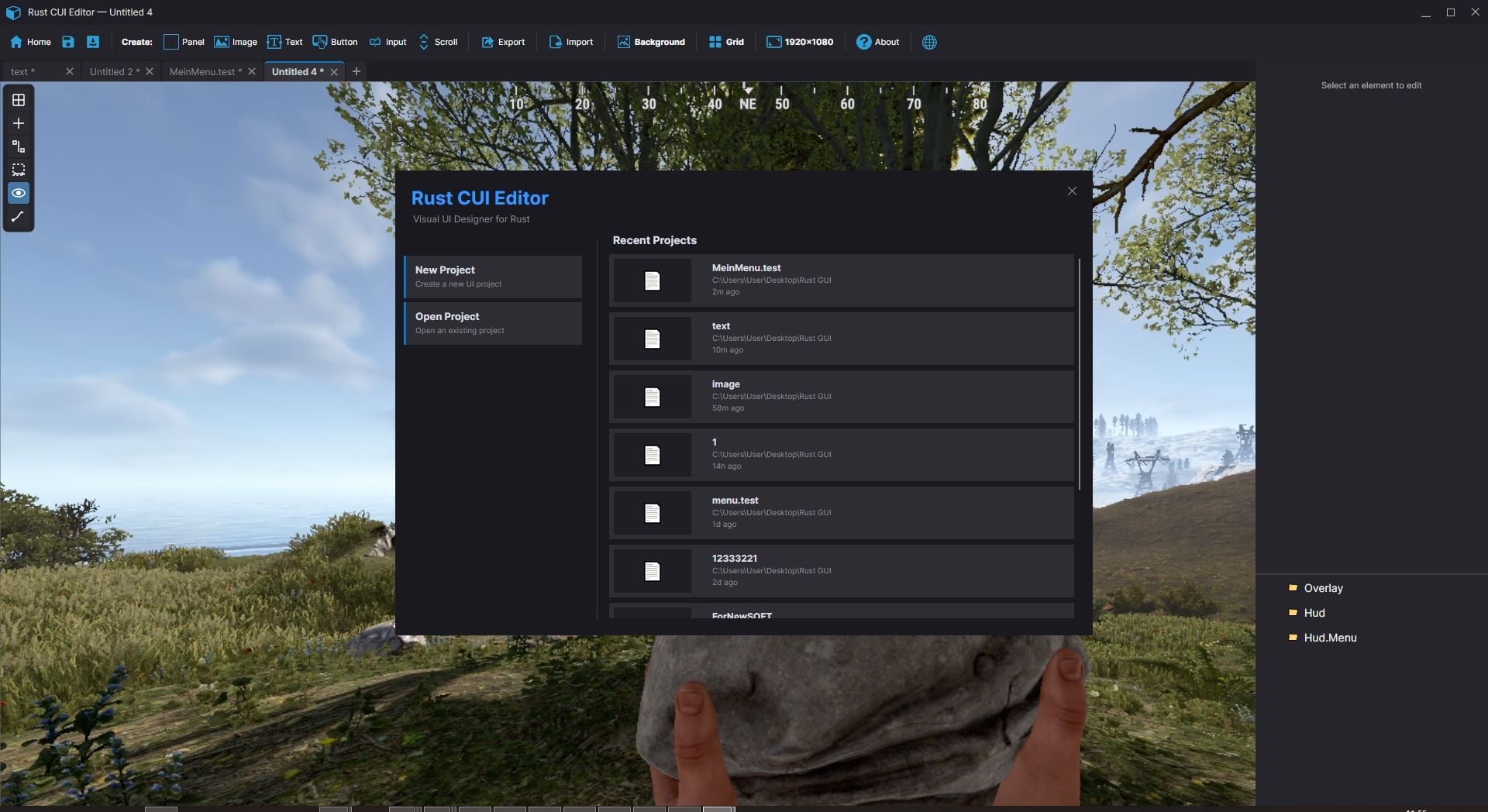
Project Management
|
► Save/Load project files |
|
Property Editor
Full control over every element property:
|
► Position (anchors + offsets) |
► Fade in/out animations |
Quote
<b>text</b>- Bold
<i>text</i>- Italics
<size=20>text</size>- Size
<color=#FF0000>text</color>- Color
Element Hierarchy
|
► Layer-based structure (Overlay, Hud, HudMenu) |
Additional Tools
|
Measure Tool |
Style Picker |
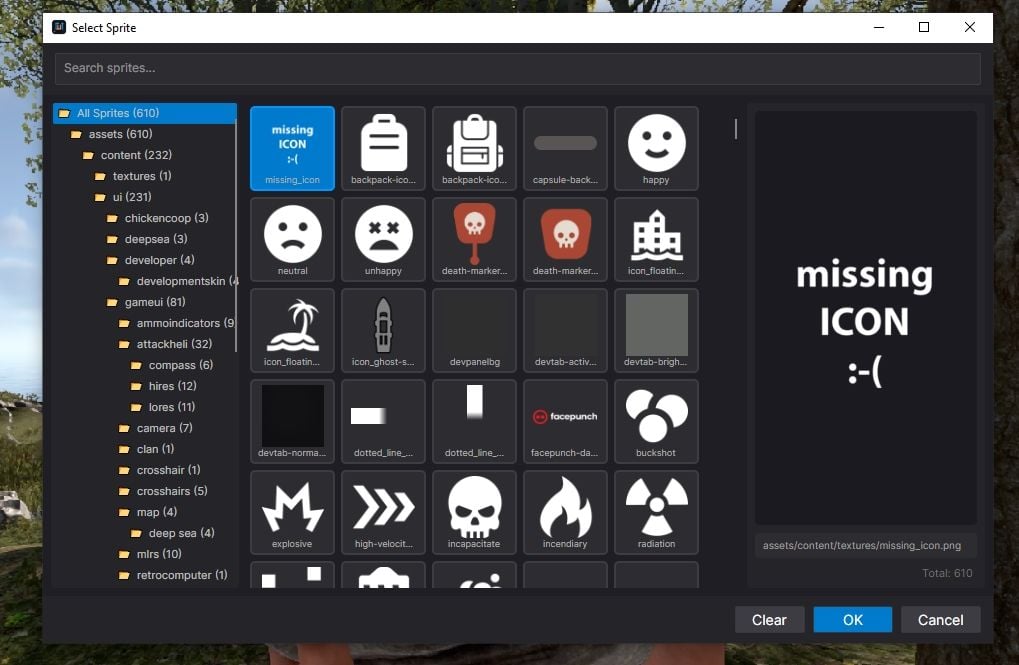
Sprite Library |
Color Picker |
Quality of Life
|
► Unlimited undo/redo |
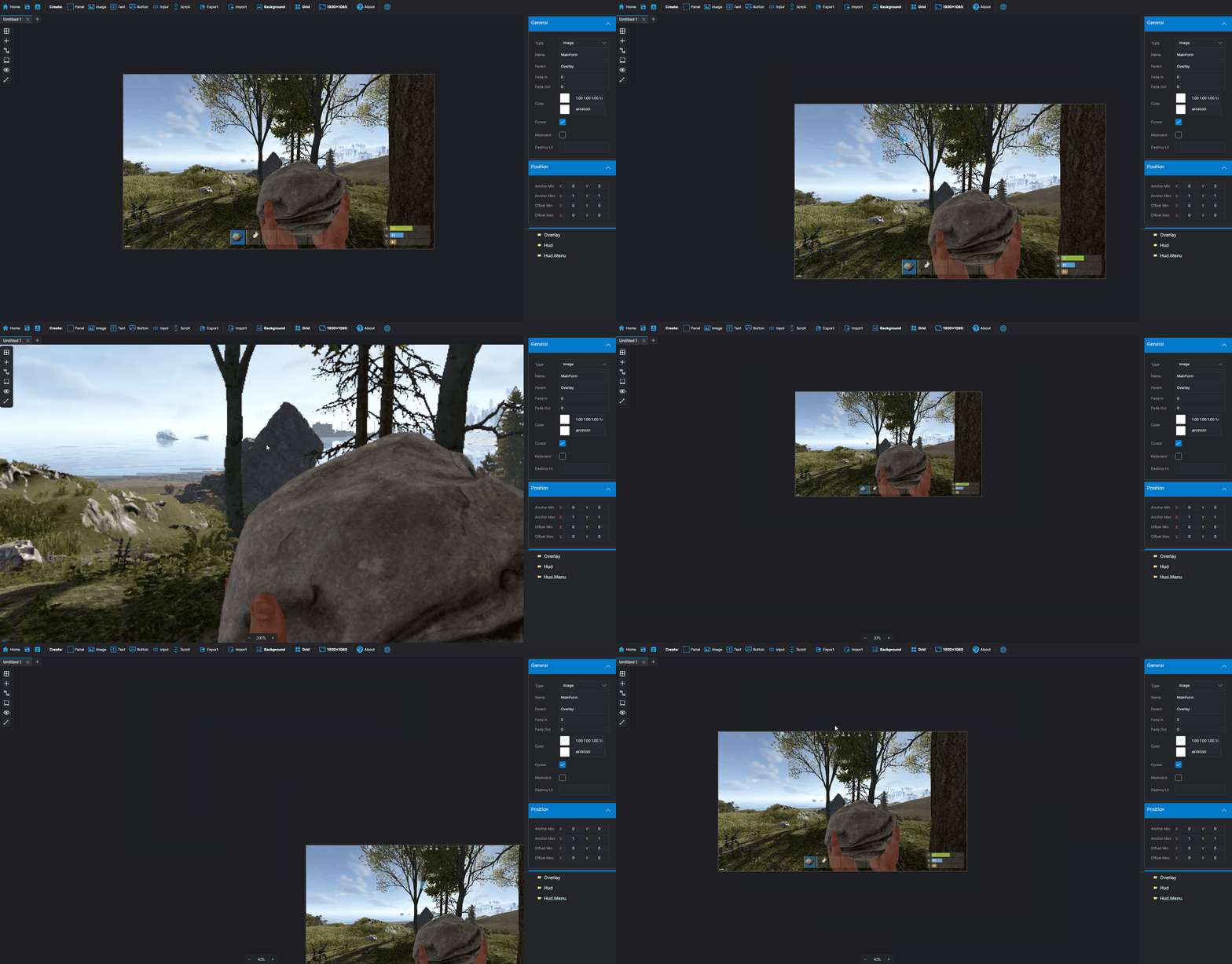
► Smooth multiplicative zoom |
|
System Requirements ► Windows 10/11 |
Installation 1. Download and extract the archive |
Questions or support issues?
Contact me via CodeFling messages.