

-
Posts
2,623 -
Joined
-
Last visited
-
Days Won
37
Content Type
Profiles
Warranty Claims
Downloads
Forums
Store
Services
Downloads Plus Support
DOWNLOADS EXTRA
Reels
Everything posted by David
-
Send your PlaceAnything data file, you must made some mistake there.
-
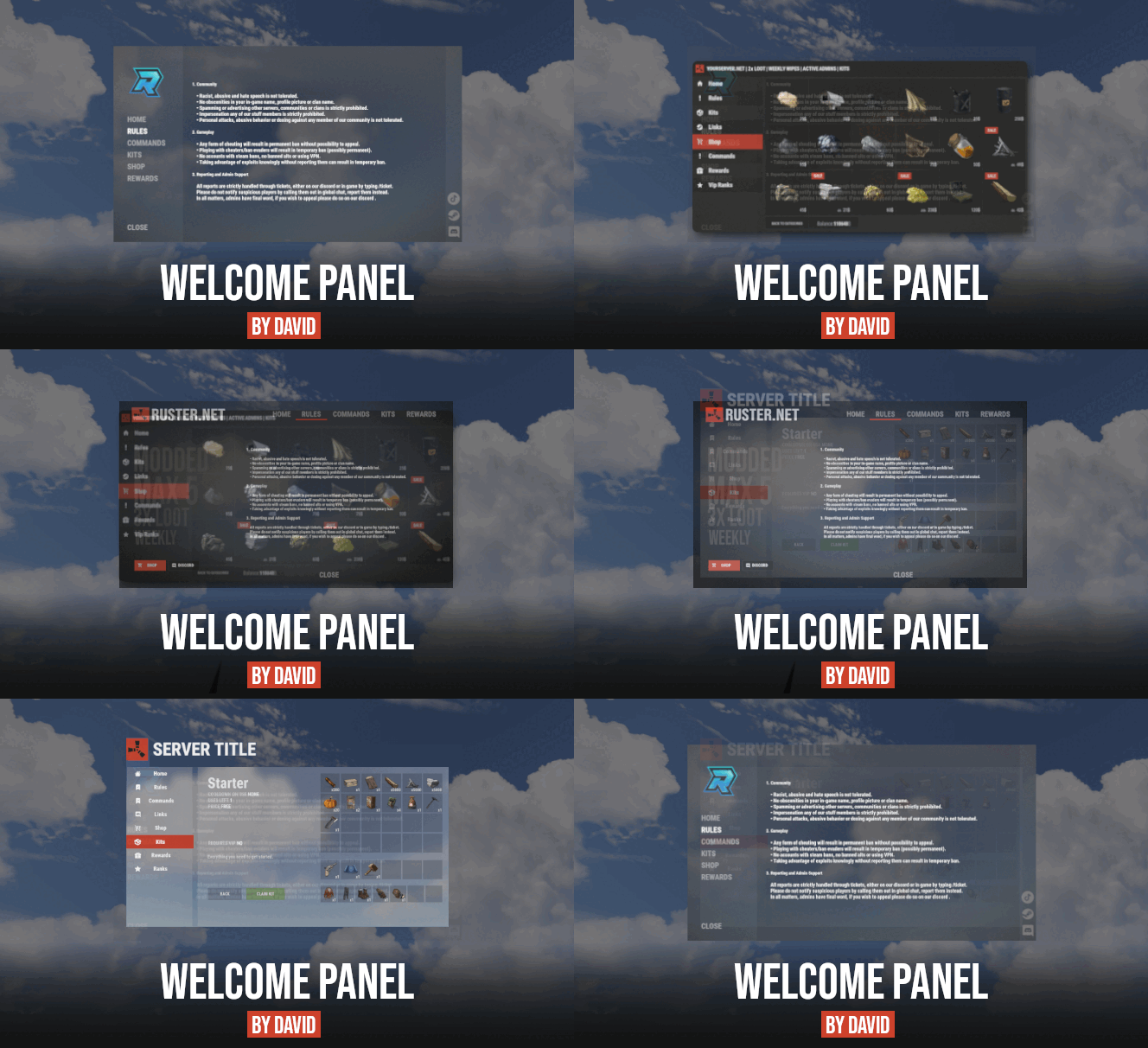 There is that background image you looking for https://rustplugins.net/products/welcomepanel/5/5_background_empty.jpg Thats up to you, you can also just type your discord into text lines. This is what WPSocialLinks does
-
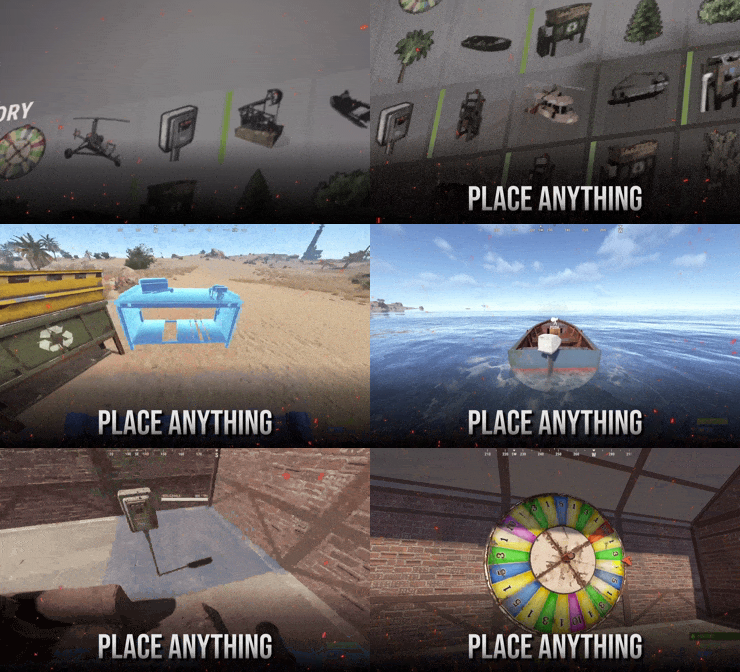 not sure, you would have find that prefab yourself and try it out. Will do.
-
Changed Status from Pending to Not a Bug
-
Weird, I was trying out Stack Modifier after Khan suggested it and it did work for me. Try to install StackFix by orange and let me know how that went.
-
I will reupload, thanks
-
Yes pumpjack/mining quarry can be placed however for pumpjack you have to use static version instead of deployed to get output. For deployed version of mining quarry OldSchoolQuarries can be used to enable output, you can also create your own "output loottable".
-
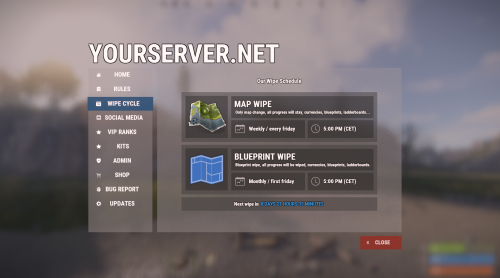 Thanks will fix that soon.
-
Message me on my discord !David#1337, looks like it's issue with config.
-
Item display names has to match.
-
what you trying to place?
-
Will add some new soon.
-
Version 1.3.2
3,273 downloads
Turn entities into deployable items. Deploy vehicles, structures, nature, and more. Feature Overview Plug and Play The default configuration ships with 30 ready-to-use items (vehicles, gambling props, industrial entities, and nature), so you can start placing right after install. Ingame Editing Add new placeables or edit existing ones from an in-game UI. Set the prefab, base item, skin, pickup rules, and more without digging through JSON. Hammer Pickup Pick placed entities back up into your inventory by hitting them with a hammer. Only the owner can pick them up, and pickup can be enabled or disabled per item. Multipurpose Use it for vehicles, structures, industrial machines, gambling props, nature objects, or any other spawnable prefab your server needs. How it works Each entity is paired with a normal deployable item players already know how to place, such as a wooden box, a chair, or a hemp seed. When the player places a custom PlaceAnything item on the ground, the plugin removes the original deployable and spawns the entity defined in the settings instead. If pickup is enabled, the owner can hit the placed entity with a hammer to get the item back. Admins manage entries from /placeanything or the config. Commands Note Admin commands require auth level 2 (ownerid) or the placeanything.admin permission. Command Description /placeanything CHAT ONLY Opens the admin menu to create, edit, delete, or give placeable items. placeanything <steamid> "<item name>" Gives the specified placeable item to a player. Run from the server console (or as an admin). Frequently Asked Questions Does PlaceAnything come with items already configured? Yes. A fresh install includes vehicles, gambling props, industrial entities, and nature items in the config. Use /placeanything to give yourself test items. How do players pick up placed items? Hit the entity with a hammer. Only the owner can pick it up, the entity must be fully repaired, and pickup must be enabled for that item. How do I add a new placeable item? Open /placeanything, choose Add New Item, then set the display name, base item shortname, skin ID, and prefab path. You can also edit entities directly in the config file under Entities. How do I upload custom icons? Custom icons use Steam Workshop skin IDs. Upload your image with SkinUploader.zip, then set that skin ID on the placeable item. Where can I find entity prefab paths? You can browse Rust entity prefab paths at carbonmod.gg/references/entities. Notice We cannot guarantee that every entity found in-game will work flawlessly. PlaceAnything does not modify how entities behave after they are spawned. You can test entities with the admin spawn command beforehand. Help Have more questions? Reach out to us on Discord if you need support or have a custom request.$8.99 -
Changed Status from Pending to No Response
-
Changed Status from Pending to Not a Bug
-
I sent you edited version into message, I won't be editing it into public version since I designed it just for 3 items max. If anyone else need same thing, this is what I changed 0.14 -> -0.1
-
 Depends on how you going to use it, MonumentAddons can be used to spawn vending machines(atm) on procedural maps automatically each wipe. Feel free to message me on discord if you have questions.
-
Message you on discord, since Im quite not sure what you trying to do.
-
Changed Status from Work in Progress to Not a Bug
-
Okey so, there i s no issue in code but there is explanation how {kitUsesLeft} tag works. Uses left are calculated based on Max Uses of kits which you choose when you create kit and then minus number of uses by player. Number of uses are stored in oxide/data/Kits/player_data.json which means if you claimed certain kit as admin lets say during testing, claim was already counted and thats why its showing negative value for you.
-
you can find both files in your private messages
-
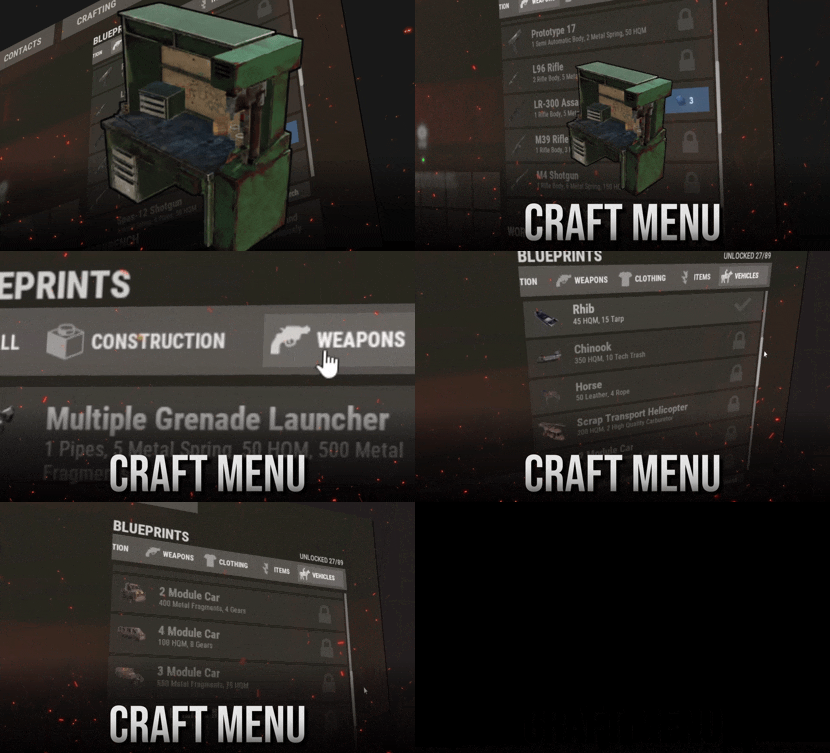 I think that recycler is unbreakable but you can pick it up.
-
Changed Status from Pending to Work in Progress
-
I will have a look at it, thanks for reporting.
-
Changed Status from Pending to Not a Bug