
Covfefe
-
Posts
1,564 -
Joined
-
Last visited
-
Days Won
9
Content Type
Profiles
Warranty Claims
Downloads
Forums
Store
Services
Downloads Plus Support
DOWNLOADS EXTRA
Reels
Everything posted by Covfefe
-
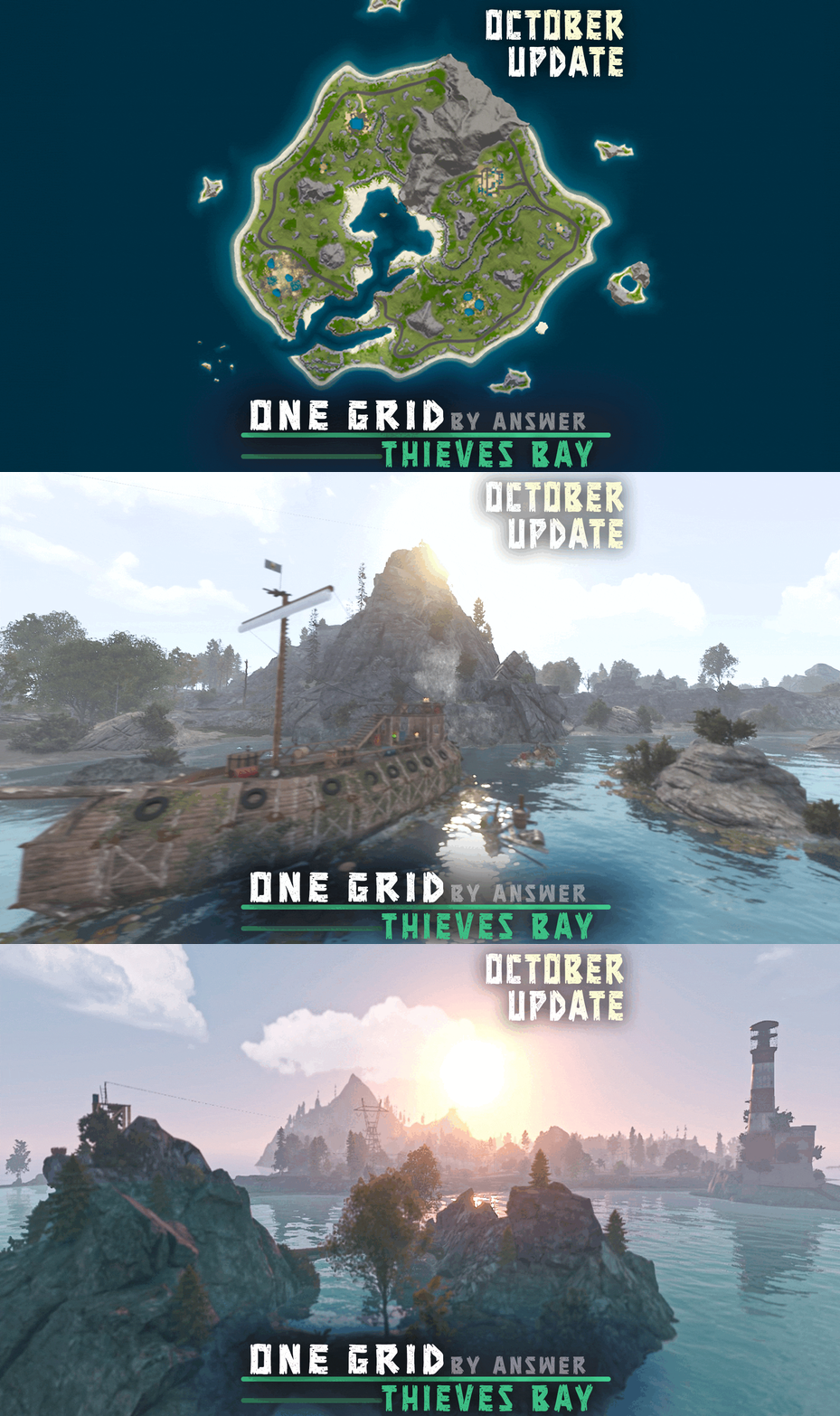 please add all major monuments, ring road and rail network
 -
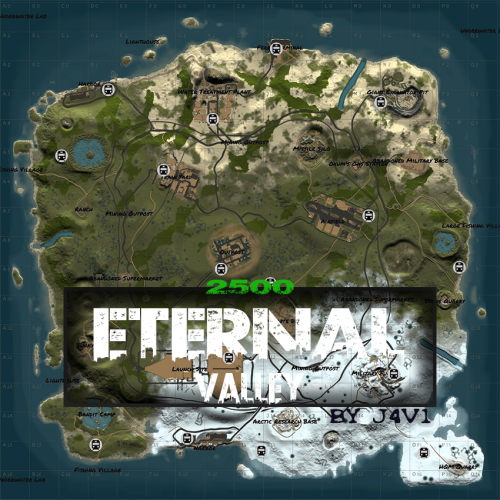 please add all major monuments, ring road and rail network
 -
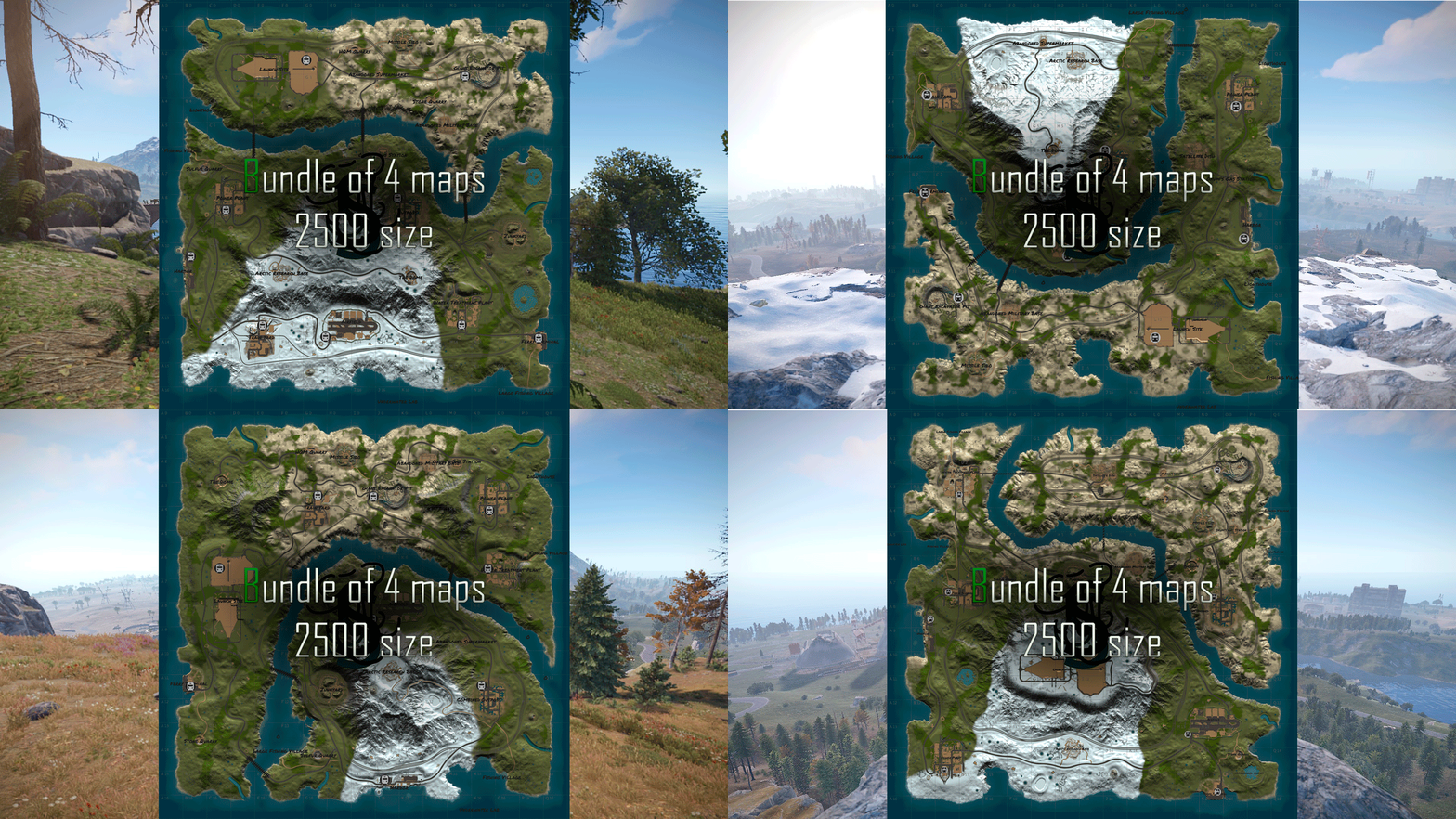 can you make sure each map has all major monuments, ring roads and railway?
 -
I just noticed my server gains back 15fps with the plugin unloaded because the drones disappear. I have a small server and there's 1600+ drone.deployed prefabs out when the plugin is loaded. Maybe reduce drone to 1? or choose a less intensive prefab?
-
I understand, but I am asking for the option to be able to do this since not all servers are the same.
-
One of my players went out to sea so he can build a sky base out there, but we found out you can't spawn them on top of foundation. Can you give us an option to spawn them on foundations and such? Thank you
-
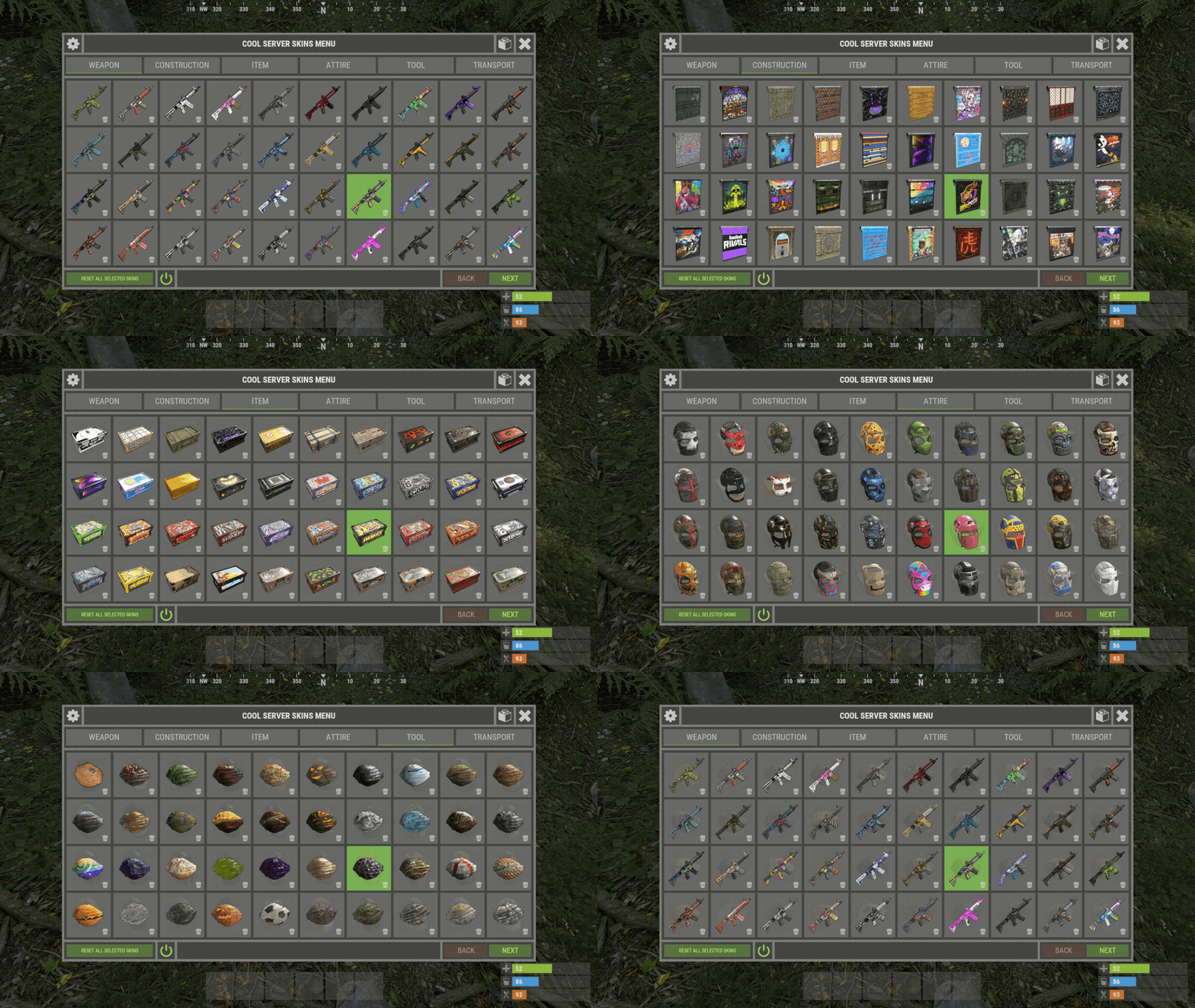
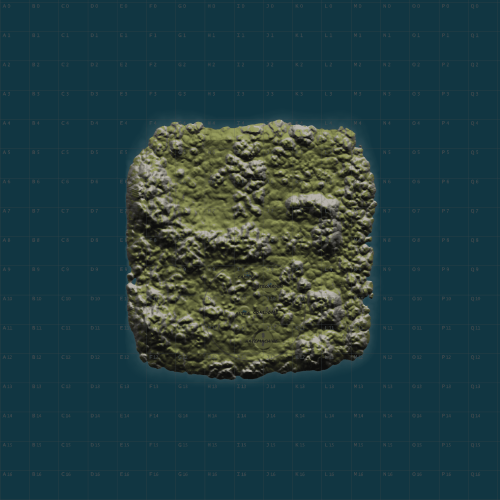 what's with all the neon green missing texture looking things?
 -
Players are really missing the ability to add their own skins. How is this coming along?
-
My original request of every time you put a floor down, it turns into a 100% stable foundation, because it's very difficult to educate players on how to do this.
-
PLEASE give us an option to turn this on. I've had the instructions in the title for a couple days already and I still have to teach players to smack the floor with hammer to restore stability/turn it into a foundation AND make sure you have that same grade sky foundation in your inventory to be able to do this.
-
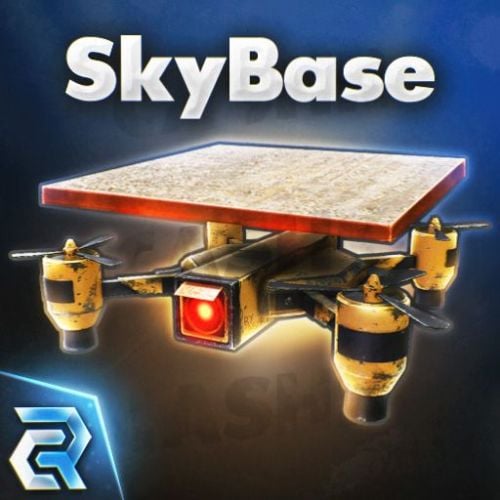 How are you guys players dealing with flying up to the single foundation? My players are having such a hard time landing on 1 foundation. They should just let players stand on it and go up with the foundation with flyhack disabled
- 77 comments
-
- 1
-

-
- #sky bases
- #oxide
- (and 10 more)
-
I already tried doing that by changing the title of the /craftdrone menu but it's too long to explain to players that they need the same building grade sky foundation in their inventory then hit the floor tile with a repair hammer to restore stability to that tile. I still have to teach everyone to do that in person through the mic because it's so much to type out and walk people through spectate.
-
Please give us the option to automatically make all floors placed into foundations. My players are really stupid and can't figure out that you gotta have the same material sky foundation in your inventory then hit the floor with a hammer to turn it into a foundation. This is getting really frustrating teaching everyone how to do this.
-
Maybe a configurable setting on how many foundations to initially spawn?
-
my players suck at flying and they're having a hell of a time trying to land on 1 foundation. Can you make it so when the drone spawns the foundation it's a 2x2 foundation instead?
-
Does this work with kits? EDIT: just bought it and it works with kits
- 77 comments
-
- 1
-
-
- #sky bases
- #oxide
- (and 10 more)
-
Does this support copy paste? Please give us some type of easy crafting UI like water bases (they have a gui button to craft a water base foundation when you're holding a building planner) https://lone.design/product/water-bases-rust-plugin/ I don't want my players to have to type anything to craft a sky foundation (rust players are really dumb and most will never figure this out) Also please post a video of the entire crafting to placement procedure. All we see in the above video is action gameplay.
-
 That's ok, my players have a great sense of humor
 -
 Can you add a /teleport2me command that teleports the entire server to you? Then you can type /teleportback which will teleport everyone back to their original position?
 -
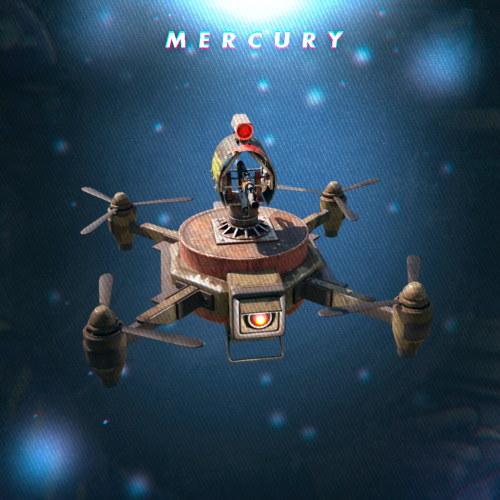 Can you make the drone auto spawn when players spawn? Does the drone fly back to you when you respawn after death?
 -
 What if a player claims a copy paste kit that we built?
 -
.thumb.png.913d4ec299161acf94081154072ade61.png) Just wanted to say thank you for the Christmas update. The Christmas Train is so FREAKING COOL! It's like a polar bear coca cola commercial right in front of you.
Just wanted to say thank you for the Christmas update. The Christmas Train is so FREAKING COOL! It's like a polar bear coca cola commercial right in front of you. -
thank you! can you also put a add skin/collection box in the UI menu? That space i circled in red would be perfect for players to paste the skin/collection ID's