
About nanoModalMenu
nanoModalMenu - this plugin is the main core for all plugins in the `nano` branch
When installing any other plugins with the `nano` prefix - this core is required.
Other plugins can also be integrated into this menu - to do this, contact their developers and provide them with the following page - API

 Concept:
nanoSystem - is an ecosystem of minimalist modules for Rust servers, focused on stability, performance, and easy integration.
The main goal of the project is to provide players and administrators with essential, well-optimized functionality without overloading the system with unnecessary features. Each module is responsible for a specific server mechanic and maintains a simple internal structure, which reduces the risk of errors, conflicts, and unnecessary load.
If you need a huge set of additional features - other solutions may suit you better, such as the IQ branch and others.
nanoSystem is created for those who value clean architecture, stable operation, and predictable performance.

 Important information about this core:
This plugin (core) - is provided only as the core, other plugins that work with it and the modules demonstrated below - must be purchased and installed separately!
Plugin and image installation instructions:
When downloading the plugin - you will receive an archive with the following structure:
oxide
├── plugins
│   └── nanoModalMenu.cs          // main plugin file
│
└── data
    └── nanoSystemModule
            └── nanoModalMenu
                    └── Themes
                             └── *.json             // plugin color themes
                    └── Images
                            └── *.png              // menu images and icons
You need to install the icons using the same path structure as in the archive.
Please note - first extract the archive to your computer and only then upload the images to your server!
Core features of this plugin:;
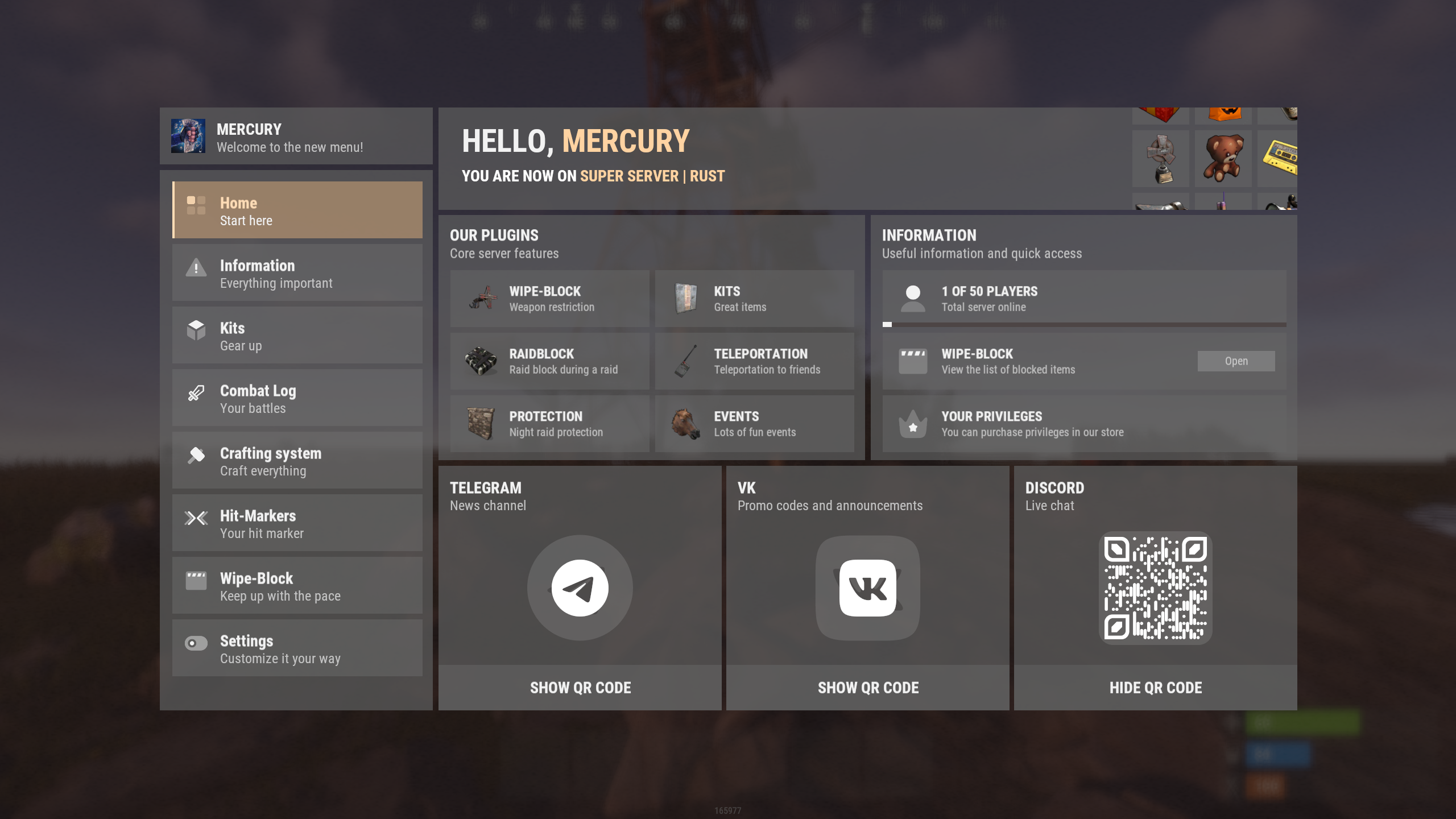
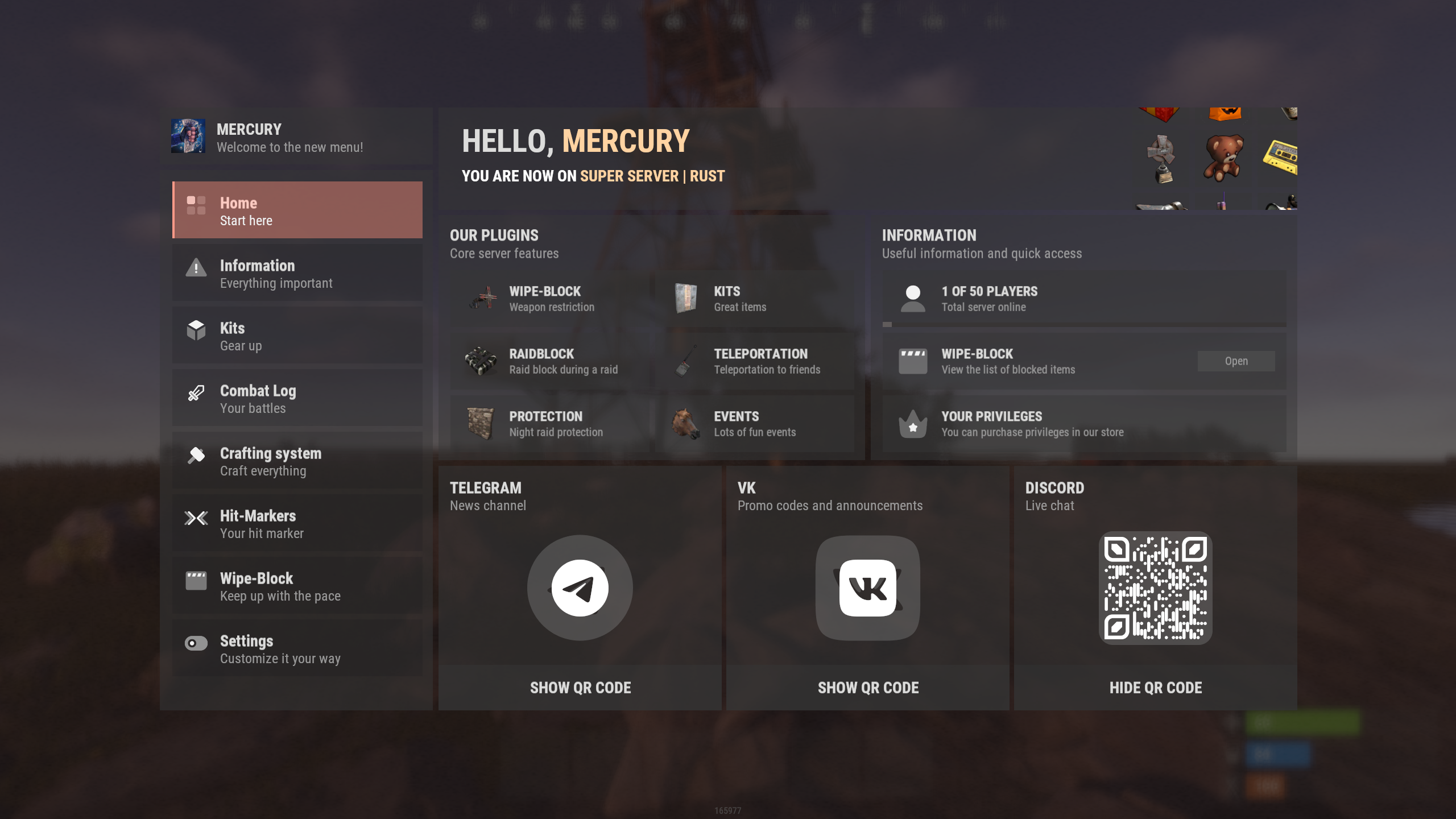
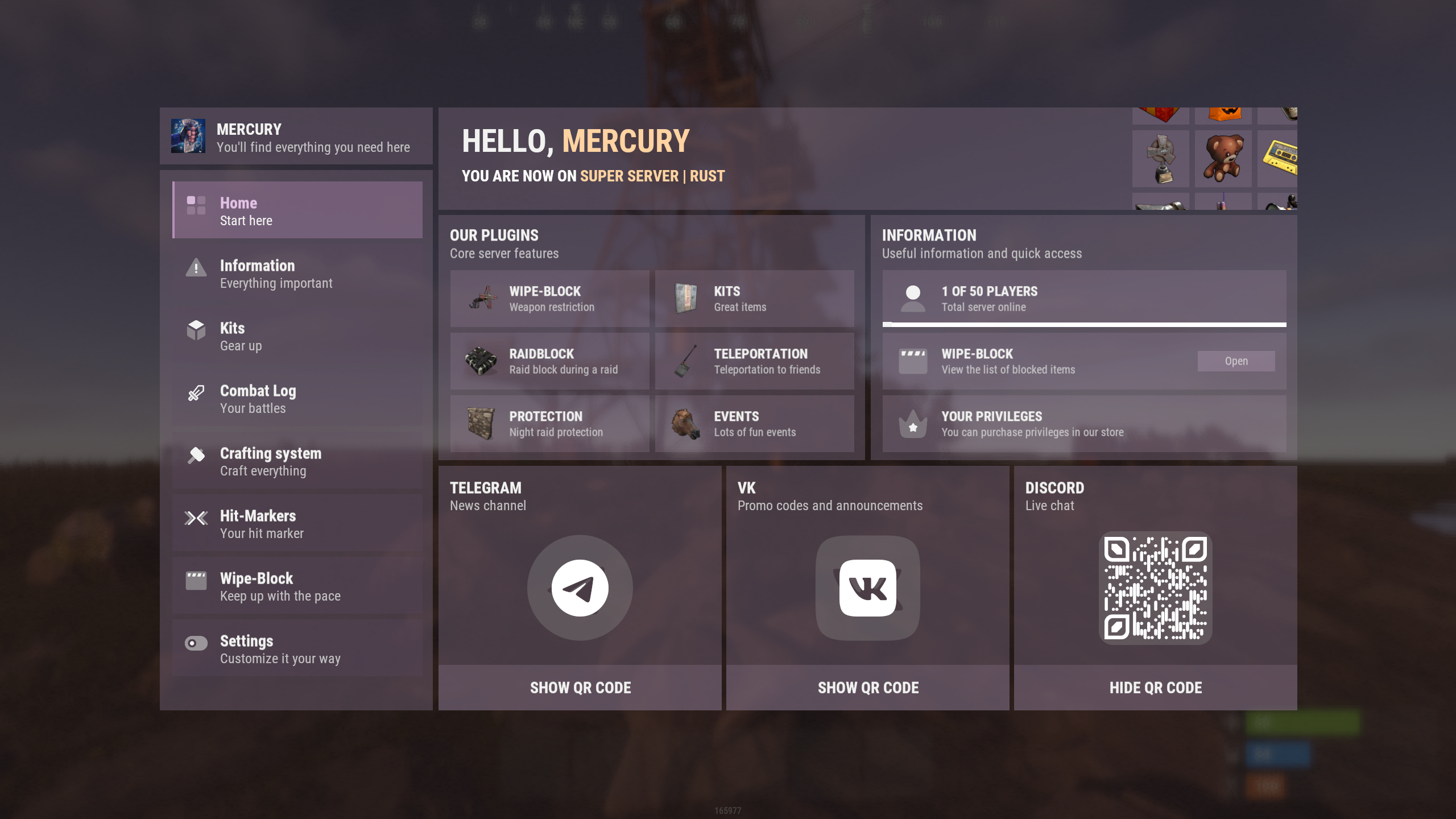
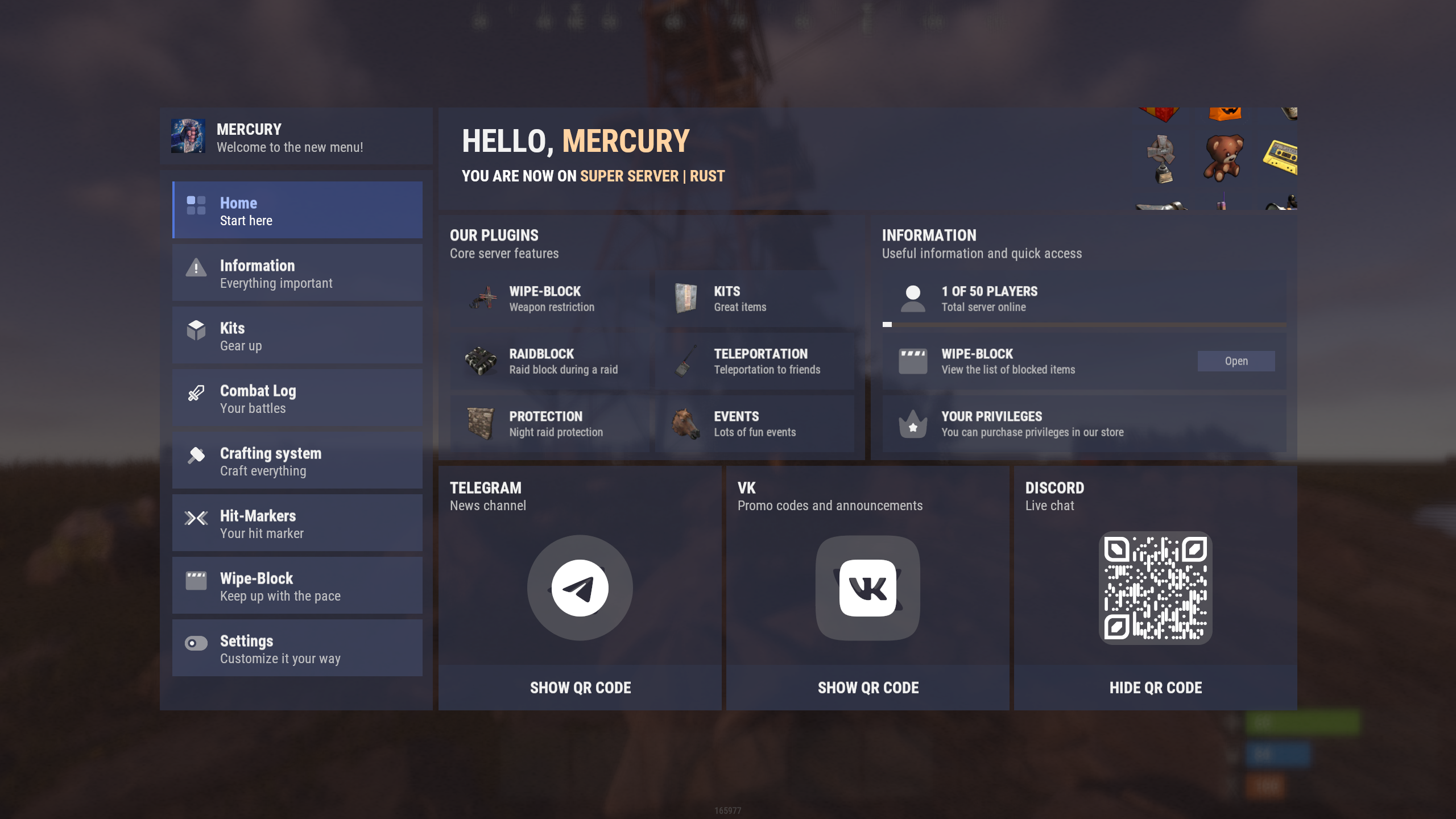
Core color themes:
Support for an unlimited number of color themes that can interact with other modules and integrated plugins!
This feature allows you to stand out by creating different color themes for your server, while players can switch between them and choose the color scheme they prefer for the entire menu and the plugins integrated into it!
By default, the plugin includes the Light theme.
Additional ready-made themes can be purchased separately: Dark, Blue and Purple
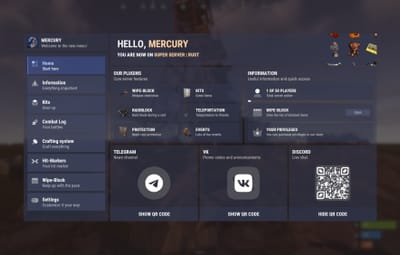
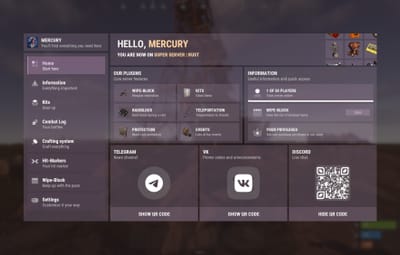
Examples of color themes with the (nanoWelcomeModule) module open, along with links to them:
|
|
|
|
Multilingual text support:
Specify text in any language, and each player will be able to see information that matches their language!
Active integrations:
This core already has active integrations with plugins from the nano and IQ branches.
The IQ and nano branches will continue to evolve, adding more integrations over time!
If you want to integrate something yourself or with the help of other developers - refer to the public API and explore the available methods for connecting to and interacting with the core.
For the current integration demonstration, the "White" theme will be used.
All demonstrated integrations already support the other available themes.
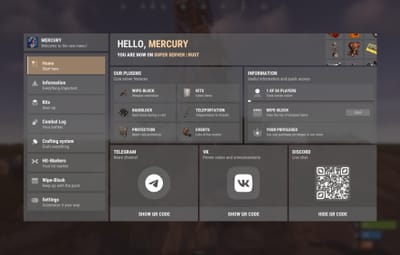
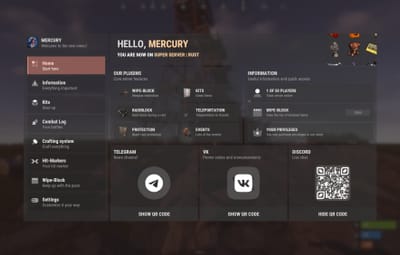
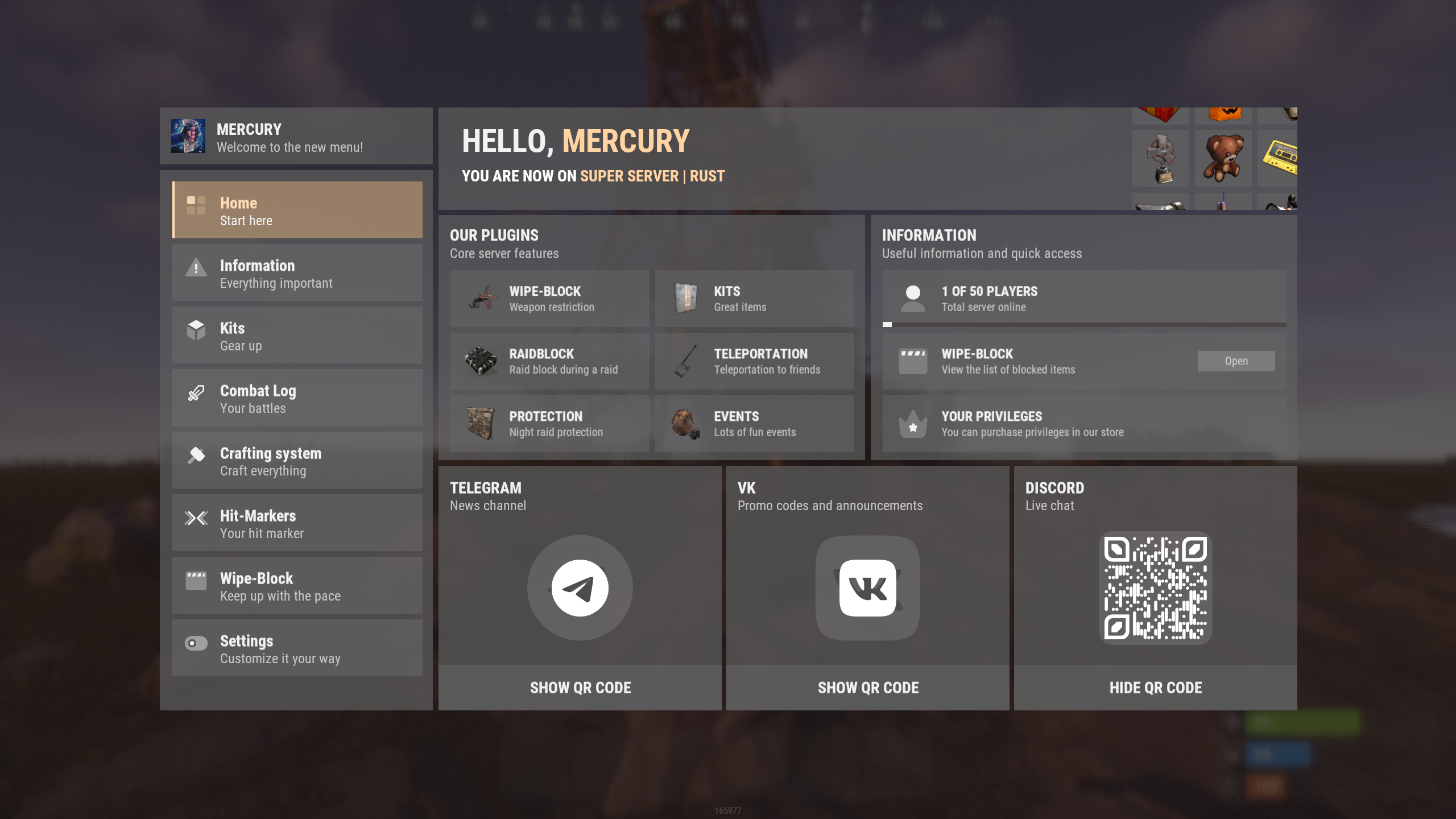
1. nanoWelcomeModule - welcome module / "Home" page.
Display your social media links, server advantages in the "Our Plugins" section, and a useful "Information" tab, which is integrated with IQPermission and will receive additional integrations in the future.
The "Information" section also allows you to add links to additional tabs in other modules, helping you engage your players even more!
*All sections support scrolling and have no item limit!
See the module page for more details.
2. nanoInfoModule - information module
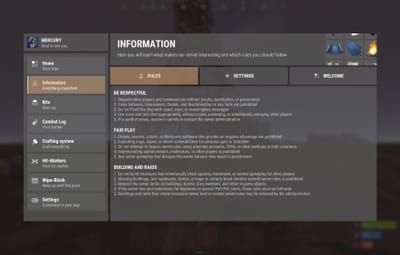
A convenient panel that allows you to provide detailed information about your server rules, plugins, and mechanics!
Divide text into categories and descriptions, and customize text size and colors using HTML tags.
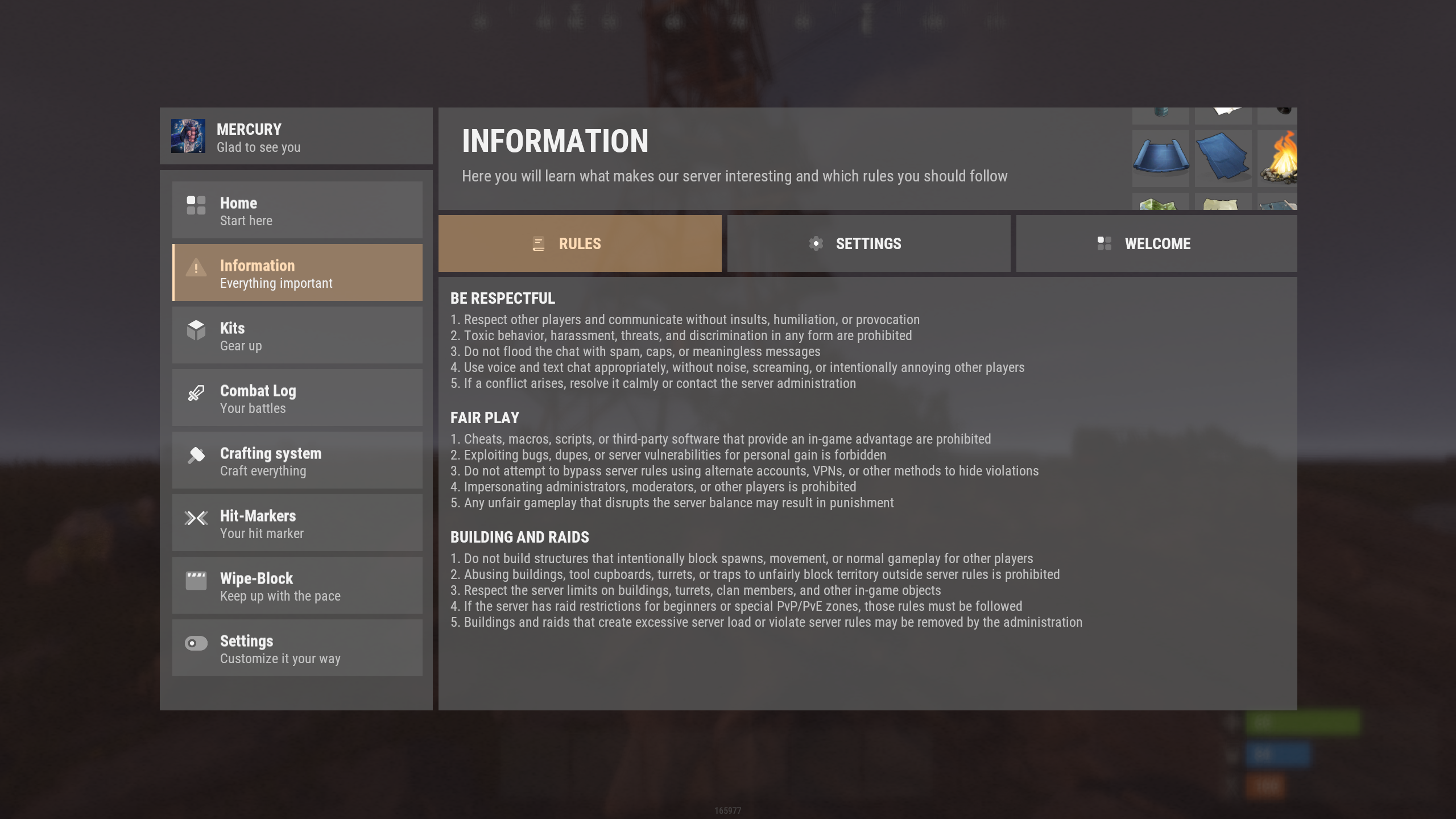
*All categories support scrolling and have no item limit!
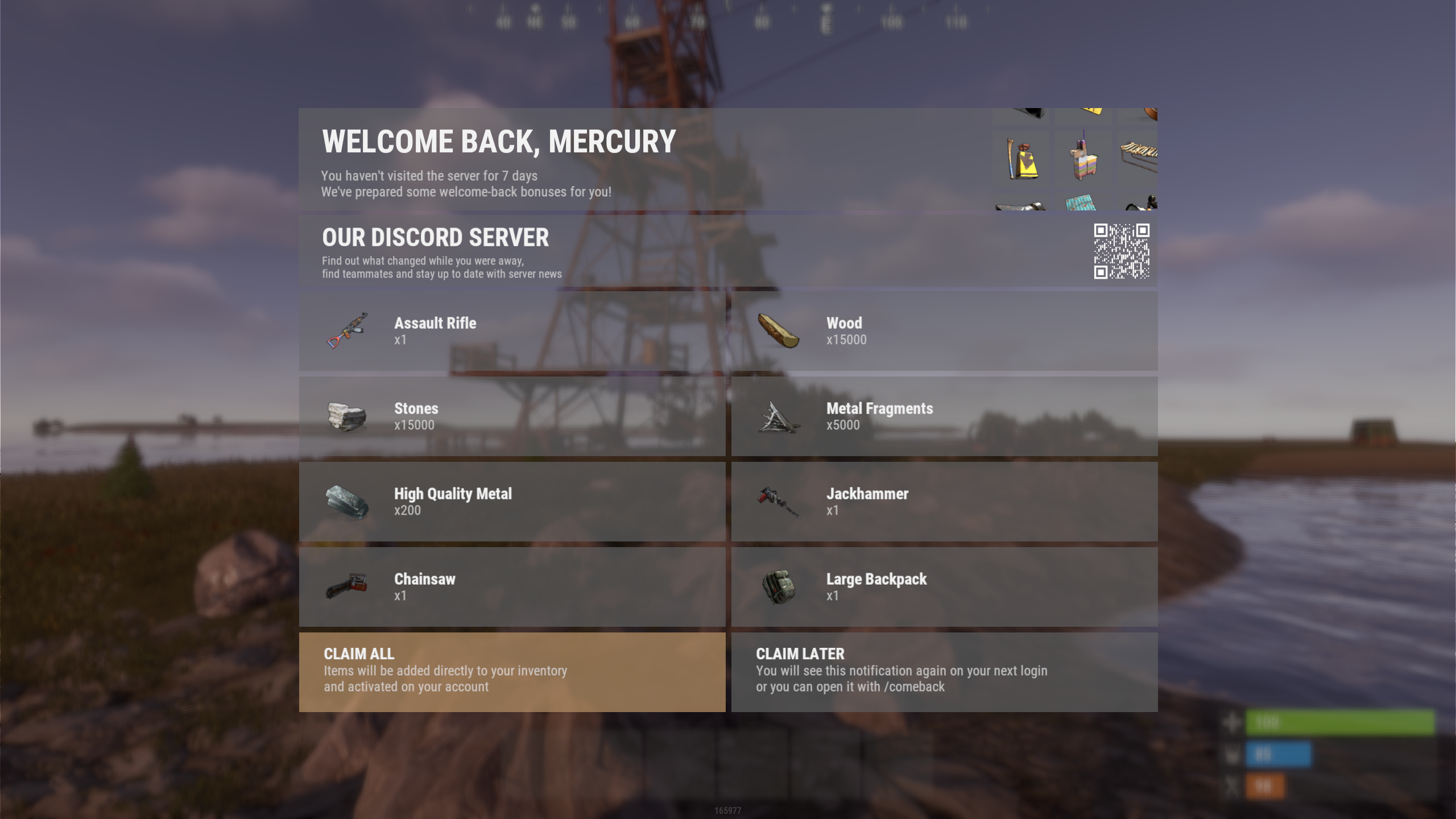
3. nanoWelcomeBack - bonus for returning players
Don't lose players who have already decided to return - give them an additional reason to stay by rewarding them for coming back to your server.
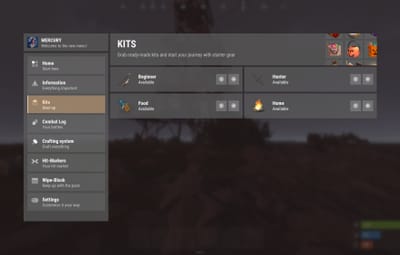
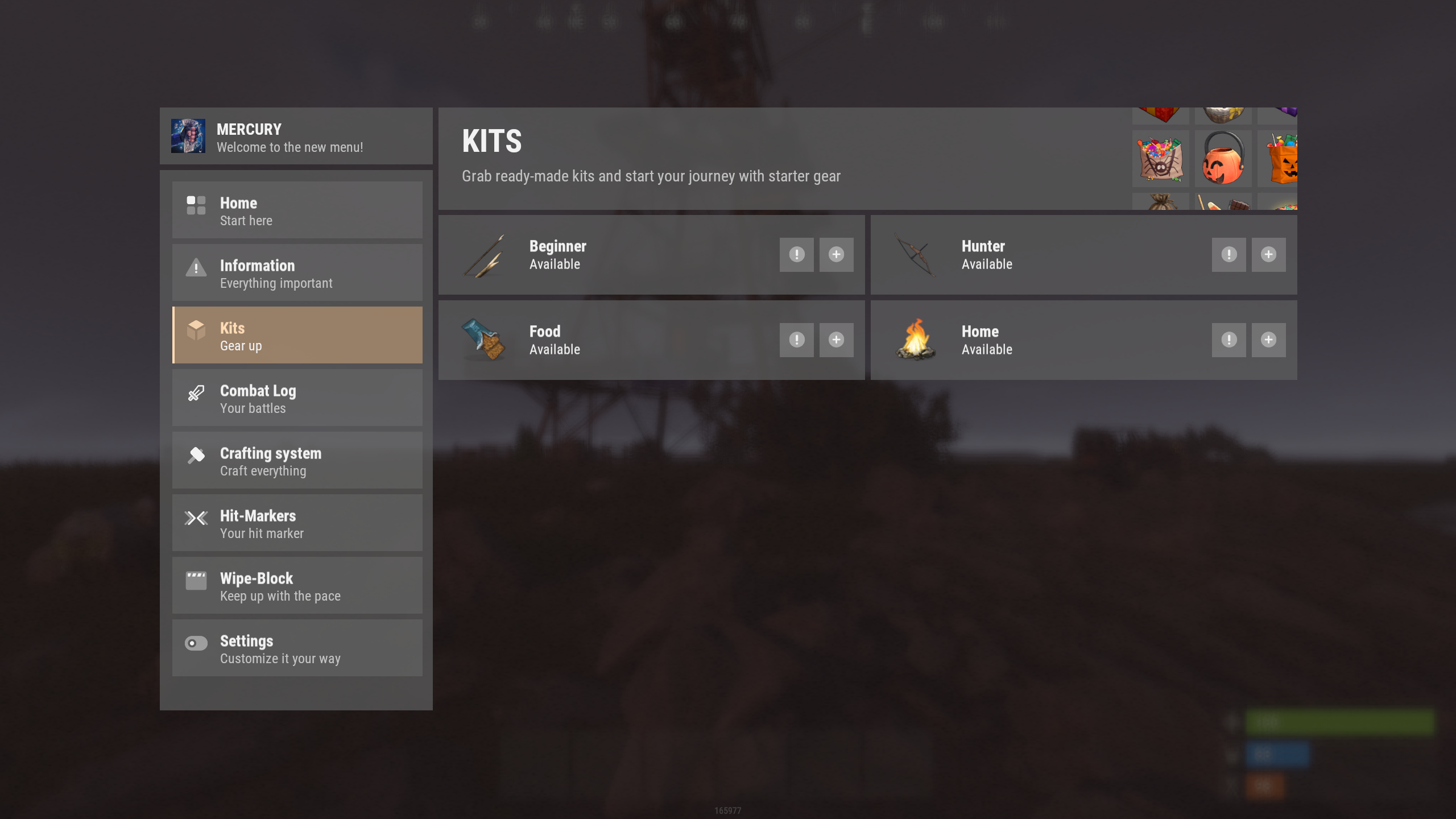
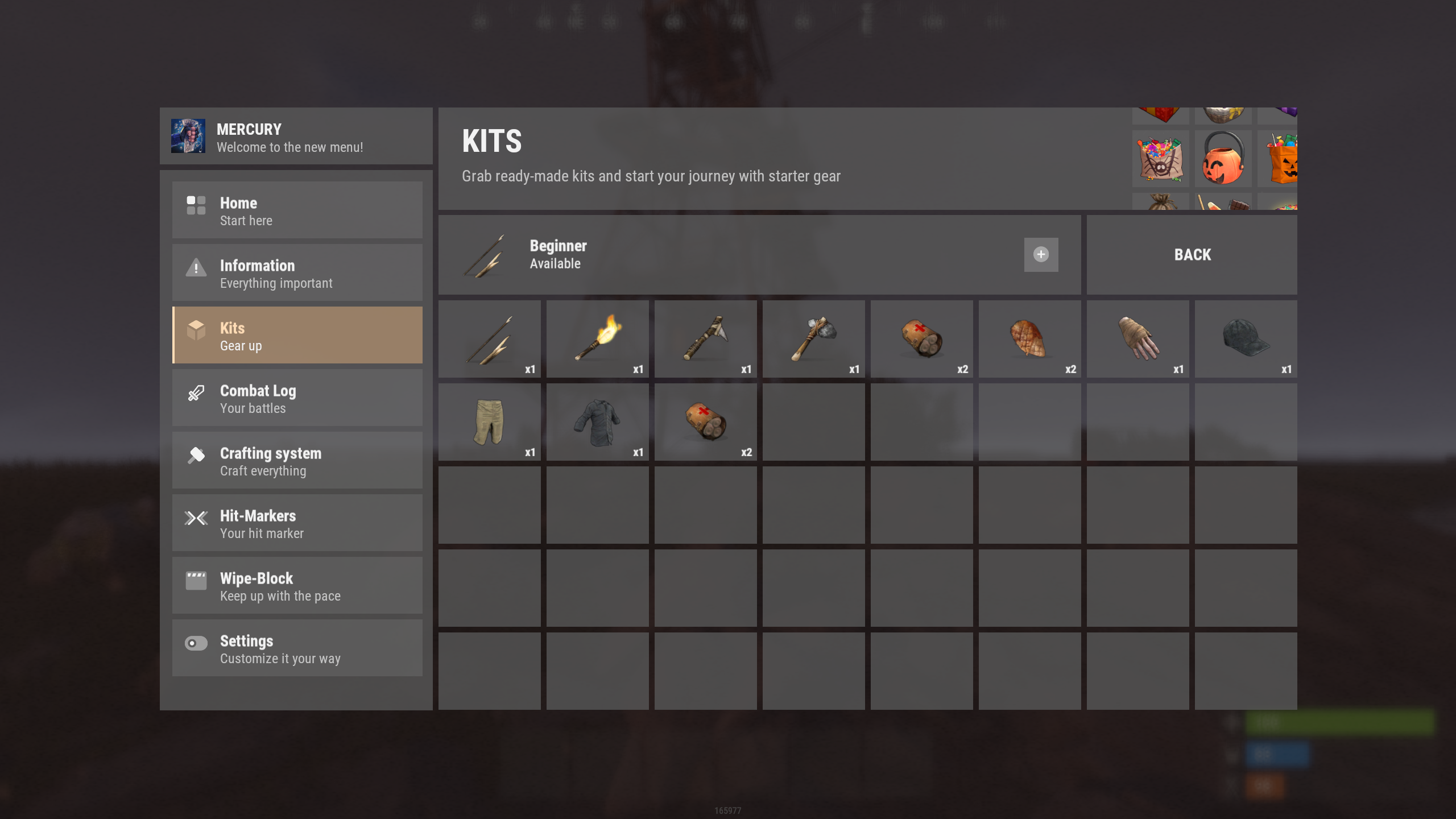
4. nanoKitsModule - module for your in-game kits, with or without privilege requirements.
Minimalist design, clear functionality, and great usability during gameplay!
|
|
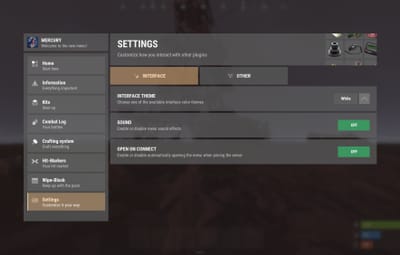
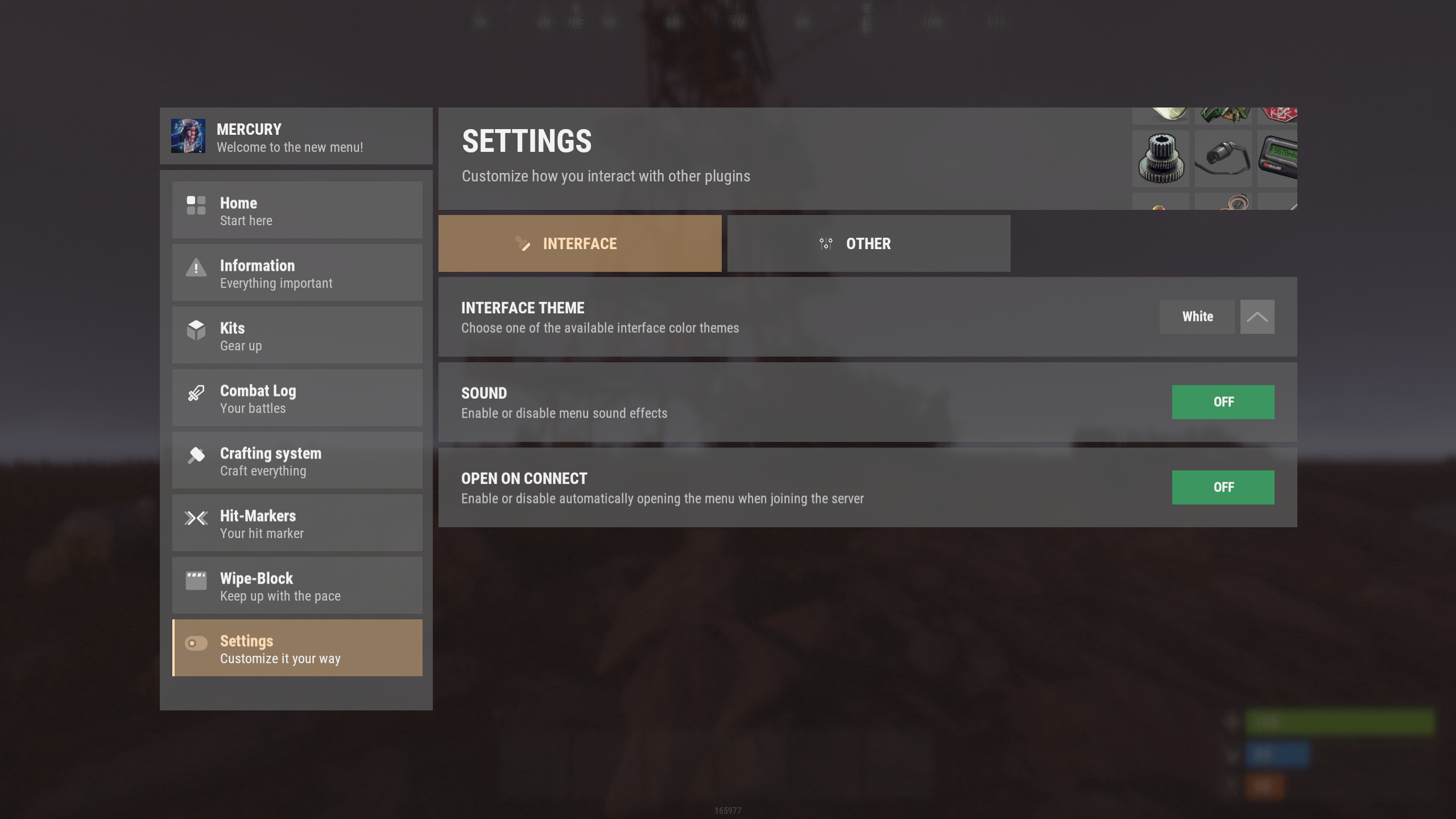
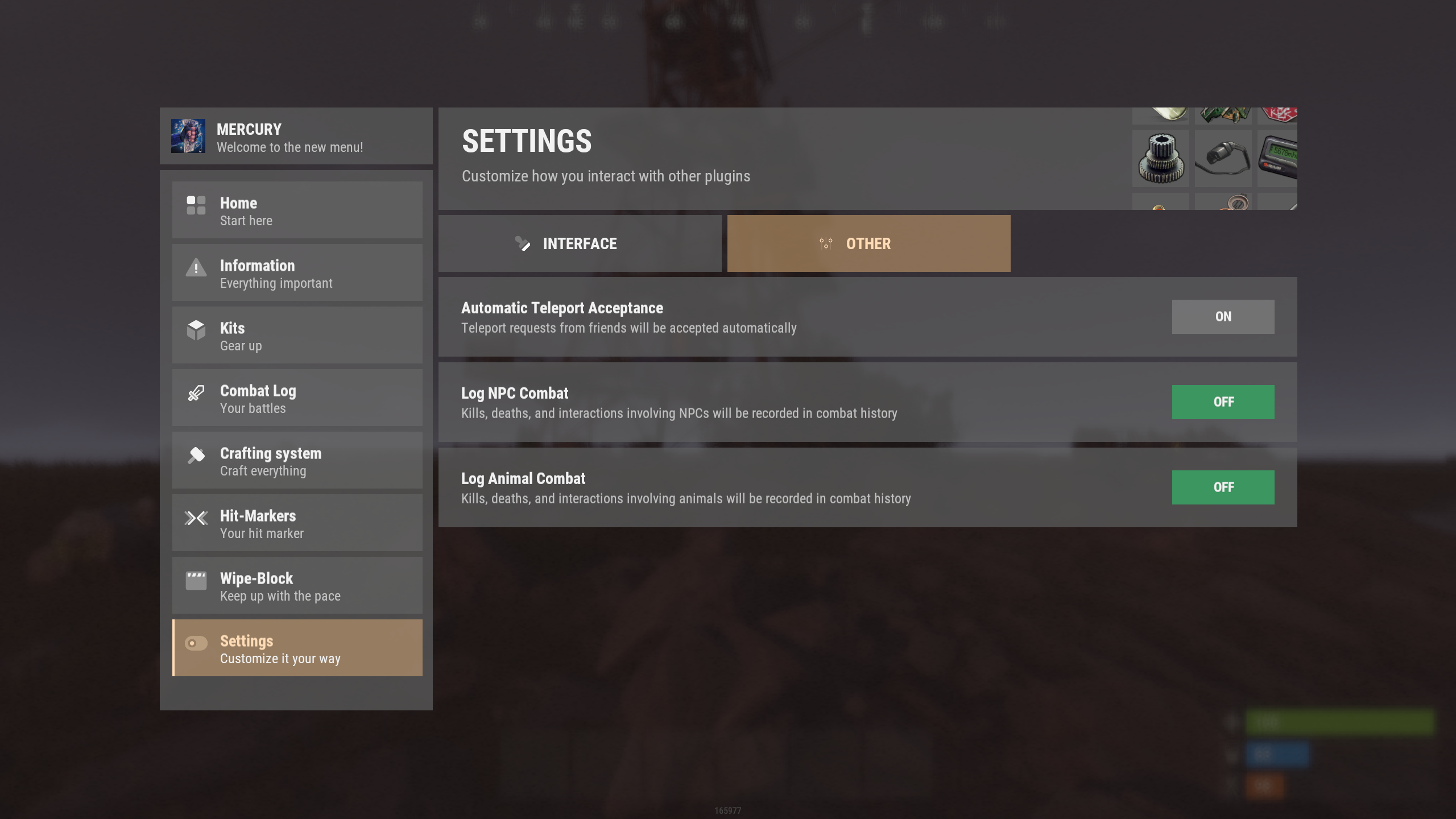
5. nanoSettingModule - settings and menu interaction module
Supports and expands the capabilities of this core.
Already provides configuration options for nanoChat and other supported plugins!
|
|
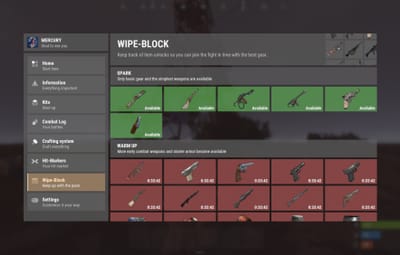
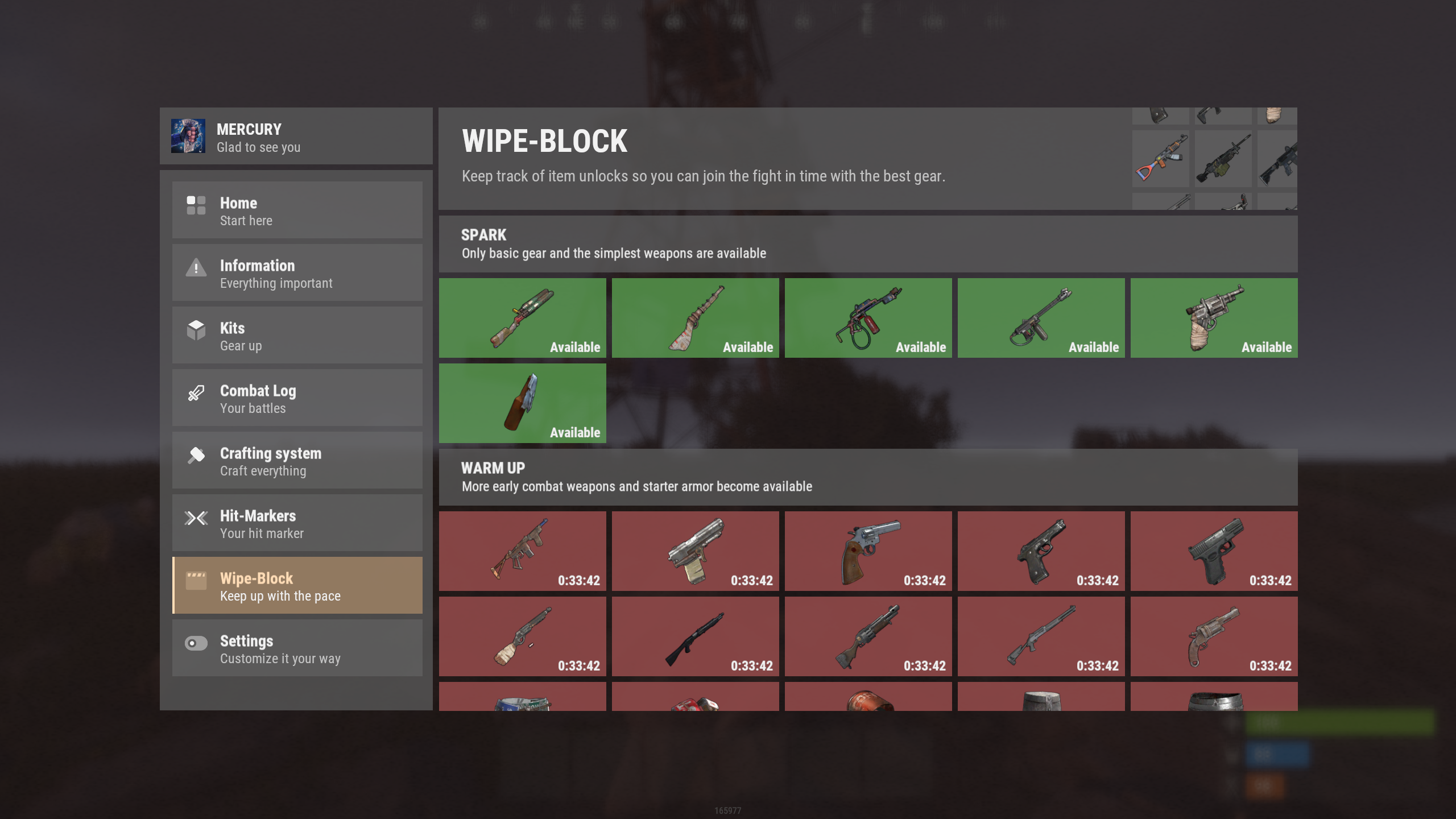
6. IQWipeBlock - temporary item restrictions after a wipe
A plugin familiar to many users, now integrated directly into this menu!
7. IQEconomic / Economics / ServerRewards
This menu includes built-in support for economy systems, and the player's balance will be displayed below their nickname.
If no supported economy system is available - a "NICK NAME" placeholder will be displayed instead.
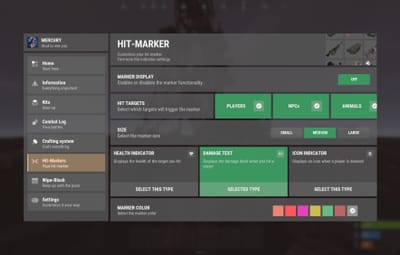
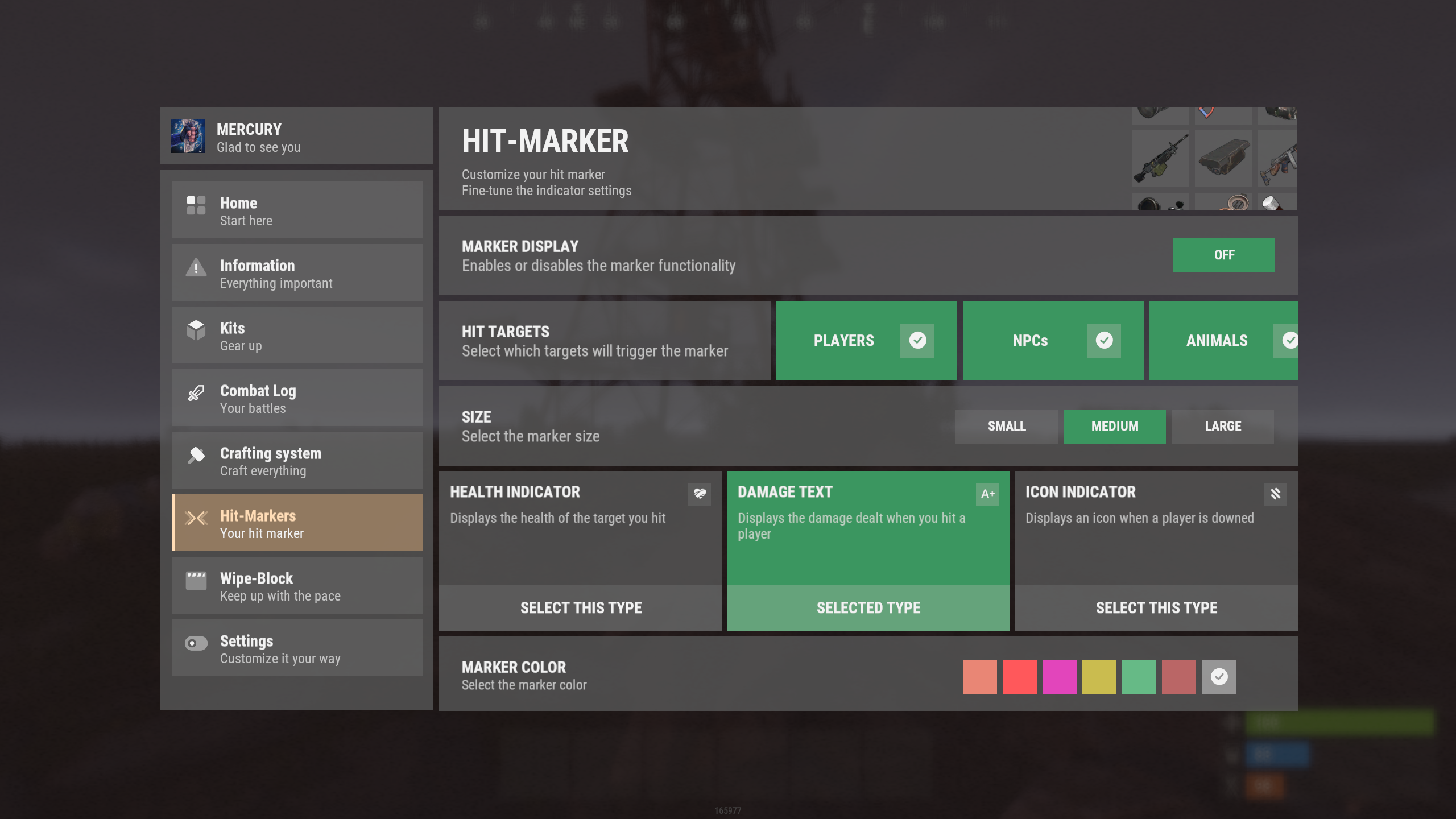
8. nanoMarker
A familiar hit marker customization system, formerly known as IQMarker, now redesigned and
fully compatible with nanoModalMenu.
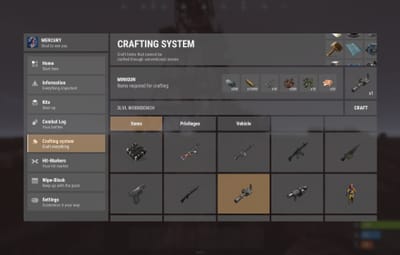
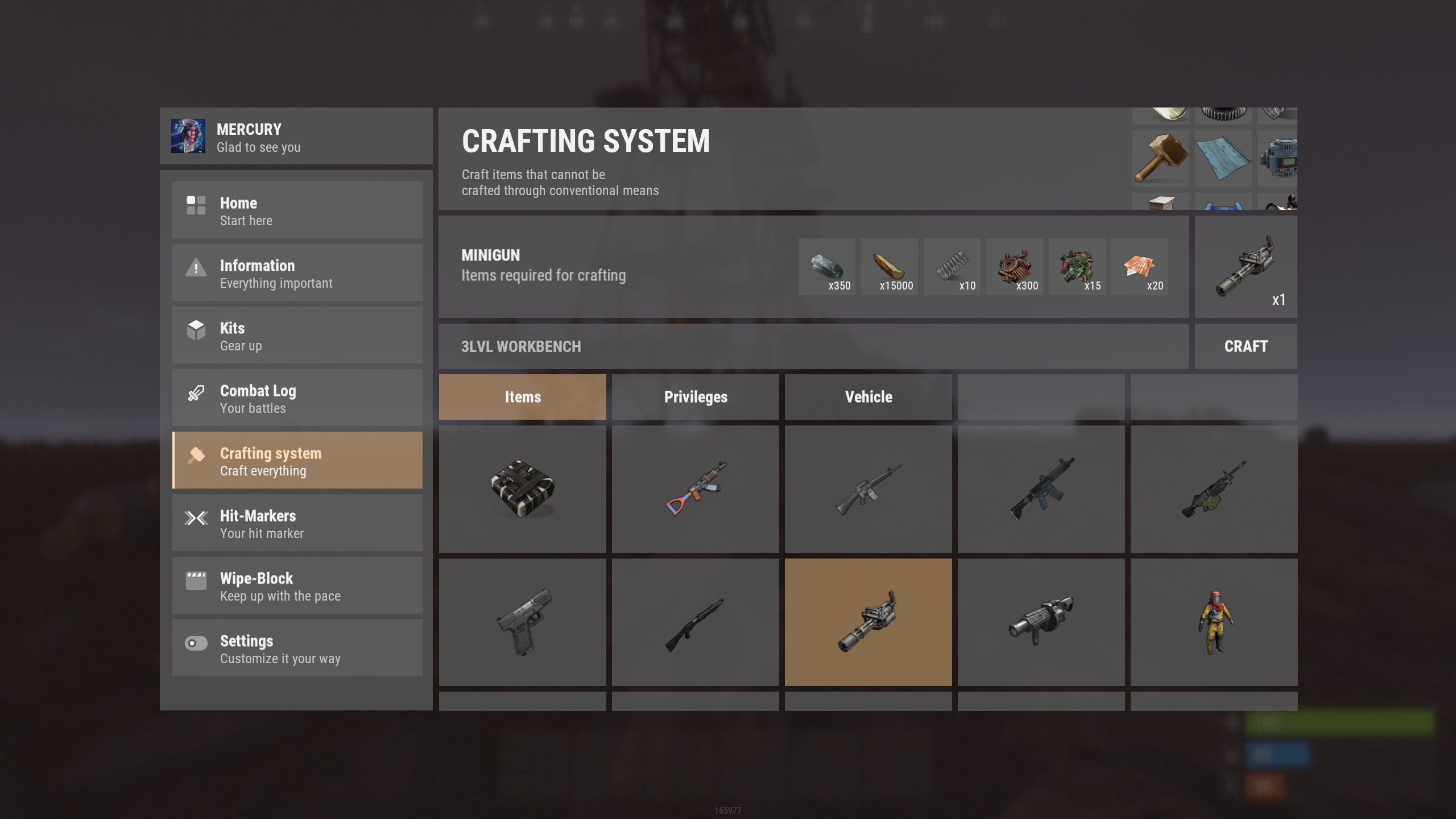
9. nanoCraftSystem
An advanced item crafting system for your players with a clean and intuitive interface!
The familiar functionality of the former IQCraftSystem plugin
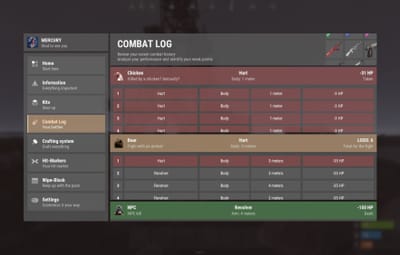
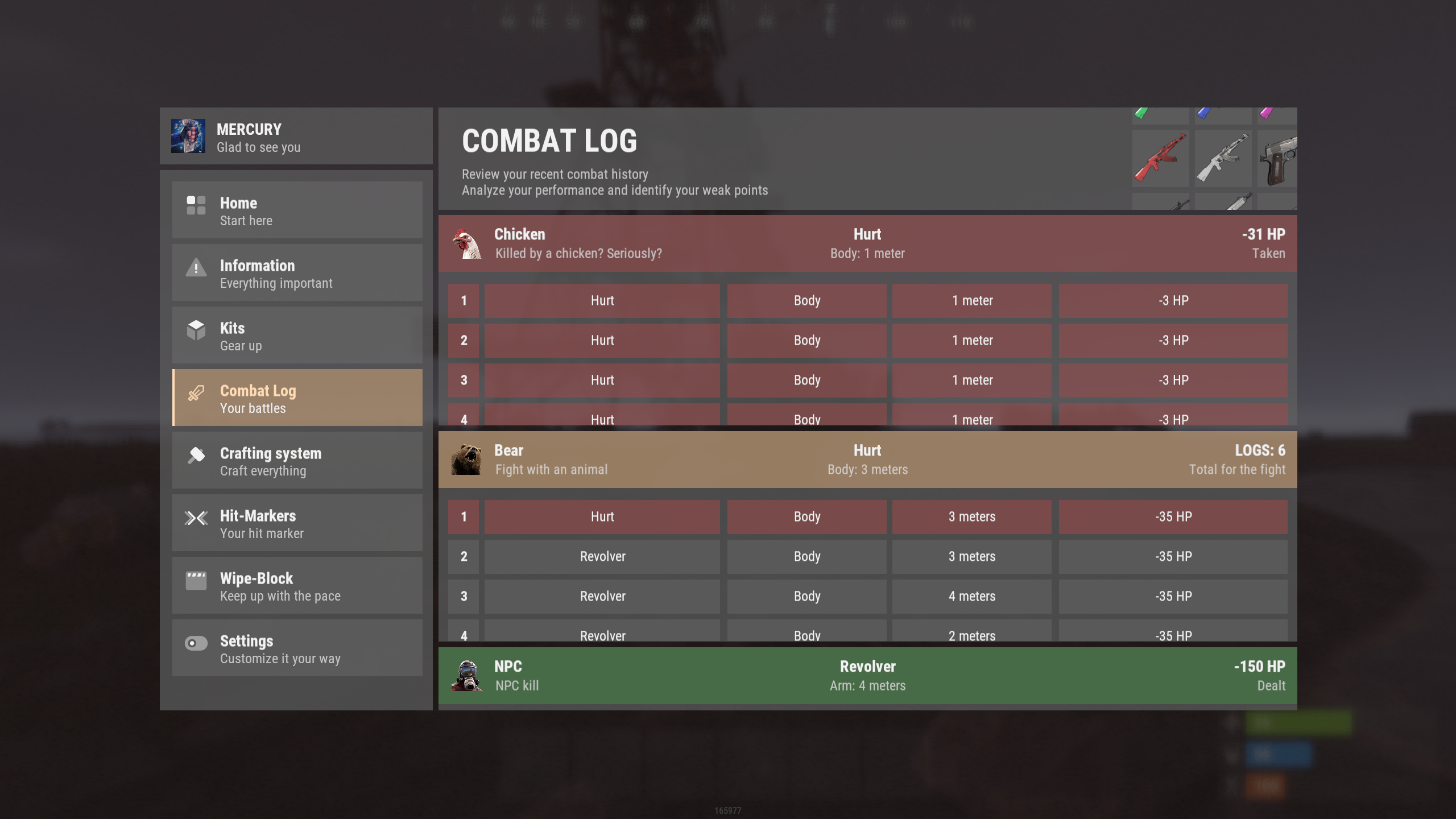
10. nanoCombatLog
A convenient UI-based combat history system for your players!
The plugin stores the history of recent battles and provides players with detailed information about each encounter directly through a convenient interface.
{
  "Commands to open the menu": [
    "nano",
    "menu"
  ],
  "Default theme key for everyone [Key is the file name without .json in the themes folder]": "white",
  "List of buttons in the menu [Plugin command - settings]": {
    "info": {
      "Plugin name [That supports this menu]": "nanoWelcomeModule",
      "Icon name from ..data/nanoSystem/nanoModalMenu/Images": "WELCOME_ICON_BUTTON",
      "Multilingual button title": {
        "ru": "Главная",
        "en": "Home"
      },
      "Multilingual button description": {
        "ru": "Начни отсюда",
        "en": "Start here"
      },
      "Whether this button is active": true
    },
    "help": {
      "Plugin name [That supports this menu]": "nanoInfoModule",
      "Icon name from ..data/nanoSystem/nanoModalMenu/Images": "INFO_ICON_BUTTON",
      "Multilingual button title": {
        "ru": "Информация",
        "en": "Information"
      },
      "Multilingual button description": {
        "ru": "Всё важное тут",
        "en": "Everything important"
      },
      "Whether this button is active": true
    },
    "kit": {
      "Plugin name [That supports this menu]": "nanoKitsModule",
      "Icon name from ..data/nanoSystem/nanoModalMenu/Images": "KIT_ICON_BUTTON",
      "Multilingual button title": {
        "ru": "Наборы",
        "en": "Kits"
      },
      "Multilingual button description": {
        "ru": "Приоденься",
        "en": "Gear up"
      },
      "Whether this button is active": true
    },
    "combat": {
      "Plugin name [That supports this menu]": "nanoCombatLog",
      "Icon name from ..data/nanoSystem/nanoModalMenu/Images": "COMBATLOG_ICON_BUTTON",
      "Multilingual button title": {
        "ru": "История боёв",
        "en": "Combat Log"
      },
      "Multilingual button description": {
        "ru": "Твои сражения",
        "en": "Your battles"
      },
      "Whether this button is active": true
    },
    "craft": {
      "Plugin name [That supports this menu]": "nanoCraftSystem",
      "Icon name from ..data/nanoSystem/nanoModalMenu/Images": "CRAFT_ICON_BUTTON",
      "Multilingual button title": {
        "ru": "Система крафта",
        "en": "Crafting system"
      },
      "Multilingual button description": {
        "ru": "Создавай всё",
        "en": "Craft everything"
      },
      "Whether this button is active": true
    },
    "hit": {
      "Plugin name [That supports this menu]": "nanoMarker",
      "Icon name from ..data/nanoSystem/nanoModalMenu/Images": "HIT_MARKER_ICON_BUTTON",
      "Multilingual button title": {
        "ru": "Хит-маркеры",
        "en": "Hit-Markers"
      },
      "Multilingual button description": {
        "ru": "Твой хит-маркер",
        "en": "Your hit marker"
      },
      "Whether this button is active": true
    },
    "block": {
      "Plugin name [That supports this menu]": "IQWipeBlock",
      "Icon name from ..data/nanoSystem/nanoModalMenu/Images": "WIPEBLOCK_ICON_BUTTON",
      "Multilingual button title": {
        "ru": "Вайп-блок",
        "en": "Wipe-Block"
      },
      "Multilingual button description": {
        "ru": "Следи за темпом",
        "en": "Keep up with the pace"
      },
      "Whether this button is active": true
    },
    "setting": {
      "Plugin name [That supports this menu]": "nanoSettingModule",
      "Icon name from ..data/nanoSystem/nanoModalMenu/Images": "SETTING_ICON_BUTTON",
      "Multilingual button title": {
        "ru": "Настройка",
        "en": "Settings"
      },
      "Multilingual button description": {
        "ru": "Настрой под себя",
        "en": "Customize it your way"
      },
      "Whether this button is active": true
    }
  },
  "Setting up random messages under the player's nickname [if balance is not used]": {
    "ru": [
      "Встречайте - новое меню!",
      "Тут вы найдете всё необходимое",
      "Рады видеть тебя"
    ],
    "en": [
      "Welcome to the new menu!",
      "You'll find everything you need here",
      "Glad to see you"
    ]
  }
}
By default, the plugin includes the following command:
/menu

![More information about "nanoModalMenu [Dark Theme]"](https://codefling.com/cdn-cgi/image/width=285,height=285,quality=80,fit=cover,format=webp/https://codefling.com/uploads/monthly_2026_09/en_nanoModalMenu_DarkTheme.thumb.png.c6184dd213e55e1e085101ef45947d66.png)
![More information about "nanoModalMenu [Purple Theme]"](https://codefling.com/cdn-cgi/image/width=285,height=285,quality=80,fit=cover,format=webp/https://codefling.com/uploads/monthly_2026_09/en_nanoModalMenu_PurpleTheme.thumb.png.438ca9de61b4284f19ced783262116f1.png)
![More information about "nanoModalMenu [Blue Theme]"](https://codefling.com/cdn-cgi/image/width=285,height=285,quality=80,fit=cover,format=webp/https://codefling.com/uploads/monthly_2026_09/en_nanoModalMenu_BlueTheme.thumb.png.b331ea447e3ad60eaa6518a3a764ac95.png)