Depends on
Required for this file to work correctly.
Works with
Optional integrations and compatible files.


About nanoModalMenu [Dark Theme]
Dark theme for the nanoModalMenu plugin and supported modules!
To use this theme, you must have both nanoModalMenu and nanoSettingModule purchased and installed.
 This resource is not a plugin!
This is an add-on for nanoModalMenu and nanoSettingModule. You will receive a JSON theme file for this core.
 Installation instructions:
1. Download the JSON file and place it in: oxide/data/nanoSystem/nanoModalMenu/Themes
2. After that, open the nanoSettingModule configuration and add your theme.
"Supported theme settings": {
  "Theme translations for different languages [LanguageKey] = [ThemeKey] = Translation": {
    "ru": {
      "white": "Светлая",
      "dark": "Тёмная",
      "purple": "Фиолетовая",
      "blue": "Синяя"
    },
    "en": {
      "white": "White",
      "dark": "Dark",
      "purple": "Purple",
      "blue": "Blue"
    }
  }
}
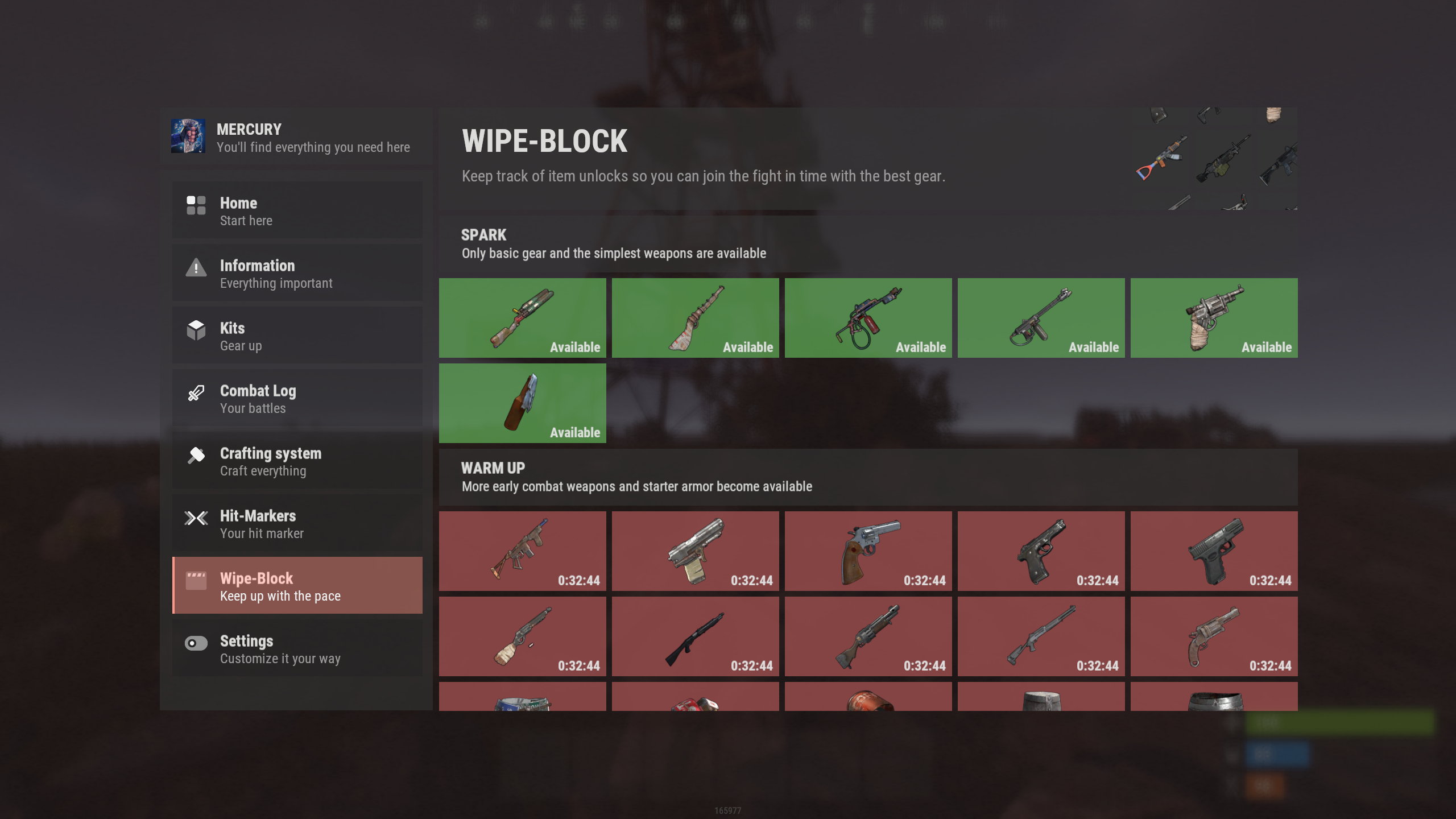
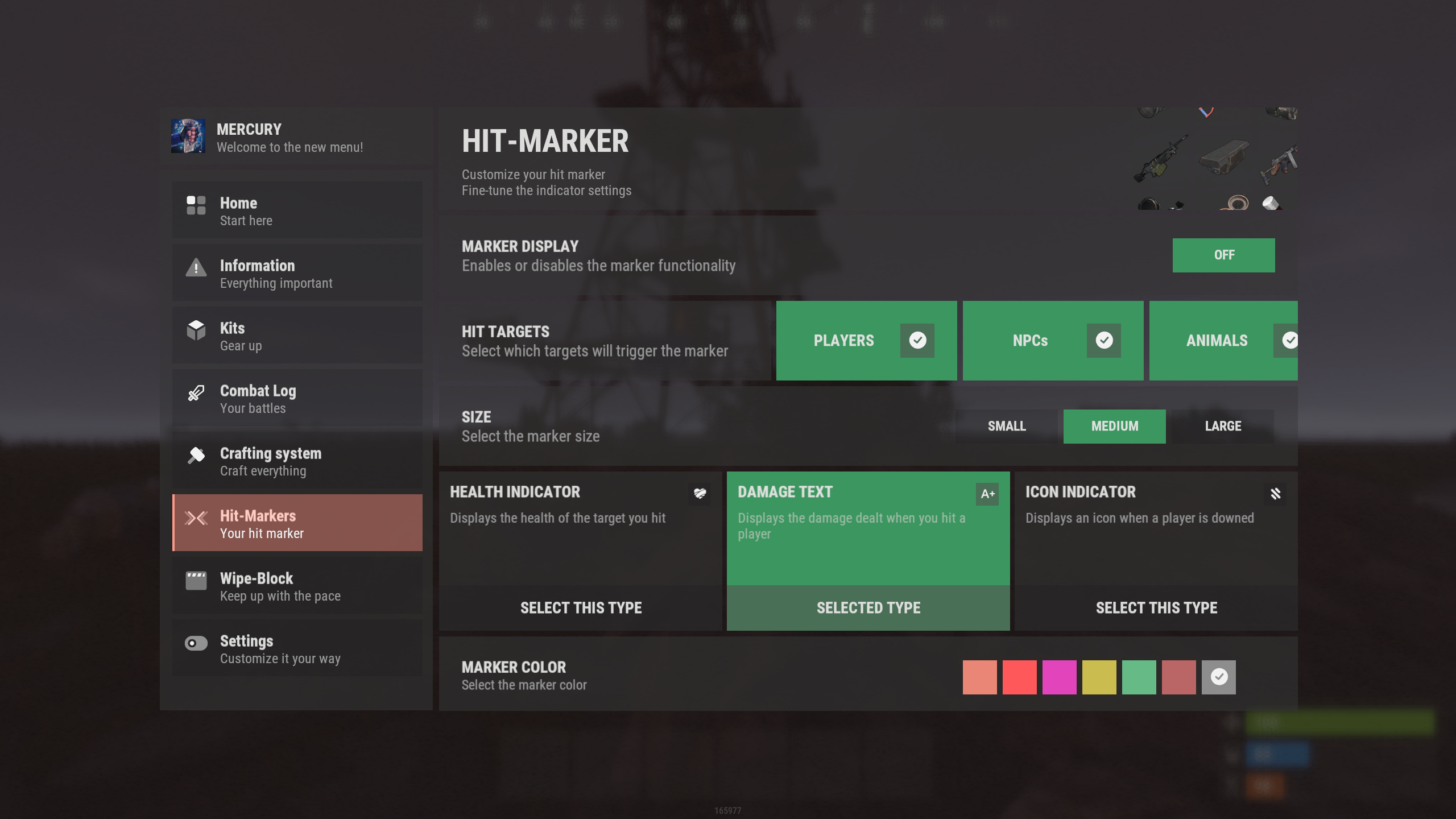
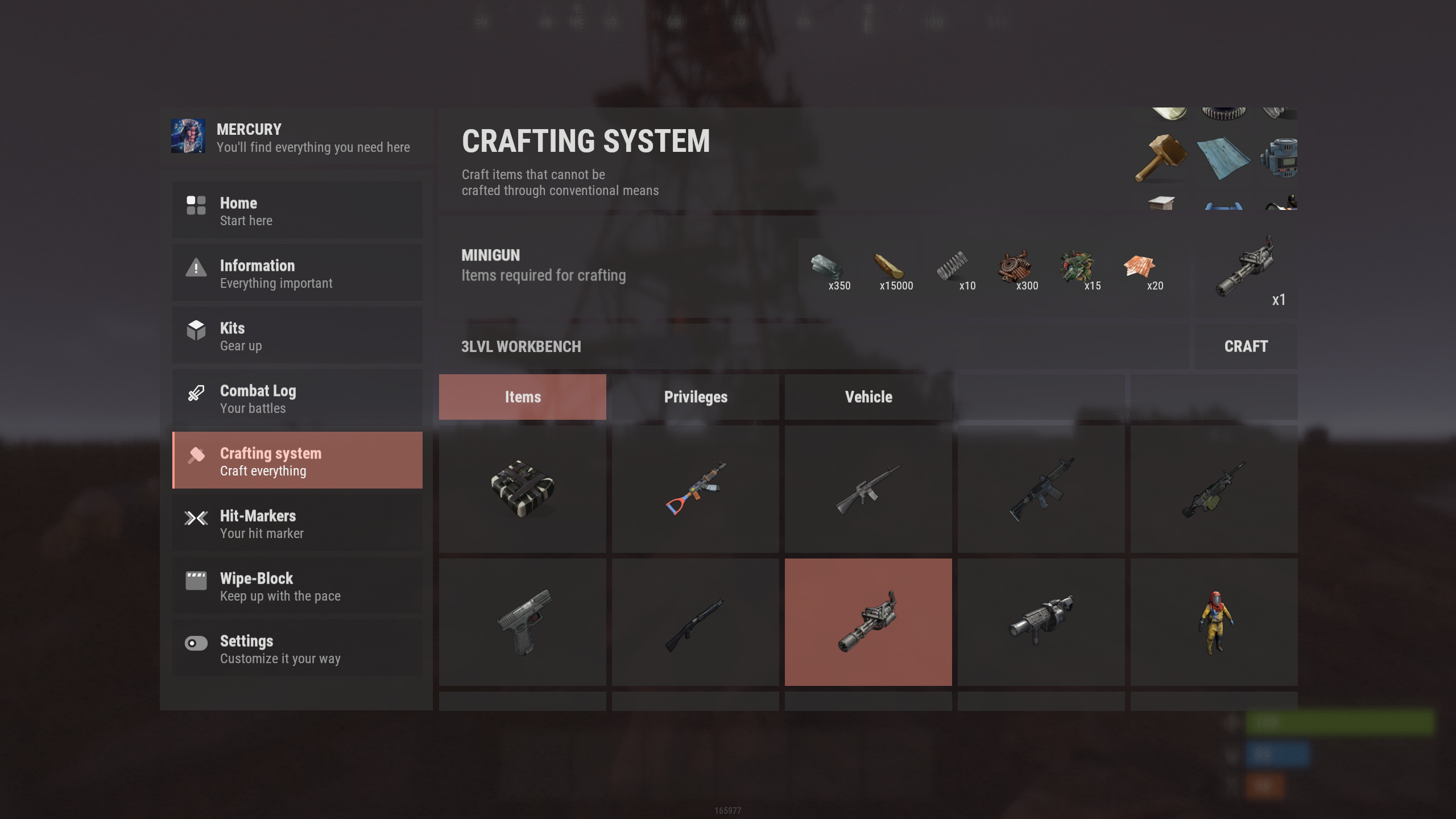
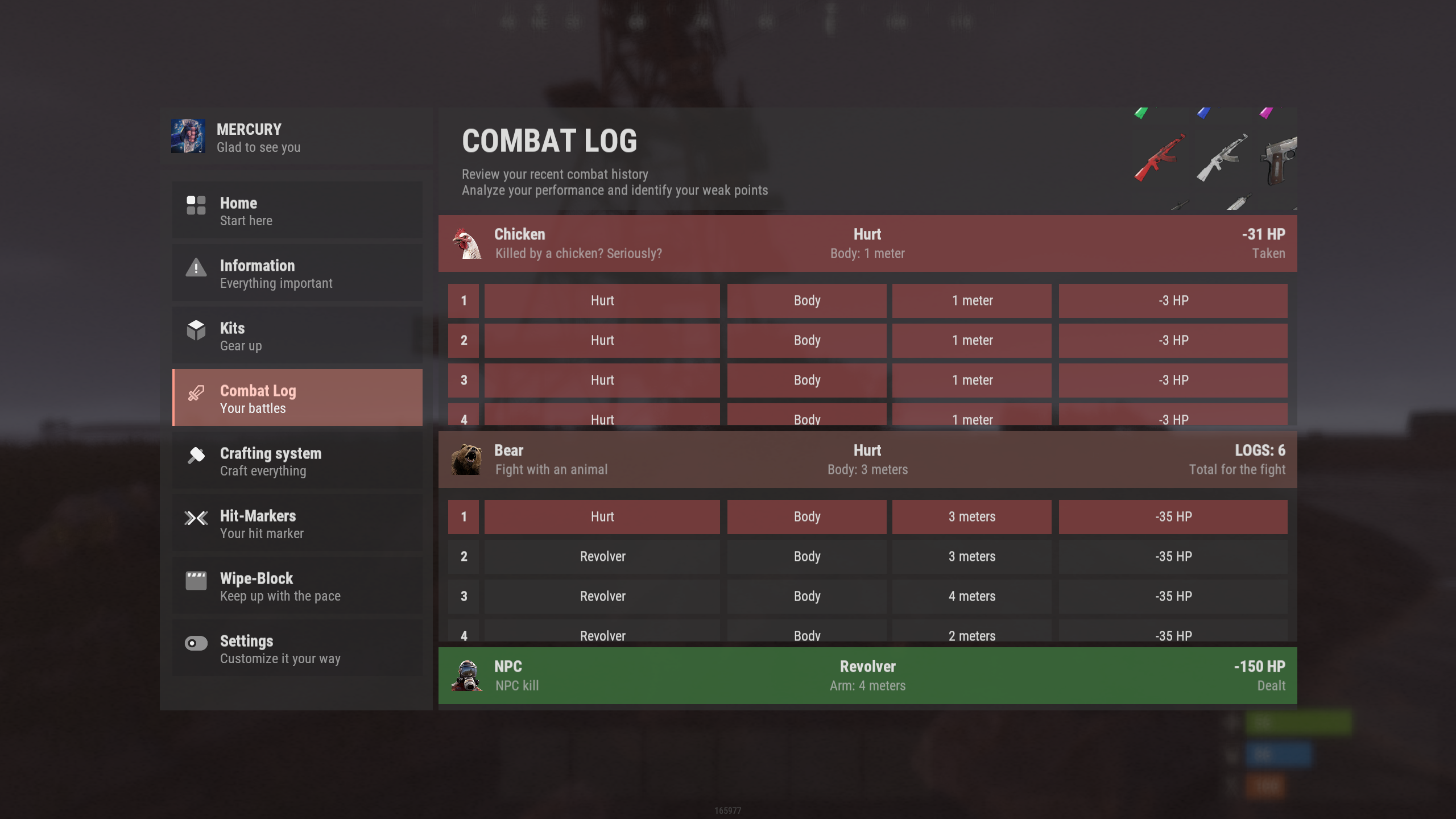
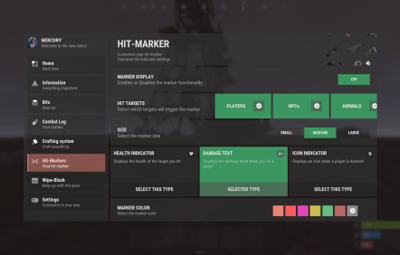
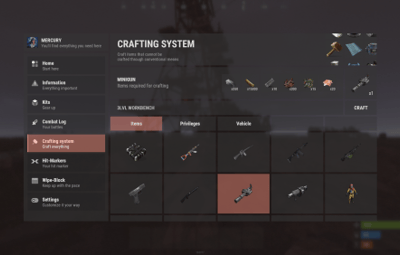
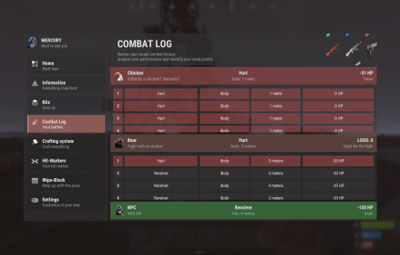
Theme demonstration in different modules:
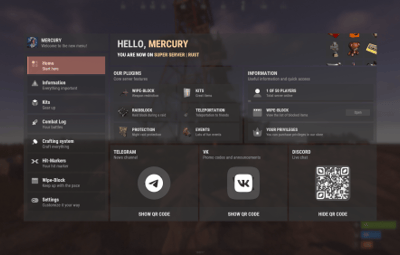
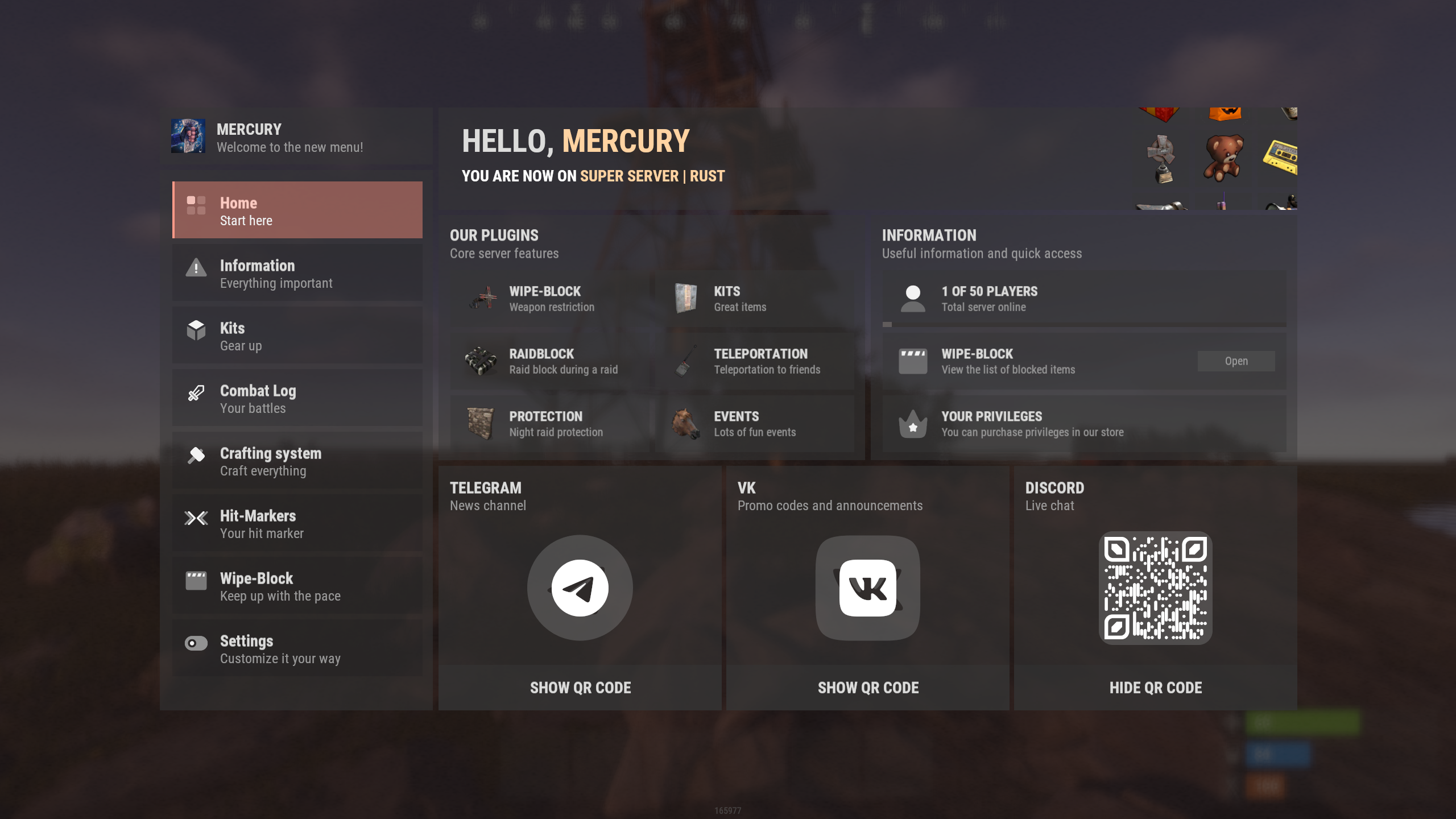
1. nanoWelcomeModule - welcome module / "Home" page.
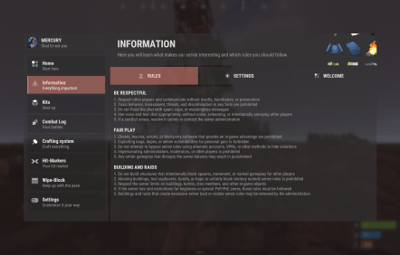
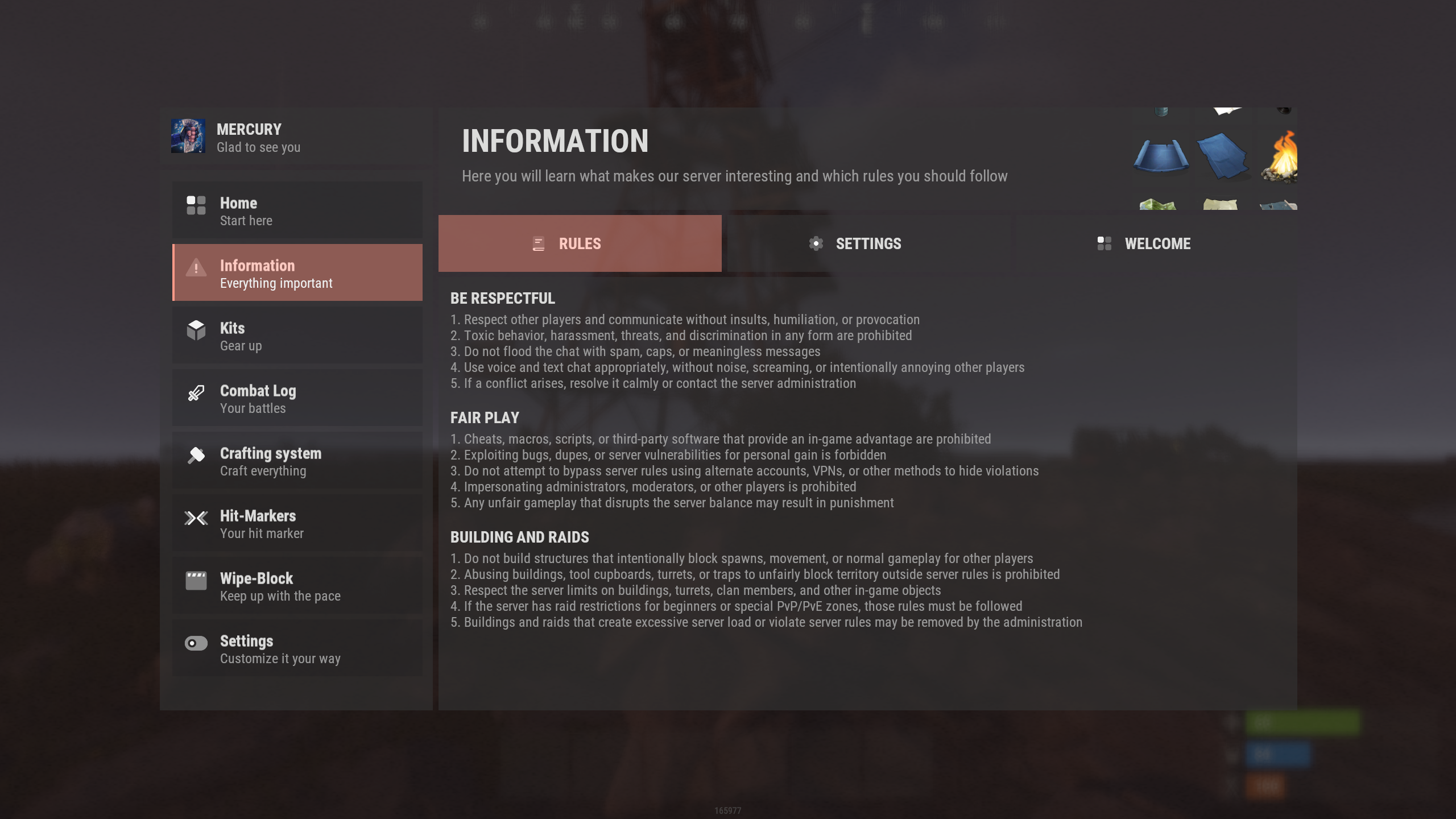
2. nanoInfoModule - information module
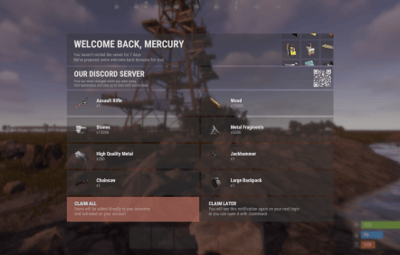
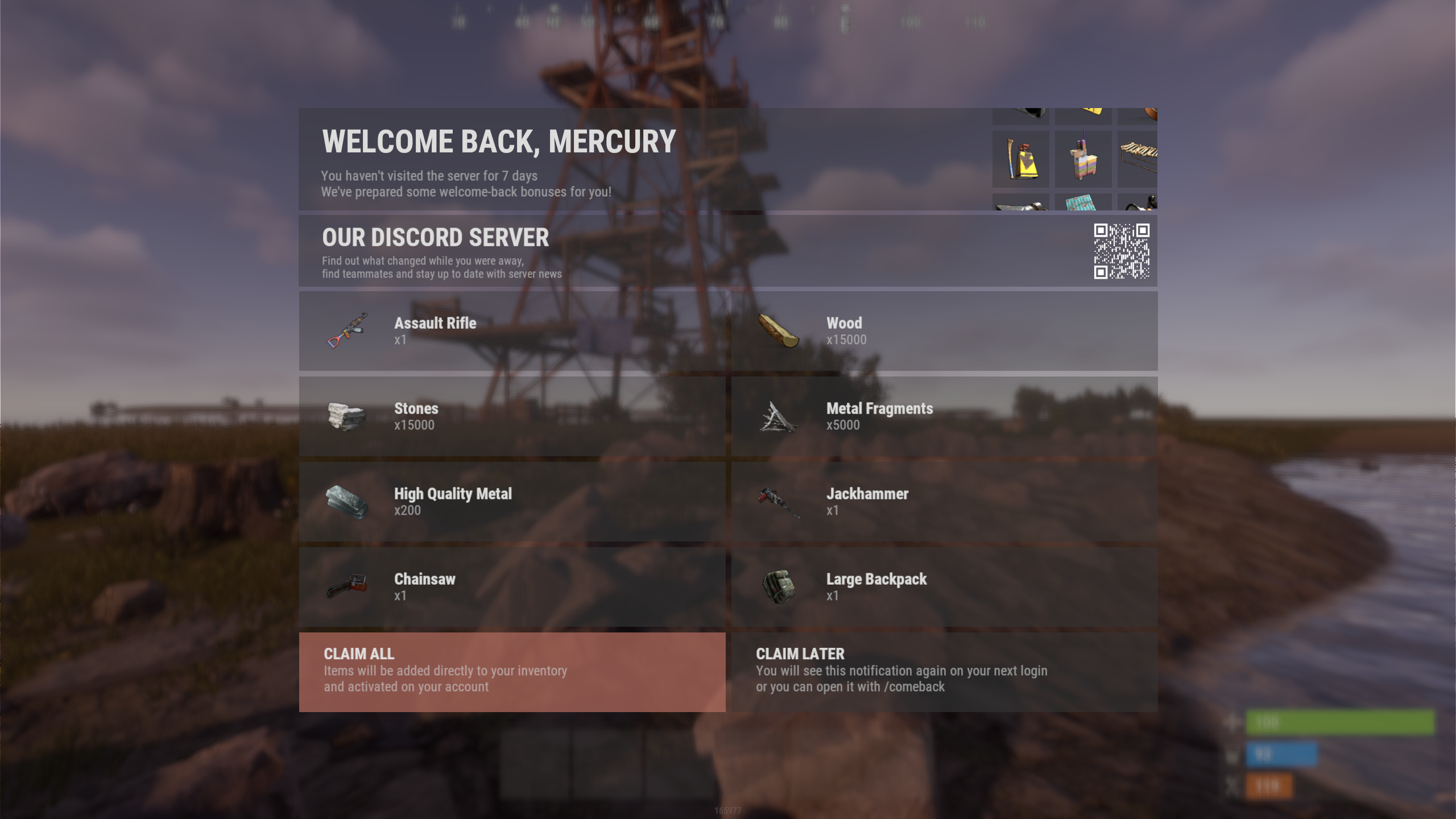
3. nanoWelcomeBack - bonus for returning players
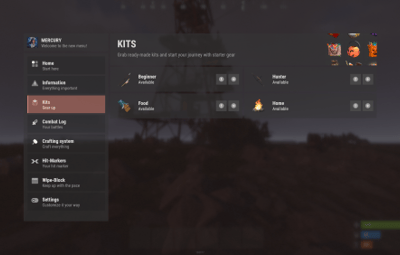
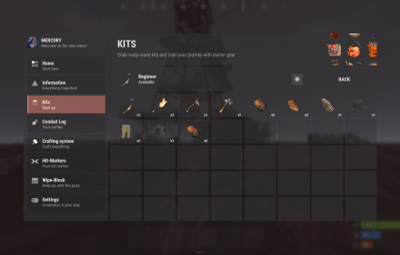
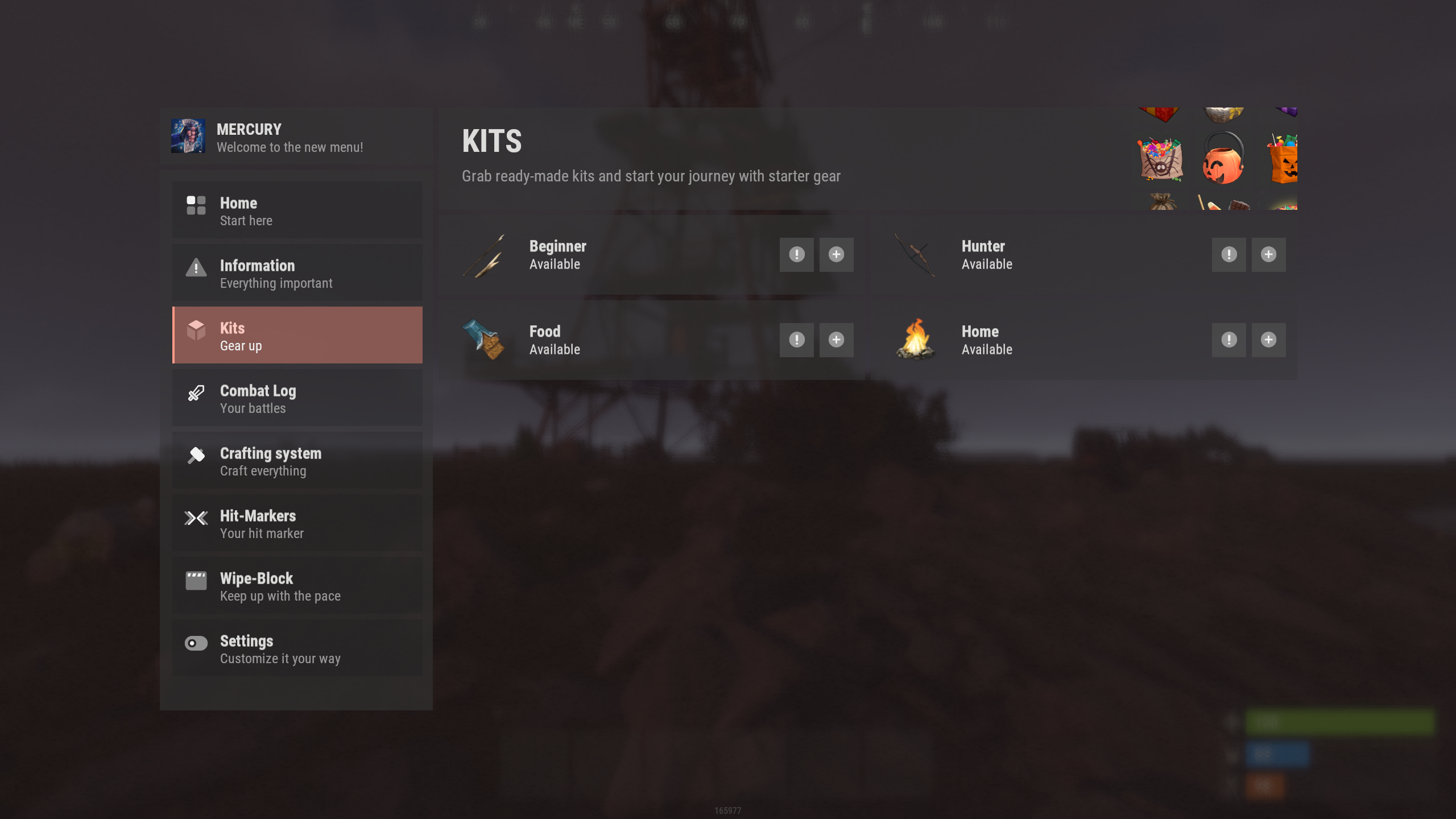
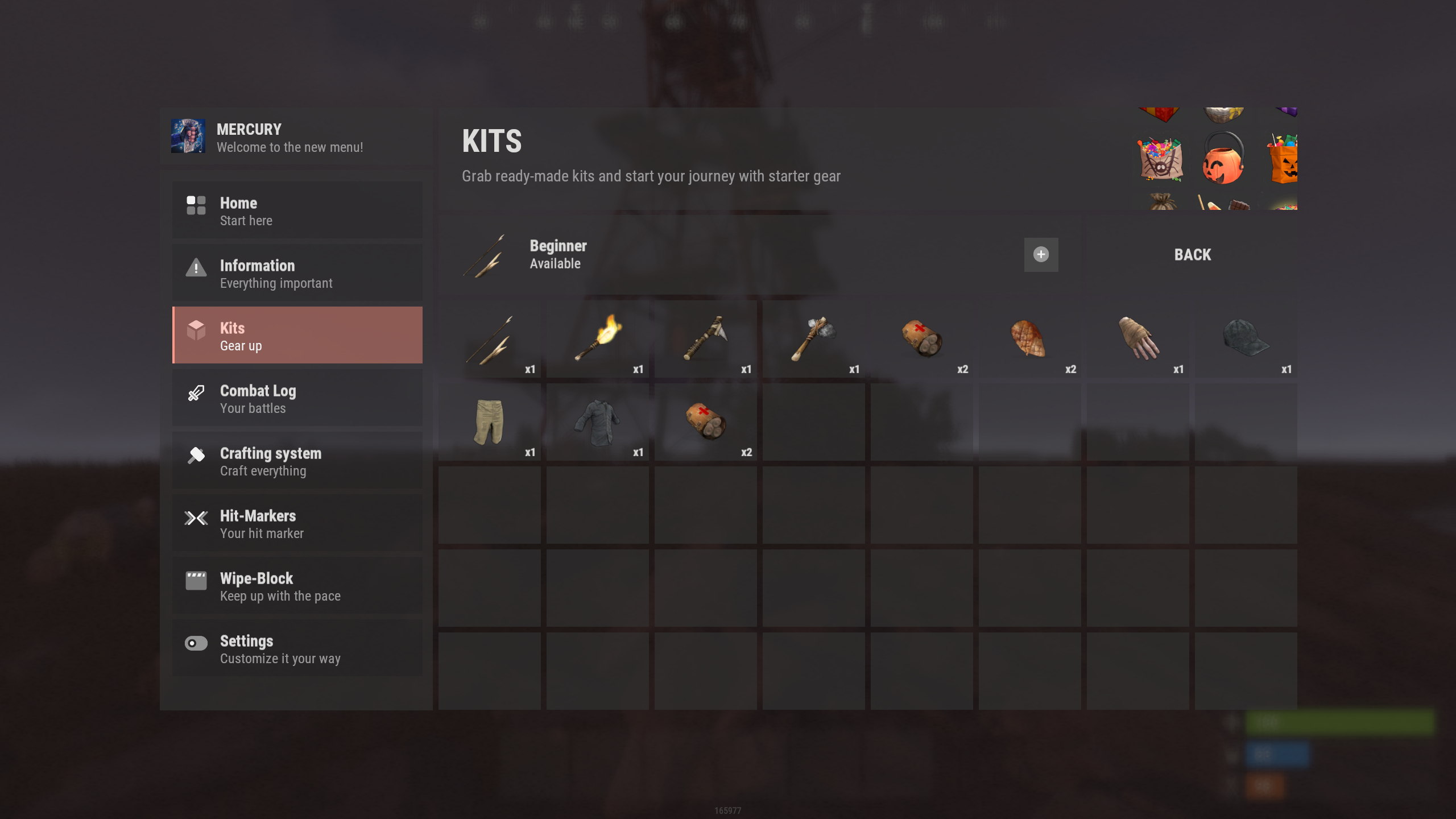
4. nanoKitsModule - module for your in-game kits, with or without privilege requirements.
|
|
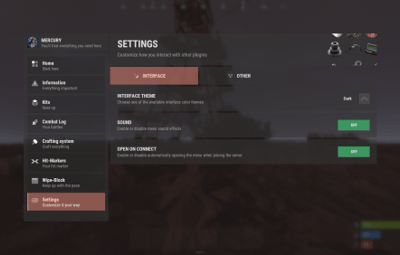
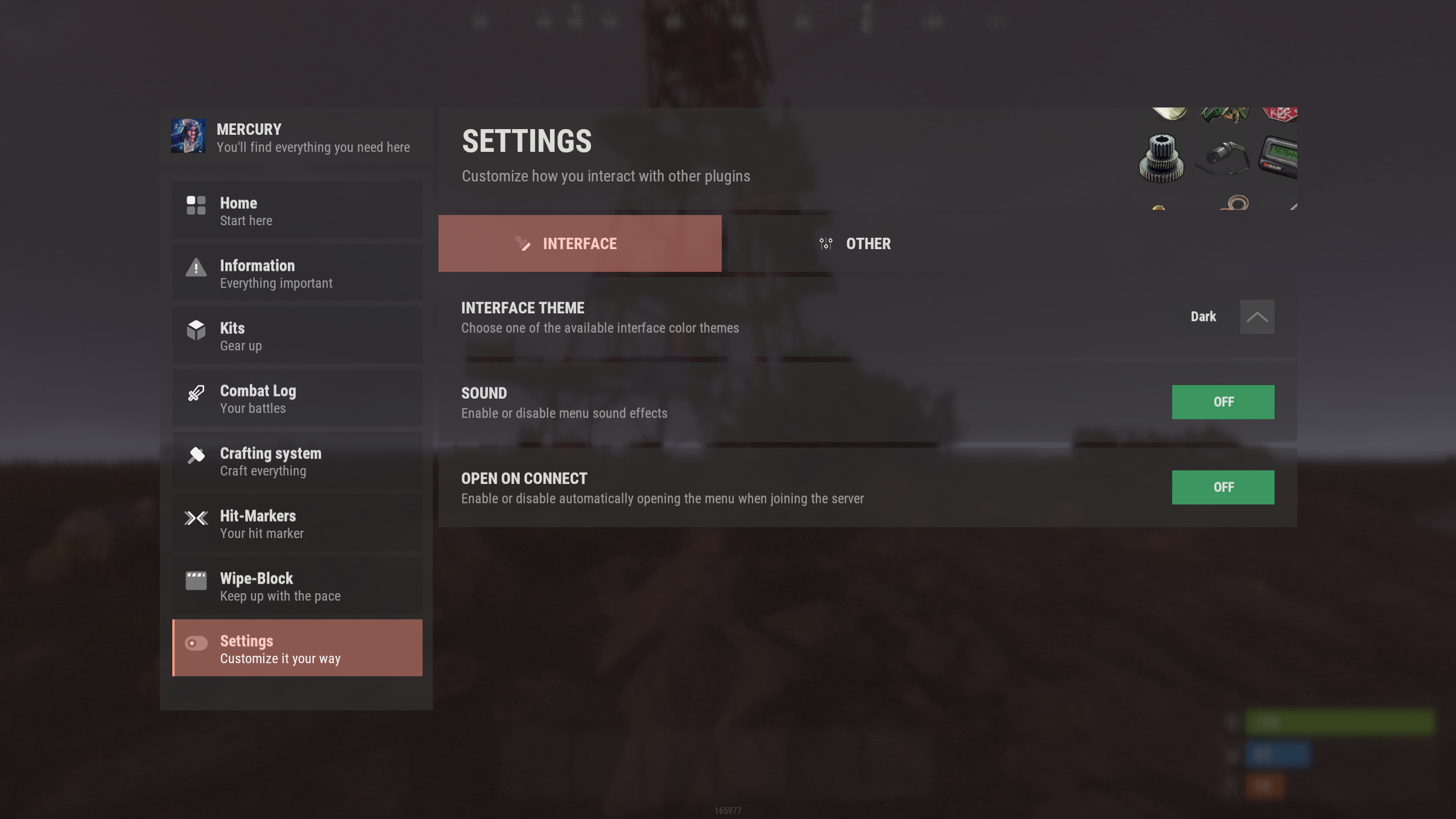
5. nanoSettingModule - settings and menu interaction module
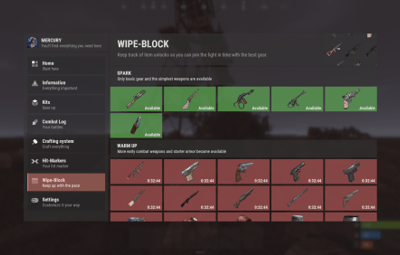
6. IQWipeBlock - temporary item restrictions after a wipe