
Works with
Optional integrations and compatible files.

About nanoMarker
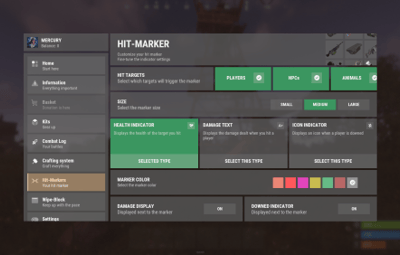
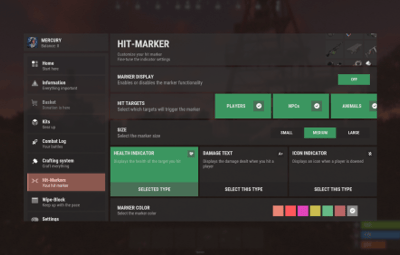
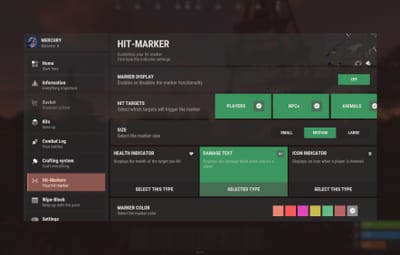
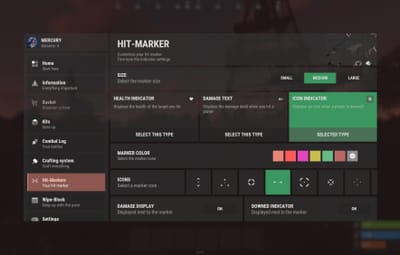
nanoMarker - customizable hit markers for your players. Includes 3 customizable hit marker types, with options to adjust their size, color, and additional features.
 Works with nanoModalMenu, but can also be used WITHOUT it!
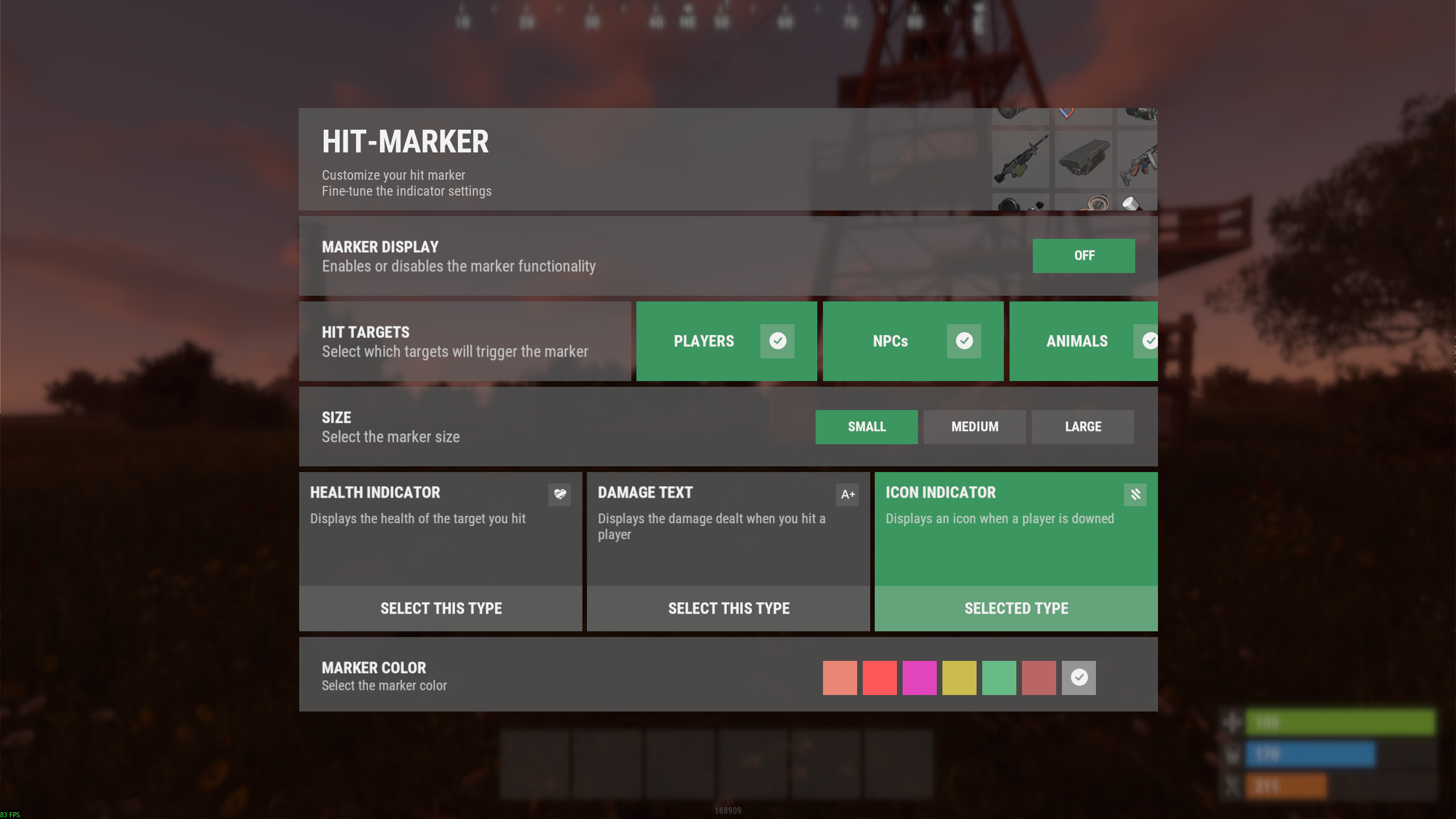
Plugin and image installation guide:
When you download the plugin, you will receive an archive with the following structure:
oxide
├── plugins
│   └── nanoMarker.cs          // Main plugin file
│
└── data
    └── nanoSystemModule
        └── nanoMarker
            └── Images
                ├── Markers
                │   └── *.png   // Marker images for the "Icon" type
                └── *.png       // Menu images and icons
Make sure to upload the icons to the corresponding paths shown in the archive
 Important: Extract the archive on your computer first, and only then upload the images to your server!

Features:

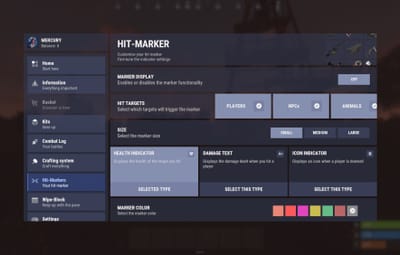
Color theme support:
*choosing a color theme is only available when both nanoModalMenu and nanoSettingModule are installed. Otherwise, only the Light theme will be available by default.
|
|
|
|
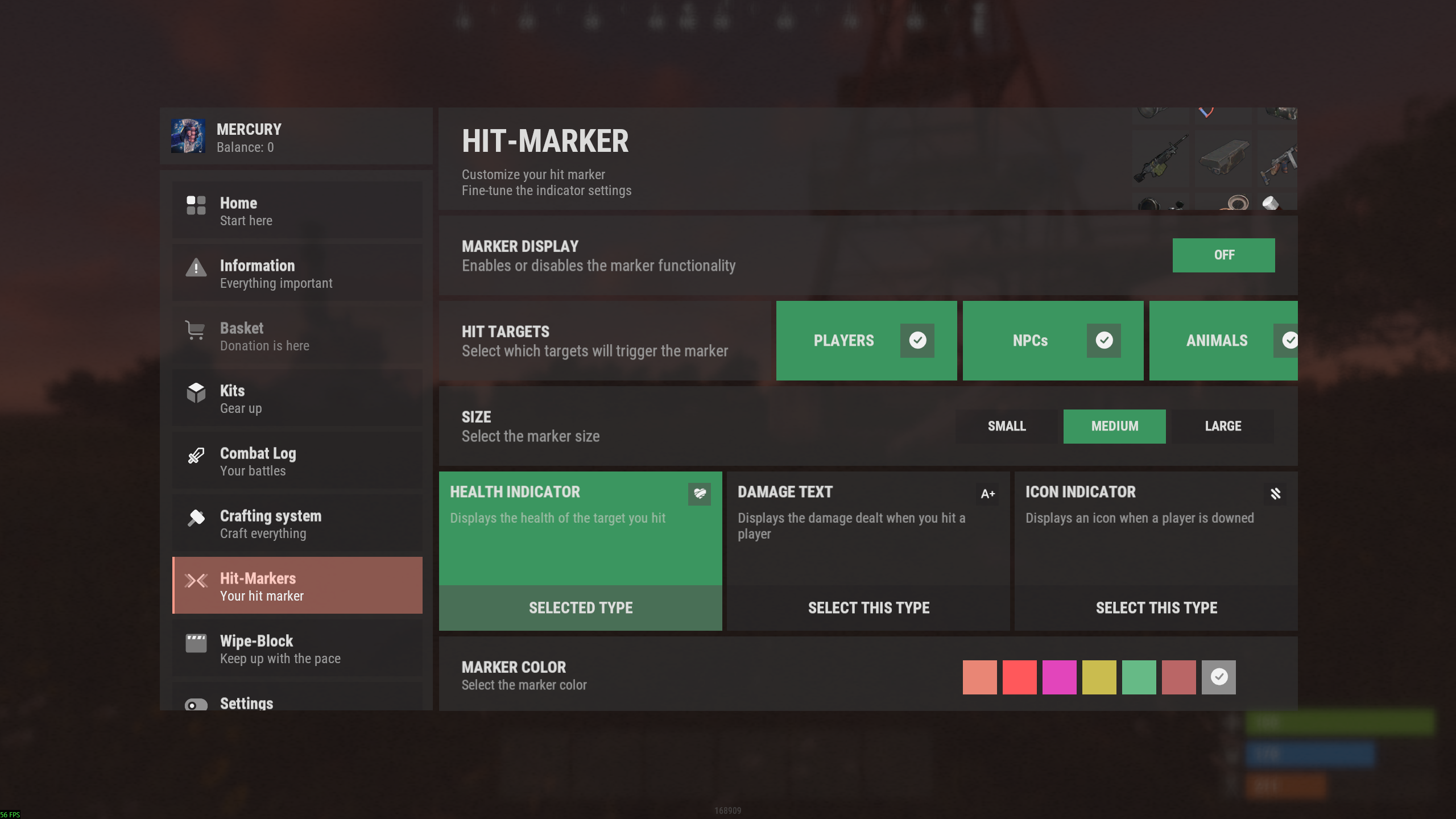
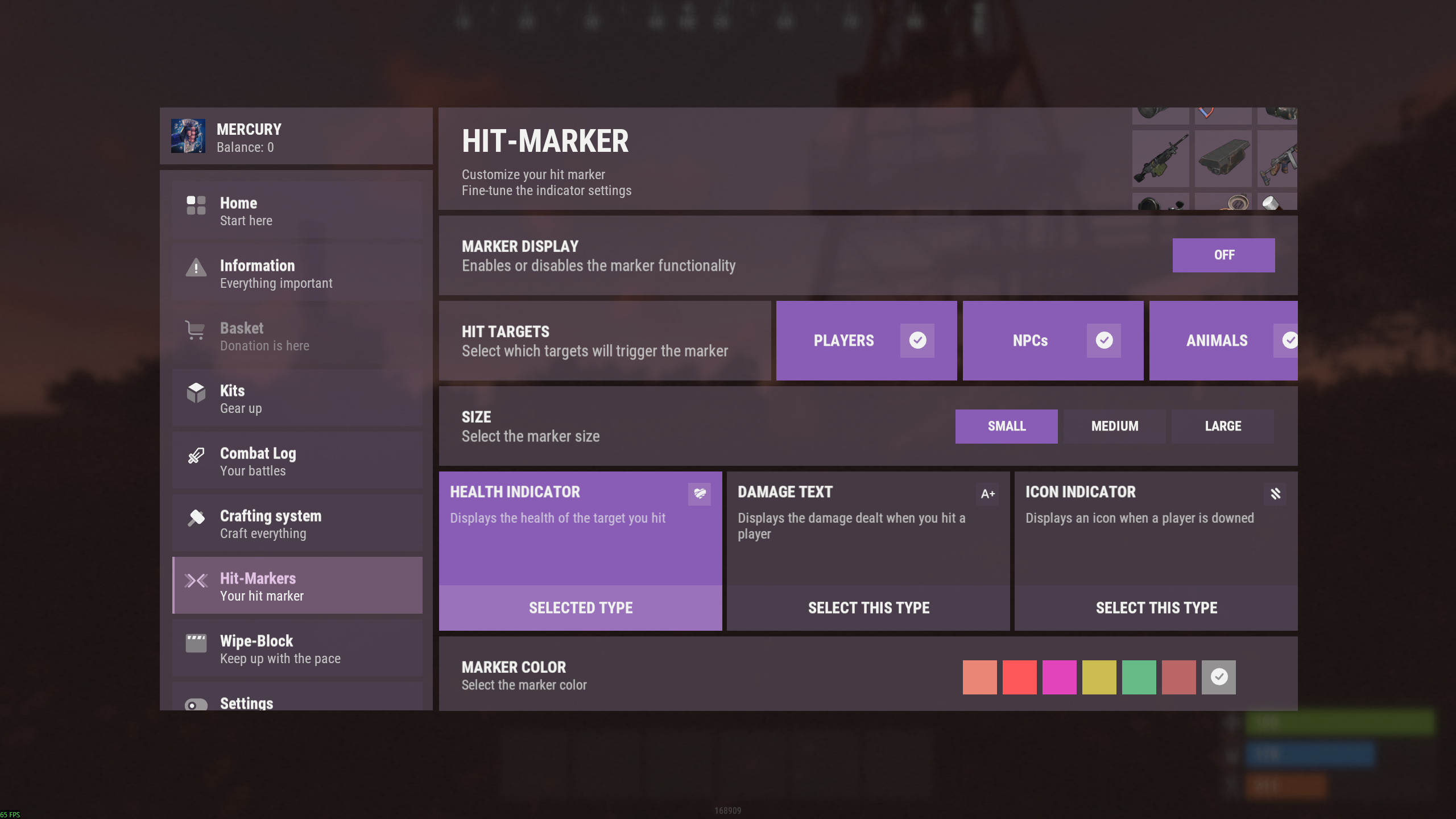
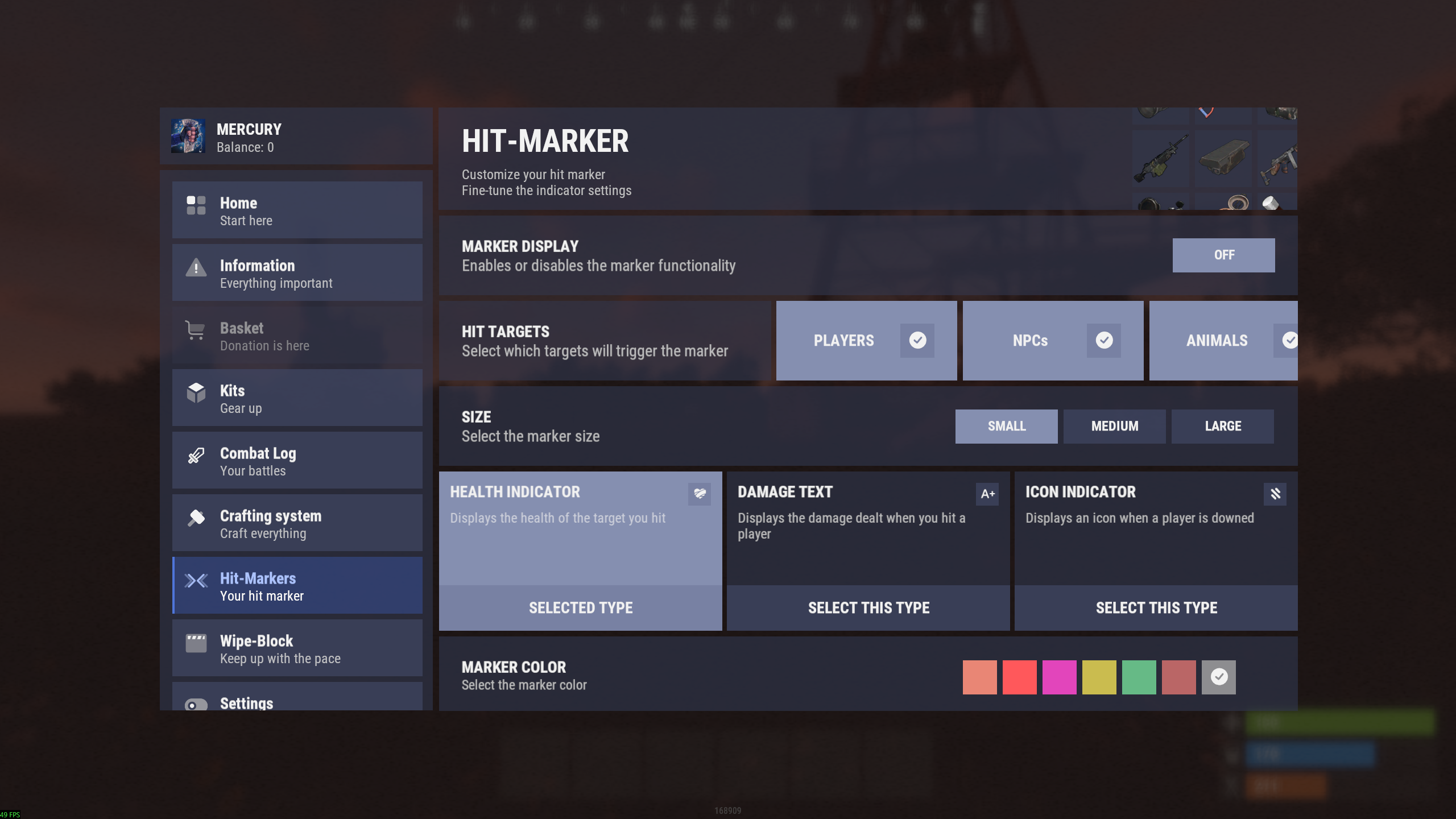
Three marker types:
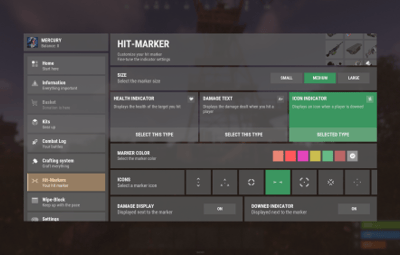
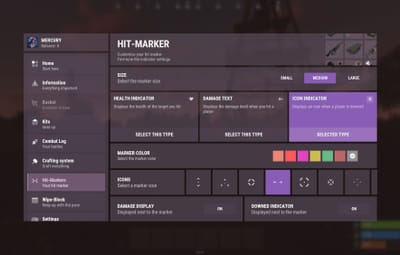
Icon Marker - displays an icon selected by the player from the available options.
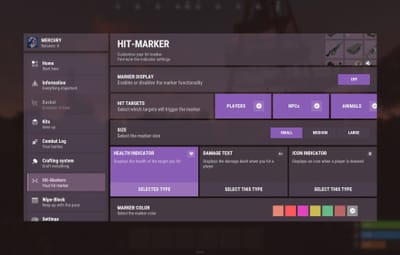
Health Indicator - displays a progress bar showing the target's health.
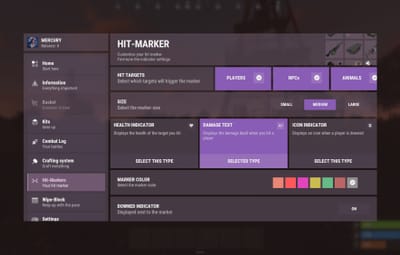
Damage Text Indicator - displays the damage dealt to the target as text.
Marker sizes:
Players can choose the marker size from three available options: Small, Medium, and Large.
Target filtering:
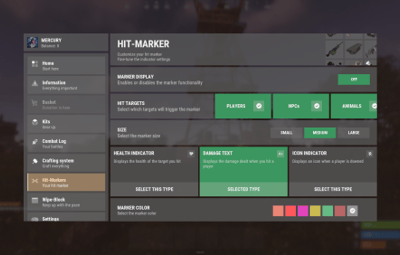
Players can choose which targets trigger their markers: Players, NPCs, Animals, and Vehicles. Each target type can be enabled or disabled separately.
Color:
Players can choose the color of their marker from the available color options.
Additional settings:
Each marker type supports extra settings to enhance its functionality:
- Icon Marker - can also display damage text and a player knockdown indicator.
- Health Indicator - can also display damage text and a player knockdown indicator.
- Damage Text Indicator - supports a player knockdown indicator.
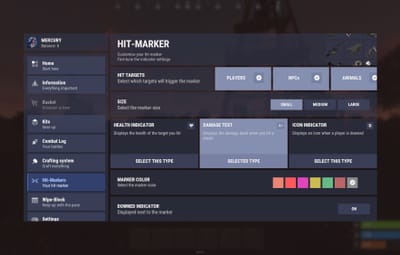
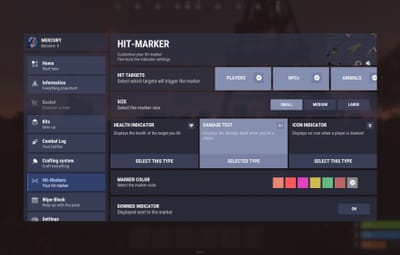
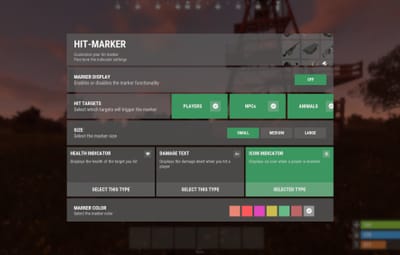
UI Demonstration in the Light Theme :
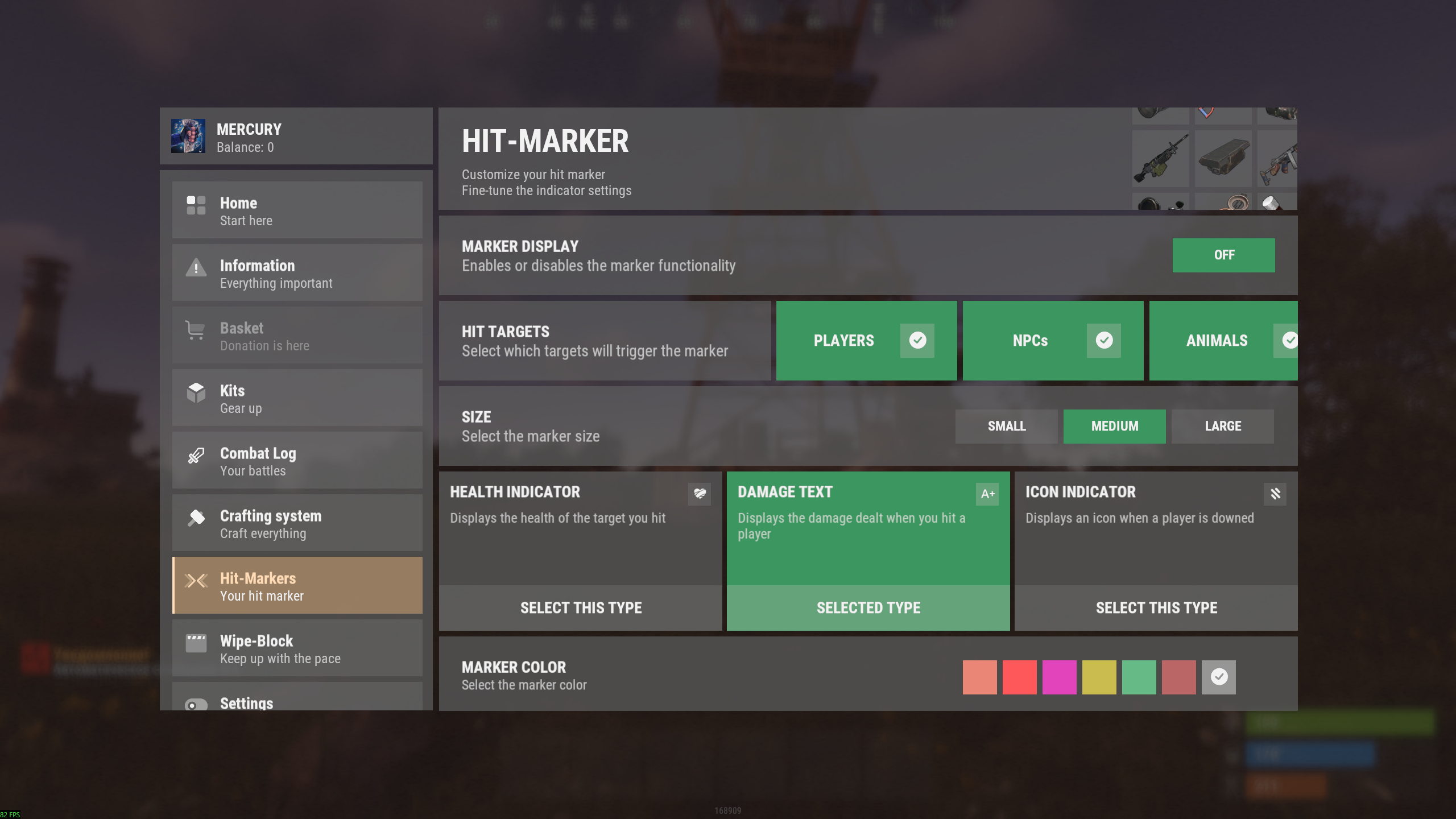
|
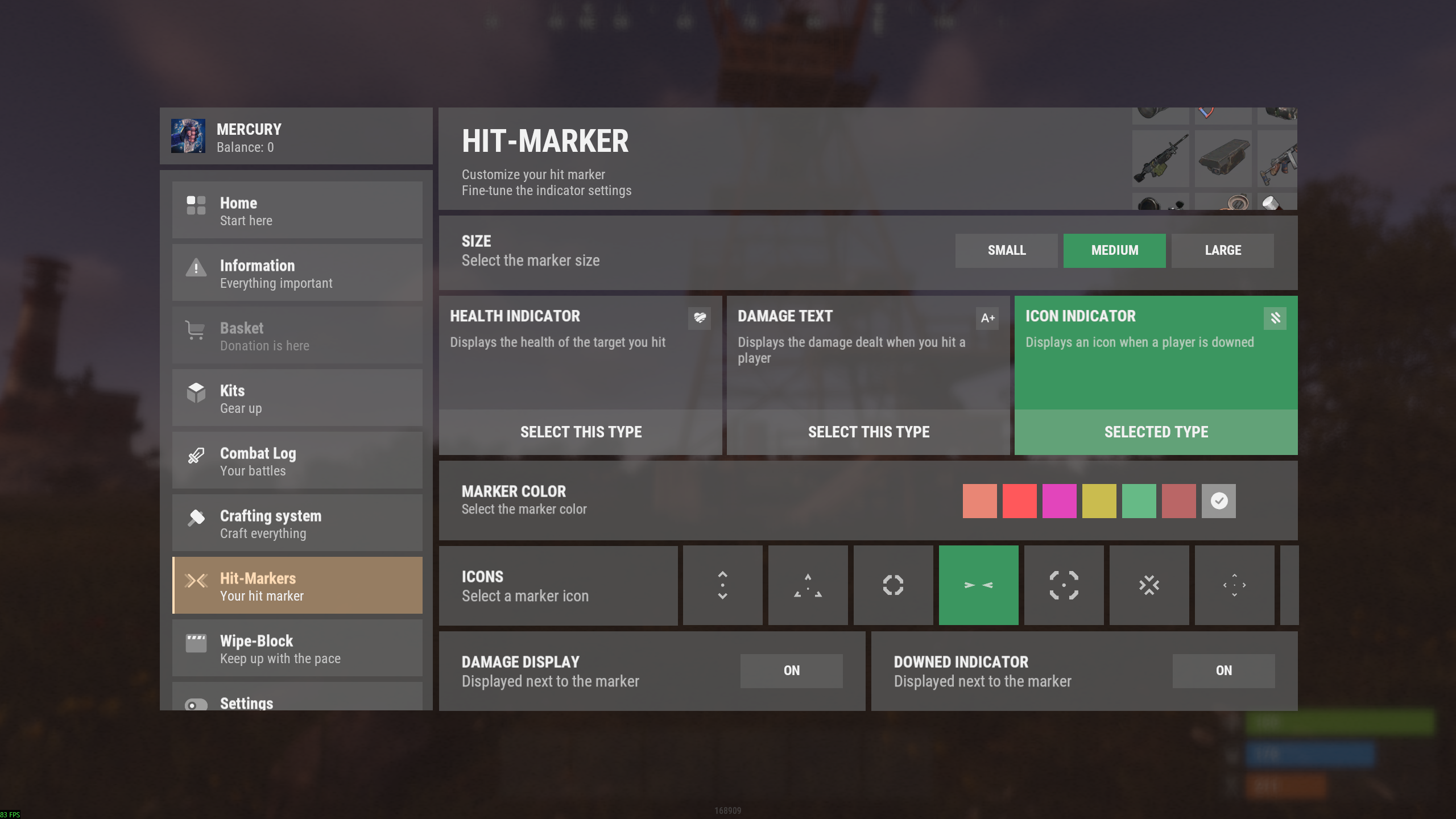
|
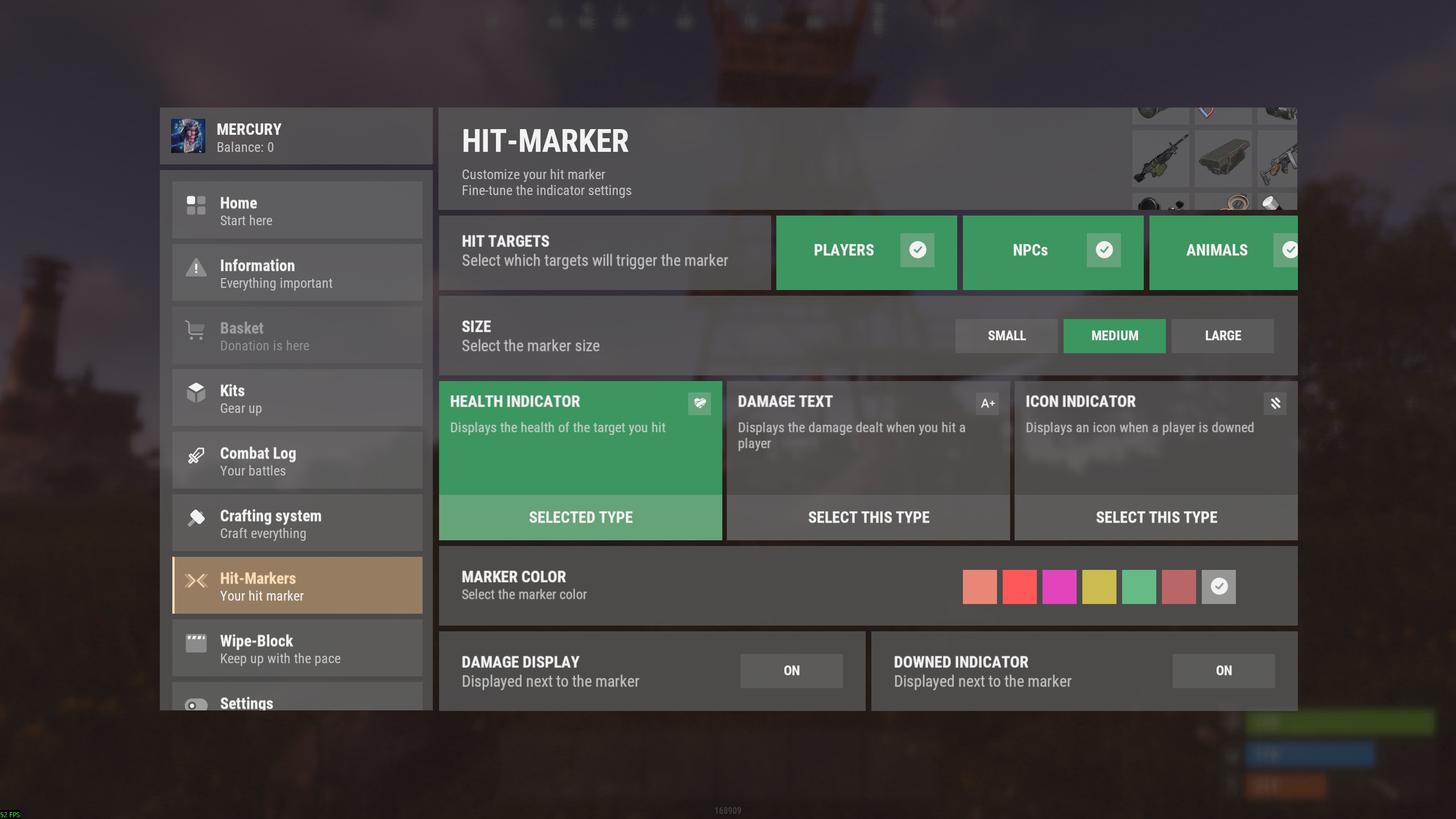
|
|---|
Configuration :
{
  "Header menu settings": {
    "Multilingual translation for the menu title": {
      "ru": "ХИТ-МАРКЕР",
      "en": "HIT-MARKER"
    },
    "Multilingual translation for the menu description": {
      "ru": "Настрой хит-маркер под себя\nДетальная настройка для индикации",
      "en": "Customize your hit marker\nFine-tune the indicator settings"
    },
    "List of items for menu decoration [Shortname] (no more than 9 items)": [
      "weapon.mod.small.scope",
      "rifle.ak",
      "weapon.mod.holosight",
      "lmg.m249",
      "weapon.mod.lasersight",
      "smg.thompson",
      "weapon.mod.8x.scope",
      "compass",
      "flare"
    ]
  },
  "Marker settings": {
    "Marker color list [UniqueKey] = Color": {
      "coral": "0.914 0.525 0.455 1",
      "red": "1 0.349 0.361 1",
      "fuchsia": "0.886 0.271 0.733 1",
      "mustard": "0.792 0.737 0.314 1",
      "mint_green": "0.4 0.729 0.525 1",
      "muted_red": "0.729 0.4 0.4 1",
      "white": "1 1 1 0.5"
    },
    "List of marker icons available for selection from data/nanoMarker/Images/Markers [Without .png]": [
      "HIT_VERTICAL",
      "HIT_TRIAD",
      "HIT_RING",
      "HIT_HORIZONTAL",
      "HIT_FRAME",
      "HIT_CROSS",
      "HIT_MULTI",
      "HIT_MULTI_LINE"
    ]
  },
  "Default settings for all players": {
    "Color key": "white",
    "Marker size: 0 - Small, 1 - Medium, 2 - Large": 1,
    "Marker type: 0 - Health indicator, 1 - Text indicator, 2 - Icon indicator": 1,
    "Marker icon image name from data/nanoMarker/Images/Markers [Without .png]": "HIT_HORIZONTAL",
    "Display dealt damage [true - enabled/false - disabled]": false,
    "Display when a player is downed (wounded) [true - enabled/false - disabled]": false
  }
}