
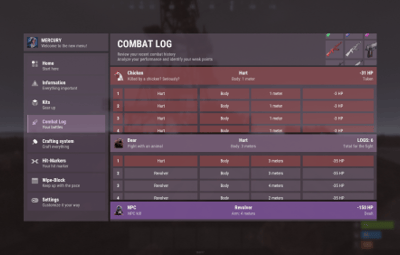
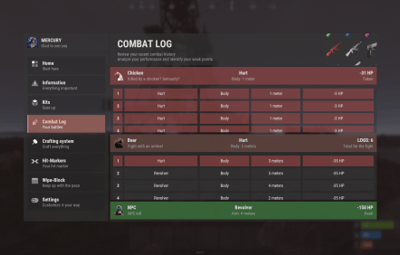
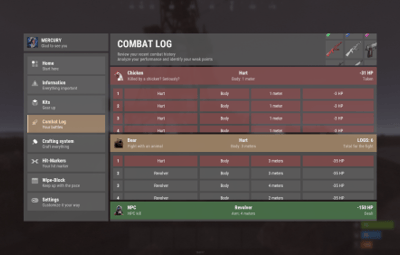
About nanoCombatLog
nanoCombatLog - a convenient UI-based combat history system for your players!
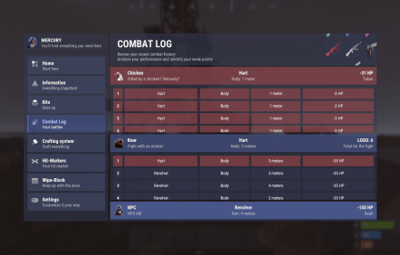
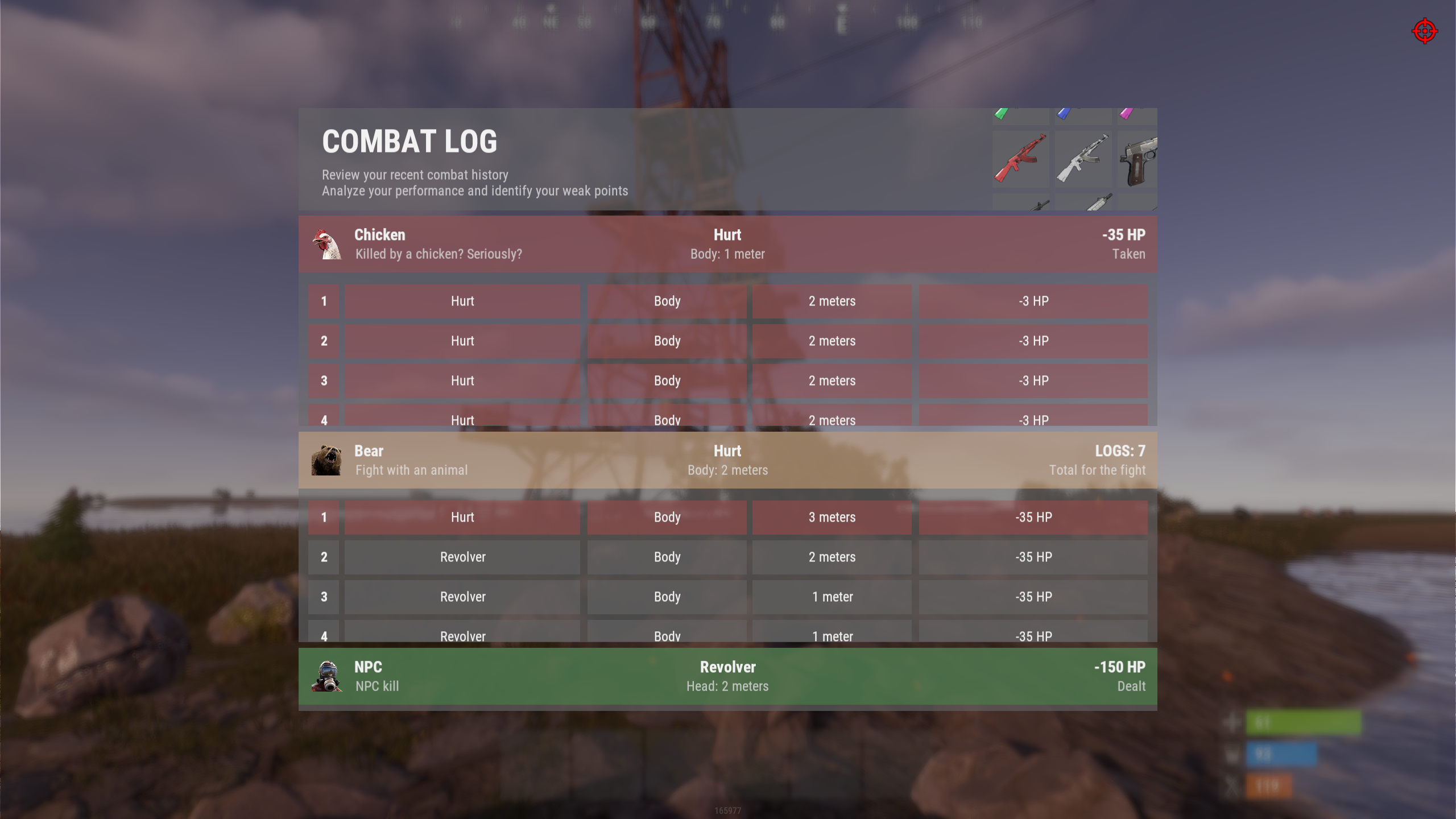
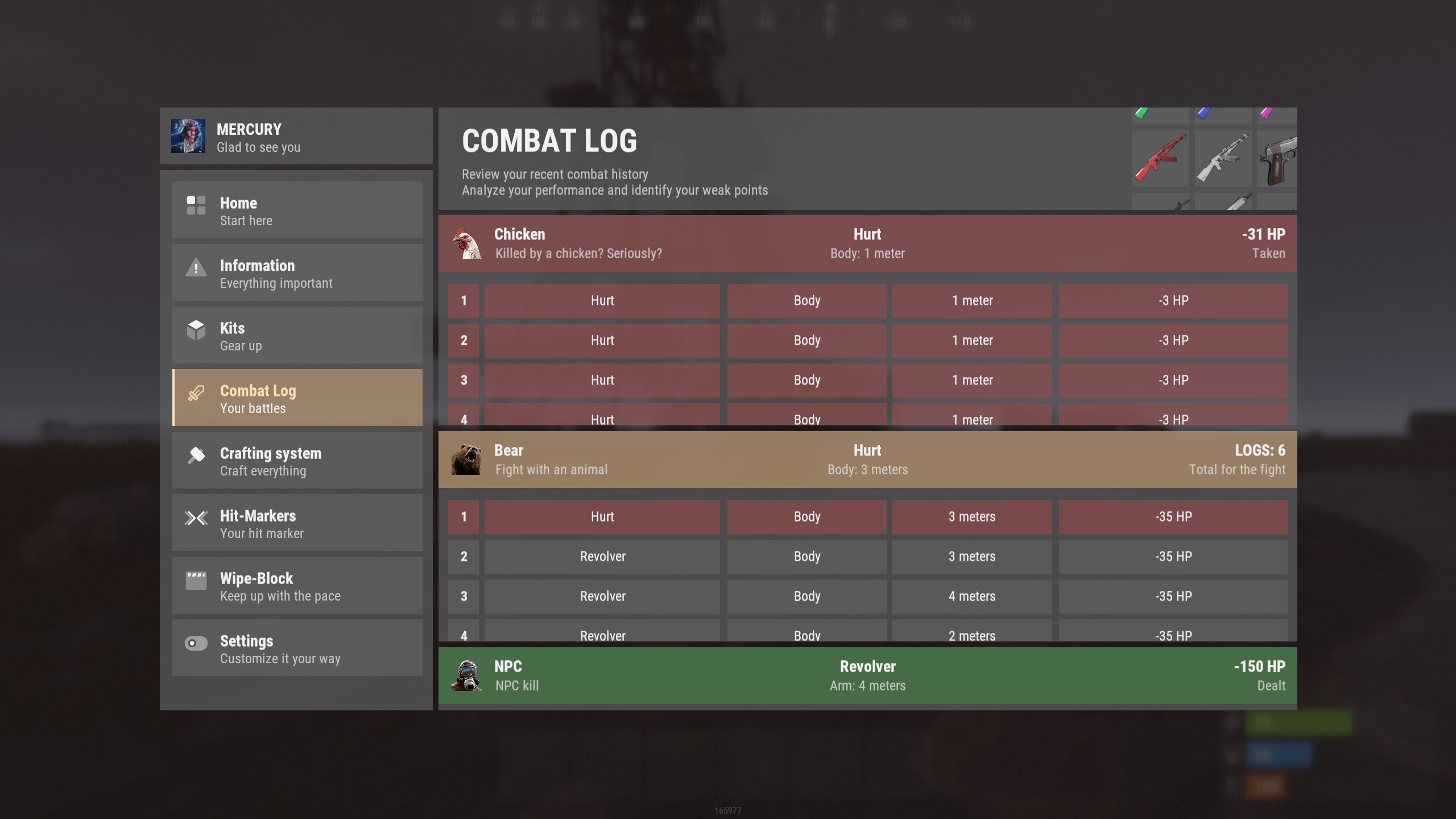
The plugin saves the history of recent battles and provides players with detailed information about each fight directly in a convenient interface.
Players can see who dealt damage and how many times, where the hits landed, how much damage was received and dealt, and analyze the course of each battle in detail.
History is saved for: players, NPCs, and animals
Configurable in the configuration and additionally in *nanoSettingModule *if installed
 Works both with nanoModalMenu and WITHOUT it!
Plugin and image installation instructions:
When downloading the plugin - you will receive an archive with the following structure:
oxide
├── plugins
│   └── nanoCraftSystem.cs          // main plugin file
│
└── data
    └── nanoSystemModule
            └── nanoCombatLog
                    └── Images
                            └── *.png             // plugin images
You need to install the icons using the same path structure as shown in the archive.
 Please note - first extract the archive to your computer and only then upload the images to your server!
Feature list:

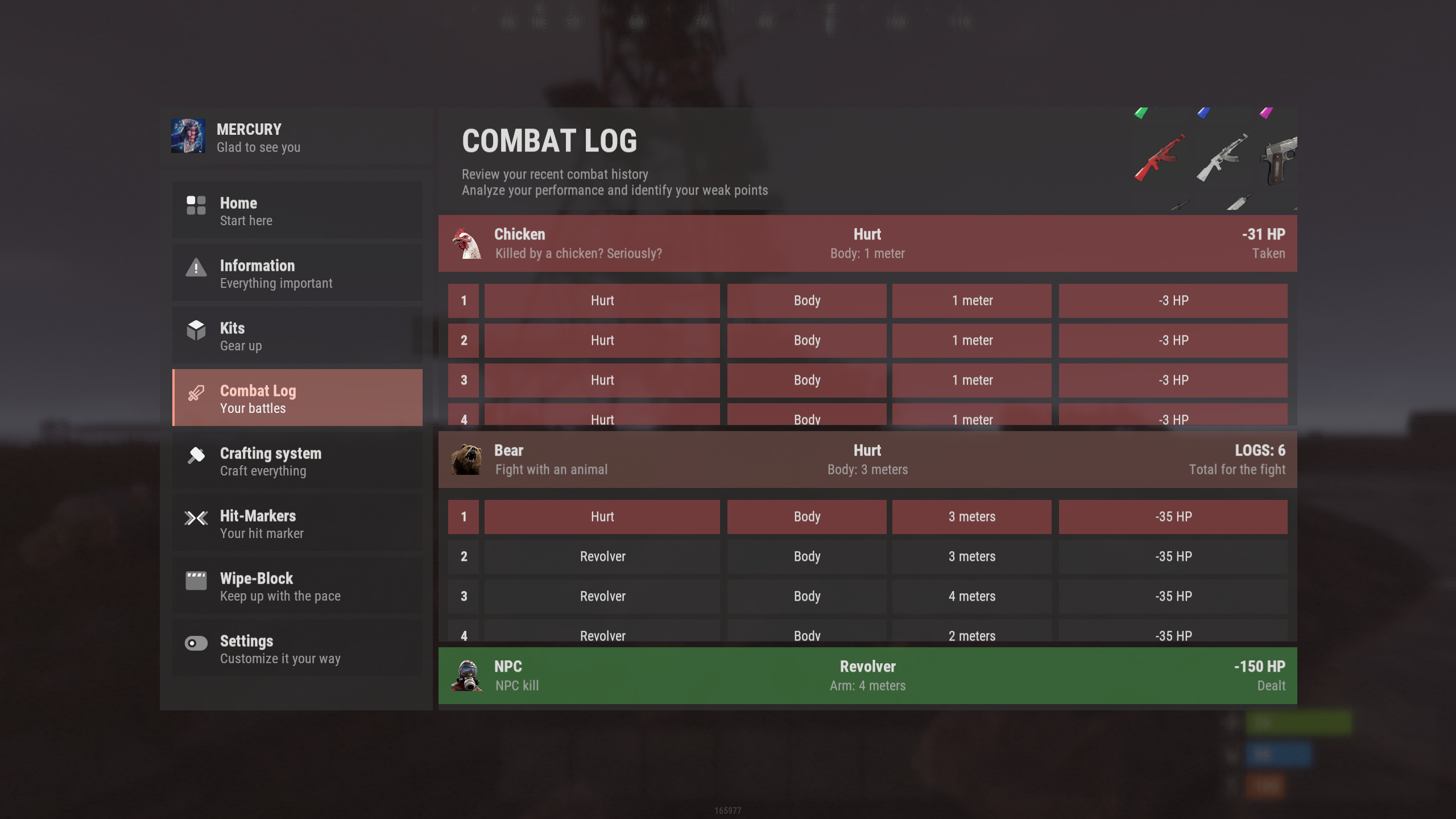
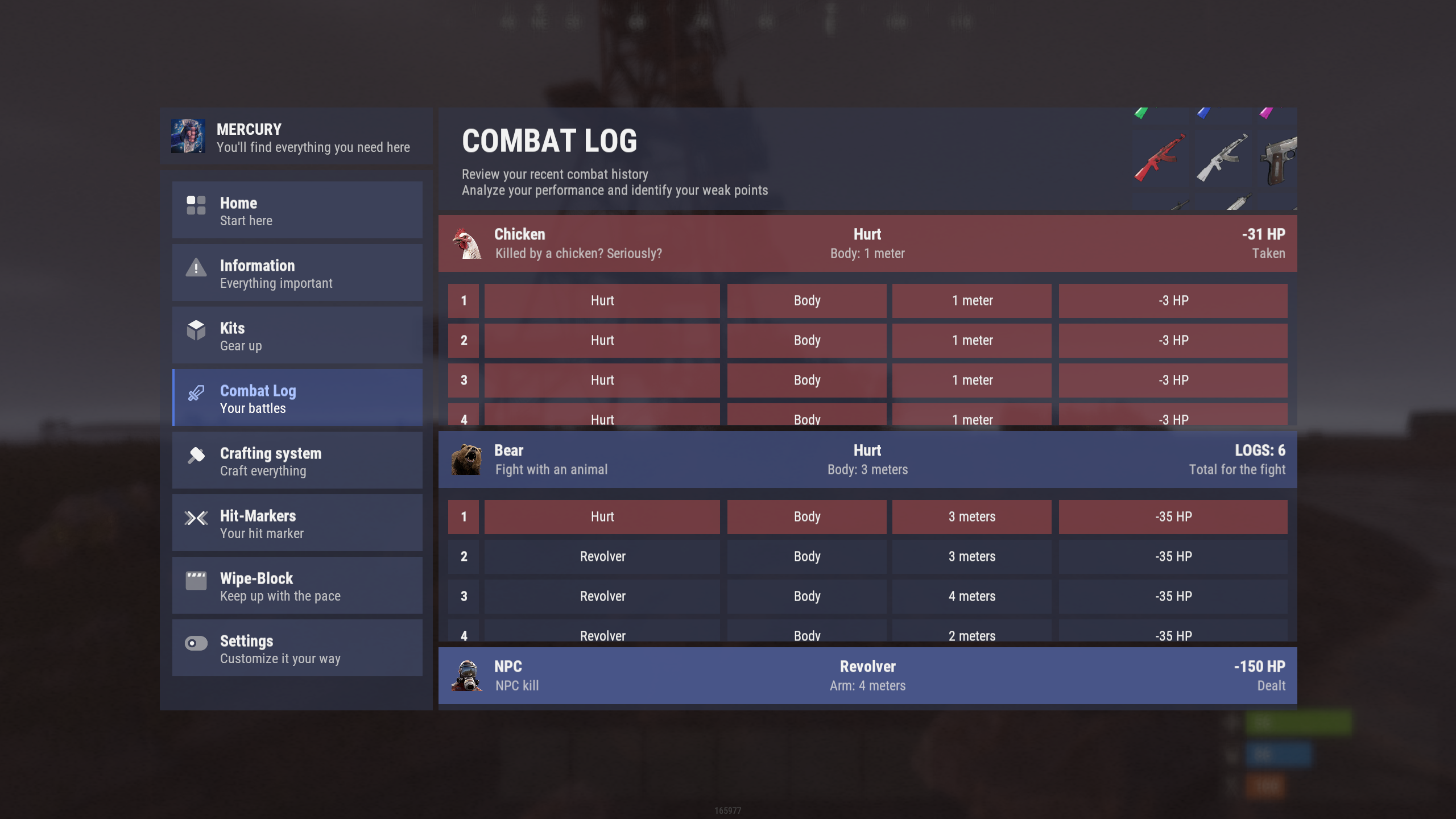
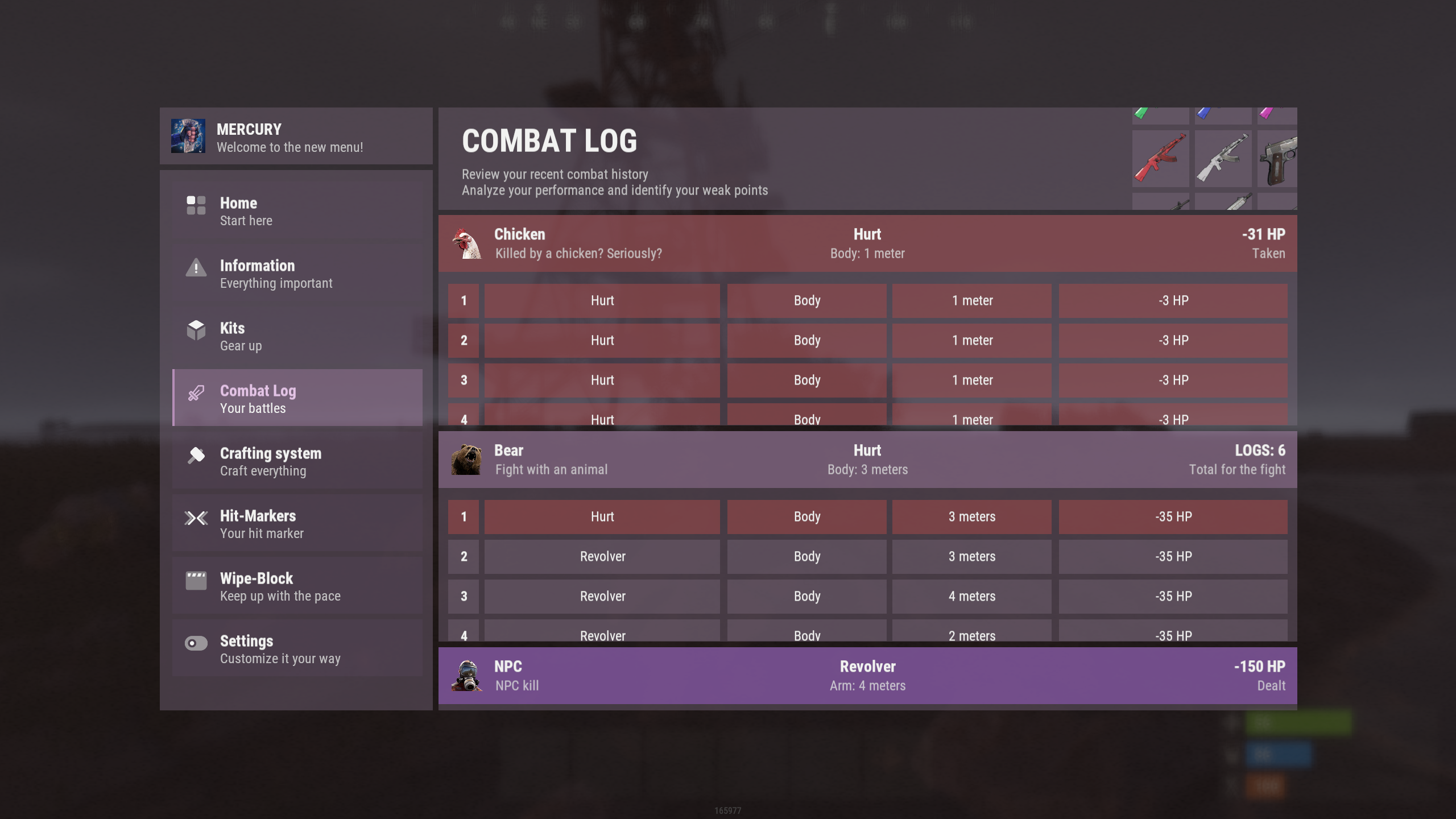
Color theme support:
*Color theme selection is available only when nanoModalMenu and nanoSettingModule are installed. Otherwise, only the Light theme will be available by default.
|
|
|
|
{
  "Header menu settings": {
    "Multilingual translation for the menu title": {
      "ru": "ИСТОРИЯ БОЁВ",
      "en": "COMBAT LOG"
    },
    "Multilingual translation for the menu description": {
      "ru": "Изучите историю ваших последних сражений\nПроанализируйте и выявите свои слабые зоны",
      "en": "Review your recent combat history\nAnalyze your performance and identify your weak points"
    },
    "List of items for menu decoration [Shortname] (no more than 9 items)": [
      "rifle.ak.glass.green",
      "rifle.ak.glass.blue",
      "rifle.ak.glass.pink",
      "rifle.ak.glass.red",
      "rifle.ak.glass",
      "pistol.semiauto.a.m15",
      "m16a2",
      "rifle.lr300.space",
      "shotgun.m4"
    ]
  },
  "Default settings parameters": {
    "Display NPC interactions in history": true,
    "Display animal interactions in history": true
  }
}
/combat - opens the combat history menu




![More information about "nanoModalMenu [Dark Theme]"](https://codefling.com/cdn-cgi/image/width=285,height=285,quality=80,fit=cover,format=webp/https://codefling.com/uploads/monthly_2026_09/en_nanoModalMenu_DarkTheme.thumb.png.c6184dd213e55e1e085101ef45947d66.png)
![More information about "nanoModalMenu [Purple Theme]"](https://codefling.com/cdn-cgi/image/width=285,height=285,quality=80,fit=cover,format=webp/https://codefling.com/uploads/monthly_2026_09/en_nanoModalMenu_PurpleTheme.thumb.png.438ca9de61b4284f19ced783262116f1.png)
![More information about "nanoModalMenu [Blue Theme]"](https://codefling.com/cdn-cgi/image/width=285,height=285,quality=80,fit=cover,format=webp/https://codefling.com/uploads/monthly_2026_09/en_nanoModalMenu_BlueTheme.thumb.png.b331ea447e3ad60eaa6518a3a764ac95.png)