

beee
-
Posts
583 -
Joined
-
Days Won
7
Content Type
Profiles
Warranty Claims
Downloads
Forums
Store
Services
Downloads Plus Support
DOWNLOADS EXTRA
Everything posted by beee
-
 @unheil666 It's working fine for me, please create a support ticket giving me more information about what you attempted and what is not working to be able to help you faster.
 -
 Would have to add an action for each at the moment (you can Duplicate and change the id), but that you mention it it would make sense to support that when comma separated maybe. Will dm you a temp version you can try out.
 -
 @Srtzero Yes that makes sense as it resets on plugin reload. Will add an option next update, for the time being you can manually do the following in the cs file. Replace if (!_messagedPlayers.Contains(player.userID)) With if (false)
 -
It's supposed to only send once since player connected, that's not what's happening?
-
Is it loaded and you set permissions?
-
Hi, wanted to check on this, did it start working again for you or still happening? I have tested a couple of times recently with around 4k skins files but didn't have issues, so I'm wondering if steam was just down at the time.
-
Technical Issue Report: Equipment Slot Conflict with Headlight Plugin
beee replied to K9N_Twitch's Support Report in Support
Changed Status from Pending to Closed -
Technical Issue Report: Equipment Slot Conflict with Headlight Plugin
beee replied to K9N_Twitch's Support Report in Support
Closing this ticket for the time being, will open again if you observe any new behavior we can replicate. -
I understand, the button posts web requests to steam api to get info about all skins in the file to determine what is broken and what's not, steam api is very annoying with the limits they have so it might be causing issues if i am requesting a info for too many workshop files. I am not experiencing this with files on my side, so would need the skins file you have an issue with to investigate.
-
If you were granting the perm to a group currently it does not instantly update players max health, player reconnect/death or plugin reload would apply the change (will handle that next update). That's not new to last version only, If that's not the case for you please open a ticket in support tab detailing steps for me to replicate your problem.
-
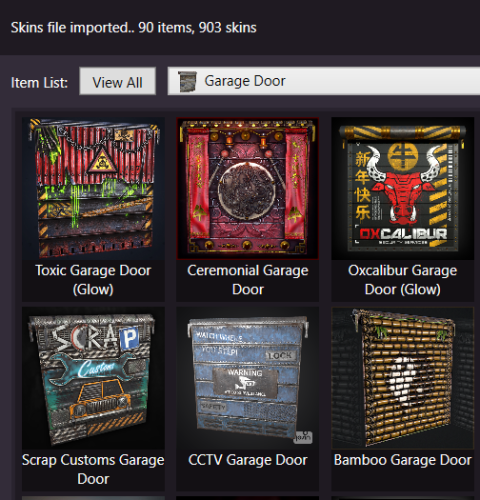 Just checked the Steam API output if it shows Content Descriptors for mature content, but it does not provide that information unfortunately for me to filter.
 -
Seen this suggested recently, these are the issues came to mind: I cannot confirm if the command actually started an event or did whatever was asked to do,, if it had a reason not to run, AutometedMessages would still send messages you setup even if it might be incorrect. (Like saying GasStation event started when it actually did not) If i setup commands listening trigger, it will be expected in many cases for AutomatedMessages to send to who the command is directed to, i can only obtain it from the command itself without knowing which argument the player id or name is at. (Example: for Economics you credit a player with deposit <player name or id | *> <amount>, but for ServerRewards you credit it them with rp add <username|userid|*> <amount>.. 1st argument for one, and 2nd for the other) Forgot the third I'll be working on a small update very soon and will still give this a try then decide if I had a good solution for it.
-
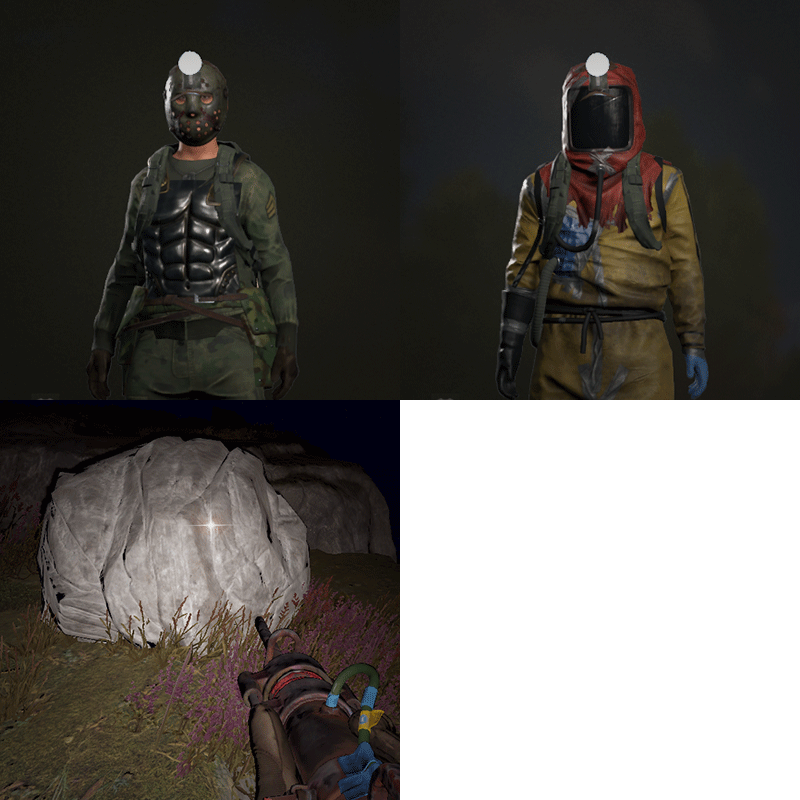 Hey, will check what could be causing it soon. If you can open a ticket so I won't forget.
- 24 comments
-
- 1
-

-
- #headlight
- #rust
- (and 6 more)
-
@jordo2k25 Added them to a prerelease version 1.7.7. To download go to Updates section, pick v1.7.7 from the changelog dropdown, then click Download Before Release. As mentioned in the update notes, plugin you're using might have not added support for the items yet, if you can't skin them in game then ask the dev to add them.
-
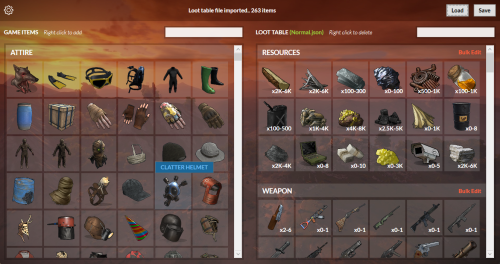 @bidi1252 This topic came up before and while i agree it would be great but nivex often changes loot populating logic, and i would have to copy it and regularly keep up with it,, which i try to avoid. IIRC the plugin has the command rbe generateloot [mode] which prints to console, maybe could help. As for text property, we discussed it a while back and nivex suggested it would be excluded from the editor as it can easily break items stacking if misused, but i guess i can add it in the model but not the UI next update.
 -
Already notified rusthelp.com to update DLC API, but it might not be added before next forced.
-
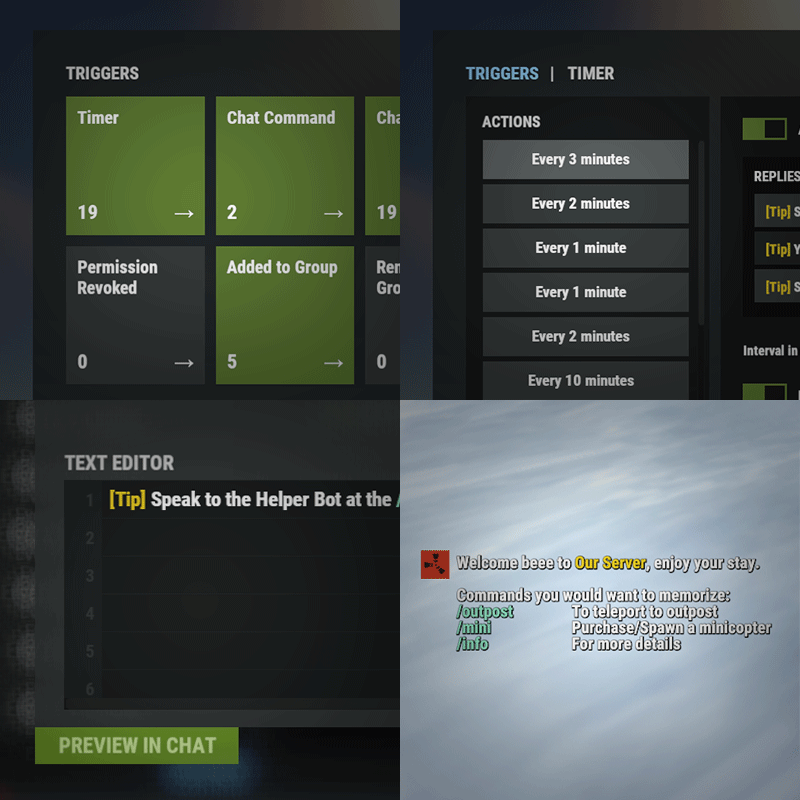
In /am.edit, when you add an action in Player Connected trigger, scroll down to Groups section and specify groups you would like to limit these messages to.
-
They changed the name and shortname for these items when they released the DLC, you are using gates.external.high.frontier for example, which was changed to gates.external.high.legacy, and for some reason still left the frontier item (which is technically not in the DLC and not in the DLC API provided by FP).
-
Hi, you can currently achieve that with the help of https://umod.org/plugins/placeholder-api which Automated Messages supports. Download and load PlaceholderAPI Add new chat command for time using /am.edit Having {date.now:t} in a reply should show local server time when a player run /time command. (You can read placeholder documentation to get an idea what other placeholders you can have or how to customize time format) Now to have ! available as a prefix for commands, you can go to oxide/oxide.config.json, and add "!" to "Chat command prefixes".
-
@sardar Posted fix, thanks for reporting.
-
Version 1.0.7
700 downloads
Lightweight plugin that allows you to set custom maximum health for players based on permissions. Server owners can configure permissions in the plugin’s config file to give certain groups or players higher (or lower) max health. Example: Granting the permission playerhealth.tier1 will set a player’s maximum health to 150 based on default config. Config { "Permissions": { "tier1": { "Max Health": 150.0, "Start health %": 60.0, "Healing items to match max health": true }, "tier2": { "Max Health": 200.0, "Start health %": 60.0, "Healing items to match max health": true }, "tier3": { "Max Health": 300.0, "Start health %": 60.0, "Healing items to match max health": true } }, "General Settings": { "Revert to vanilla in RaidableBases": false, "Revert to vanilla in AbandonedBases": false, "Revert to vanilla in SurvivalArena": false }, "Version": { "Major": 1, "Minor": 0, "Patch": 7 } }Free- 6 comments
- 3 reviews
-
- 7
-
-

-
- #maxhealth
- #max
- (and 2 more)
-
@slim788 Added normally for me, seems like network issue when trying to download the image on your side.. will send to your inbox a version that atleast does not exit the application if it couldn't fetch the skin.