
ninco90
-
Posts
774 -
Joined
-
Last visited
-
Days Won
5
Content Type
Profiles
Warranty Claims
Downloads
Forums
Store
Services
Downloads Plus Support
DOWNLOADS EXTRA
Reels
Support Center
Everything posted by ninco90
-
Changed Status from Pending to Fixed Changed Fixed In to 1.5.9
-
Try the latest update
-
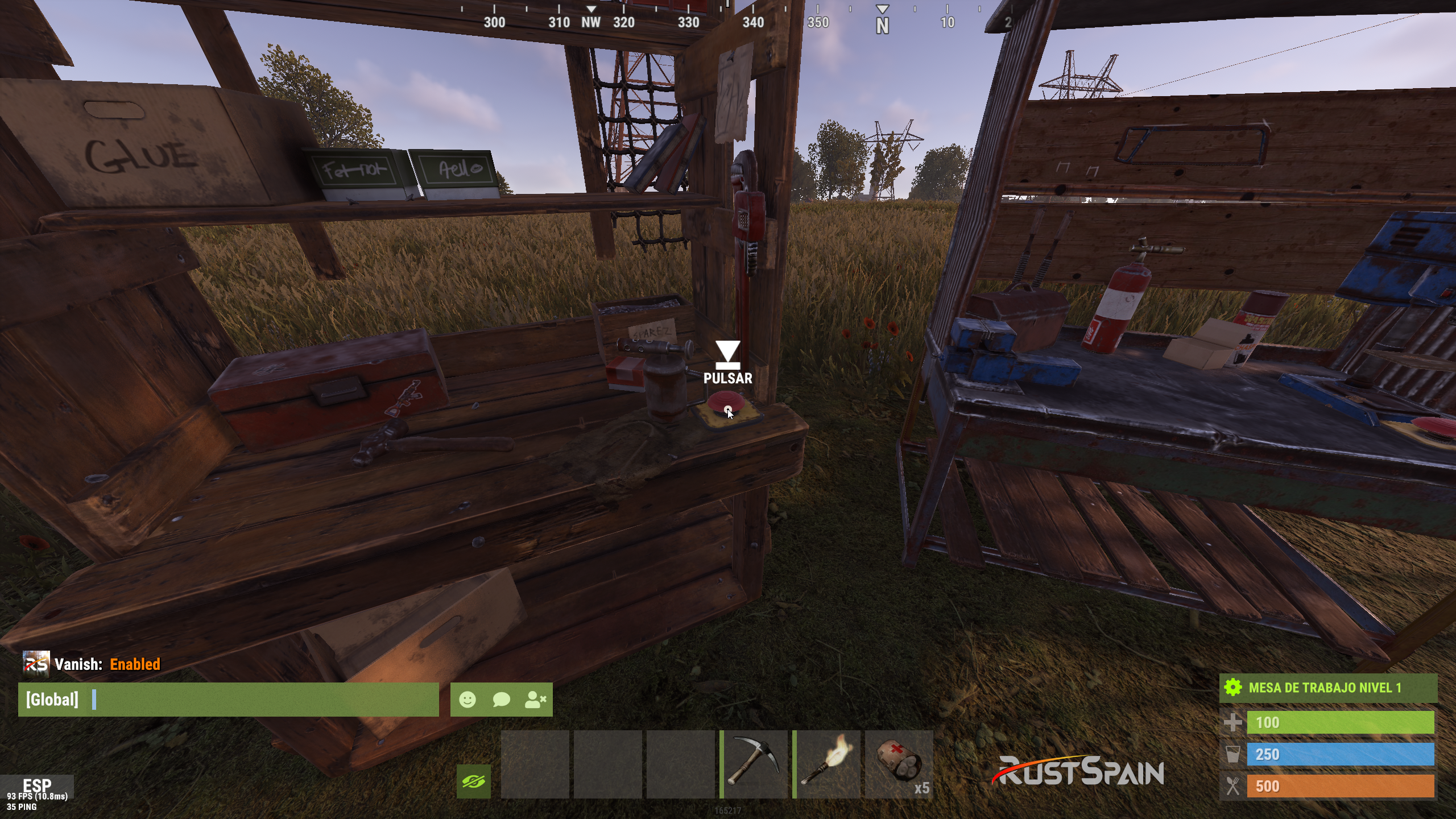
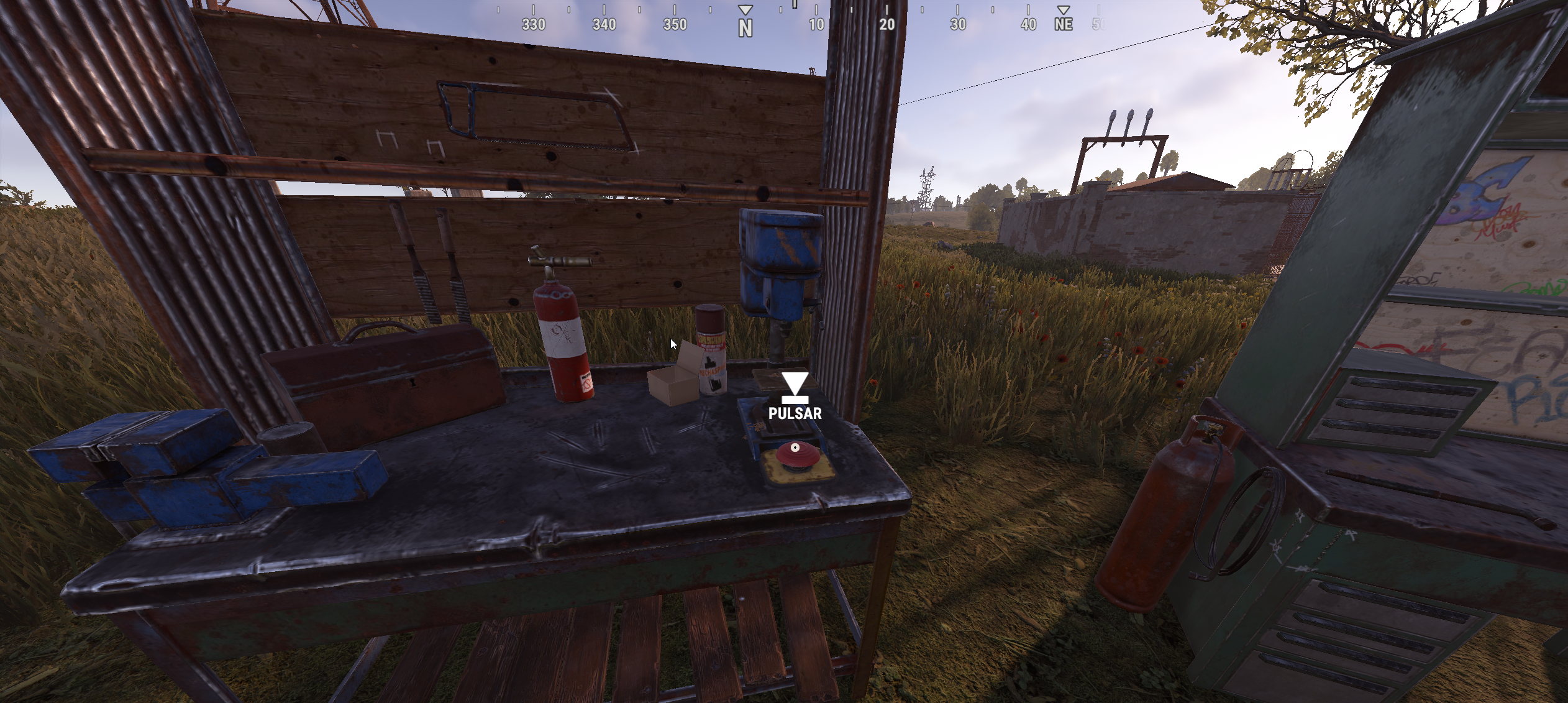
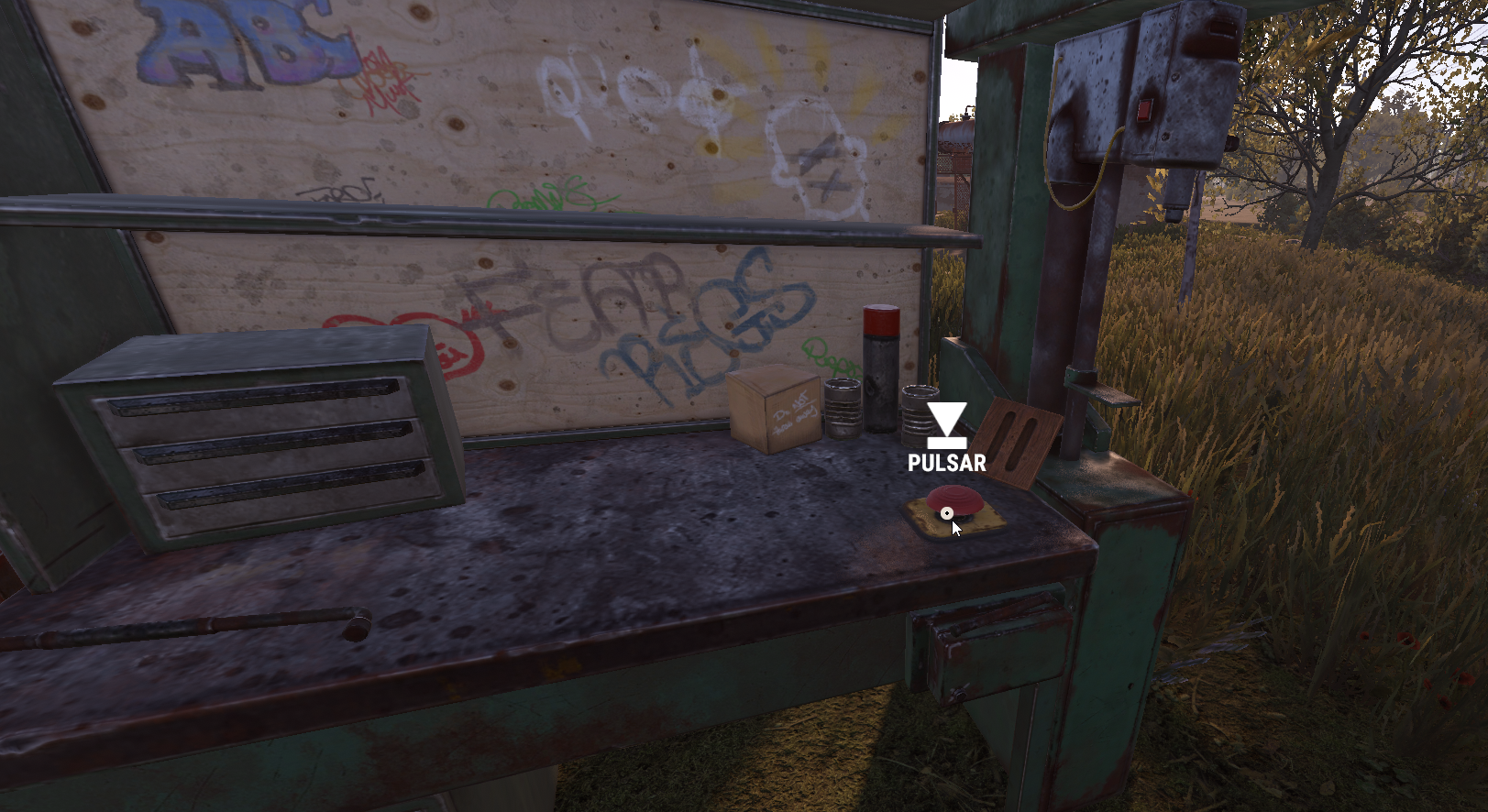
The "Show button when opening Workbench" option certainly hasn't been working since the way the Workbench opens was changed; previously, there was an intermediate screen rather than the branches opening directly, and the button was displayed on the interface during that intermediate stage. That is why we subsequently set it up to appear via a physical button. I will check if a button can be re-implemented in the CUI in some way.

-
The button is a physical button, not a button in the game interface. Don't you see it on the workbench?
-
Does something like that work for you? I can send it to you privately. https://cobaltmaps.com/maps/tlo529laom
-
Changed Status from Pending to Not a Bug
-
"Downgrade Enable": true, "Downgrade only Owner Entity Build": false, "Upgrade only Owner Entity Build": false, "Upgrade / Downgrade only Owner and Team": true, Check that this is set up this way in the configuration.
-
In principle, I have no plans to add it; otherwise, I would have done so when implementing this feature. This is due to the complexity involved: there is a difference between the system forcibly setting the wallpaper and having the game recognize that you are setting it externally while the client itself is blocking it. It is more complex, and adding it would likely require hooks that could potentially impact performance in some way.
-
This only applies to automatic placement—the long-standing feature that automatically places wallpapers one by one. It does not affect manual placement by the player.
-
Correct, those options don't apply to manual mode. You can set it manually, but it works just like in vanilla. I haven't changed anything to bypass the manual limits.
-
Changed Status from Pending to Not a Bug
-
Do the building blocks that aren't upgraded belong to the same player or another one?
-
Have you updated to the latest version I released a few days ago?
-
Hi! It won't let you do it manually, only automatically from the TC on both sides, if that's what you mean.
-
Hi! Are you using Carbon or Oxide? Do you also have the Wallpaper Planner plugin installed?
-
 Chat Command: Usage: /addwp <skinid> <Wall|Floor|Ceiling>, Example: /addwp 3356517390 Wall Console Command: Usage: addwp <skinid> <Wall|Floor|Ceiling> Example: addwp 3356517390 Wall
- 451 comments
-
- 1
-

-
- #builder
- #automation
- (and 9 more)
-
 I posted the fix two hours ago, but I was so quick that I forgot to change the version number in the plugin; in my haste, I left it as is. Please check the latest file.
 -
Changed Status from Pending to Fixed Changed Fixed In to 1.2.5
-
It should be fixed now in the latest update; at least it compiles to Carbon. Let me know if you have any problems. Cheers!
-
Changed Status from Pending to Fixed Changed Fixed In to 1.2.5
-
It should be fixed now in the latest update; at least it compiles to Carbon. Let me know if you have any problems. Cheers!
-
Changed Status from Pending to Fixed Changed Fixed In to 1.2.5
-
It should be fixed now in the latest update; at least it compiles to Carbon. Let me know if you have any problems. Cheers!
-
Hi! Is it not working for you in Staging with the update I released today?
-
That's quite strange because the building block only allows one color. I'd say something is definitely bugged, which is why they appear as two colors. Does this also happen with any non-floating bases? I mean, a normal base on the ground, without any plugins that might affect it.