Jump to content

ninco90

Creator Pro
  • Posts

    627
  • Joined

  • Last visited

  • Days Won

    3

Everything posted by ninco90

  1. ninco90

    BoatControl

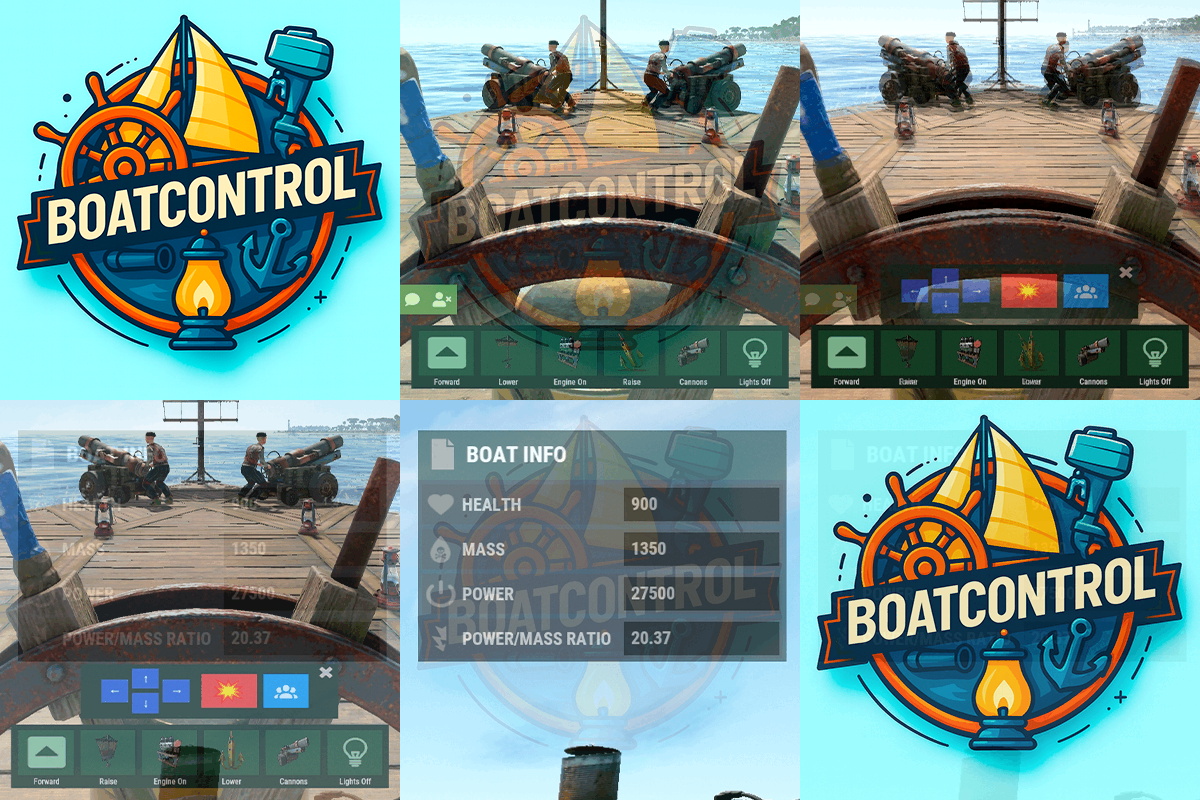
    A very small (blue) button appears in the upper right corner within the ship editing options. I put it there to avoid adding another button and to make all the buttons smaller. Also make sure you have edit permissions for that button to be displayed.
  2. ninco90

    BoatControl

    Check out the latest update
  3. Do you mean that when you kill an NPC riding a cannon, the cannon disappears?
  4. ninco90

    BoatControl

    Hi! In this respect, you would only need a plugin that cancels the damage from cannons or blocks the crafting of cannons, I suppose.
  5. ninco90

    BoatControl

    No, but you can disable NPC spawning in Crew Cannon, which ultimately prevents the cannons from being moved. It might be worthwhile to add a setting to completely disable the cannon option if that's what you mean.
  6. ninco90

    BoatControl

    For what purpose? To replace W and S with Z and Q for gear changes? These keys can only be used in plugins: FORWARD BACKWARD LEFT RIGHT JUMP DUCK SPRINT USE FIRE_PRIMARY FIRE_SECONDARY RELOAD FIRE_THIRD
  7. ninco90

    How to move bar

    Sorry! I thought it was a different problem. Make sure you update the plugin; it's important. Regarding your issue, if the interface gets stuck on the screen for any reason, try getting back on the helm and then getting off. The interface should disappear automatically when you get off the helm. The interface appears over the belt because you can't use anything on the belt when you're at the helm, so it's the best way to avoid obstructing your view. Now, the other interface with the ship information can be moved, so any player can drag it around the screen and place it wherever they want.
  8. ninco90

    Boat npc crew

    Changed Status from Pending to Fixed Changed Fixed In to 1.1.0
  9. ninco90

    Boat npc crew

    Fixed! Please download the latest update and test everything again
  10. ninco90

    How to move bar

    Hi! Yes, I've been aware of this issue since last night, and I spent all night working on a new update. I've fixed it now, and it will be released soon! I sincerely apologize for the inconvenience. This only happened in Oxide, but it worked fine in Carbon.
  11. ninco90

    Boat npc crew

    Hi! Yes, I've been aware of this issue since last night, and I spent all night working on a new update. I've fixed it now, and it will be released soon! I sincerely apologize for the inconvenience. This only happened in Oxide, but it worked fine in Carbon.
  12. ninco90

    Tiers Mode

    Fixing this now, the update will be available shortly.
  13. Comment out these lines to make it work temporarily. However, the oven multiplier will not work. 8555 and 8556 Instance.NextTick(() => { // Oven go brrrrrrrrrrr //oven.CancelInvoke(oven.Cook); //oven.InvokeRepeating(oven.Cook, tickTime, tickTime); });
  14. ninco90

    Tiers Mode

    Fixed! Version 1.3.4
  15. ninco90

    EMPTY SUPPORT TICKET

    Changed Status from Pending to Closed
  16. ninco90

    Tiers Mode

    Cierto, me he tirado un buen rato intentando de arreglarlo. Mañana enviaré la update con este problema solucionado.
  17. Hi! I wanted to let you know that I'm working on the settings page. Please message me on Discord and I'll send it to you so you can try it out.
  18. ninco90

    Tiers Mode

    El otro día cerré el sitio que alojaba antiguamente las imágenes, tal vez sea eso. ¿Tienes el plugin actualizado? ¿Puedes revisar en la config si tienes alguna imagen que cargue desde img.rustspain.com? Si es así ese subdominio ya no está disponible
  19. Hey, I like the idea of a web editor. It would be much easier to do. Noted!
  20. Hi! The plugin is a global leveling system for all players, restricting certain actions based on their current tier. [Therefore, it's not a "notification and information system"] It's usually configured properly once, on a test server, or if you're preparing for an event (which is where it's primarily used). As you correctly point out, much of the configuration is done through the configuration file itself. Adding a more visual and practical way to manage everything would mean more lines of code, more functions, and less plugin optimization. And frankly, for me, the most important thing is plugin optimization and ensuring they don't create any additional load. However, what can be easily configured from within the game itself are the locked items for each tier using the chat command: /tier edit (although for the changes to take effect, you'll need to reload the plugin, as the locked items are cached when the plugin starts). So why can this be edited and not other things? Well, I consider this the most complex part of configuring the plugin. Imagine entering the item names one by one by hand... It would be madness. I should also mention that this plugin requires a good understanding of the process; it's not easy to install. Although I tried to make it as easy as possible and organize the configuration's JSON structure well. What are you finding most difficult to edit? Perhaps I could create a custom plugin for you that allows you to configure the basic settings for each tier, and that plugin would contain the editing options you need. That way, once you've finished configuring it, you can remove it from the server. Honestly, this plugin has sold well. Occasionally, someone asks questions, and I help them without hesitation. But no one has ever described it so negatively.
  21. ninco90

    Error

    So in the "Img Icon" field: "", For wood, stone, metal, and armored, it's empty, right? That is, there shouldn't be any content inside the quotation marks. This is so it gets the image from the game itself. The strange thing is, there are usually problems the other way around; those usually load, but the DLC images don't because they're external images, haha.
  22. ninco90

    Error

    Hi! Try deleting the entire configuration and reloading the plugin. The images that aren't loading were removed a long time ago because the game now uses its own images for those specific icons, which are the material icons.
  23. ninco90

    Capture The Flag

    Great that you implemented these fixes so quickly! I wasn't expecting it to be so fast, haha. Let me offer a few additional suggestions: Improve the configuration system so that when you add a new value, it's automatically added to the configuration. Currently, I have to delete the existing configuration file to recreate it completely. It's possible to make it so that if you add something new, it's simply added and what you already have configured is retained. I got the feeling (I need to test it more thoroughly) that the position changes I make with the chat command aren't being saved correctly in the configuration, even though they are reflected in F1. It would be great to have a GUI (optional) that displays a modal in a specific area of the screen showing the latest event information, instead of cluttering the chat with messages. It would be interesting to see how much time is left to finish capturing all online players, or at least the players closest to the zone, and not just the one capturing. Add the option to execute the event from a console command, to launch it from the RCON or another way. Add automatic execution of the event at regular intervals, similar to existing Sputnik events. An option in the configuration to prevent the target area from being revealed/displayed until someone captures the flag for the first time. This reduces camping at the final destination and helps clarify for players which point to go to first. If I think of anything else, I'll let you know.
  24. ninco90

    Capture The Flag

    https://gyazo.com/37ea6a1e7b349dac5e7169bfb28923dd The clan name is being repeated in the chat. I don't think this is necessary: `string displayName = UseClans ? GetPlayerDisplayName(player) : player.displayName;` Since the clan name is usually included in `displayName` itself, that's why it's being repeated. I also recommend moving the language messages to a `lang` file instead of the `config` file to enable multilingual support. https://gyazo.com/5ab18228d6c8ad8bb7562183b7bb8333 This cannot be translated. Another suggestion, if I may: a boolean in the config to prevent players from getting into vehicles while holding the flag.
  25. ninco90

    Capture The Flag

    Awesome! It looks good. A simple and straightforward idea. However, it would be great if the ability to configure the spawn of crates as a reward, instead of simply handing in the items to your inventory. This would take advantage of the Loottable settings, for example. In other words, you could place elite or hackable crates to spawn and make the game more challenging.
2.2m

Downloads

Total number of downloads.

10.3k

Customers

Total customers served.

149.4k

Files Sold

Total number of files sold.

3.2m

Payments Processed

Total payments processed.

×
×
  • Create New...

Important Information

We have placed cookies on your device to help make this website better. You can adjust your cookie settings, otherwise we'll assume you're okay to continue.