
ninco90
-
Posts
786 -
Joined
-
Last visited
-
Days Won
5
Content Type
Profiles
Warranty Claims
Downloads
Forums
Store
Services
Downloads Plus Support
DOWNLOADS EXTRA
Reels
Everything posted by ninco90
-
Could it be a structure with staked TCs? If so, you should try from other TCs. It’s possible that the structure you’re standing on isn’t the one linked to that particular TC.
-
Changed Status from Pending to Work in Progress Changed Fixed In to Next Version
-
It will be added in the next update.
-
Changed Status from Pending to Closed
-
Changed Status from Pending to Fixed Changed Fixed In to Next Version
-
Thanks for reporting this! The warning appears because one of BoatControl’s helper classes was declared outside the main plugin class. It’s a code organization warning, not a serious error or evidence of an actual plugin conflict, and it doesn’t affect BoatControl’s functionality. I’ve already corrected it, and the fix will be included in the next release, v1.2.6. You can continue using the current version as usual.
-
"Cooldown Frequency Upgrade (larger number is slower)": { "bettertc.use": 2.0, "bettertc.vip": 1.0 }, "Cooldown Frequency Reskin (larger number is slower)": { "bettertc.use": 2.0, "bettertc.vip": 1.0 }, "Cooldown Frequency Repair (larger number is slower)": { "bettertc.use": 2.0, "bettertc.vip": 1.0 }, "Cooldown Frequency Wallpaper (larger number is slower)": { "bettertc.use": 2.0, "bettertc.vip": 1.0 }, You can reduce the values; it is recommended not to set them below 0.2, to avoid issues with large bases.
-

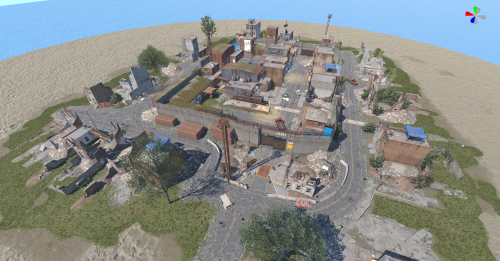
Version 1.0.2
67 downloads
CobaltMaps / Prefab Collection Compound / Outpost Breakable CobaltMaps compatibleRustEditOctober 2026 The familiar Outpost. Ready to become your own. Based on Rust's Compound / Outpost as of October 2026, this reconstruction separates the monument into individual, editable pieces. Customize its layout, remove unwanted objects, and build a unique Outpost for your next map. Editable pieces Reshape the monument your way CobaltMaps ready Use your custom .map in automatic generation RustEdit compatible Copy it manually into another map 01 / Creative freedom Remove what you don't need. Create something unique. Keep the parts you like and delete everything that doesn't fit your vision. Rearrange buildings, relocate objects, change the decoration, or open up new spaces to create an Outpost that belongs on your map. Use the original layout as your starting point, then customize it as much as you want. The separated pieces give you the freedom to adapt the monument to your own design. 02 / Map workflows Two ways to use your Outpost CobaltMaps · Automatic map generation Customize the Outpost in RustEdit, save your edited .map, and upload it to CobaltMaps as a prefab for automatic map generation. Turn your own Outpost design into a monument you can use in generated maps. RustEdit · Manual map editing You can also use this reconstruction directly in RustEdit. Select and copy the entire Outpost into another map manually, then adjust its placement and edit the individual pieces to suit your project. 03 / NPC support NPC spawn points included The reconstruction also includes the NPC spawn points. With CobaltMaps.Runtime, the NPCs can move around as they do in the original Outpost. Without CobaltMaps.Runtime, the NPCs will remain stationary. 04 / Reconstruction notes Differences from the original Outpost Some details are applied internally by Rust's original Outpost prefab or are unavailable as individual prefabs. These elements could not be reproduced exactly in this reconstruction: Garage door colors The original garage door colors are applied directly within the Outpost prefab, so those colors are not reproduced on the individual doors. Concrete floors Some concrete floor sections are not available as standalone prefabs. These areas have been rebuilt using available pieces to approximate the original appearance as closely as possible. Sign images The original sign images are also applied internally. The signs are present, but they appear blank because their original artwork cannot be replicated through the individual prefabs. 05 / Craft & feedback Reconstructed, then refined in RustEdit This Outpost was reconstructed using a private tool, followed by manual corrections in RustEdit. Found an error or have a suggestion? Please let me know. Your feedback helps improve the prefab for other map creators. 06 / Coming soon · Separate release The CobaltMaps Outpost variant I'll also be releasing the custom Outpost variant we created for CobaltMaps, featuring a train running through the middle of the monument and a reworked layout. A train route passing through the center. Many buildings removed to open up the layout. Vending machines transformed into storefront displays. Selected objects relocated throughout the monument. Build an Outpost your players will remember Start with a familiar monument, remove what you don't need, and make it your own. Use your finished design with CobaltMaps or place it manually in your next RustEdit map.Free -
Changed Status from Pending to Fixed Changed Fixed In to 1.5.9
-
Try the latest update
-
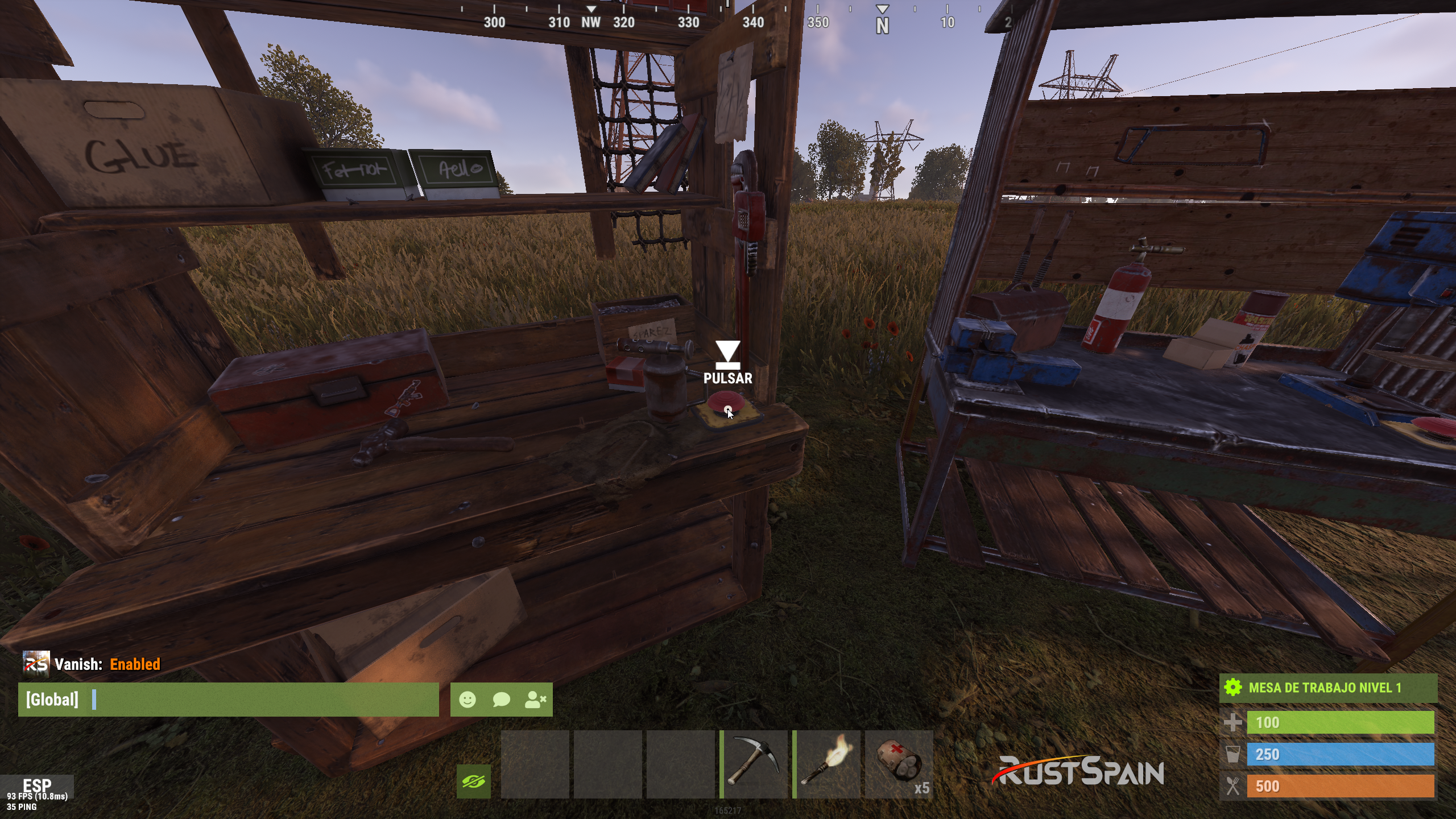
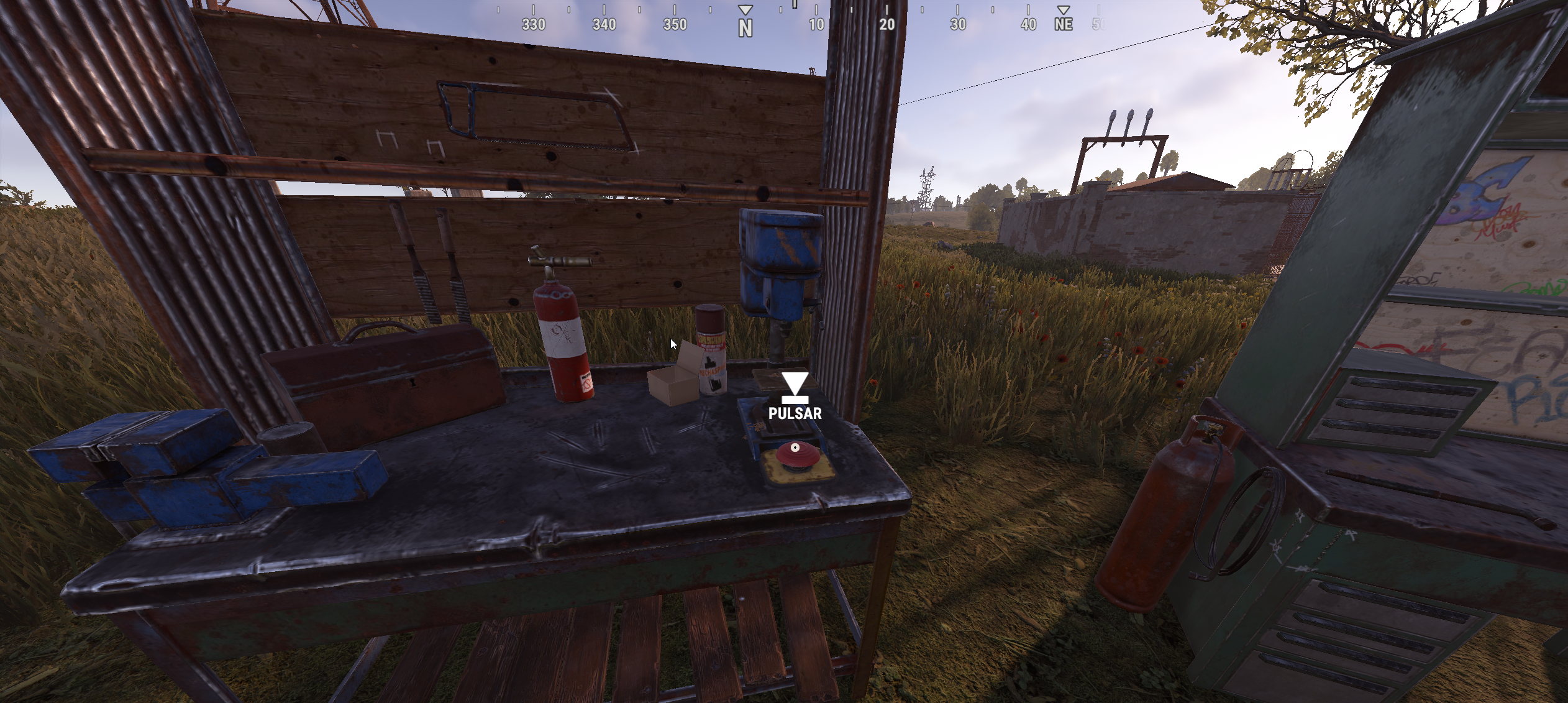
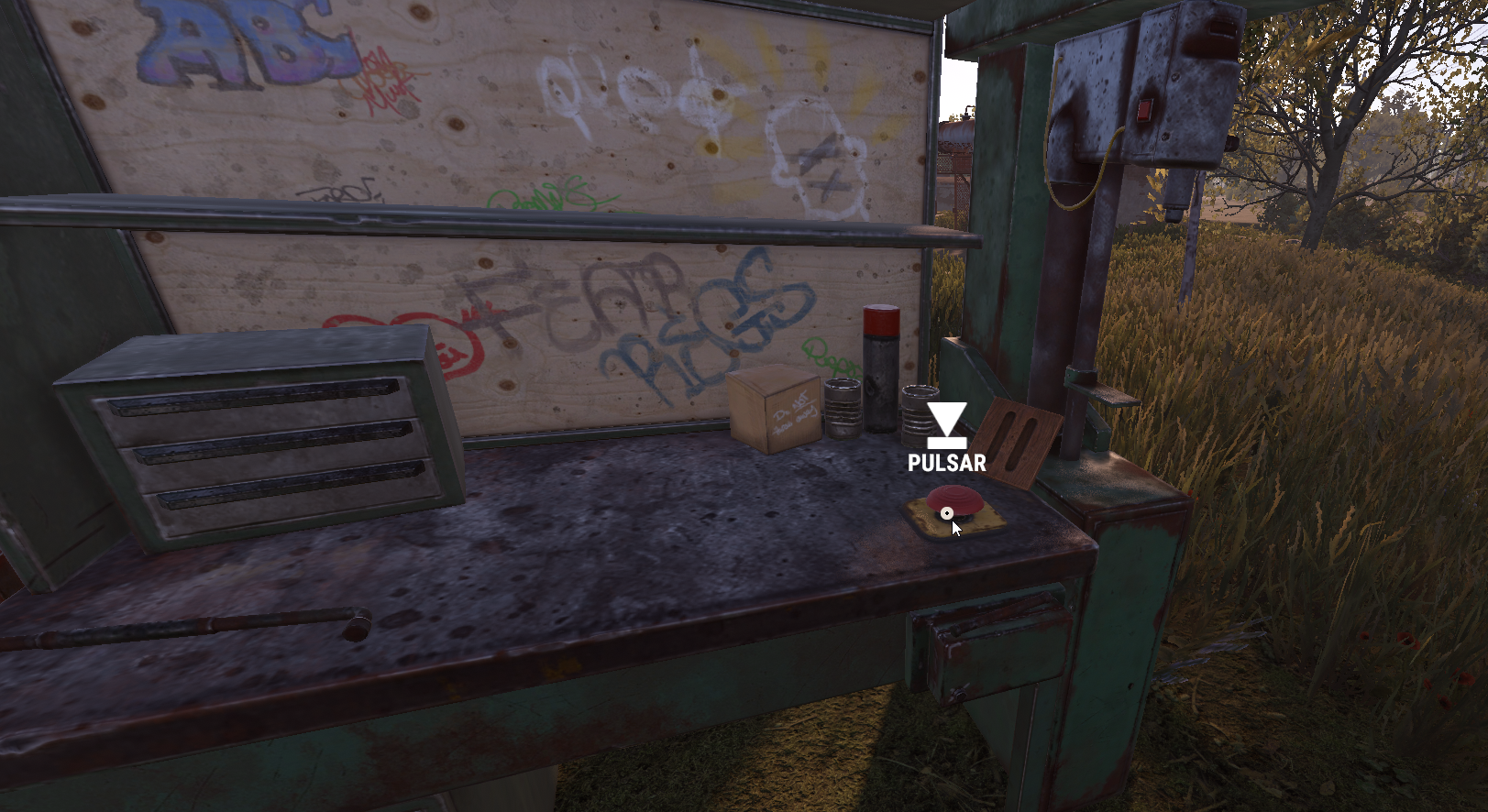
The "Show button when opening Workbench" option certainly hasn't been working since the way the Workbench opens was changed; previously, there was an intermediate screen rather than the branches opening directly, and the button was displayed on the interface during that intermediate stage. That is why we subsequently set it up to appear via a physical button. I will check if a button can be re-implemented in the CUI in some way.

-
The button is a physical button, not a button in the game interface. Don't you see it on the workbench?
-
Does something like that work for you? I can send it to you privately. https://cobaltmaps.com/maps/tlo529laom
-
Changed Status from Pending to Not a Bug
-
"Downgrade Enable": true, "Downgrade only Owner Entity Build": false, "Upgrade only Owner Entity Build": false, "Upgrade / Downgrade only Owner and Team": true, Check that this is set up this way in the configuration.
-
In principle, I have no plans to add it; otherwise, I would have done so when implementing this feature. This is due to the complexity involved: there is a difference between the system forcibly setting the wallpaper and having the game recognize that you are setting it externally while the client itself is blocking it. It is more complex, and adding it would likely require hooks that could potentially impact performance in some way.
-
This only applies to automatic placement—the long-standing feature that automatically places wallpapers one by one. It does not affect manual placement by the player.
-
Correct, those options don't apply to manual mode. You can set it manually, but it works just like in vanilla. I haven't changed anything to bypass the manual limits.
-
Changed Status from Pending to Not a Bug
-
Do the building blocks that aren't upgraded belong to the same player or another one?
-
Have you updated to the latest version I released a few days ago?
-
Hi! It won't let you do it manually, only automatically from the TC on both sides, if that's what you mean.
-
Hi! Are you using Carbon or Oxide? Do you also have the Wallpaper Planner plugin installed?
-
 Chat Command: Usage: /addwp <skinid> <Wall|Floor|Ceiling>, Example: /addwp 3356517390 Wall Console Command: Usage: addwp <skinid> <Wall|Floor|Ceiling> Example: addwp 3356517390 Wall
- 451 comments
-
- 1
-

-
- #builder
- #automation
- (and 9 more)
-
 I posted the fix two hours ago, but I was so quick that I forgot to change the version number in the plugin; in my haste, I left it as is. Please check the latest file.