Freely
-
Posts
22 -
Joined
-
Last visited
Content Type
Profiles
Warranty Claims
Downloads
Forums
Store
Services
Downloads Plus Support
DOWNLOADS EXTRA
Reels
Everything posted by Freely
-
Version 1.0.1
8 downloads
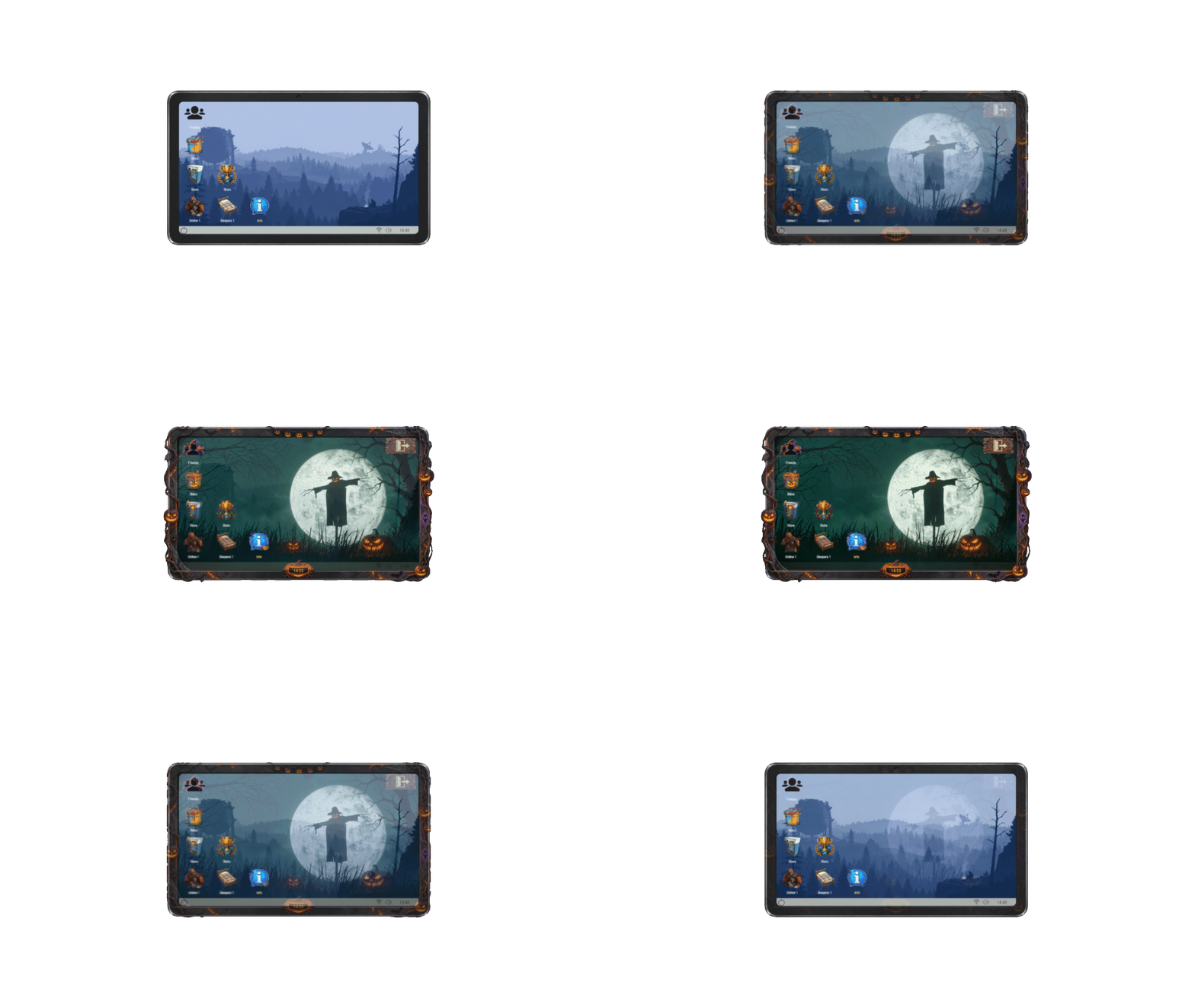
ServerPad adds a customizable virtual tablet to your Rust server, giving players a convenient desktop for accessing server commands and information. Features Custom applications: configure each application's name, icon, position, command, permission, and enabled state. Appearance presets: switch between the included Default and Halloween designs, or create your own. Three application sizes: choose Small, Middle, or Big to adjust icon and button sizes. Numbered admin grid: display cell numbers to help arrange applications in the configuration. Access permissions: control access to the entire tablet and individual applications. In-game clock: display Rust game time with configurable formatting and appearance. Player counters: show online or sleeping player counts in application labels. Local images: use PNG files stored on your server. ImageLibrary and external image hosting are not required. Included ServerPad.cs plugin. Two ready-to-use presets: Default and Halloween, with tablet frames, wallpapers, application icons, and preset settings. Four additional tablet frame images for customizing your presets. How applications work Applications are shortcuts to commands configured by the server owner. For example, setting an application's command to chat.say /store makes it execute the player's /store chat command. Selecting a command shortcut closes the tablet and runs the command as that player. Existing permission checks in the target plugin still apply. ServerPad provides the tablet interface; features such as shops, statistics, skins, and friends systems are supplied by separate plugins. Install and configure any plugins your shortcuts require. They are not included with ServerPad and may have their own costs. Installation — Oxide/uMod Extract the archive. Copy the included oxide/data/ServerPad/ folder into your server's oxide/data/ directory. Copy ServerPad.cs into oxide/plugins/. Open the generated oxide/config/ServerPad.json file and configure your applications, preset, and access settings. After making changes, run oxide.reload ServerPad. Use /tablet in chat to open the tablet. Copy the preset files before loading the plugin. Keep their folder names and image filenames intact. Commands Command Purpose /tablet Open the tablet. The chat command can be changed in the configuration. tablet open Open the tablet from the player's F1 console. tablet close Close the tablet from the player's F1 console. tablet grid Toggle the numbered grid while the tablet is open. Requires administrator status and the grid option enabled in the configuration. Enabling the administrator grid option also adds a GRID button to the tablet. Permissions By default, the tablet is available to all players. To restrict access, set the main permission to serverpad.use, reload the plugin, and grant it to the desired users or groups. For example: oxide.grant group vip serverpad.use Each application can also require its own permission. Applications are hidden from players who do not have that permission. Customizing presets Each preset has its own folder under oxide/data/ServerPad/, containing: tablet_frame.png — tablet frame. wallpaper_desktop.png — desktop background. Application icon PNG files. preset.json — clock and close-button settings. The clock and close button support configurable text, text size, text color, font, alignment, and position. The clock also has a configurable time format. To create a preset, copy an existing preset folder, give it a new name, replace the images, adjust its settings, and select it in the main configuration. Applications share the same configuration across presets, so provide matching icons in each preset you use. Configuration notes Small supports 66 cells, Middle supports 45, and Big supports 28. Larger sizes reduce the available positions. Use the numbered grid to choose valid positions; applications outside the available area are hidden and are not moved automatically. The grid is a placement guide. Application positions are edited in JSON. Player counters refresh when the tablet is opened. The clock shows Rust game time, not real-world time. ServerPad.json$9.99 -
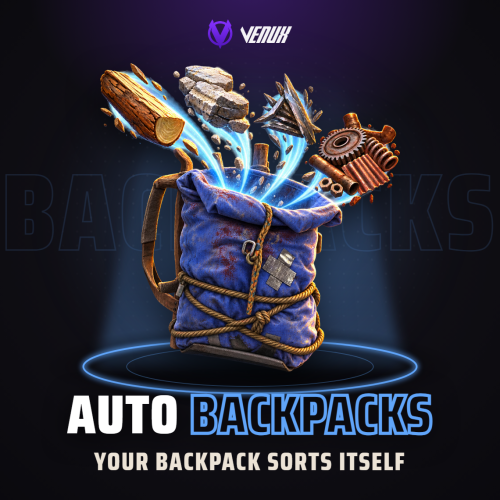 Hi! Could you please add an option to keep the equipped backpack and all its contents after death, controlled by a permission (e.g. autobackpacks.keepondeath)? Players with this permission should receive their backpack back after respawning, with all items preserved, including those in extra slots. Ideally, no items should be dropped into separate loot bags, and the backpack should retain its expanded capacity. This would be a great feature for VIP privileges. Thank you!
-
 Hello! Could you please add an option in the config to disable the HUD panels displayed above the health, hunger, and thirst bars? Would this be possible? Thank you!
-
I have a feature request regarding UI customization. Would it be possible to add support for custom images in Case Battles? I would love to have: Custom currency icon for example, a custom icon URL for Economics / ServerRewards currency display Custom case images the ability to assign a custom image to each case Custom reward/item images the ability to assign a custom image to a drop/reward especially useful for command rewards, virtual currency. This would make it much easier for server owners to create fully custom case systems with their own branding and economy. Thank you!
-
Hello! I have a small feature request. Would it be possible to add custom Skin ID support for item-based currencies? For example, I would like to use Scrap with a custom skin as my server's currency, instead of regular Scrap. Ideally, the currency configuration would include: Item Shortname Skin ID Display Name The plugin should only recognize items matching both the Shortname and Skin ID when checking balances and deducting currency. It would also be great if the configured skin could be used when giving currency rewards (selling items, Case Rain, etc.) and displaying the currency icon in the UI. This would allow server owners to use their own custom coins or tokens without requiring Economics or ServerRewards. Would you consider adding this feature in a future update? Thank you!
-
 Hello. I’d like to ask about quest reset behavior after a server wipe. I need one special beginner quest that a player can complete only once for the entire lifetime of their account on the server. After completion, it should stay recorded in the player data and should not reset after a wipe. At the same time, I would like all other quests to reset after a wipe, including active progress, completion status, and cooldowns. This is important so players cannot complete a quest before the wipe, leave the reward unclaimed, and then claim a powerful reward at the start of the next wipe. It would be very useful to have a per-quest option such as: Keep completion on wipe: true/false Then I could enable it only for the beginner quest, while all regular quests would reset normally after a wipe. Would it be possible to add something like this?
-
There’s too little space here to describe each task — maybe we could add a scroll bar? And perhaps you could add a scroll bar to the quest rewards so that the reward name isn’t cut off by the second reward in the list?
-
Hi! Could you please add an option to open the related quest directly from the notification shown on the main screen? If the player has this feature enabled, clicking the quest notification should open that specific quest in the quest interface instead of requiring the player to open the menu and find it manually.
-
 Is it possible to make it so that the player can choose to take an item into their inventory or sell it for keys? or make a sale opportunity in the inventory.
-
Is it possible to add a blueprint icon to items that are blueprints, so that my players don't get confused when viewing possible rewards?
-
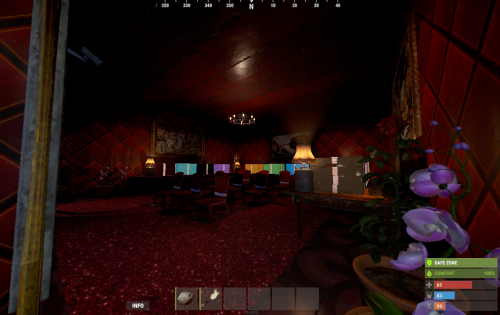 When I'm in the auction room and try to pick a plant from a pot, the SkillTree plugin activates and I gain experience. Is it possible to make one of the lots contain a random item and a random amount of that item? Is it possible to automatically conduct an auction after a certain period of time?
-
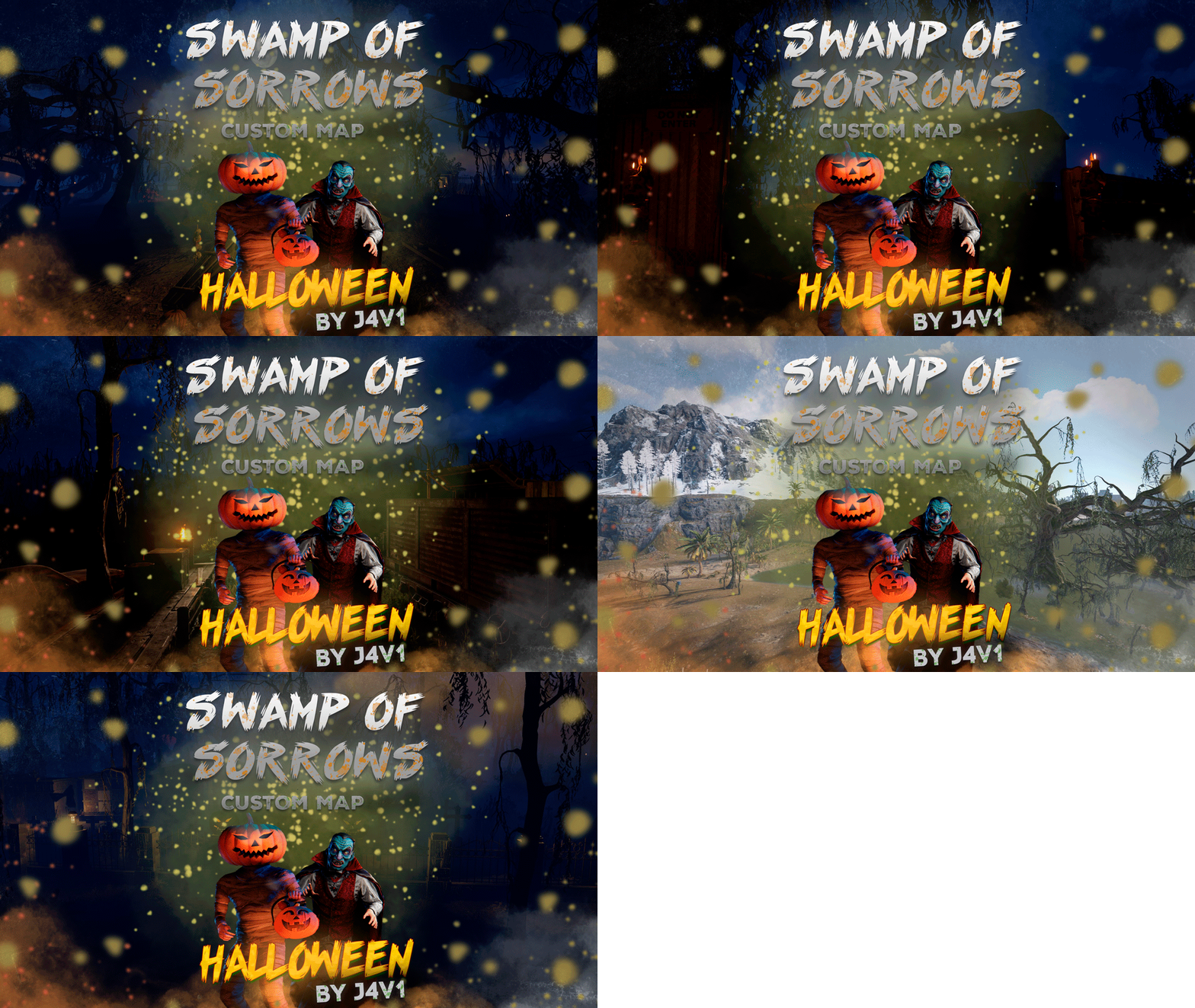 An excellent card suitable for Halloween celebrations. Many beautiful places and a tunnel of horrors are just the tip of the iceberg. My respects to the author of the map, who makes edits in a short time.
-
There are still such unpleasant moments. R14 and T15
-
I have a question for the map creator. Could you install a giant excavator? My players really want it.
-
it's all good. There's a recycler there
-
Are you planning to add the ranch to the map?
-
This fuel generator was accidentally picked up by my player. Now the players don't have access to the mansion, but I solved this problem by writing a small plugin. Are you going to solve the problem with objects that can be picked up? I really like this map and would hate to give it up.
-
I've discovered another issue. I can pick up lights and other items on the map. This contradicts the recent developer ban on paid DLCs. In theory, using this map could get my server banned! And I can't find the entrance to the haunted mansion either.
-
Why do I get red errors on half the screen when I walk around the map and why in the haunted mansion do I keep tripping over doors that are now closed