
magado
-
Posts
21 -
Joined
-
Last visited
Content Type
Profiles
Warranty Claims
Downloads
Forums
Store
Services
Downloads Plus Support
DOWNLOADS EXTRA
Everything posted by magado
-
 Today the plugin stopped working, but raising the height (Y coordinate) slightly in the plugin improved the issue. However, since the plugin stopped working starting today, I will have to wait to see if the developer can fix it.
 -
Today it stopped working. Will there be a fix? Also, I’d like to ask other users as well—are there any recommended plugins similar to this one?
-
 1 "The rocks at L11 are floating." 2 "The spawn point seems messed up. Respawning there causes death."
 -
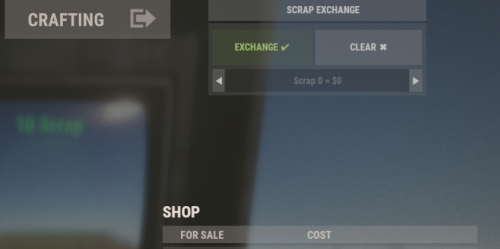 Sorry, it was possible to fix it by modifying the command in the config file. Sorry for the trouble caused.
 -
Due to the update of Server Rewards, it no longer functions correctly.
-
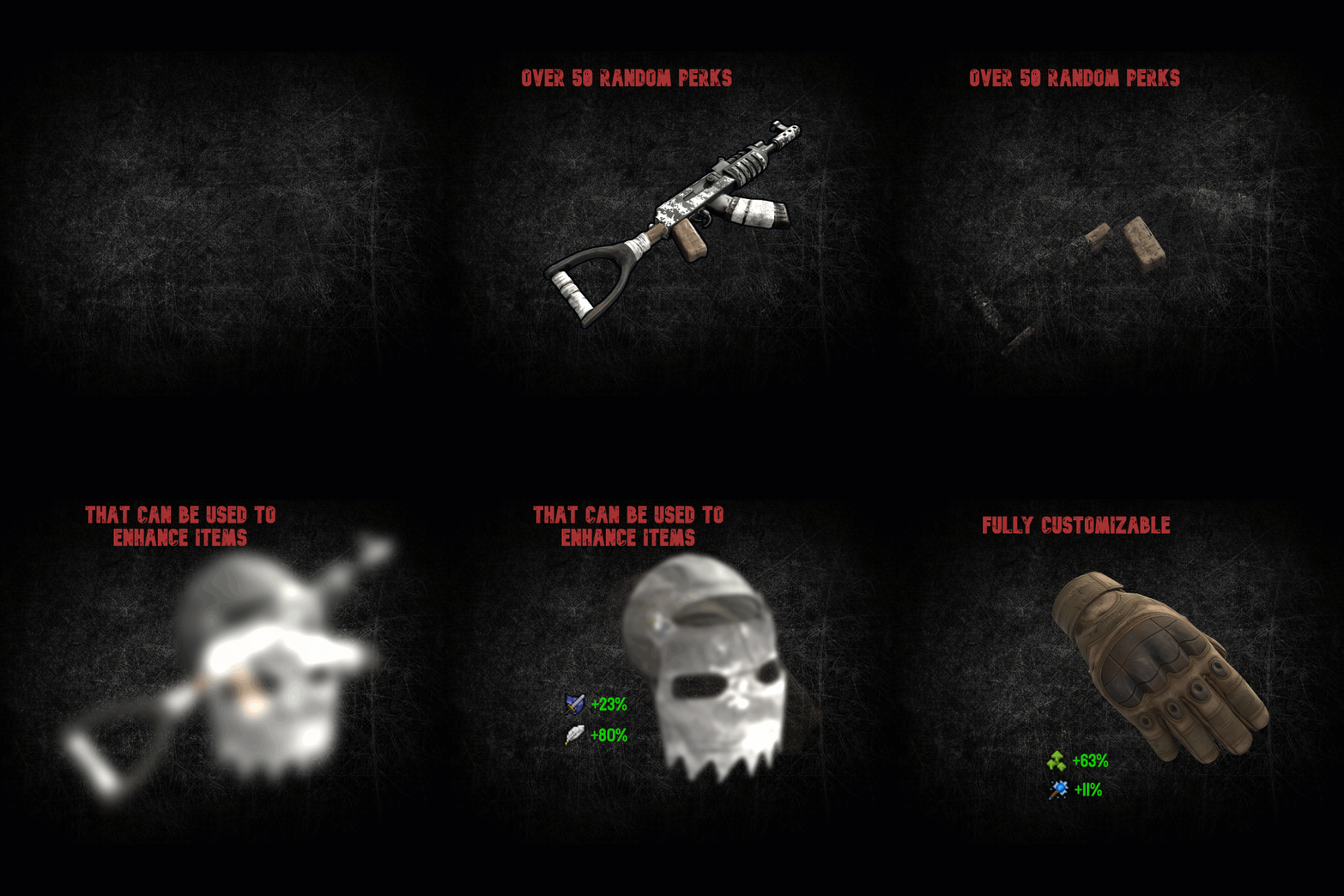 When dismantling parks, the blood items become fixed to the same type, and items from different parks overlap, causing their contents to change. What could be the cause of this? Also, I purchased this plugin from Lone.Design — has it been removed from public access there?
 -
Since the other day, I suddenly have a blood pack in my inventory, but I can’t add any perks to it. Do you know what’s causing it?
- 204 comments
-
- 1
-

-
- #items
- #enhancement
- (and 6 more)
-
Hello, I have a problem with the plugin. I have the kits in my inventory but when I want to enchant an item it tells me that I don't have any kits in my inventory.. I don't understand why?
- 204 comments
-
- 1
-
-
- #items
- #enhancement
- (and 6 more)
-
Version 1.0.0
529 downloads
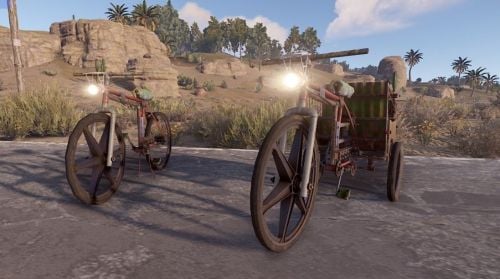
With Bike Light, you can have a headlight added to the bikes on your server. ON/OFF possible with the F key and is very bright.Free -
Version 1.0.0
10 downloads
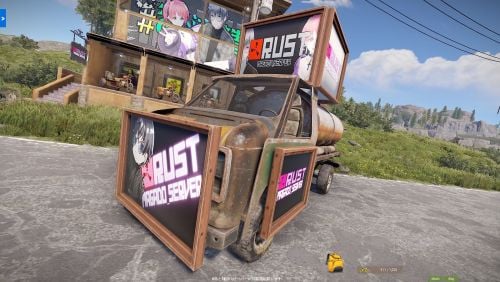
The Car Picture Frame plugin allows players to place various types of picture frames on vehicles using chat commands. Frames can be attached to the front, doors, and top of the vehicle. While primarily designed for vehicles with an engine and cockpit, it can also be used on other vehicle parts. Additionally, the plugin retains the frame placements even after server restarts, ensuring that the decorations persist. Only players with the appropriate permission can use the commands. Permissions: - carpictureframe.use: Allows players to use the frame placement commands. Commands: - /frame_front2: Places a large frame on the front of a 2-module vehicle. - /frame_front3: Places a large frame on the front of a 3-module vehicle. - /frame_front4: Places a large frame on the front of a 4-module vehicle. - /frame_door2: Places small frames on the driver and passenger doors of a 2-module vehicle. - /frame_door3: Places small frames on the driver and passenger doors of a 3-module vehicle. - /frame_door4: Places small frames on the driver and passenger doors of a 4-module vehicle. - /frame_top: Places large frames on the top of the vehicle in all four directions. Installation: 1. Place the CarPictureFrame.cs file in the oxide/plugins directory. 2. Grant the required permission to players or groups using the following commands: - oxide.grant group default carpictureframe.use - oxide.grant user <username or steamid> carpictureframe.use Notes: - Ensure that players have the necessary permission to use the commands. - The frame placements are saved and restored automatically. - By re-entering the command, players can remove the frames, but the content of the picture will not be retained.$12.00 -
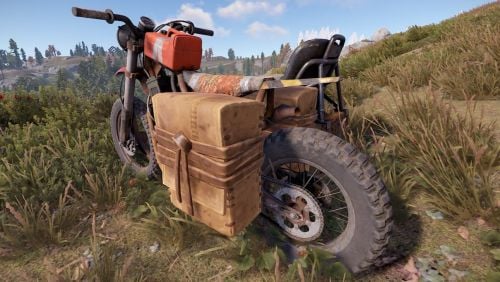 Thank you for your inquiry In my environment, the bag remains on bikes that appear after installing this plugin even after restarting. I'll try to find out the cause
- 8 comments
-
- 1
-
-
- #saddlebags
- #bike
- (and 2 more)
-
Version 1.1.0
61 downloads
This plugin adds saddle bags to bikes and bikes with sidecars that spawn on the server after installation. It supports a configuration file, allowing you to specify the number of bag slots for default users and VIP users. Permission: saddlebags.vip //Installation Install it in the Oxide plugins folder on your server. A file will be created in the config folder where you can specify the number of slots for each permission.$3.00 -
 Good evening. What do you mean by reverse selling? Sorry, my English is not very good, I use translation software.
 -
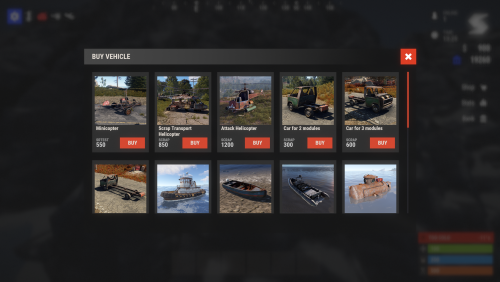 When I fail to place an item, it disappears, can I put it back in my inventory?
 -
Version 1.1.1
9 downloads
PlayerNoGunSales is a Rust plugin that prevents specified items (some firearms and explosives by default) from being sold by vending machines.Ideal for PvE servers, it prevents items specified by the plugin from being sold. Ideal for PvE servers, prevents items specified by the config file from being sold. If a player attempts to sell a banned item, it will be returned to their inventory with a notification. This plugin prevents players from selling guns and explosives early in the wipe, enhancing the server's game balance and improving player playtime. Features. Automatically prevents firearms and explosives specified by default or items specified from the config from being sold in vending machines. This feature is ideal for preventing players from selling guns cheaply on PvE servers. Attempts to sell will result in the banned item being returned to the player's inventory. The list of banned items can be customised by editing the config file. Notifies players when banned items are returned to their inventory. youtube How to use. Install the NoGunSales plugin in the oxide/plugins directory on the Rust server. Edit the configuration file and set the list of prohibited items. Set true for prohibited items and false for permitted items. After editing and saving, reload the plugin file to apply the changes.$8.00 -
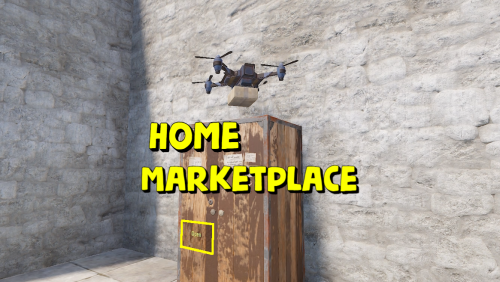 Very nice plugin! I wonder if it would be possible to limit who can use it with permissions. I want to separate who can use it and who can't.
 -
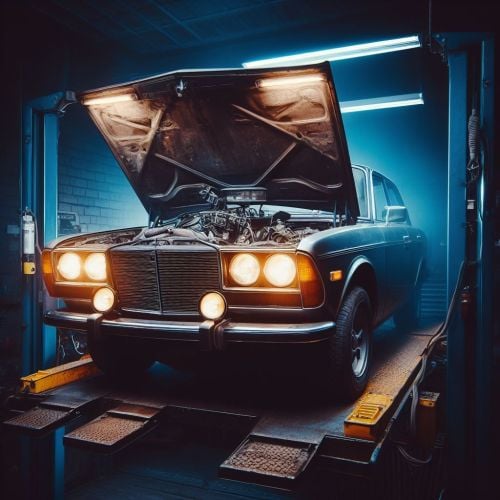 The picture quality is rough on wooden signs, so it would be very nice to have a choice of photo frames! I found this plugin very valuable because there are currently almost no plugins that can decorate cars! Thank you!