


-
Posts
2,179 -
Joined
-
Last visited
-
Days Won
25
Content Type
Profiles
Warranty Claims
Downloads
Forums
Store
Services
Downloads Plus Support
DOWNLOADS EXTRA
Reels
Everything posted by Scalbox
-
Yes, I saw, you don't use any customizations, I'm using your files. I'm doing another test, I'll send you a video soon.
-
I saw that you don't use any groups or customizations. Yesterday I did a test identical to yours, and I'm not receiving any hemp. I'll do a new test soon, including a video. Do you receive the hemp when you harvest or when you clone?
-
Reply in the main ticket: https://codefling.com/files/support/27456-ultimate-industrial-farm/
-
Reply in the main ticket: https://codefling.com/files/support/27456-ultimate-industrial-farm/
-
Changed Status from No Response to Work in Progress
-
I'm running some tests with your files, I wanted to ask you, which of the 4 groups are you using?
-
Avoid opening three tickets for the same thing! I told you the file isn't available and you need to send it back to me. Also, there are several open tickets, so you'll have to wait your turn.
-
Changed Status from Pending to Closed
-
I replied to you in the other ticket! Don't keep opening unnecessary tickets! I'm waiting for your reply.
-
Changed Status from Pending to Fixed Changed Fixed In to 1.3.2
-
Plugin updated, Version 1.3.2 1) Added: New configuration property: Chat Prefix 2) Added: New configuration property: Enable Chat Messages 3) Added: New configuration property: Enable Toast Messages
-
Yes, this update fixed the broken boxes issue. I'll add an option in the configuration file to decide whether to disable chat messages or which type to use.
-
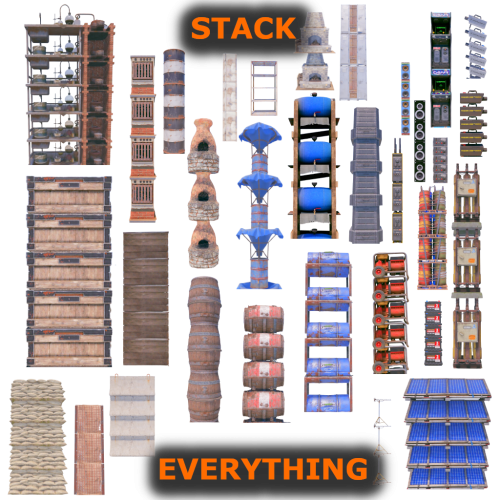 I will do some tests for this problem
 -
Hello, Crafting no longer works using resources in the base; it only works if you have the resources in your inventory.
-

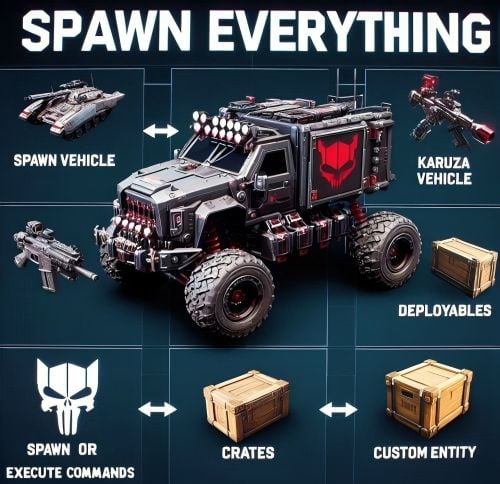 The update will be released tomorrow
 -
Plugin updated, 1.3.0 1) Updated: Large Wood Box / Storage Box Pack DLC can now be stacked together (https://rust.facepunch.com/news/shipshape#StorageBoxPackDLC) 2) Improved: Security system to prevent entity breakage when changing skins with the Spray Can 3) Improved: Code refactoring and optimization
- 49 comments
-
- 1
-

-
- #stack everything
- #stack entity
- (and 55 more)
-
No, but this does not depend on the plugin
-
Not at the moment. All the DLC pack boxes are different items, not just boxes with skins. DLC boxes can currently only be stacked on top of each other. I'm working on an update to allow them to be stacked on top of regular boxes as well.
- 49 comments
-
- 1
-

-
- #stack everything
- #stack entity
- (and 55 more)
-
Changed Status from Pending to Not a Bug
-
Can you explain the problem to me in detail? And how can I reproduce it? Can you also send me the configuration file and the SpecialSeed file?