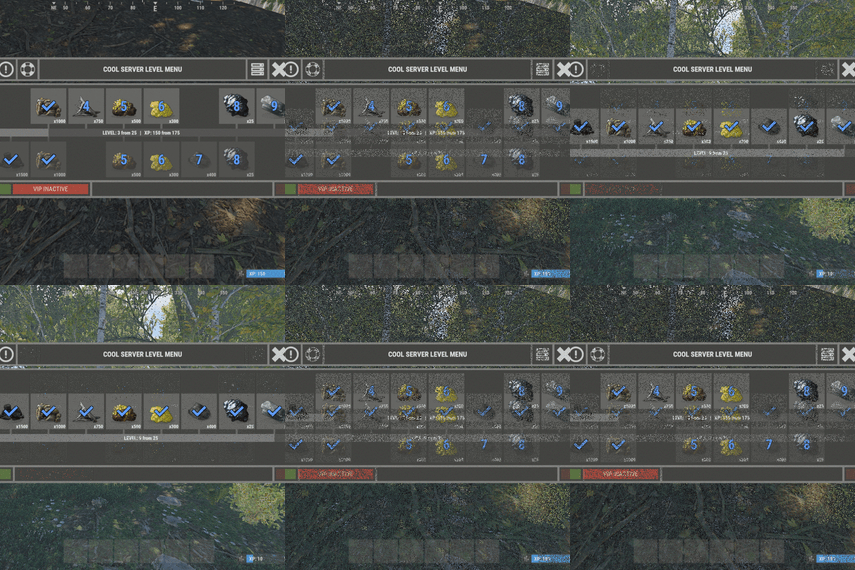
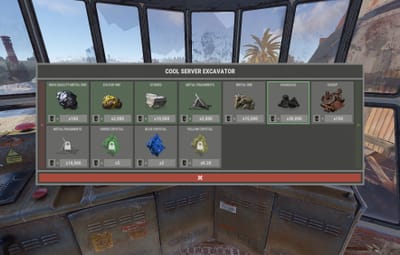

About XCustomExcavator
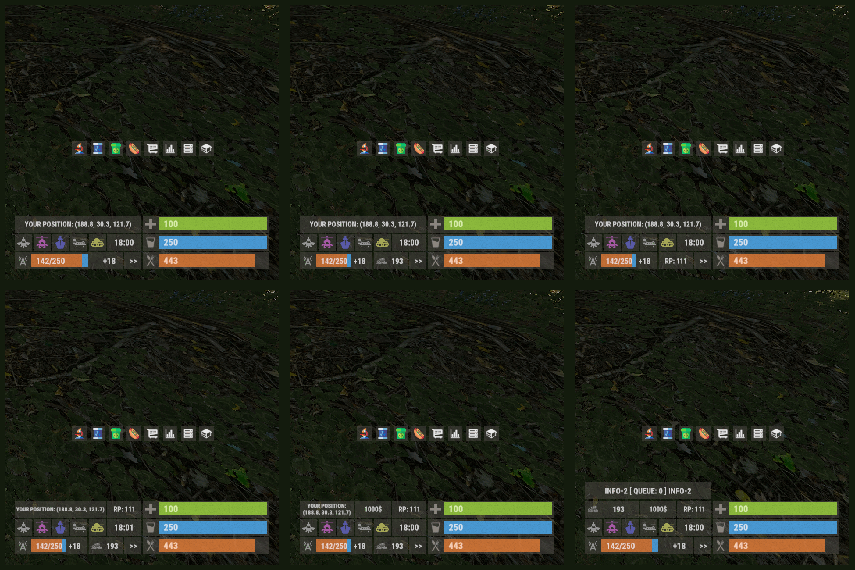
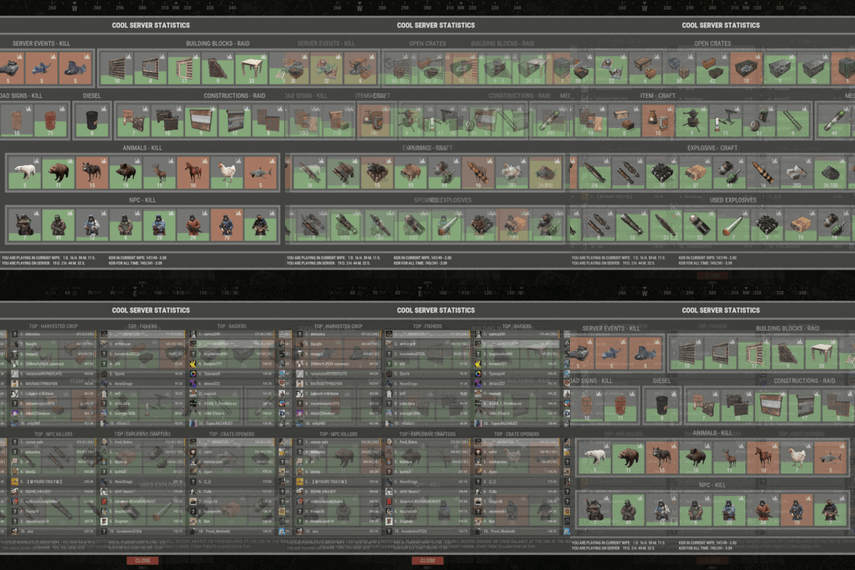
Take full control of excavators on your Rust server with XCustomExcavator. This powerful plugin lets admins fine-tune excavator functionality, ensuring an optimized experience for players. Adjust mined resources, tweak interface settings, and enjoy multi-language support and robust data storage. Custom settings and progress are preserved after restarts. Seamlessly handle multiple excavators and integrate smoothly with your server.
Key Features
- Multi-Language Support: Switch plugin language with ease. Available in EN, RU, UK, and ES.
- Interface Optimization: Adjusts for different monitor resolutions.
- Persistent Data Storage: Excavator data saved in oxide/data/XDataSystem/XCustomExcavator. Progress saved after server restarts.
- Sound Effects: Enjoy interactive menu sounds.
- Multi-Excavator Support: Works seamlessly with multiple excavators on the map.
- Customizable Resources: Modify resources including shortname, amount, custom name, permission, and skin.
- Unlimited Resources: No limit on the number of resources.
- Chat Integration: View excavator information in chat.
- User-Friendly Resource Selection: Features like check button, distance to button, permission checks, and more.
- Error Notifications: Informs you of configuration mistakes.
-> In the code you can switch the plugin language - LanguageEnglish = true <-
Permissions
xcustomexcavator.use - access to UI usage/resource selection.
xcustomexcavator.info - chat information.
xcustomexcavator.admin - administrator mode.
Commands
/einfo, /exinfo, /excavatorinfo - information about excavator in chat. [ Commands can be changed in the config. ]

xcustomexcavator_unload - unload the plugin without consequences.
[ For those cases when the plugin will be unloaded and will not be used for some time. ]
API
bool IsValidIndex(int index) - check if the resource index is valid.

1. string GetResourceCustomName(int index) - get the custom name of the resource.
2. string GetResourcePermission(int index) - get the resource permission.
3. ulong? GetResourceSkinID(int index) - get the skin of the resource.
4. string GetResourceAmountString(int index) - get a formatted string of the resource amount.
5. string GetResourceDisplayName(int index) - get the formatted name of the resource.

( For 1-5. If index is invalid, null will be returned. )
Hooks
object OnExcavatorResourceSetUI(ExcavatorArm excavator, int index, ulong skinID, BasePlayer player) - called when player tries to select a resource in UI. Returning non null will prevent this action!
Config
{
  "General settings": {
    "SteamID profile for custom avatar": 0,
    "Chat prefix": "<size=12><color=#FFFFFF50>[</color> <color=#00FF0050>XCustomExcavator</color> <color=#FFFFFF50>]</color></size>\n",
    "List of commands to view information about the Excavator": [
      "einfo",
      "exinfo",
      "excavatorinfo"
    ]
  },
  "GUI settings": {
    "Color_background_1": "0.517 0.521 0.509 0.95",
    "Color_background_2": "0.217 0.221 0.209 0.95",
    "Color_background_3": "0.527 0.531 0.519 1",
    "Button color (icons)": "1 1 1 0.75",
    "Block color": "0.517 0.521 0.509 0.5",
    "Default block color": "0.417 0.521 0.409 0.5",
    "Color of the active button next": "0.35 0.45 0.25 1",
    "Color of the inactive button next": "0.35 0.45 0.25 0.4",
    "Text color of the active button next": "0.75 0.95 0.41 1",
    "Text color of the inactive button next": "0.75 0.95 0.41 0.4",
    "Color of the active button back": "0.65 0.29 0.24 1",
    "Color of the inactive button back": "0.65 0.29 0.24 0.4",
    "Text color of the active button back": "0.92 0.79 0.76 1",
    "Text color of the inactive button back": "0.92 0.79 0.76 0.4"
  },
  "HQM": {
    "Shortname of the resource to be mined": "hq.metal.ore",
    "Amount of resource that will be mined - one barrel diesel": 100.0,
    "Custom item name": null,
    "Permission": null,
    "Item skin": 0
  },
  "Sulfur": {
    "Shortname of the resource to be mined": "sulfur.ore",
    "Amount of resource that will be mined - one barrel diesel": 2000.0,
    "Custom item name": null,
    "Permission": null,
    "Item skin": 0
  },
  "Stone": {
    "Shortname of the resource to be mined": "stones",
    "Amount of resource that will be mined - one barrel diesel": 10000.0,
    "Custom item name": null,
    "Permission": null,
    "Item skin": 0
  },
  "Metal": {
    "Shortname of the resource to be mined": "metal.fragments",
    "Amount of resource that will be mined - one barrel diesel": 5000.0,
    "Custom item name": null,
    "Permission": null,
    "Item skin": 0
  },
  "List of mined resources": [
	...
  ]
}