


-
Posts
78 -
Joined
-
Last visited
-
Days Won
1
Content Type
Profiles
Warranty Claims
Downloads
Forums
Store
Services
Downloads Plus Support
DOWNLOADS EXTRA
Reels
Everything posted by Simil3x
-
.thumb.png.bcb832e22f0a48b6833fee517e444bff.png) Так вы можете воспользоваться поиском нужного ивента или вовсе снять галочку с "ПОКАЗЫВАТЬ ВСЕ" и тогда будут показаны только те ивенты которые установлены на вашем сервере. В чем конкретно ваше пожелание заключается?
Так вы можете воспользоваться поиском нужного ивента или вовсе снять галочку с "ПОКАЗЫВАТЬ ВСЕ" и тогда будут показаны только те ивенты которые установлены на вашем сервере. В чем конкретно ваше пожелание заключается? -
We’ll try to figure it out as soon as possible, sorry for the delay in response
-
Changed Status from Pending to Work in Progress
-
Hey! Another user reported an issue with the SkillTree integration. Do you use SkillTree to give players BattlePass EXP on your server?
-
Hey! The recent updates might have caused a slight mismatch in the API hooks with SkillTree. I have already found the cause and will include the fix in the upcoming update. Thanks for reporting!
-
Changed Status from Pending to Work in Progress
-
Without the config, we won’t be able to resolve this issue. please create a ticket and provide your config.
-
The plugin update is nearly finished. Just need some time to test it, and then we’re releasing
- 343 comments
-
- 1
-

-
- #eventmanager
- #manager
- (and 5 more)
-
Changed Status from Fixed to Not a Bug
-

Since Mevent's new server panel updates this theme no longer works correctly
Simil3x replied to Rusty Hook's Support Report in Support
Changed Status from Pending to Fixed Changed Fixed In to 1.0.2 -
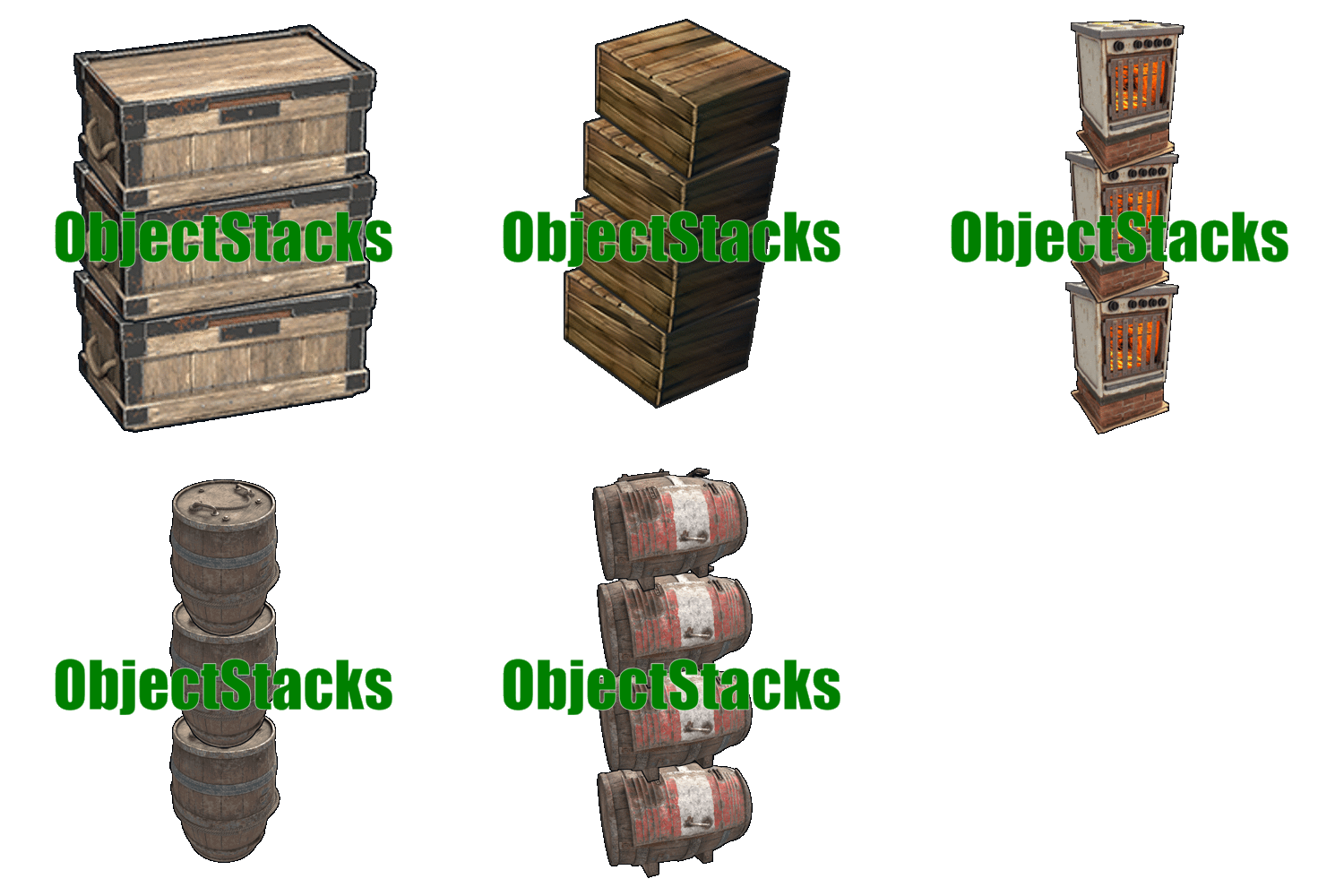 Everything stacks perfectly
 -
 Yes, you can. Just use the required NPC prefabs in the quest configuration
 -
 You can configure this in the config. If you have any specific questions, you can create a ticket in our Discord and we’ll try to help
 -
We originally planned it as virtual only, but in theory you can also set it up as a physical item
-
I’m not sure I understand. Which configs are missing? You just need to download the files and upload them to the server, that’s it. The only thing required, as I mentioned, is to contact me so I can send you the file with your server name, since it uses a special font that isn’t available in the game
-
Hi, everything works, but this is a template exclusively for ServerPanel. I didn’t make integrations with other plugins for this UI
-
Hi, sorry I missed this message here. In the description I mentioned: “After purchase, contact me on Discord or Telegram to insert your server name into the template.”
-
It would be a pleasure for us if you could leave a review for the plugin
-
Added in the new version, please update the plugin
-
Most likely, the layer is specified incorrectly in the ServerPanel plugin’s Template.json. Please create a support ticket in our Discord.
-
The drop odds are already in the interface
-
We will create a converter for this purpose in the near future.
-
https://discord.gg/mevent
-
Hi, could you please create a ticket in our Discord and send a video showing what is happening? It’s not completely clear from the description. As soon as we understand your issue, we will resolve it as soon as possible Discord https://discord.gg/mevent
-
Changed Status from Pending to Fixed
