
-
Posts
213 -
Joined
-
Last visited
Content Type
Profiles
Warranty Claims
Downloads
Forums
Store
Services
Downloads Plus Support
DOWNLOADS EXTRA
Reels
Everything posted by sanguss
-
 Dude crash, really awesome job—the new UI is top-tier!
 -
Hi RTimer! Thanks for your reply! I think I didn't explain the issue clearly enough. The problem is that the regular Rust roadside loot crates remain floating in mid-air after the checkpoint event ends. The junk cars and other roadside objects that the loot crates were sitting on disappear, but the loot crates themselves stay behind, floating in the air. So it's not just about the regular roadside loot spawn points remaining. It's about the loot containers being left behind without the objects supporting them One more thing I forgot to mention! The floating roadside loot crates are especially noticeable when 3 or 4 checkpoint events are running at the same time. I've also noticed that sometimes two checkpoint events spawn at exactly the same location, overlapping each other. Maybe it would be worth adding a check to prevent multiple events from spawning at the same location? I thought this information might help you investigate the issue. Thanks again!
-
Hi RTimer I've noticed an issue with Checkpoint Event 1.0.3. After a checkpoint event ends and all event structures disappear, the regular Rust roadside loot spawn points remain at the event location. I'm not talking about the event loot or reward crates, but the normal roadside loot spawn points. These spawn points don't disappear, even after the event has ended. I'm concerned that they could accumulate over time as more checkpoint events spawn and disappear, potentially causing unnecessary server load. Could you please check if these roadside loot spawn points are being properly cleaned up when an event ends? Thanks!
-
Hello, I am experiencing very large FPS drops when opening the SoundBox UI. Normally I have around 100–110 FPS, but when the SoundBox menu is open, my FPS can drop as low as around 40 FPS. After testing, it seems the issue is related to the very large number of radio stations being rendered in the UI at the same time. The plugin appears to create a UI button for every station in the selected list, without pagination for the station list. I also noticed that some stations are mixed between genres or appear in multiple genres. The genre assignment seems to be based on matching the station tags against the genre name, which can cause very large and mixed station lists. Would it be possible to add pagination, for example 20–30 stations per page, and improve the genre filtering?
-
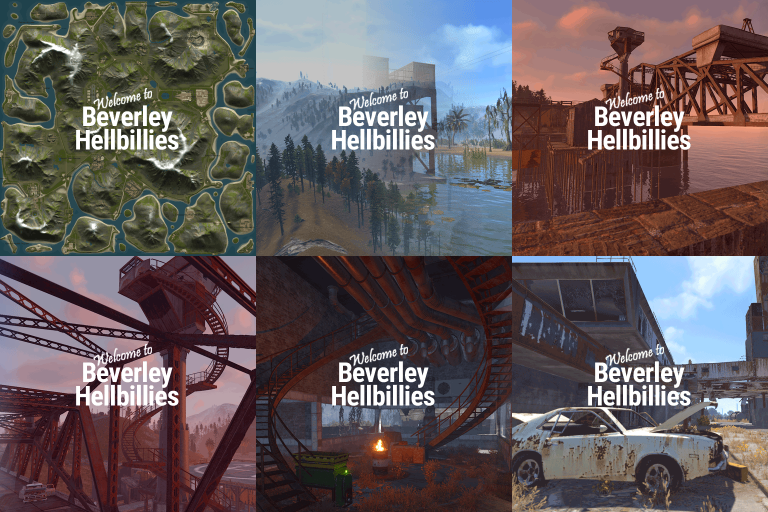 Absolutely amazing map! I originally expected this map to be mainly great for cars, but the landscape completely surprised me. Flying around with a helicopter feels incredibly cinematic — through valleys, under bridges, over mountains and along the rivers. There is always something impressive to see. Even travelling on foot is fun. The terrain constantly gives you these movie-like scenes, and the zipline network is fantastic. You can reach almost every corner of the map with them, so travelling itself becomes part of the experience instead of just getting from A to B. What impressed me just as much is the performance. My server runs a very heavy plugin setup compared to most Rust servers, including roaming bots, helicopter pilots, Raid Bases, meteor events and many other plugins and events running at the same time. Even with all of that, my server is still running at over 200 FPS on this 3.8K map. Of course server performance always depends on hardware, player count and plugin configuration, but in my setup this map gives me a surprising amount of performance headroom. Being able to run this much AI, events and additional content while still keeping such high server FPS is extremely impressive. The map is beautiful, cinematic, fun to explore and very well optimized. Roads, bridges, mountains, valleys and ziplines all work together incredibly well. 5/5 — one of the best Rust maps I have used. Highly recommended, especially for heavily modded servers
- 1 comment
-
- 1
-

-
- #handmade
- #mountains
- (and 7 more)
-
IQDronePatrol (6).json i have only 8 drone at dome active in that config
-
Hey, yeah, it always worked great before. Can I show you my config? Maybe you'll see something.
-
Hello, I wanted to ask if everything is okay with the plugin or if this is just happening to me. I think after the last force wipe, the drones are no longer spawning at the monuments. I tried it with a newly generated config, but nothing happened. Could you please help me?
-
Hello, I wanted to report a performance issue on The Lost Island map. I tested the city area around L13 / M12 / N12, near Harborpoint City / Deadzone / Abandoned Supermarket, and my client FPS drops heavily there. In most areas I get around 60–100+ FPS, but when I enter that city area it can drop down to around 40 FPS. I also found that another user already reported a very similar issue before, where FPS dropped heavily around L13. So it looks like this specific city area may still be too heavy or not fully optimized. This is important for me because I would like to use the map on my Rust server with NPCs/events, but if the city already drops FPS a lot without many players or bases, it could become a bigger problem later. Could you please check/optimize that area again? Thank you
-
Hey, just wanted to follow up again about the BetterNPC files. I’m still waiting for the updated configs, and I would really like to use the map on my server soon. From what I can see, it’s only the old BetterNPC config format that needs to be updated, so for you this should probably be a very small fix and only take around 5 minutes. Could you please take a moment to fix and send me the updated files when you can? Thanks.
-
The included BetterNPC config files seem to be older versions. BetterNPC has been using a newer config format since around February, so those files probably need to be updated. The plugin protection file does not seem to match that file name anymore, and the map also loads fine without it, so it looks like it may not be needed. Other than that, the map looks really cool so far. I didn’t find any major flaws yet — just wanted to let you know before I use it on my server.
-
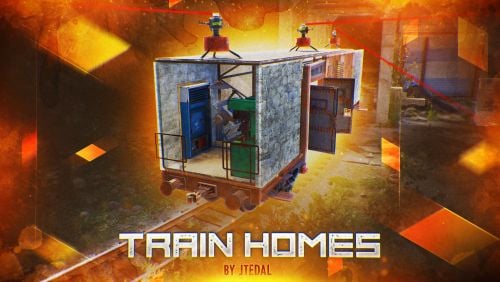 hey the command to spawn a wagons is : /givewagon <amount> <SteamID or Name>
 -
hey since i have running the Last Train map again this mounth some ores spawn on the raylways
-
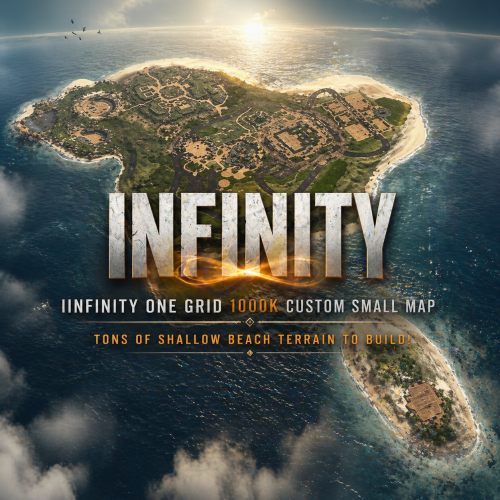 Hey, can I add you on Discord? I have a question about a map. I tried adding you with the name DarkoRust, but unfortunately it didn't work.
 -
Yes, I just put a red card in my clothing shop, and I also put another one in there for the Tugboat event from King, hehe Thank you so much
- 7 comments
-
- 1
-

-
- #custom map
- #dome
- (and 23 more)
-
Hey, you've made a really great map, a real performance bomb! I'm running almost 70 plugins and, well, what can I say, 240 fps! I do have a small question though: where do you get a red card? The silo monument is now a red card monument.
-
.thumb.gif.45f4378b983323fd385d637297d61d33.gif) Hi, do you think you could add a function that makes the outpost NPCs aggressive? Right now they only shoot when you shoot too. And a respawn timer for the NPCs would be really nice I see it's already been asked about Great event!
Hi, do you think you could add a function that makes the outpost NPCs aggressive? Right now they only shoot when you shoot too. And a respawn timer for the NPCs would be really nice I see it's already been asked about Great event! -
thx it works again
-

-
i have running this map here since the force wipe
-
yea i just now have restarted but that not helps
-
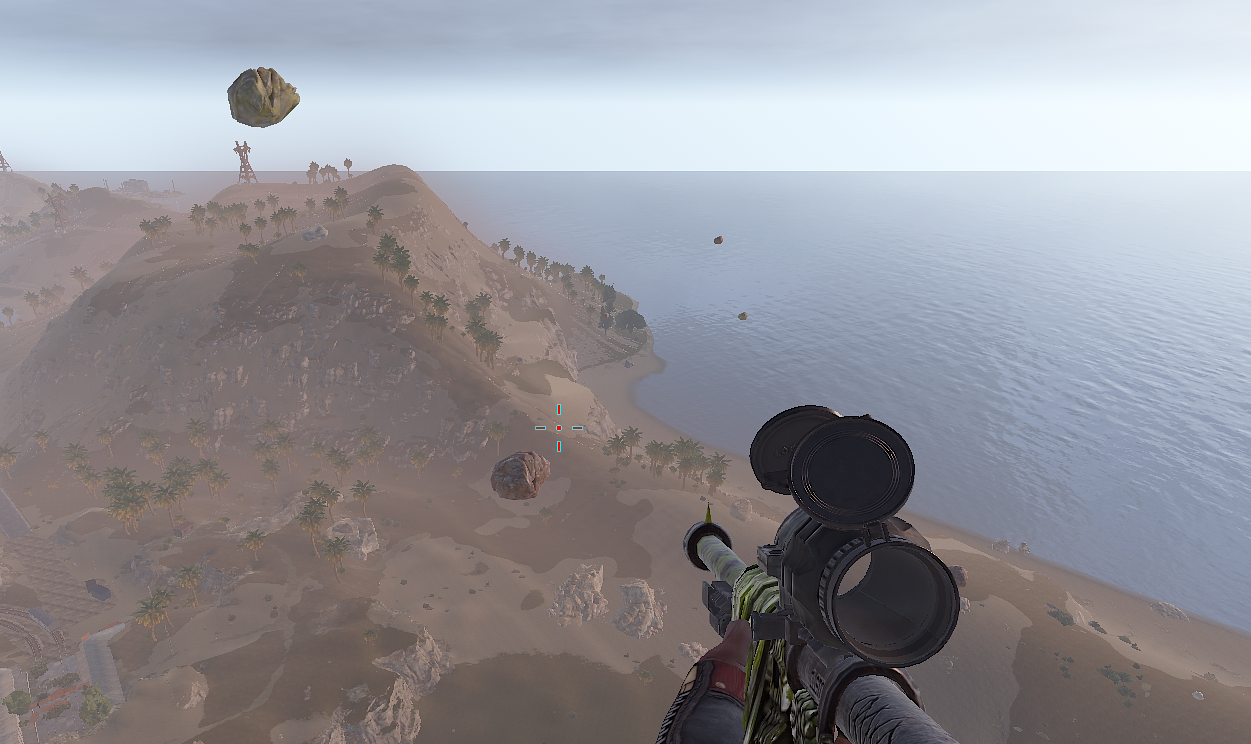
i saw ores on ground but alot very hight in sky can be that Teastick dont have see them
-
hm for me not i have the latest version could it be my config ? { "Stone Settings": { "Grid Size": 65.0, "Prefab Path": "assets/bundled/prefabs/autospawn/resource/ores/stone-ore.prefab", "Biome Probabilities": { "Arid Biome": 0.6, "Temperate Biome": 0.64, "Arctic Biome": 0.8, "Tundra Biome": 0.85, "Jungle Biome": 0.3 }, "Enabled": true, "Bonus Loot": [] }, "Metal Settings": { "Grid Size": 65.0, "Prefab Path": "assets/bundled/prefabs/autospawn/resource/ores/metal-ore.prefab", "Biome Probabilities": { "Arid Biome": 0.65, "Temperate Biome": 0.63, "Arctic Biome": 0.85, "Tundra Biome": 0.85, "Jungle Biome": 0.2 }, "Enabled": true, "Bonus Loot": [] }, "Sulfur Settings": { "Grid Size": 80.0, "Prefab Path": "assets/bundled/prefabs/autospawn/resource/ores/sulfur-ore.prefab", "Biome Probabilities": { "Arid Biome": 0.6, "Temperate Biome": 0.65, "Arctic Biome": 0.85, "Tundra Biome": 0.8, "Jungle Biome": 0.35 }, "Enabled": true, "Bonus Loot": [] }, "Debug Mode": false, "Spawn Delay (seconds)": 0.3, "Min Distance From Players": 30.0, "Min Distance From Buildings": 20.0, "Water Buffer Height": 1.5, "Max Slope Angle": 35.0, "Batch Size": 10, "Population Scaling Settings": { "Enable Population Scaling": false, "Minimum Players Threshold": 50, "Maximum Players Threshold": 200, "Grid Scalar At Min Players (sparse)": 1.5, "Grid Scalar At Max Players (dense)": 0.8 }, "Disable Native Ore Spawning": true, "Rich Vein Settings": { "Enable Rich Veins": false, "Rich Vein Chance (0.0 - 1.0)": 0.05, "Rich Vein Gather Multiplier": 2.0, "Play Effect On Rich Vein Gather": true }, "Wipe Ores On Plugin Unload": true, "Config Version": { "Major": 3, "Minor": 0, "Patch": 2 } }
-
are you sure that it works again ? for me they floats in aire